
1. Įvadas
Thank you for choosing the TizzyToy MT22 GPS Drone. This manual provides essential information for the safe operation, setup, and maintenance of your drone. Please read it thoroughly before your first flight to ensure proper usage and to maximize your flying experience.
The TizzyToy MT22 is a lightweight, foldable GPS drone equipped with dual 4K UHD cameras, designed for both beginners and experienced pilots. Key features include:
- Under 249g Weight: No FAA registration or Remote ID required in many regions.
- GPS Auto Return-to-Home (RTH): Ensures safe return in case of low battery or signal loss.
- Aukščio laikymas: Maintains a stable hover for easier control.
- Dual 4K UHD Cameras: Capture high-resolution photos and videos with a 90° adjustable lens.
- 5G belaidžio ryšio FPV: Real-time video transmission to your mobile device.
- Pailgintas skrydžio laikas: Up to 50 minutes with two modular batteries.
- Ilgo nuotolio transmisija: Reliable control up to 2,625 feet.
- Bešepetėliniai varikliai: Provide stable flight and require minimal maintenance.
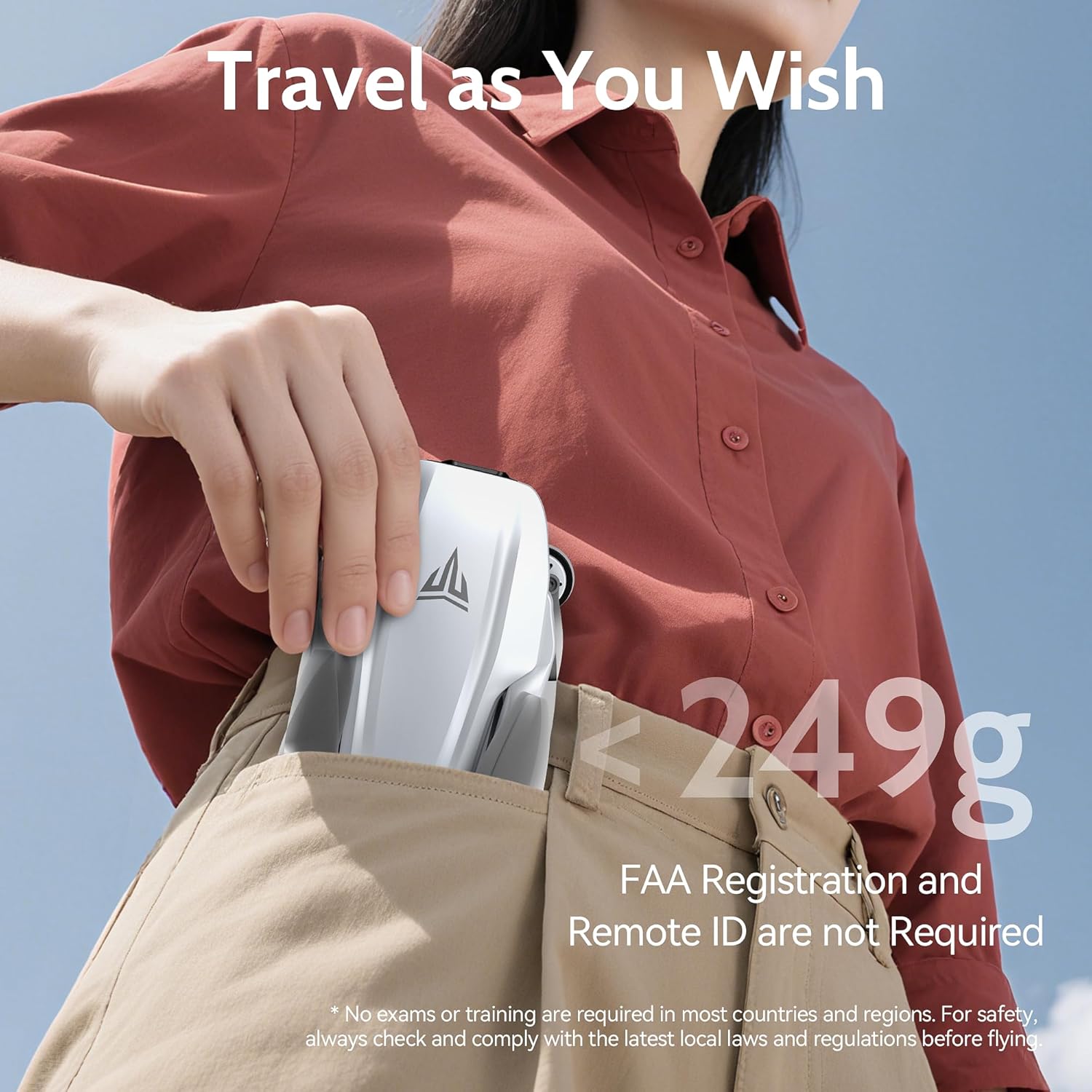
Image 1.1: The TizzyToy MT22 drone's compact, foldable design allows it to fit easily into a pocket, highlighting its portability and lightweight nature (under 249g).
2. Saugos gairės
Operating a drone requires responsibility. Adhere to the following safety guidelines to prevent accidents and ensure a pleasant flying experience.
- Vietos taisyklės: Always check and comply with local laws and regulations regarding drone operation before flying. While this drone is under 249g and may not require FAA registration in some regions, other local rules may apply.
- Patikra prieš skrydį: Before each flight, ensure the drone, remote controller, and batteries are in good condition and fully charged.
- Aplinkos sąlygos: Do not fly in strong winds (the drone has Level 5 wind resistance, but extreme conditions should be avoided), heavy rain, snow, or fog. Maintain visual line of sight with the drone.
- Skrydžio zona: Fly in open areas, away from people, animals, buildings, and obstacles. Avoid flying over crowds or private property.
- Baterijos sauga: Use only original batteries and chargers. Do not overcharge or puncture batteries. Discontinue use if batteries show signs of damage or swelling.
- Propelerio sauga: Keep hands and face away from rotating propellers. Ensure propellers are correctly installed and free from damage before flight.
- Avarinės procedūros: Familiarize yourself with the Return-to-Home (RTH) function and emergency stop procedures.

Image 2.1: The TizzyToy MT22 drone incorporates multiple safety features, including Geo-Fencing, One-Key Return, Signal-Loss Return, and Low Battery Return, enhancing flight safety and ease of use.
3. Pakuotės turinys
Prašome patikrinti, ar pakuotėje yra visi reikalingi daiktai:
- TizzyToy MT22 GPS Drone
- Nuotolinio valdymo pultelis
- Intelligent Flight Batteries (x2)
- Atsarginiai sraigtai (komplektas)
- Atsuktuvas
- USB Charging Cables (x3)
- Dėklas nešiojimui
- Vartotojo vadovas (šis dokumentas)
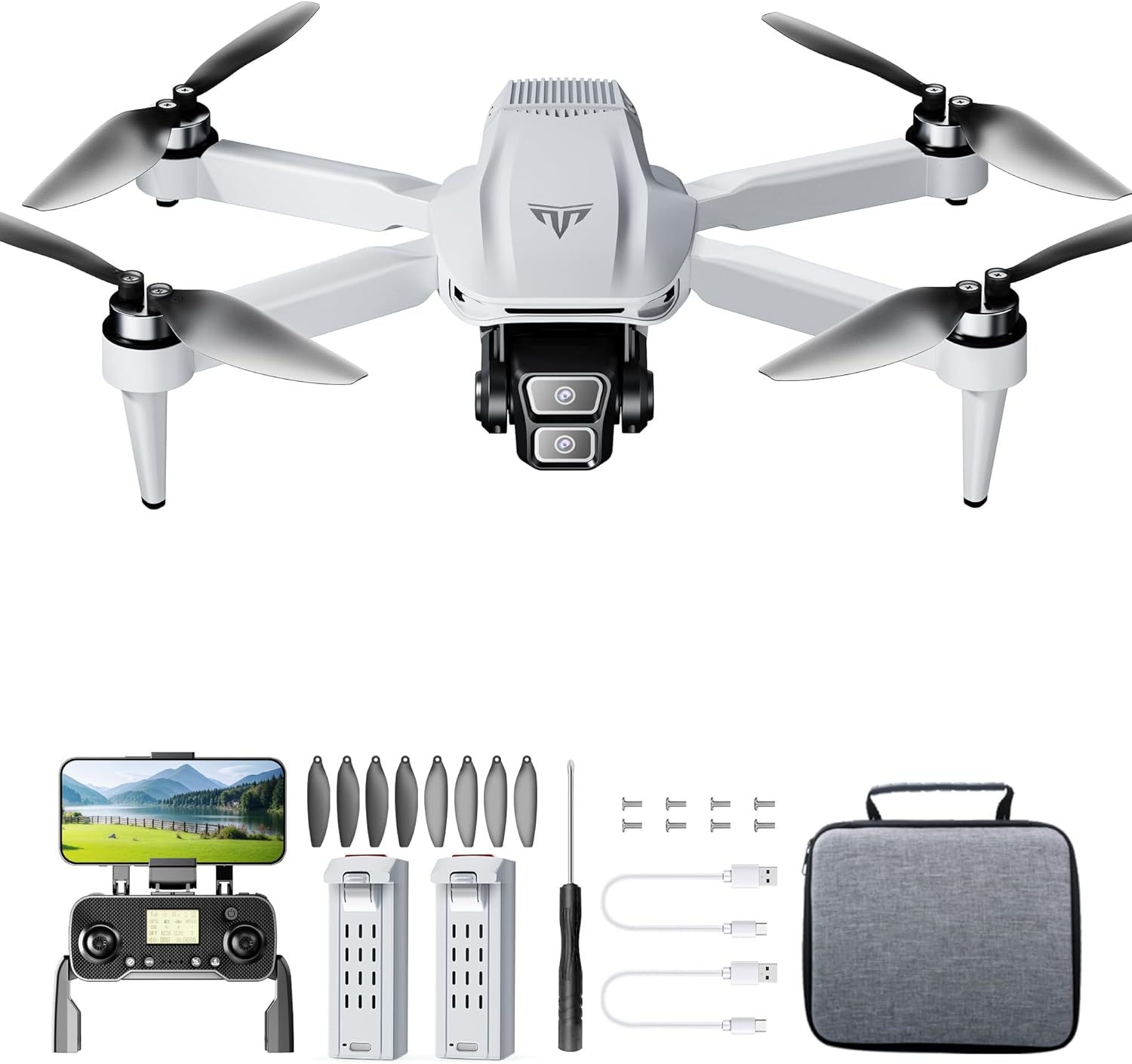
3.1 vaizdas: Baigtaview of the TizzyToy MT22 GPS Drone package contents, showing the drone, remote, batteries, and accessories.
4. Sąrankos vadovas
4.1 Drono išskleidimas
- Place the drone on a flat surface with the camera facing forward.
- Gently unfold the front arms until they lock into position.
- Unfold the rear arms until they lock into position.
4.2 Propelerių montavimas
Dronas parduodamas su iš anksto sumontuotais propeleriais. Jei reikia pakeisti:
- Atpažinkite „A“ ir „B“ pažymėtus sraigtus ir variklius.
- Match the 'A' propellers to 'A' motors and 'B' propellers to 'B' motors.
- Use the provided screwdriver to secure the propellers with the small screws. Ensure they are firmly attached but not overtightened.
4.3 Akumuliatorių įkrovimas
Fully charge both the drone's intelligent flight batteries and the remote controller battery before first use.
- „Drone“ baterija: Connect the drone battery to a USB power adapter (not included) using the provided USB charging cable. The indicator lights on the battery will show charging status. Charging typically takes 3-4 hours. The battery features auto power-off after full charge.
- Nuotolinio valdymo pulto baterija: Connect the remote controller to a USB power adapter using its dedicated USB charging cable. The indicator light on the remote will show charging status.
4.4 Installing Drone Battery and SD Card
- Slide the fully charged intelligent flight battery into the battery compartment on the rear of the drone until it clicks into place.
- If using an SD card (not included), insert it into the SD card slot on the drone's body. Ensure the card is inserted correctly according to the diagram near the slot.
4.5 Pairing Remote Controller and App Connection
- Power on the drone by pressing the power button once, then pressing and holding it until the indicator lights illuminate.
- Įjunkite nuotolinio valdymo pultą.
- The drone and remote controller should automatically pair. If not, refer to the specific pairing instructions in the quick start guide or app.
- Download the TizzyToy FPV app from your mobile device's app store.
- Connect your mobile device to the drone's 5G WiFi network (usually named "TizzyToy_XXXXXX").
- Open the TizzyToy FPV app to view the live camera feed and access advanced flight functions.
5. Naudojimo instrukcijos
5.1 Priešskrydiniai patikrinimai
- Įsitikinkite, kad drono ir nuotolinio valdymo pulto baterijos yra visiškai įkrautos.
- Patikrinkite, ar sraigtai nepažeisti, ir įsitikinkite, kad jie tvirtai pritvirtinti.
- Verify the flight environment is clear of obstacles and people.
- Confirm GPS signal acquisition (indicated by solid green lights on the drone or in the app).
- Ensure your mobile device is connected to the drone's WiFi and the app is functioning correctly.
5.2 Pakilimas ir nusileidimas
- Variklio paleidimas: Push both control sticks on the remote controller down and outwards simultaneously to start the motors.
- Kilimas:
- Rankinis kilimas: Slowly push the left joystick (throttle) upwards to ascend.
- Pakilimas vienu klavišu: Press the dedicated One-Key Take-off button on the remote or in the app. The drone will automatically ascend to a safe height.
- Nusileidimas:
- Rankinis nusileidimas: Slowly pull the left joystick (throttle) downwards until the drone lands.
- Nusileidimas vienu klavišu: Press the dedicated One-Key Landing button on the remote or in the app. The drone will automatically descend and land.
5.3 Pagrindiniai skrydžio valdymo įtaisai
- Kairė valdymo svirtis (droselis/kryptis):
- Aukštyn/Žemyn: Pakilti/Nuleisti
- Left/Right: Rotate drone left/right (Yaw)
- Right Joystick (Forward/Backward/Left/Right):
- Up/Down: Fly forward/backward (Pitch)
- Left/Right: Fly left/right (Roll)
5.4 GPS funkcijų
- GPS režimas: The drone defaults to GPS mode when sufficient satellites are acquired, providing stable hovering and precise positioning.
- Grįžimas į namus (RTH):
- Išmanusis RTH: Initiated by pressing the RTH button on the remote or in the app. The drone will return to its recorded home point.
- Senka baterija RTH: Automatically triggered when the drone's battery is critically low.
- Signalo praradimas RTH: Automatically triggered if the connection between the drone and remote controller is lost.
- Aukščio laikymas: The drone will automatically maintain its current altitude when the throttle stick is centered, allowing for easier control.
5.5 Kameros veikimas

Image 5.1: The TizzyToy MT22 features dual 4K UHD cameras with a 90-degree adjustable lens for versatile aerial photography and videography.
- Nuotrauka / vaizdo įrašas: Use the dedicated buttons on the remote controller or within the app to take photos or start/stop video recording.
- Kameros kampo reguliavimas: The camera lens can be adjusted by 90° via the remote controller or app to capture different perspectives.
- FPV (pirmojo asmens View): The 5G WiFi transmission allows for real-time video feed to your connected mobile device via the TizzyToy FPV app.
- SD kortelės saugykla: Footage can be stored directly onto an inserted SD card (up to 128GB, Class 10 or higher recommended) for higher quality recordings.
5.6 Išmanieji skrydžio režimai
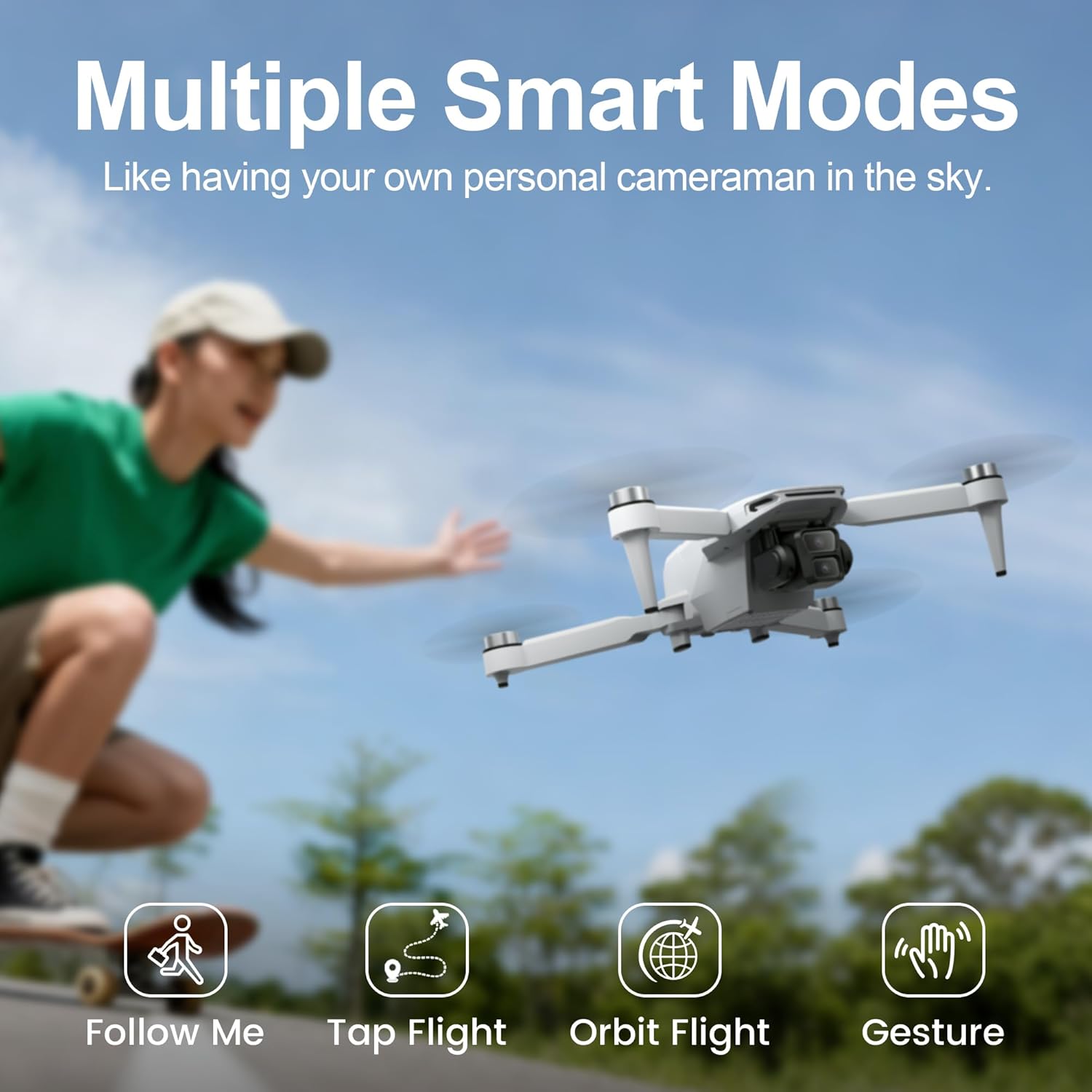
Image 5.2: The TizzyToy MT22 offers multiple smart flight modes, including Follow Me, Tap Flight, Orbit Flight, and Gesture Control, for enhanced creative possibilities.
Access these modes via the TizzyToy FPV app:
- Sekite mane: The drone will automatically follow the subject (e.g., you with your mobile device).
- Tap Flight (Waypoint Flight): Tap points on the map in the app, and the drone will fly along the designated path.
- Orbit Flight (Point of Interest): Select a central point, and the drone will circle around it at a set radius and altitude.
- Valdymas gestais: Atlikite konkrečius rankų gestus, kad suaktyvintumėte nuotraukų ar vaizdo įrašymą.
6. Priežiūra
Regular maintenance ensures the longevity and optimal performance of your TizzyToy MT22 drone.
- Valymas: Use a soft, dry cloth to clean the drone body, camera lens, and motors after each flight. Avoid using liquids or solvents.
- Propelerio apžiūra: Regularly check propellers for cracks, bends, or other damage. Replace damaged propellers immediately using the provided spare parts and screwdriver.
- Akumuliatoriaus priežiūra:
- Baterijas laikykite vėsioje, sausoje vietoje, toliau nuo tiesioginių saulės spindulių ir ekstremalių temperatūrų.
- Do not fully discharge batteries for extended periods. Charge them to about 50-60% for long-term storage.
- Jei baterija išsipučia arba matote pažeidimo požymių, nebenaudokite jos ir tinkamai ją išmeskite.
- Saugykla: Kai nenaudojate, sulankstykite droną ir laikykite jį nešiojimo dėkle, kad apsaugotumėte jį nuo dulkių ir fizinių pažeidimų.
7. Problemų sprendimas
If you encounter issues with your TizzyToy MT22 drone, refer to the following common problems and solutions:
| Problema | Galima priežastis | Sprendimas |
|---|---|---|
| Dronas neįsijungia. | Baterija neįkrauta arba netinkamai įdėta. | Ensure battery is fully charged and correctly inserted. Press and hold power button to turn on. |
| Remote controller fails to connect. | Remote battery low; pairing failed. | Charge remote controller. Re-attempt pairing process as per section 4.5. |
| Nėra GPS signalo. | Flying indoors; insufficient satellites. | Fly outdoors in an open area. Wait for the drone to acquire sufficient GPS satellites (indicated by solid green lights). |
| Nestabilus skrydis / dreifavimas. | Improper calibration; strong winds; damaged propellers. | Perform gyroscope and compass calibration (refer to app instructions). Avoid flying in strong winds. Check and replace damaged propellers. |
| Nėra FPV vaizdo transliacijos. | Mobile device not connected to drone's WiFi; app not open. | Ensure your phone is connected to the drone's 5G WiFi network and the TizzyToy FPV app is open. |
| Camera not recording/taking photos. | No SD card; SD card full or corrupted; insufficient permissions. | Insert a compatible SD card. Format the SD card via the app. Check app permissions on your mobile device. |
8. Specifikacijos
| Funkcija | Detalė |
|---|---|
| Prekės ženklas | TizzyToy |
| Modelis | MT22 |
| Svoris | Under 249g (No FAA registration required in many regions) |
| Matmenys (sulankstyti) | Approximately 2.54 x 2.54 x 2.54 cm (1 x 1 x 1 inch) - Note: This dimension seems unusually small for a folded drone, likely a placeholder or error in source data. Actual folded dimensions would be larger. |
| Maksimalus skrydžio laikas | Up to 50 minutes (with 2 batteries, 25 mins per battery) |
| Maksimalus transmisijos diapazonas | 2,625 pėdų (apie 800 metrus) |
| Fotoaparatas | Dual 4K UHD, 90° Adjustable Lens |
| FPV perdavimas | 5G WiFi |
| Variklio tipas | Variklis be šepetėlių |
| SD kortelės lizdas | Yes (Card not included, supports up to 128GB) |
| GPS funkcijos | Auto Return-to-Home (RTH), Altitude Hold |
| Atsparumas vėjui | 5 lygis |

Image 8.1: The TizzyToy MT22 drone offers a maximum flight time of 50 minutes, achieved with two intelligent flight batteries, each providing approximately 25 minutes of flight.
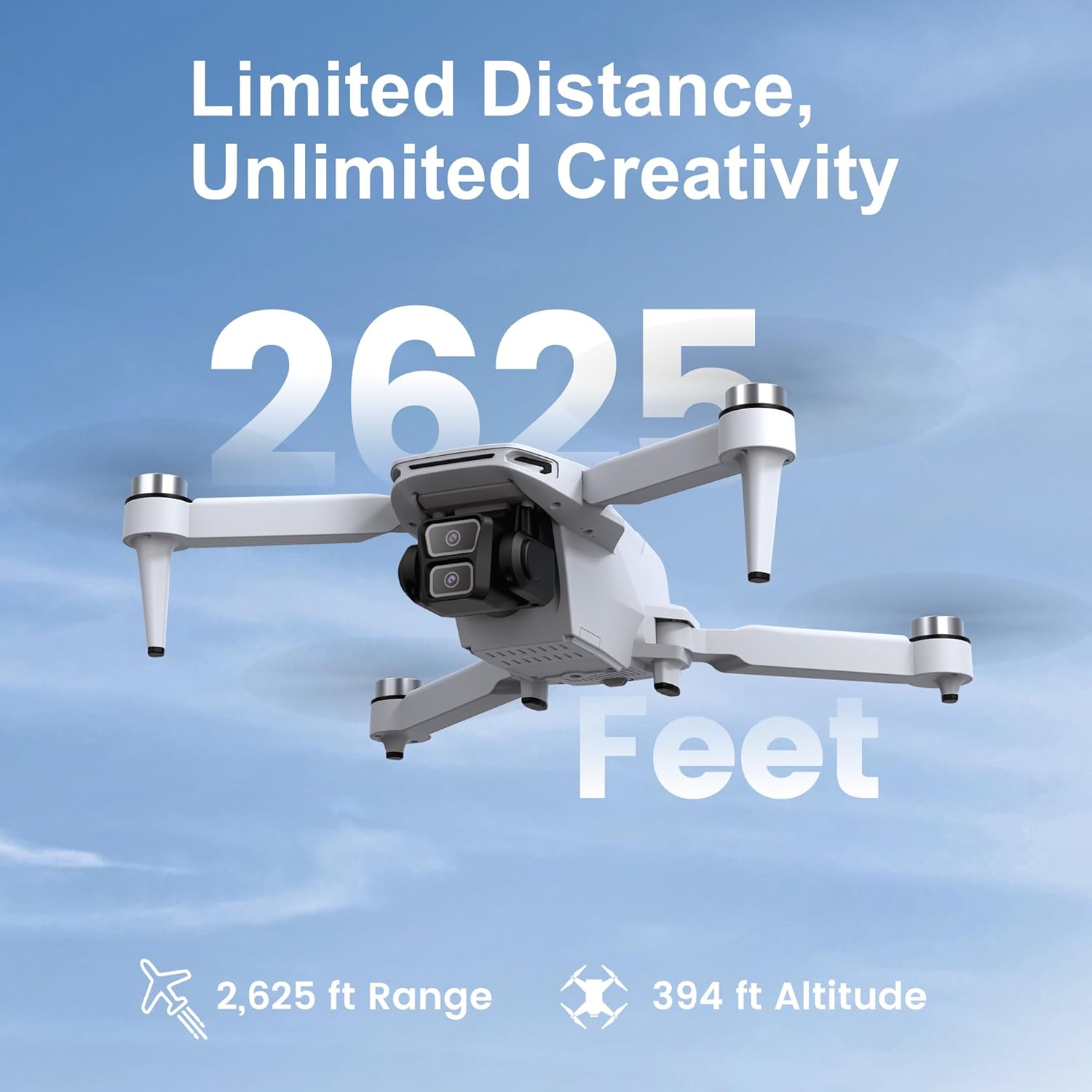
Image 8.2: The TizzyToy MT22 drone boasts a reliable transmission range of up to 2,625 feet, allowing for extensive exploration.
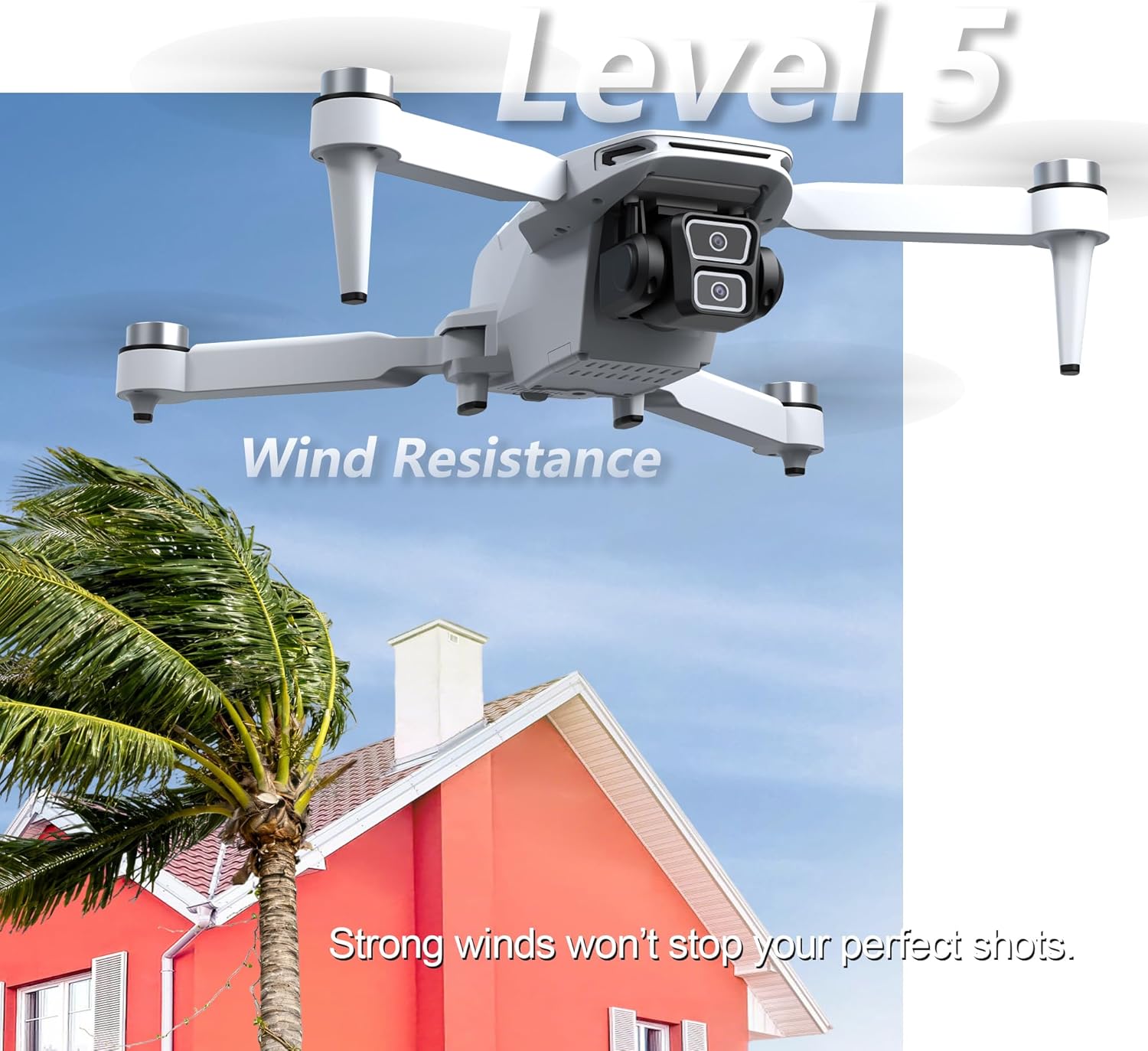
Image 8.3: The TizzyToy MT22 drone features Level 5 wind resistance, enabling stable flight even in moderate wind conditions.
9. Garantija ir palaikymas
Specific warranty details are not provided within this manual. For information regarding warranty coverage, technical support, or service, please refer to the documentation included with your purchase or contact TizzyToy customer service directly through their official websvetainę arba mažmenininką, iš kurio buvo pirktas produktas.