

1. Įvadas
Thank you for choosing the Roinvou 4+64G Android 15 Car Radio. This manual provides detailed instructions for the installation, operation, and maintenance of your new car multimedia system. This unit is specifically designed for Opel Meriva B models manufactured between 2009 and 2014, offering a seamless upgrade to your vehicle's infotainment capabilities.
Key features include a 9-inch 2.5D touchscreen, Android 15 operating system with 4GB RAM and 64GB storage, Wireless Carplay, Android Auto, Mirrorlink, integrated WiFi, GPS navigation, Bluetooth, 32-band equalizer, FM/RDS radio, steering wheel control (SWC) support, and a reversing camera input.

Image: Roinvou Car Radio installed in an Opel Meriva B dashboard, showing the before and after appearance, confirming fitment for the specified model years.
2. Sąranka ir diegimas
Tinkamas įrengimas yra labai svarbus optimaliam veikimui. Jei nesate tikri dėl kurių nors veiksmų, rekomenduojama kreiptis į specialistus.
2.1 Pakuotės turinys
Prieš pradėdami, patikrinkite, ar pakuotėje yra visi komponentai:
- Roinvou Car Radio for Opel Meriva B (2009-2014)
- Maitinimo kabelis
- Canbus dekoderis
- Radijo antena
- Originalus USB laidas
- RCA kabelis
- Atbulinės eigos kameros įvesties kabelis
- GPS antena
- Double USB Cable
- Atbulinės eigos kamera
- Išorinis mikrofonas
- Installation Tool and Accessories

Image: Diagram showing the dimensions of the 9-inch head unit and a visual representation of all included accessories in the package list.
2.2 Suderinamumo patikrinimas
Ensure your car's central control panel matches the compatible option. This product supports Option A as shown in the diagram below.

Image: Comparison of two car central control panel designs (Option A and Option B) with a checkmark indicating compatibility with Option A for the Roinvou car radio.
2.3 Laidų jungtys
Refer to the wiring diagram for connecting the various cables:
- Maitinimo kabelis: Jungiamas prie transporto priemonės maitinimo šaltinio.
- RCA kabelis: Garso / vaizdo įvesties / išvesties jungtims.
- USB kabelis: Duomenų perdavimui ir įrenginių įkrovimui.
- Kameros įvestis: For connecting the reversing camera.
- Radijo antena: FM/RDS radijo imtuvui.
- GPS antena: Dėl navigacijos funkcionalumo.

Image: Detailed diagram of the car radio's rear panel showing numbered ports for power, RCA, USB, camera input, radio antenna, and GPS antenna, alongside a general wiring harness illustration.
2.4 Atbulinės eigos kameros laidai
Svarbu: The reverse input cable must be plugged in even if the reverse camera is not being used. Otherwise, it will affect Bluetooth and WiFi signal reception.
- Raudonas kabelis (1): Jungiamas prie automobilio atbulinės eigos žibinto laido teigiamo poliaus.
- Juodas kabelis (2): Jungiamas prie automobilio atbulinės eigos žibinto laido neigiamo poliaus.
There is no need to connect the other two red extension cables (3 and 4).

Image: Technical diagram illustrating the connections for the reversing camera and Canbus wiring, showing specific cable connections to the car's reverse light system.
2.5 Vairo valdymas (SWC)
Depending on whether your vehicle uses a CANBUS decoder, follow the appropriate instructions:
- Be CANBUS dekoderio: Please connect the plugs or the steering wheel control wires (Key1/Key2) in the power cable to the corresponding port or wire of your original car. Then, go to "SteeringWheel Key" in the settings to manually match and activate the button functions.
- Su CANBUS dekoderiu: Please connect the Canbus before powering on the machine. Then, follow this path: Apps > Settings > Factory Settings (8888/8317) > Vehicle > Automotive type to make SWC work properly. First, select the brand of the Canbus decoder, then select the matching model and year according to the actual situation.

Image: Instructions for connecting steering wheel controls, detailing steps for vehicles with and without a CANBUS decoder, including a visual of the steering wheel and control buttons.
3. Naudojimo instrukcijos
3.1 Android System & Display
The unit runs on the latest Android system with 4GB RAM and 64GB storage, ensuring stable and smooth operation. The 9-inch 2.5D QLED touchscreen offers a 1280x720P HD resolution for clear visuals.
Padalinto ekrano funkcija: This feature allows you to run two applications simultaneously on the same screen, enhancing multitasking capabilities.

Image: Infographic demonstrating the three-panel homepage display and the split-screen functionality, showing two apps running concurrently on the car radio's screen.
3.2 Wireless Carplay & Android Auto & Mirrorlink
Connect your smartphone wirelessly via Bluetooth to access music, navigation, messages, and more through Carplay or Android Auto. The Mirror Link function allows you to project your mobile phone screen content onto the car radio display for a larger viewpatirtį.

Image: Infographic illustrating wireless CarPlay and Android Auto connectivity, showing a smartphone connected to the car's infotainment system with various app icons.
3.3 WiFi & GPS & Bluetooth
- WiFi: Connect to a WiFi network to use online maps, stream videos, browse YouTube, download apps, and more.
- GPS: Supports online and offline navigation. Offline maps can be purchased and downloaded directly from the Play Store.
- Bluetooth: Integrated Bluetooth 5.1 enables hands-free calling and music playback, ensuring a smooth and distraction-free experience.

Image: Split image showing the Bluetooth 5.1 app interface on the left and a driver using the hands-free calling feature in a car on the right.
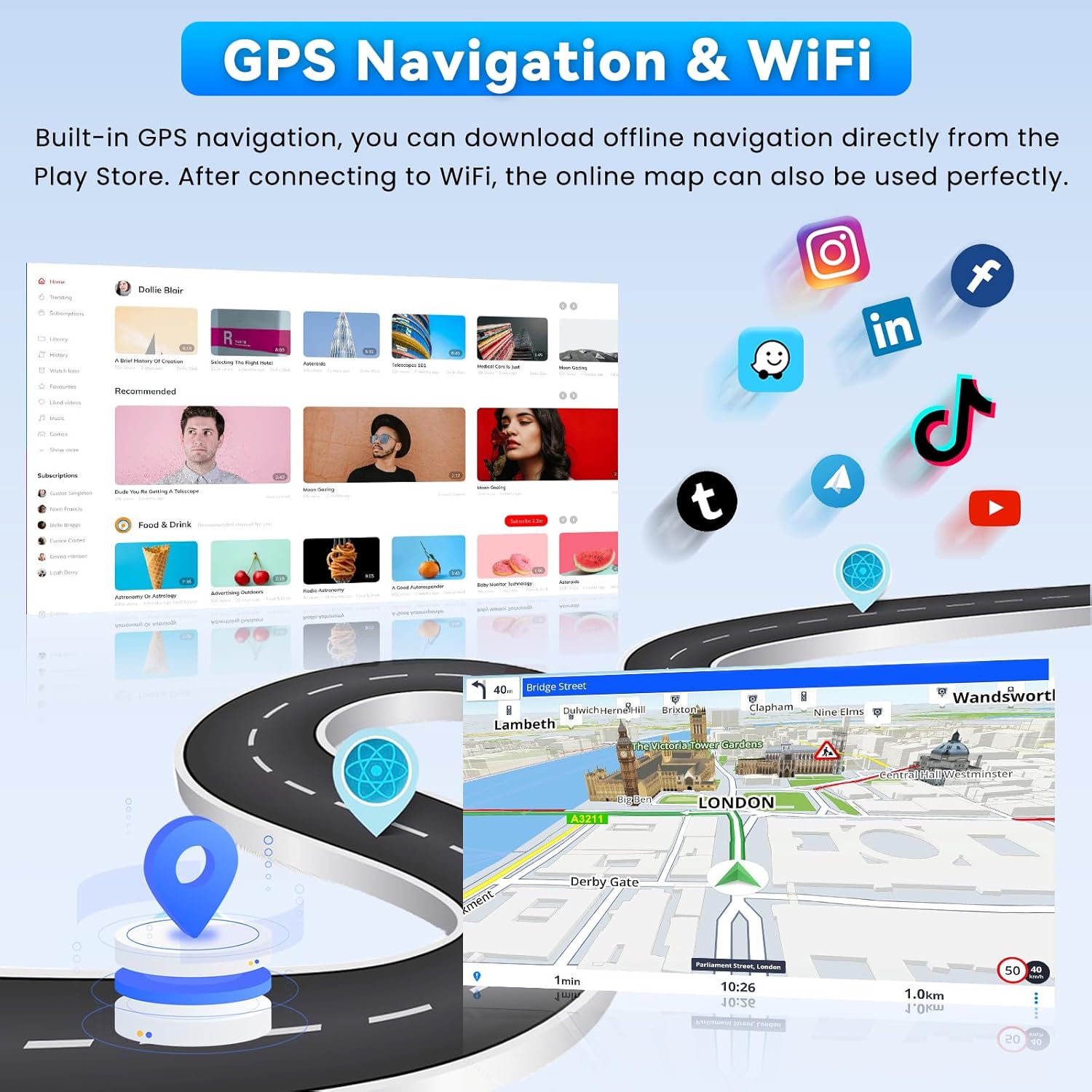
Image: Display showing GPS navigation with a map of London, surrounded by various app icons like Instagram, Facebook, TikTok, and YouTube, highlighting online connectivity.
3.4 FM/RDS Radio & 32-Band Equalizer
- FM/RDS: The FM/RDS receiver provides clear radio reception and displays station information, song titles, and traffic news directly on the screen.
- 32 juostų ekvalaizeris: Adjust audio frequencies precisely to optimize sound according to your preferences, whether for powerful bass, clear mids, or crisp highs. Multiple UI designs are available for selection.

Image: Car radio display showing the FM/RDS radio interface with digital tuning, frequency display, and touchscreen controls for station selection and audio visualization.

Image: Car radio display showing the 32-band equalizer settings, audio spectrum, and controls for customizing sound preferences.
3.5 Steering Wheel Control & Reversing Camera
- Vairo valdymas (SWC): Operate audio functions, calls, and navigation directly from your steering wheel for safe and convenient control.
- Atbulinės eigos kamera: The included AHD reversing camera provides a wide viewing angle, high waterproof coefficient, and good night vision, ensuring a clear image in various environments.

Image: Display showing steering wheel control functions (Previous, Next, Hang Up, Answer, Volume+, Volume-) and a view from the AHD backup camera assisting with parking.
4. Priežiūra
To ensure the longevity and optimal performance of your Roinvou car radio, follow these general maintenance guidelines:
- Valymas: Use a soft, dry cloth to clean the touchscreen and exterior surfaces. Avoid abrasive cleaners or solvents that could damage the display or finish.
- Programinės įrangos atnaujinimai: Periodically check for and install available software updates to ensure you have the latest features and bug fixes. These can usually be found in the system settings or on the Roinvou support websvetainę.
- Aplinkos sąlygos: Venkite įrenginio ilgalaikio laikymo tiesioginiuose saulės spinduliuose, itin aukštose temperatūrose ar drėgmės.
- Kabelių jungtys: Ensure all wiring connections remain secure. Loose connections can lead to intermittent issues.
5. Problemų sprendimas
If you encounter issues with your Roinvou car radio, refer to the following common problems and solutions:
- Unit Overheating or Rebooting: Ensure adequate ventilation around the unit. In some cases, especially in hot climates or during intense usage, an additional cooling fan might be necessary. Contact customer support for recommendations if this issue persists.
- „Bluetooth“ ryšio problemos: If Bluetooth frequently reconnects or fails to connect, ensure the reverse input cable is properly plugged in, even if a reversing camera is not used, as this can affect Bluetooth and WiFi signal reception. Check your phone's Bluetooth settings and try re-pairing the device.
- Nėra galios: Check all power cable connections and ensure the vehicle's fuse for the radio is intact.
- Nėra garso: Verify speaker connections, check volume levels, and ensure the audio output mode is correctly configured in the settings.
- GPS signalo praradimas: Įsitikinkite, kad GPS antena tinkamai sumontuota ir turi laisvą view dangaus. Patikrinkite GPS nustatymus įrenginyje.
- Vairo valdikliai neveikia: Re-check the CANBUS decoder connection or manual wiring for Key1/Key2. Ensure the SWC settings are correctly configured in the unit's menu (refer to section 2.5).
For persistent issues or problems not listed here, please contact Roinvou customer support.
6. Specifikacijos
| Funkcija | Specifikacija |
|---|---|
| Prekės ženklas | Roinvou |
| Modelio numeris | B0FS1JVV7N |
| Operacinė sistema | Android 15 |
| Atmintis (RAM) | 4 GB |
| Saugykla (ROM) | 64 GB |
| Ekrano dydis | 9 colių |
| Ekrano raiška | 1280x720p |
| Ryšio technologija | Bluetooth, USB, FM RDS, WiFi |
| Ypatingos savybės | Carplay, Android Auto, Mirror Link, WiFi, GPS, Bluetooth, 32EQ, FM/RDS, UI, SWC, Touchscreen |
| Suderinami įrenginiai | Išmanusis telefonas |
| Jungties tipas | RCA, USB |
| Garso išvesties režimas | Stereo |
| Garso kanalų skaičius | 4 |
| Išėjimo galia | 45 vatų |
| Vaizdo įrašų kodavimas | APE / FLAC / WAV / MP3 / WMA |
| Interneto paslaugos | "YouTube" |
| Kilmės šalis | Kinija |
7. Garantija ir palaikymas
7.1 Gaminio garantija
The Roinvou car radio comes with a 24 mėnesių garantija nuo įsigijimo datos. Ši garantija taikoma gamybos defektams ir gedimams įprasto naudojimo metu. Išsaugokite pirkimo įrodymą, jei galėtumėte pateikti pretenzijas dėl garantijos.
7.2 Pagalba klientams
Roinvou is committed to providing excellent customer service. We offer lifetime online support for all inquiries, with a guaranteed response within 24 hours. If you have any questions regarding installation, operation, or troubleshooting, please do not hesitate to contact us.
Su mūsų palaikymo komanda galite susisiekti el. paštu: roinvouservices@163.com

Image: Graphic detailing 24-hour customer support, including steps to contact the seller and the support email address.