
Produktas baigtasview
The EWEADN C98 Wired Keyboard and Mouse Combo is designed for comfortable and efficient use with various computer systems. This set includes a wired keyboard with a detachable wrist rest, RGB backlighting, double-shot keycaps, and a multimedia knob, along with a wired mouse featuring adjustable DPI settings.
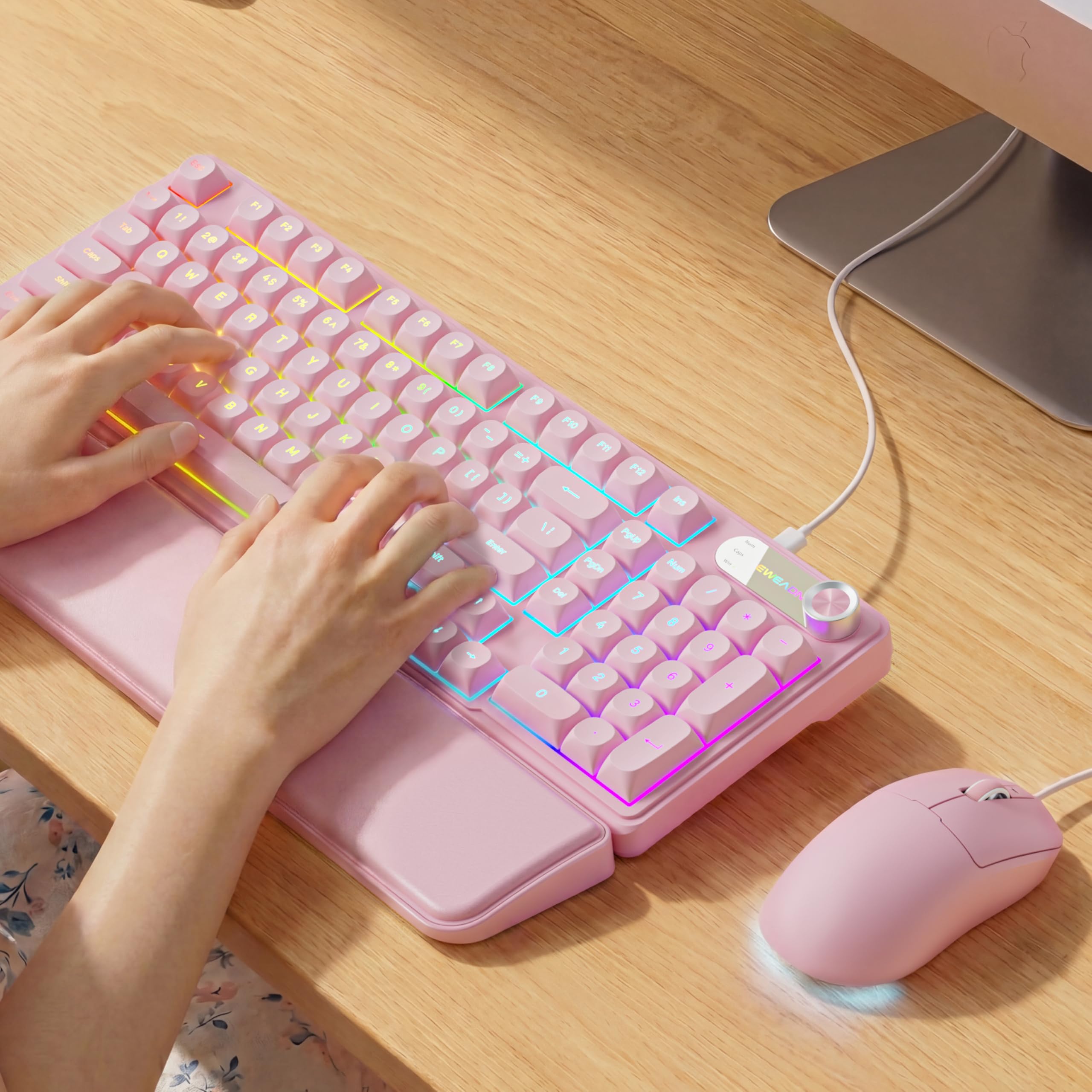
Image: EWEADN C98 Wired Keyboard and Mouse Combo in Pink. This image displays the full keyboard and mouse set, highlighting its ergonomic design and color.
Pakuotės turinys
Patikrinkite, ar pakuotėje yra visi reikalingi daiktai:
- EWEADN C98 Wired Keyboard
- Laidinė pelė
- Nuimamas riešo atrama
- USB laidas (integruotas)
- Vartotojo vadovas (šis dokumentas)
Sąrankos instrukcijos
Follow these steps to set up your EWEADN C98 Keyboard and Mouse Combo:
- Prijunkite klaviatūrą: Locate an available USB-A port on your computer (Laptop, PC, Desktop, Gaming Console). Insert the USB-A connector from the keyboard into the port.
- Prijunkite pelę: The mouse is typically connected via the same USB cable as the keyboard or has its own integrated USB-A connector. Insert the mouse's USB-A connector into another available USB-A port on your computer.
- Riešo atramos pritvirtinimas: Align the detachable wrist rest with the front edge of the keyboard and gently attach it.
- Sistemos atpažinimas: Your operating system (Windows, Linux, macOS) should automatically detect and install the necessary drivers. No additional software installation is typically required for basic functionality.
- Pastaba dėl suderinamumo su „Mac“: For macOS devices, a USB-A to Type-C adapter is required if your Mac only has Type-C ports. This adapter is not included with the product.

Image: Close-up of the keyboard's USB connection and the detachable wrist rest. This illustrates how the keyboard connects and the wrist rest attaches for ergonomic support.

Image: Diagram showing dual-system compatibility. The image indicates how to switch between Windows (FN + A) and Mac (FN + S) layouts for optimal functionality.
Naudojimo instrukcijos
Klaviatūros funkcijos
- RGB foninis apšvietimas: The keyboard features 12 active RGB lighting modes.
- Jungiklio šviesos spalva: Paspauskite FN + INS to cycle through different lighting colors.
- Sureguliuokite ryškumą: Paspauskite FN + PGUP ryškumui padidinti ir FN + PGDN ryškumui sumažinti.
- Multimedia Knob: The 2-in-1 rotary knob provides quick control over media and lighting.
- Garsumo valdymas: Pasukite rankenėlę, kad sureguliuotumėte sistemos garsumą.
- Nutildymo funkcija: Press the knob once to mute/unmute audio.
- Perjungti režimą: Press and hold the knob for 3 seconds to switch between volume control mode and lighting adjustment mode. In lighting mode, rotate to adjust brightness or press to switch light effects.
- Ergonomiškas dizainas: The keyboard includes a detachable PU leather wrist rest for comfortable typing posture and foldable stands to adjust the typing angle (up to 8 degrees).
- Tylus rašymas: The membrane keys are designed for low-noise operation, suitable for quiet environments.
- Double-Shot Keycaps: Characters are injection molded for durability and fade resistance, allowing backlighting to shine through clearly.

Image: Illustration of RGB backlight controls. This image shows the FN + INS and FN + PGUP/PGDN key combinations for adjusting keyboard lighting.

Image: Diagram detailing the 2-in-1 multimedia knob functions. It shows how to adjust volume, mute, and switch between lighting and volume modes.
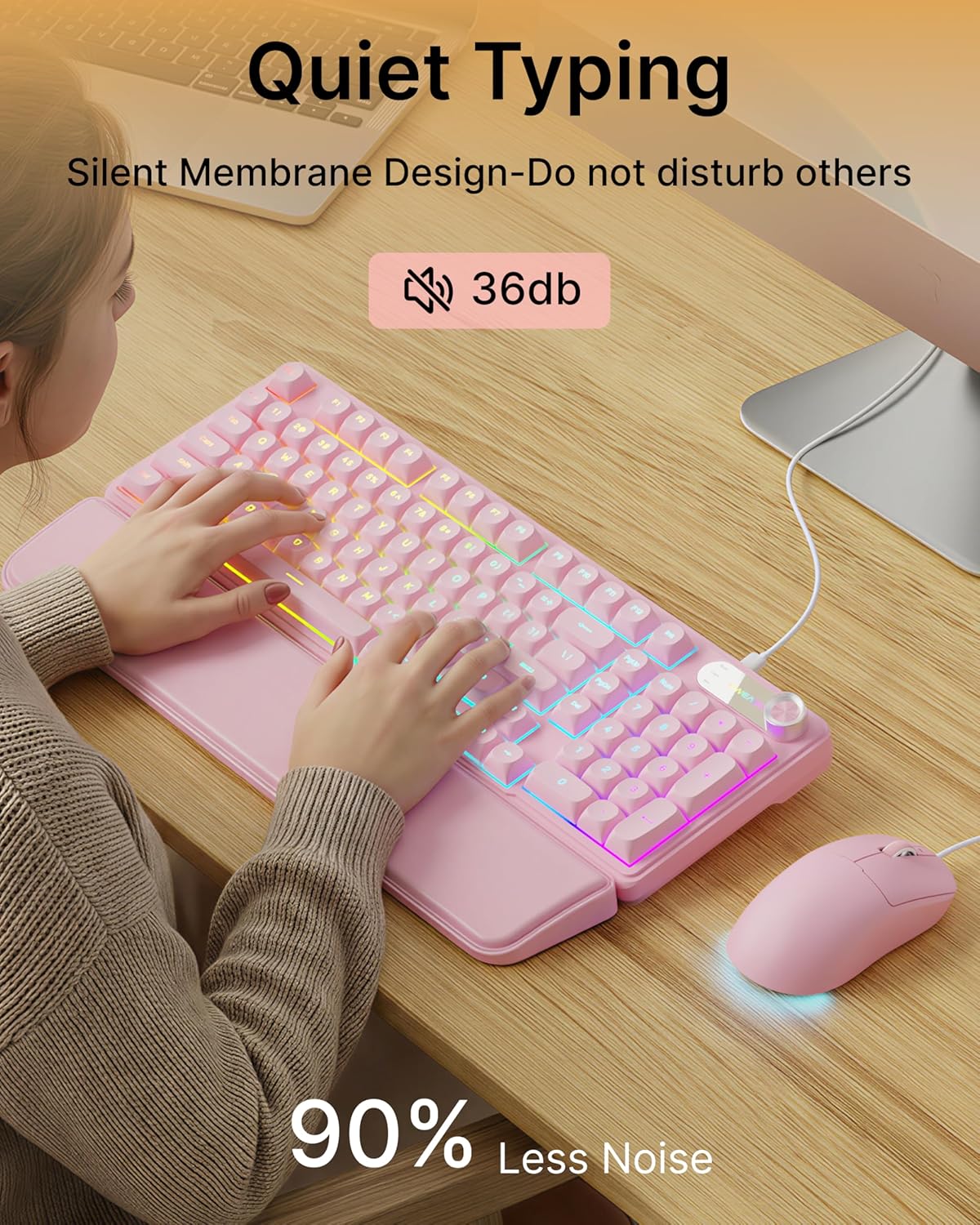
Image: Visual representation of the quiet typing feature. This image highlights the low noise level (36dB) of the keyboard during use.
Pelės funkcijos
- Reguliuojamas DPI: The mouse offers 4 adjustable DPI levels for precision control.
- DPI levels typically range from 800 to 4800.
- Press the DPI button (usually located behind the scroll wheel) to cycle through the available sensitivity settings.
- Tylus spustelėjimas: The mouse buttons are designed for quiet operation.
- Ergonomiškas dizainas: Designed for a comfortable palm grip.

Image: Diagram illustrating the 4-level DPI adjustment for the mouse. It shows the different DPI settings (800, 1600, 3200, 4800) and the ergonomic palm grip design.
Priežiūra
To ensure the longevity and optimal performance of your EWEADN C98 Keyboard and Mouse Combo, follow these simple maintenance guidelines:
- Valymas: Klaviatūros ir pelės paviršius nuvalykite minkštu, sausu skudurėliu. Jei nešvarumai sunkiai įveikiami, šiek tiek nuvalykite.ampNuvalykite šluostę vandeniu arba švelniu, neabrazyviniu valikliu. Venkite per didelės drėgmės.
- Dulkių šalinimas: Norėdami pašalinti dulkes ir šiukšles iš tarpų tarp klavišų dangtelių, naudokite suslėgtą orą.
- Venkite skysčių: While the product has some water resistance, avoid spilling liquids directly onto the keyboard or mouse. If a spill occurs, disconnect immediately and allow to dry completely before reconnecting.
- Saugykla: Store the combo in a clean, dry environment away from extreme temperatures.
Trikčių šalinimas
If you encounter issues with your EWEADN C98 Keyboard and Mouse Combo, refer to the following common solutions:
- Klaviatūra arba pelė nereaguoja:
- Ensure the USB-A connector(s) are securely plugged into your computer's USB port(s).
- Try plugging the USB connector(s) into a different USB port on your computer.
- Iš naujo paleiskite kompiuterį.
- Jei naudojate USB šakotuvą, pabandykite jį prijungti tiesiai prie kompiuterio.
- Foninis apšvietimas neveikia:
- Įsitikinkite, kad klaviatūra tinkamai prijungta.
- Paspauskite FN + PGUP multiple times to increase brightness, as it might be set to the lowest level.
- Paspauskite FN + INS to cycle through lighting modes, ensuring a mode with backlighting is selected.
- Multimedia Knob Not Functioning:
- Įsitikinkite, kad klaviatūra tinkamai prijungta.
- Press and hold the knob for 3 seconds to switch between volume and lighting modes. Verify you are in the desired mode.
- Mouse Cursor Movement is Erratic or Slow:
- Clean the mouse sensor on the underside with a soft cloth.
- Įsitikinkite, kad pelę naudojate ant tinkamo paviršiaus (pvz., pelės kilimėlio).
- Press the DPI button to adjust the sensitivity.
- „Mac“ suderinamumas: If using with a Mac and experiencing connection issues, confirm you are using a USB-A to Type-C adapter if your Mac lacks standard USB-A ports.
Specifikacijos
| Prekės ženklas | EWEADN |
| Modelio numeris | C98 |
| Ryšio technologija | USB-A (laidinis) |
| Suderinami įrenginiai | Laptop, PC, Desktop, Windows, Linux, Gaming Consoles |
| Klaviatūros aprašymas | Membrane, 98-key layout |
| Ypatingos savybės | RGB Backlit, Ergonomic, Detachable Wrist Rest, Multimedia Knob, Double-Shot Keycaps, Quiet Typing |
| Klaviatūros foninio apšvietimo spalvų palaikymas | RGB (12 režimų) |
| Pelės DPI lygiai | 4 adjustable levels (up to 4800 DPI) |
| Medžiaga | Plastic (Keyboard), PU Leather (Wrist Rest) |
| Atsparumo vandeniui lygis | Waterproof (general resistance, not submersible) |
| Spalva | Rožinė |

Image: Detailed dimensions of the EWEADN C98 keyboard, mouse, and wrist rest. This image provides measurements in inches for each component.
Garantija ir palaikymas
Specific warranty details are not provided in the product information. For warranty claims or technical support, please refer to the retailer's return policy or contact EWEADN customer service directly through their official channels. Typically, products purchased through Amazon.sg may be subject to a 30-day return policy.