
XIAOVV B0FT15FHVZ
XIAOVV 4K Outdoor Security Camera with 4G LTE User Manual
Model: B0FT15FHVZ
1. Įvadas
This manual provides detailed instructions for the installation, operation, and maintenance of your XIAOVV 4K Outdoor Security Camera with 4G LTE. Please read this manual thoroughly before using the product to ensure proper function and safety.

Image: The XIAOVV 4K Outdoor Security Camera with its integrated solar panel, designed for outdoor surveillance.
2. Pakuotės turinys
Patikrinkite, ar pakuotėje yra visi reikalingi daiktai:
- XIAOVV 4K Outdoor Security Camera
- Integruotas saulės skydelis
- Montavimo laikiklis ir varžtai
- SIM Card (pre-installed or included separately)
- Vartotojo vadovas (šis dokumentas)
3. Sąranka
3.1 Fizinis įrengimas
The camera is designed for outdoor use and can be mounted on various surfaces. Ensure the solar panel receives adequate direct sunlight for optimal charging.
- Pasirinkite vietą: Select a mounting location that provides the desired surveillance coverage and allows the solar panel to receive maximum sunlight exposure throughout the day. Avoid shaded areas.
- Sumontuokite laikiklį: Use the provided screws to securely attach the mounting bracket to the chosen surface (e.g., wall, tree trunk).
- Pritvirtinkite fotoaparatą: Secure the camera unit to the mounting bracket. Adjust the angle of the camera and solar panel for optimal positioning.
- Prijunkite saulės skydelį: Ensure the solar panel cable is securely connected to the camera's power input port.

Paveikslėlis: Buvęsample of the security camera and solar panel mounted on a tree trunk, illustrating outdoor installation.
3.2 SIM Card and Cellular Network Setup
This camera operates using a 4G LTE cellular network. It does not require Wi-Fi connectivity.
- Įdėkite SIM kortelę: If not pre-installed, open the SIM card slot cover on the camera and insert the provided 4G SIM card. Ensure it is correctly oriented.
- Aktyvuoti duomenų planą: The camera comes with an initial data allowance. For continued use, you will need to top up the cellular data plan through the V380 Pro application. Only the SIM card provided with the camera is compatible.

Image: The camera and solar panel mounted outdoors, highlighting its 3G/4G network capability without Wi-Fi.

Vaizdas: Stambus planas view of the camera's SIM card slot and information regarding cellular data plans.
3.3 Programėlės diegimas ir pradinis susiejimas
Norėdami kontroliuoti ir view your camera, download the V380 Pro app.
- Atsisiųsti programą: Ieškokite "V380 Pro" in your device's app store (Android or iOS) and install it.
- Sukurti paskyrą: Atidarykite programėlę ir vykdykite ekrane pateikiamus nurodymus, kad sukurtumėte naują vartotojo paskyrą.
- Pridėti įrenginį: Power on the camera. In the V380 Pro app, tap the "+" icon to add a new device. Follow the app's instructions to scan the QR code on the camera or manually add it.
- Užbaigti sąranką: Once the camera is successfully added, you can configure initial settings such as device name and time zone.

Image: Logos for downloading the companion application from the Apple App Store and Google Play Store.
4. Fotoaparato valdymas
4.1 Pasukimo, pakreipimo ir priartinimo (PTZ) valdymas
The camera features 360° pan and tilt rotation, allowing you to adjust the viewing angle remotely via the V380 Pro app.
- Atidarykite tiesioginę transliaciją view programėlėje.
- Use the directional controls on the screen to pan (horizontal movement) and tilt (vertical movement) the camera.
- Digital zoom can be performed by pinching the screen in the live view.

Image: An illustration demonstrating the camera's 355-degree pan and 90-degree tilt capabilities.
4.2 Judesio aptikimas ir įspėjimai
The camera is equipped with motion detection capabilities. You can configure alert settings within the V380 Pro app.
- Įjungti judesio aptikimą: Navigate to the camera settings in the app and enable motion detection.
- Sureguliuokite jautrumą: Set the motion detection sensitivity to minimize false alarms.
- Įspėjimų konfigūravimas: Choose how you want to receive alerts (e.g., push notifications to your phone, siren alarm, LED light alarm).
- AI Detection (Optional): Advanced AI features can distinguish between pets, packages, and vehicles. Note that these features may incur additional fees.

Paveikslėlis: Buvęsample of AI detection capabilities, highlighting the identification of a person, a package, and a dog.

Image: A smartphone screen showing a V380 Pro app notification indicating motion detection, with the camera in the background.
4.3 Naktinio matymo režimai
The camera offers both full-color and infrared night vision options for clear visibility in low-light conditions.
- Spalvotas naktinis matymas: Utilizes built-in spotlights to provide color images in dark environments.
- Infraraudonųjų spindulių nakties vizija: Uses infrared LEDs for black and white images in complete darkness, offering a discreet surveillance option.
- You can switch between modes or set it to auto-detect within the app.
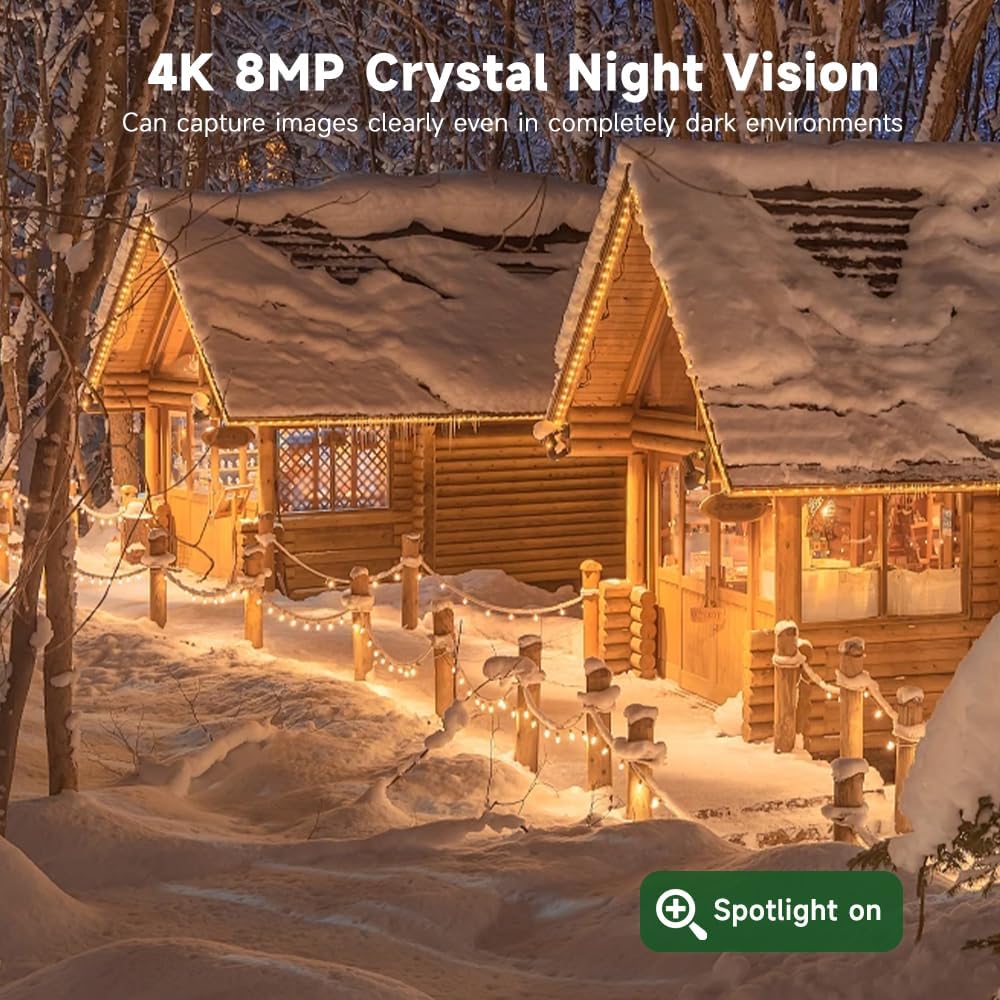
Image: A side-by-side comparison illustrating the difference between color night vision and infrared night vision.
4.4 Dvipusis garsas
The camera includes a built-in microphone and speaker, enabling two-way communication.
- Gyvai view of the V380 Pro app, tap the microphone icon to speak through the camera.
- Norėdami klausytis garso iš kameros vietos, palieskite garsiakalbio piktogramą.

Image: A person interacting with a delivery driver using the camera's two-way audio feature via a smartphone app.
4.5 Saugojimo parinktys
Įrašyta footage can be stored locally or in the cloud.
- „MicroSD“ kortelė: The camera supports microSD cards up to 128GB (not included). Insert the card into the designated slot for local storage.
- Saugykla debesyje: Subscribe to a cloud storage plan through the V380 Pro app for secure, remote access to your recordings.

Image: An illustration detailing the two storage options: local MicroSD card storage (up to 128GB) and private cloud storage.
4.6 Nuotolinė prieiga ir bendrinimas
Access your camera feed and controls from anywhere using the V380 Pro app. You can also share access with others.
- Nuotolinis Viewing: Open the V380 Pro app on your smartphone or tablet to view gyvas kvailystage and recorded events.
- Įrenginio bendrinimas: In the app settings, locate the device sharing option to invite family members or trusted individuals to view fotoaparato tiekimas.

Image: A collage showing the camera feed being accessed remotely on a smartphone, laptop, and another smartphone.

Image: A graphic illustrating global remote access and live stream sharing capabilities of the camera.
5. Priežiūra
5.1 Valymas
- Reguliariai valykite kameros objektyvą ir saulės bateriją minkšta,amp cloth to ensure clear image quality and efficient solar charging.
- Nenaudokite stiprių cheminių medžiagų ar abrazyvinių medžiagų.
5.2 Solar Panel Efficiency
- Ensure the solar panel remains free from obstructions like leaves, dirt, or snow to maintain optimal charging performance.
- Periodically check the solar panel's angle to confirm it is still positioned for maximum sun exposure.
5.3 Firmware atnaujinimai
- Check the V380 Pro app periodically for available firmware updates. Updates can improve performance, add features, and enhance security.
- Follow the in-app instructions to perform firmware updates. Ensure the camera has sufficient battery charge before starting an update.
6. Problemų sprendimas
| Problema | Galima priežastis | Sprendimas |
|---|---|---|
| Kamera neįsijungia. | Insufficient solar charge; faulty connection. | Ensure solar panel is clean and receiving direct sunlight. Check cable connections. Allow several hours for initial charge. |
| No 4G signal or connectivity. | SIM card not inserted correctly; no active data plan; poor cellular coverage. | Reinsert SIM card. Check data plan status in V380 Pro app and top up if necessary. Relocate camera to an area with better cellular reception. |
| Motion detection alerts are too frequent or not triggering. | Sensitivity settings are too high/low; environmental factors. | Adjust motion detection sensitivity in the V380 Pro app. Ensure detection zone is correctly configured. |
| Prasta naktinio matymo kokybė. | Lens obstruction; incorrect night vision mode. | Clean the camera lens. Switch between full-color and infrared night vision modes in the app to see which performs better for your environment. |
| Cannot access camera remotely. | No 4G connection; app issues. | Verify 4G signal strength. Restart the V380 Pro app or your mobile device. Ensure the app has necessary permissions. |
7. Specifikacijos
- Prekinis ženklas: XIAOVV
- Modelis: B0FT15FHVZ
- Vaizdo įrašo raiška: 4K (8MP)
- Ryšio technologija: 4G LTE korinis ryšys
- Maitinimo šaltinis: Saulės energija varomas (8000 mAh baterija)
- Ypatingos savybės: PTZ (Pan-Tilt-Zoom), Motion Detection, Full-Color Night Vision
- Naudojimas viduje / lauke: Lauke
- Atsparumo vandeniui lygis: IP66 Atsparus vandeniui
- Naktinio matymo diapazonas: 100 metrai
- Saugykla: „MicroSD“ kortelė (iki 128 GB, nepridedama), debesies saugykla
- Darbinė temperatūra: -30°C iki 60°C
- Prekės svoris: 1.45 kilogramo
8. Garantija ir palaikymas
8.1 Informacija apie garantiją
Žiūrėkite produkto pakuotę arba oficialų XIAOVV website for specific warranty details and terms. Keep your purchase receipt as proof of purchase for warranty claims.
8.2 Pagalba klientams
For technical assistance, troubleshooting, or any questions regarding your XIAOVV 4K Outdoor Security Camera, please contact XIAOVV customer support through their official website or the contact information provided in the V380 Pro app.
Ask a question about this manual
Ask about setup, troubleshooting, compatibility, parts, safety, or missing instructions. Manuals+ will review the question and use this page’s manual context to help answer it.