
1. Įvadas
Thank you for choosing the CINMOORE CM-C2U 3K Indoor Security Camera. This manual provides essential information for setting up, operating, and maintaining your camera to ensure optimal performance and security. This camera is designed for indoor use, offering advanced features such as 3K UHD video, AI-powered detection, pan-tilt-zoom functionality, and dual-band Wi-Fi connectivity.
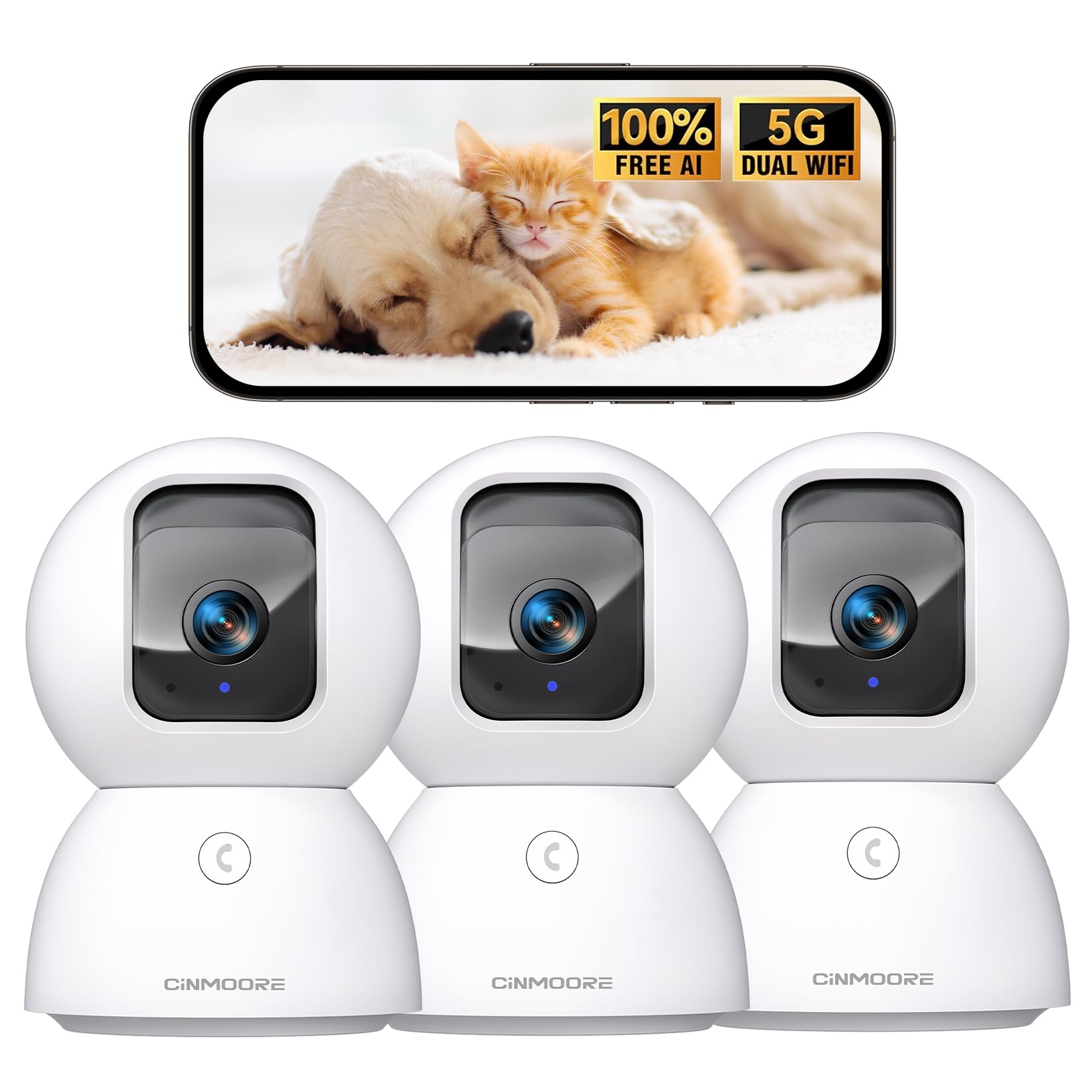
Figure 1: CINMOORE CM-C2U 3K Indoor Security Camera
2. Kas yra dėžutėje
- CINMOORE Security Camera (x3)
- Mounting Bracket Base (x3)
- Maitinimo adapteris (x3)
- Duomenų kabelis (x3)
- Sraigtiniai inkarai (x3)
- Vartotojo vadovas (1x)
3. Sąrankos instrukcijos
3.1 Pradinis įjungimas
- Prijunkite duomenų kabelį prie kameros maitinimo prievado.
- Įjunkite maitinimo adapterį į standartinį elektros lizdą.
- The camera will power on, and an indicator light will blink, signaling it's ready for setup.
3.2 Programėlės atsisiuntimas ir prisijungimas
- Download the official CINMOORE app from your smartphone's app store (iOS or Android).
- Susikurkite paskyrą arba prisijunkite, jei ją jau turite.
- Follow the in-app instructions to add your new camera. This typically involves scanning a QR code located on the camera's base.
- Connect the camera to your home Wi-Fi network. The camera supports Dual-Band 2.4GHz/5GHz Wi-Fi 6 for a stable connection.
Video: C2U Indoor Camera 1-minute Setup. This video demonstrates the quick and easy setup process for the CINMOORE C2U Indoor Camera, guiding users through connecting the device to the power supply and linking it to the mobile application.
4. Naudojimo instrukcijos
4.1 Live Video Monitoring
Access the live feed from your camera anytime, anywhere via the CINMOORE app. The 3K UHD resolution provides clear and detailed visuals.

Figure 2: Demonstrates the superior 3K clarity of the camera's video feed compared to 2K resolution, highlighting vivid detail for monitoring.
4.2 Pasukimo, pakreipimo ir priartinimo (PTZ) valdymas
Use the virtual joystick in the app to remotely control the camera's movement. Enjoy a 360° horizontal pan and a 109° vertical tilt to cover every corner of your room. The camera also features AI auto-tracking to follow detected movement.

Figure 3: Illustrates the camera's comprehensive 360° pan and tilt capabilities, along with other key features like 3K Ultra HD, sound/crying alerts, and local facial recognition.
4.3 Dvipusis garsas
Engage in real-time conversations using the full-duplex two-way audio feature. Speak through the app and hear responses from the camera's location. A one-click call button can trigger family alerts.
4.4 AI Detection and Tracking
The camera offers free AI detections for facial recognition (stores up to 5 faces locally), person detection, pet detection, baby crying detection, and smoke/gas alarm recognition. Receive instant alerts on your smartphone when activity is detected. Customize detection zones to focus on specific areas.

Figure 4: Highlights the camera's no-subscription local AI detection features, including recognition of up to 5 faces and 6 types of detections (person, pet, motion, noise, loitering, facial) while ensuring 100% privacy.
4.5 Naktinis matymas
The 0-Glow Night Vision 2.0 provides clear monitoring in low-light conditions without emitting a visible red glow, ensuring undisturbed sleep for babies and pets. The night vision range is up to 33 feet.

Figure 5: Compares the CINMOORE camera's 0-Glow Night Vision with a traditional camera's red glow, emphasizing safe and undisturbed monitoring for infants and pets.
4.6 Saugojimo parinktys
Choose between local storage via an SD card (up to 512GB, not included) for 24/7 recording, or optional AWS Cloud storage with bank-level security (30-day free trial available). SD card encryption ensures footage is only viewable within the CINMOORE App.

Figure 6: Details the camera's encrypted and secure storage options, including SD card support (up to 512GB, not included) and optional AWS Cloud Storage with a 30-day free trial.
4.7 Privatumo režimas
Activate the one-tap privacy mode, which physically covers the camera lens, ensuring your privacy when you are home.
5. Montavimo parinktys
The CINMOORE CM-C2U camera offers flexible mounting options to suit your needs:
- Tvirtinimas ant stalo: Tiesiog padėkite kamerą ant bet kokio lygaus paviršiaus, pavyzdžiui, stalo, lentynos ar rašomojo stalo.
- Sieninis laikiklis: Use the included mounting bracket base and screw anchors to securely attach the camera to a wall.
- Montavimas ant lubų: The camera can also be mounted to the ceiling using the provided bracket for an overhead view.
Ensure the camera is positioned to provide the optimal viewing angle for your desired monitoring area.
Video: Setup Guide for IMILAB indoor camera. This video provides a step-by-step guide on how to set up an IMILAB indoor camera, including unboxing, connecting to power, app setup, and mounting options.
6. Specifikacijos
| Modelio pavadinimas | CM-C2U |
| Naudojimas viduje / lauke | Vidinis |
| Vaizdo įrašymo raiška | 3K / 4MP |
| Ryšio protokolas | Wi-Fi (Dual-Band 2.4GHz/5GHz Wi-Fi 6) |
| Maitinimo šaltinis | Su laidu elektra |
| Valdiklio tipas | Amazon Alexa |
| Montavimo tipas | Ceiling Mount / Tabletop Mount / Wall Mount |
| Naktinio matymo diapazonas | 33 Feet (0-Glow) |
| Vietinė saugykla | SD card (up to 512GB, not included) |
| Matmenys | 3 x 4.5 x 3 colio |
| Prekės svoris | 2.33 svaro |
7. Priežiūra
- Valymas: Švelniai nuvalykite fotoaparato objektyvą ir korpusą minkštu, sausu skudurėliu. Venkite naudoti stiprias chemines medžiagas ar abrazyvines medžiagas.
- Firmware atnaujinimai: Regularly check the CINMOORE app for available firmware updates to ensure your camera has the latest features and security enhancements.
- Maitinimo ciklas: If the camera experiences connectivity issues, try unplugging it from the power source for 10 seconds and then plugging it back in.
- SD kortelės tvarkymas: Jei naudojate SD kortelę, periodiškai ją peržiūrėkiteview ir tvarkyti įrašytą footage, kad kortelė neužsipildytų.
8. Problemų sprendimas
- Fotoaparatas neprisijungia prie „Wi-Fi“:
- Įsitikinkite, kad jūsų „Wi-Fi“ tinklas yra 2.4 GHz arba 5 GHz dažnio.
- Check that the Wi-Fi password is entered correctly.
- Perkelkite kamerą arčiau „Wi-Fi“ maršrutizatoriaus.
- Iš naujo paleiskite maršrutizatorių ir kamerą.
- Prasta vaizdo kokybė:
- Patikrinkite savo interneto ryšio greitį.
- Įsitikinkite, kad fotoaparato objektyvas yra švarus.
- Jei įmanoma, programėlėje pakoreguokite vaizdo kokybės nustatymus.
- Nėra judesio aptikimo įspėjimų:
- Patikrinkite, ar programėlės nustatymuose įjungtas judesio aptikimas.
- Adjust motion sensitivity levels.
- Patikrinkite programėlės pranešimų nustatymus savo išmaniajame telefone.
- Dvipusio garso problemos:
- Įsitikinkite, kad jūsų telefono mikrofonas įjungtas programai.
- Check the volume settings in the app.
- Sumažinkite foninį triukšmą, kad bendravimas būtų aiškesnis.
9. Garantija ir palaikymas
The CINMOORE CM-C2U camera comes with a 24-month warranty. For any issues or inquiries, please contact CINMOORE customer support. We offer free replacement for eligible issues, extended warranty options, and professional support to ensure your satisfaction.
For further assistance, refer to the help section within the CINMOORE app or visit our official websvetainę.