
Įvadas
This manual provides essential instructions for setting up, operating, and maintaining your SGIN-T12S Android Tablet. Please read this guide thoroughly to ensure proper use and to maximize your tablet's performance and longevity.

Image: The SGIN-T12S Android Tablet, showcasing its 12-inch screen with the Android 13 operating system and a protective blue case.
Sąranka
1. Įrenginys baigtasview ir uostai

Image: A detailed diagram illustrating the various components and ports of the SGIN-T12S tablet, including cameras, power button, volume controls, speakers, Type-C port, and TF mount.
- Priekinė kamera: Vaizdo skambučiams ir asmenukėms.
- Galinė kamera: Nuotraukų ir vaizdo įrašų fotografavimui.
- Įjungimo/išjungimo mygtukas: Norėdami įjungti arba išjungti, palaikykite paspaudę.
- Increase Volume Button: Reguliuoja garso išvesties lygį.
- Reduce Volume Button: Reguliuoja garso išvesties lygį.
- Stereo garsiakalbiai: Suteikia garso išvestį.
- TF Mount: Slot for inserting a Micro TF (microSD) card.
- C tipo prievadas: Įkrovimui ir duomenų perdavimui.
2. Planšetinio kompiuterio įkrovimas
Before first use, fully charge your tablet. Use the included Type-C fast charger.
- Connect the Type-C cable to the tablet's Type-C port.
- Įjunkite įkroviklį į maitinimo lizdą.
- Ekrane esantis akumuliatoriaus indikatorius rodys įkrovimo būseną.

Image: Visual representation of the tablet's 8000mAh battery capacity and the Type-C universal charging port, emphasizing long battery life.
3. Įjungimas/išjungimas
- Norėdami įjungti: Press and hold the Power ON/OFF button until the SGIN logo appears.
- Norėdami išjungti: Press and hold the Power ON/OFF button, then select 'Power off' from the options on the screen.
- Norėdami paleisti iš naujo: Press and hold the Power ON/OFF button, then select 'Restart' from the options.
4. Pradinė sąranka
Upon first power-on, the tablet will guide you through the initial setup process for Android 13. This includes:
- Kalbos pasirinkimas.
- Prisijungimas prie „Wi-Fi“ tinklo.
- Setting up your Google account (required for Google Mobile Services and app downloads).
- Setting up screen lock (PIN, pattern, or password).
5. Inserting a Micro TF Card
To expand storage, insert a Micro TF (microSD) card into the TF mount.
- Locate the TF mount on the side of the tablet (refer to the Device Overview vaizdas).
- Švelniai įkiškite „Micro TF“ kortelę į lizdą, kol ji spragtelės ir užsifiksuos.
- The tablet supports up to 256GB TF card expansion.
Naudojimo instrukcijos
1. Display and Touch Screen
The tablet features an 11.97-inch Full HD IPS touch screen with a resolution of 1920x1200 pixels.
- Lietimo gestai: Use standard Android touch gestures such as tap, swipe, pinch-to-zoom, and long-press.
- Ekrano pasukimas: The display automatically adjusts orientation based on how you hold the tablet. This can be locked or unlocked in the Quick Settings panel.
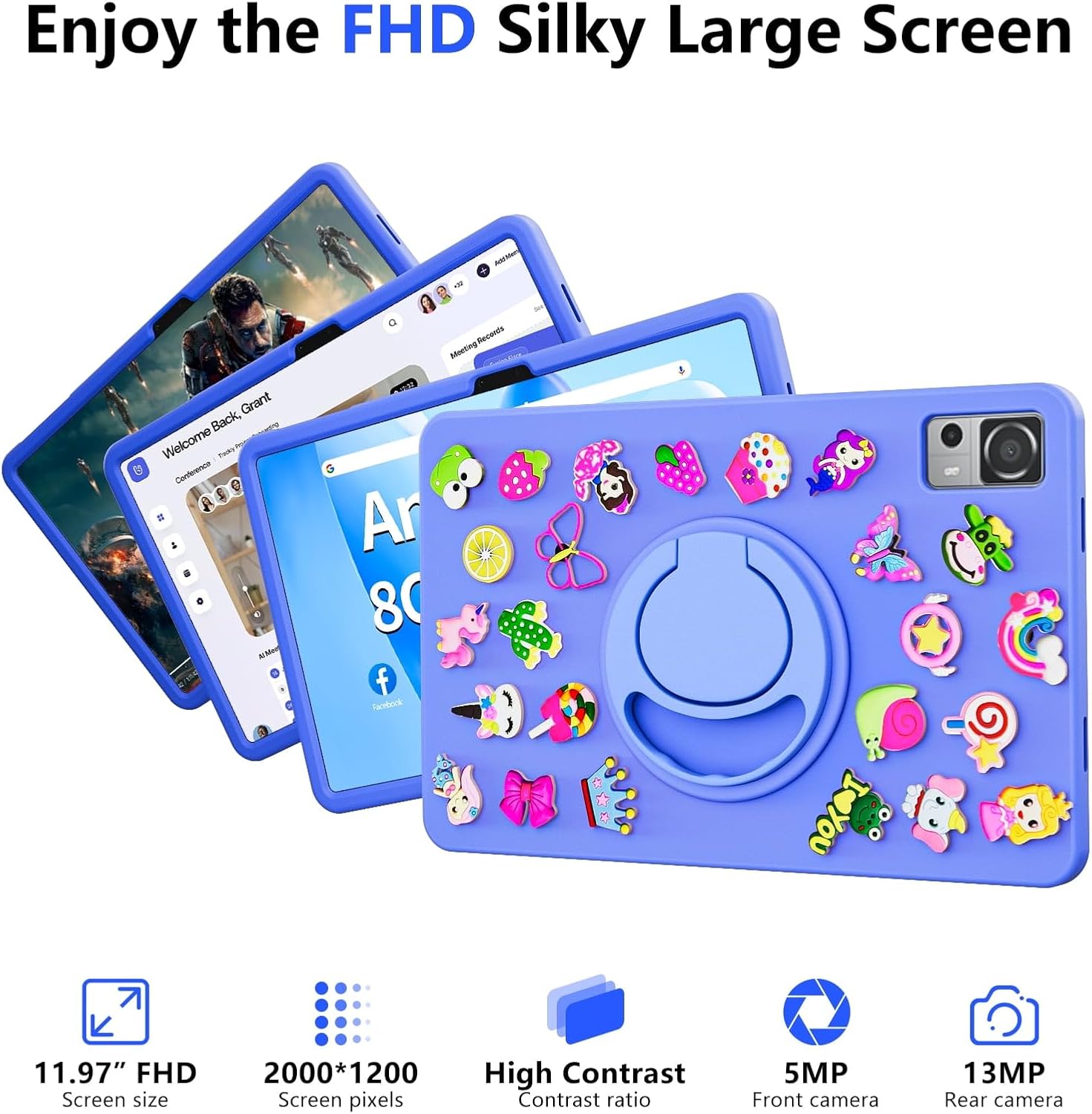
Image: The SGIN-T12S tablet highlighting its 11.97-inch FHD screen, 2000x1200 pixel resolution, 5MP front camera, and 13MP rear camera.
2. Fotoaparatai
The tablet is equipped with a 5MP front camera and a 13MP rear camera.
- Atidarykite programėlę „Kamera“ iš pagrindinio ekrano arba programėlių stalčiaus.
- Perjunkite priekinę ir galinę kameras naudodami ekrane esančią piktogramą.
- Tap to focus and press the shutter button to capture photos or start/stop video recording.
3. Garso įrašas
Experience immersive sound with the tablet's quad speakers and 3.5mm headphone jack.
- Keturi garsiakalbiai: Located on the sides of the tablet, providing stereo sound.
- Ausinių lizdas: Prijunkite standartines 3.5 mm ausines, kad galėtumėte klausytis privačiai.
- Adjust volume using the physical volume buttons or the on-screen controls.

Image: The SGIN-T12S tablet illustrating its surround four-speaker stereo system, designed for an immersive audio experience.
4. Ryšys
- „Wi-Fi“: Supports dual-band Wi-Fi (2.4G/5G). Go to Nustatymai > Tinklas ir internetas > „Wi-Fi“ prisijungti prie galimų tinklų.
- "Bluetooth 5.0": For connecting wireless accessories like headphones, keyboards, or mice. Go to Nustatymai> Prijungti įrenginiai> Ryšio nuostatos> „Bluetooth“ to pair devices.
5. Saugojimas ir našumas
The tablet comes with 8GB RAM and 256GB internal storage, expandable via Micro TF card.
- RAM: 8GB LPDDR4 RAM ensures smooth multitasking and app performance.
- Vidinė saugykla: 256GB ROM for apps, photos, videos, and documents.
- Išplečiama saugykla: Supports Micro TF cards up to 256GB for additional storage.
- Procesorius: Powered by an ARM high-performance 8-core CPU with a frequency up to 2GHz for efficient operation.
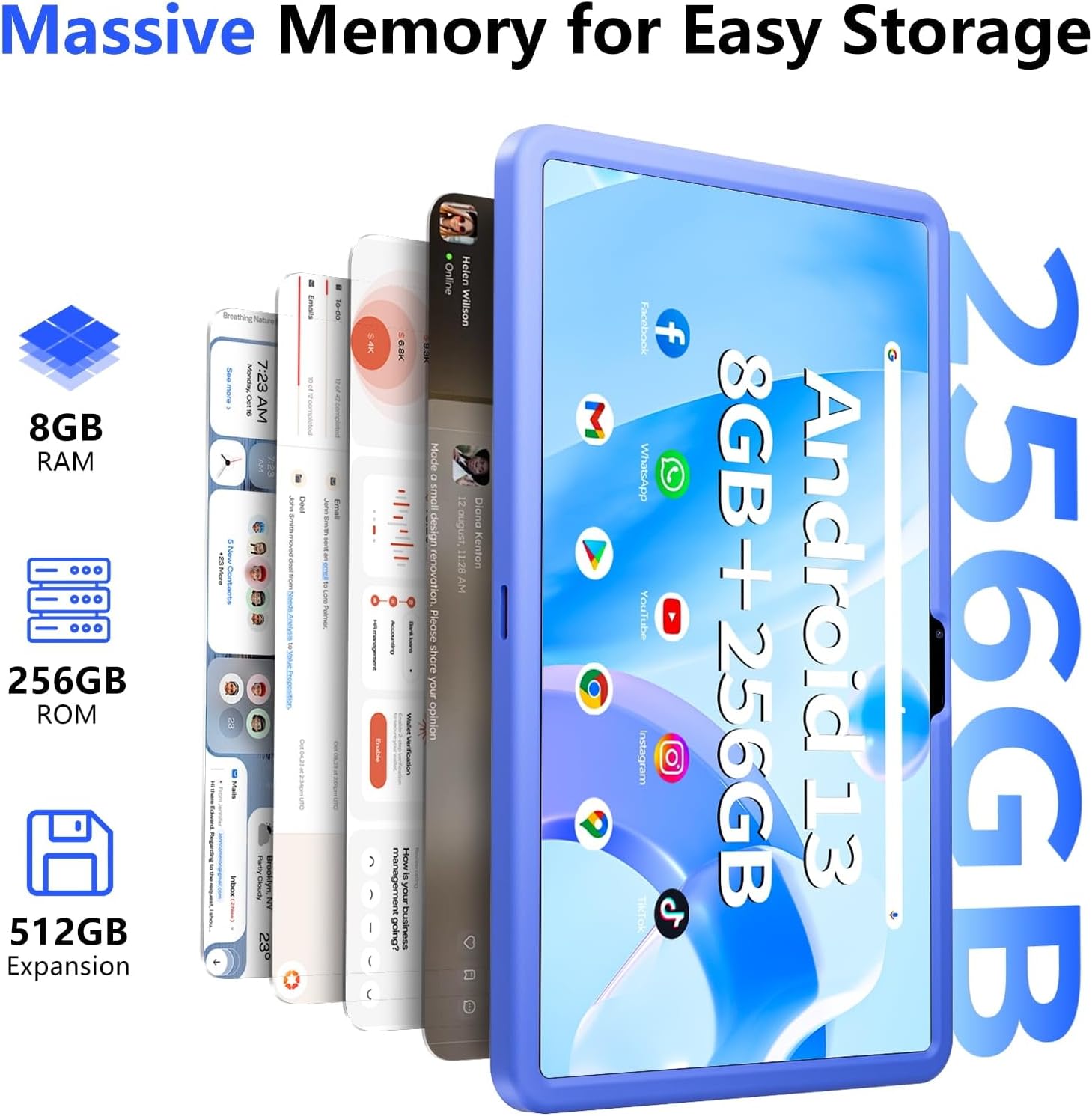
Image: The SGIN-T12S tablet emphasizing its large memory capacity, including 8GB RAM, 256GB ROM, and the potential for 512GB expansion.
6. „Android 13“ operacinė sistema
The tablet runs on Android 13, offering enhanced security and personalization features.
- Saugumas: Android 13 provides improved privacy controls and system security.
- Personalizavimas: Customize your tablet's interface, themes, and widgets to suit your preferences.
- Google Mobile Services: Access to Google Play Store for apps, Gmail, Google Maps, and other Google services.

Image: The SGIN-T12S tablet highlighting the benefits of Android 13, such as enhanced security and personalization, alongside its matte metal body and silicone shell options.
Priežiūra
1. Valymas
- Planšetinio kompiuterio ekraną ir korpusą valykite minkštu, nepūkuotu audiniu.
- Įsisenėjusioms dėmėms šiek tiek pamirkykiteampnuvalykite šluostę vandeniu arba ekrano valymo tirpalu.
- Venkite naudoti stiprias chemines medžiagas, abrazyvines medžiagas ar per didelę drėgmę.
2. Akumuliatoriaus priežiūra
- Venkite ekstremalių temperatūrų, nes jos gali pabloginti akumuliatoriaus veikimo laiką.
- Siekiant optimalios akumuliatoriaus būklės, venkite dažnai visiškai iškrauti akumuliatorių arba ilgai laikyti jį įkrautą 100 %.
- The 8000mAh battery provides approximately 7-9 hours of usage depending on activity.
3. Programinės įrangos atnaujinimai
- Regularly check for and install system updates to ensure your tablet has the latest features, security patches, and performance improvements.
- Eikite į Nustatymai > Sistema > Sistemos naujinimas norėdami patikrinti, ar nėra atnaujinimų.
Trikčių šalinimas
- Planšetinis kompiuteris neįsijungia: Ensure the tablet is charged. Connect it to the charger and wait a few minutes before attempting to power on again. If it still doesn't turn on, try holding the power button for 10-15 seconds.
- Ekranas nereaguoja: Try restarting the tablet. If the issue persists, ensure the screen is clean and free of debris.
- „Wi-Fi“ ryšio problemos: Check if Wi-Fi is enabled in settings. Restart your router and the tablet. Ensure you are within range of the Wi-Fi signal and have entered the correct password.
- Programėlės stringa arba užstringa: Close and reopen the app. Clear the app's cache (Settings > Apps > [App Name] > Storage & cache > Clear cache). If the problem continues, uninstall and reinstall the app.
- Lėtas veikimas: Close unnecessary background apps. Clear cached data. Consider removing unused apps or large files atlaisvinti vietos saugykloje.
Specifikacijos
| Funkcija | Specifikacija |
|---|---|
| Modelio pavadinimas | SGIN-T12S |
| Operacinė sistema | Android 13 |
| Ekrano dydis | 11.97 colių |
| Maksimali ekrano skiriamoji geba | 2000*1200 Pixels (FHD IPS) |
| Procesorius | ARM Octa-Core 2.0 GHz (ARM_Cortex_A5) |
| RAM | 8 GB DDR4 SDRAM |
| Hard Drive (ROM) | 256 GB |
| Išplečiama saugykla | Supports Micro TF card up to 256 GB |
| Priekinė kamera | 5 MP |
| Galinė kamera | 13 MP |
| Belaidis tipas | 802.11bgn (Dual-band 2.4G/5G Wi-Fi) |
| Bluetooth | Bluetooth 5.0 |
| Baterija | 8000 mAh Lithium Ion (Average 6-9 hours) |
| Uostai | Type-C, Micro TF slot, 3.5mm Headphone Jack |
| Garsas | Quad Speakers |
| Prekės svoris | 2.2 svaro (apie 500 gramų) |
| Gaminio matmenys | 11.97 x 6.85 x 0.3 colio |
Garantija ir palaikymas
Information regarding specific warranty terms and direct support contact details for the SGIN-T12S tablet is not provided in the available product data. Please refer to the product packaging or the official SGIN website for the most current warranty information and customer support options.