
1. Įvadas
The EPOMAKER TH87 is a versatile 87-key Tenkeyless (TKL) mechanical keyboard designed for various computing environments. It features tri-mode connectivity (Wired USB-C, 2.4GHz Wireless, and Bluetooth), hot-swappable switches, PBT keycaps, and customizable RGB backlighting. This manual provides detailed instructions for setting up, operating, maintaining, and troubleshooting your keyboard.
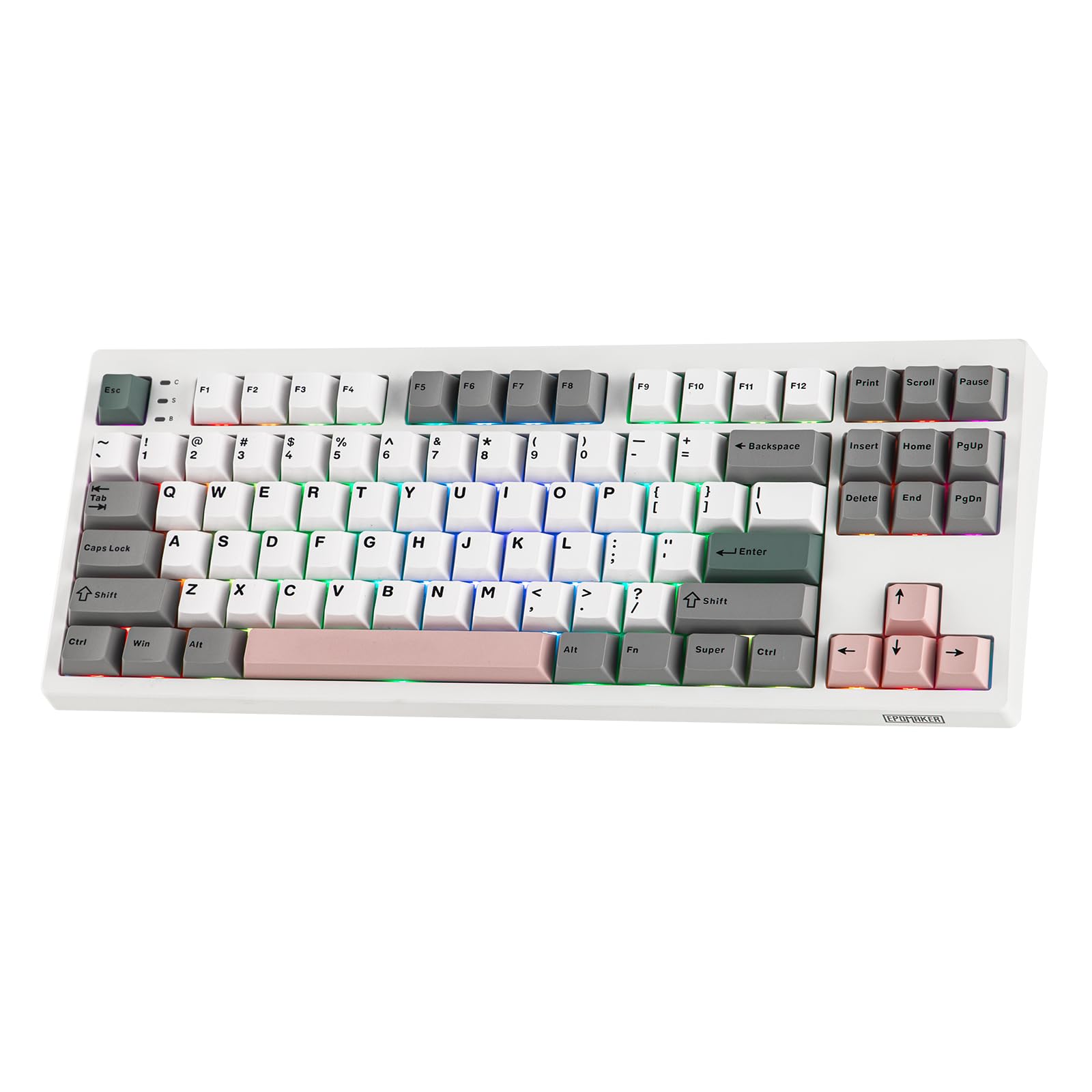
Figure 1: EPOMAKER TH87 Wireless Mechanical Keyboard
2. Pakuotės turinys
Įsitikinkite, kad jūsų siuntinyje yra visi daiktai:
- TH87 Wireless Gaming Keyboard
- USB A-to-C Cable
- Extra Switches (for customization)
- Wireless 2.4Ghz Receiver (stored under the side kick-stand)
- 2-in-1 Switch-and-Keycap Puller
- Vartotojo vadovas (šis dokumentas)
Video 1: EPOMAKER TH87 Unboxing & Overview & Typing Video. This video demonstrates the unboxing process and provides a general overview of the keyboard's features and typing experience.
3. Sąranka
Follow these steps to set up your EPOMAKER TH87 keyboard:
3.1. Laidinis ryšys
- Raskite USB-C prievadą klaviatūroje.
- Connect the provided USB A-to-C cable to the keyboard and your computer.
- Ensure the mode switch on the keyboard is set to 'USB'.
3.2. 2.4 GHz belaidis ryšys
- Locate the 2.4GHz wireless receiver, typically stored in a compartment under the side kick-stand of the keyboard.
- Prijunkite imtuvą prie laisvo kompiuterio USB prievado.
- Set the mode switch on the keyboard to '2.4G'. The keyboard should automatically connect.
3.3. „Bluetooth“ ryšys
- Klaviatūros režimo jungiklį nustatykite į „BT“ padėtį.
- On your device (PC, Mac, Tablet, Phone), open Bluetooth settings.
- Ieškokite new devices and select 'EPOMAKER TH87' to pair.
- Klaviatūra palaiko kelis „Bluetooth“ ryšiusfiles; refer to the full user manual for specific pairing instructions for each profile.
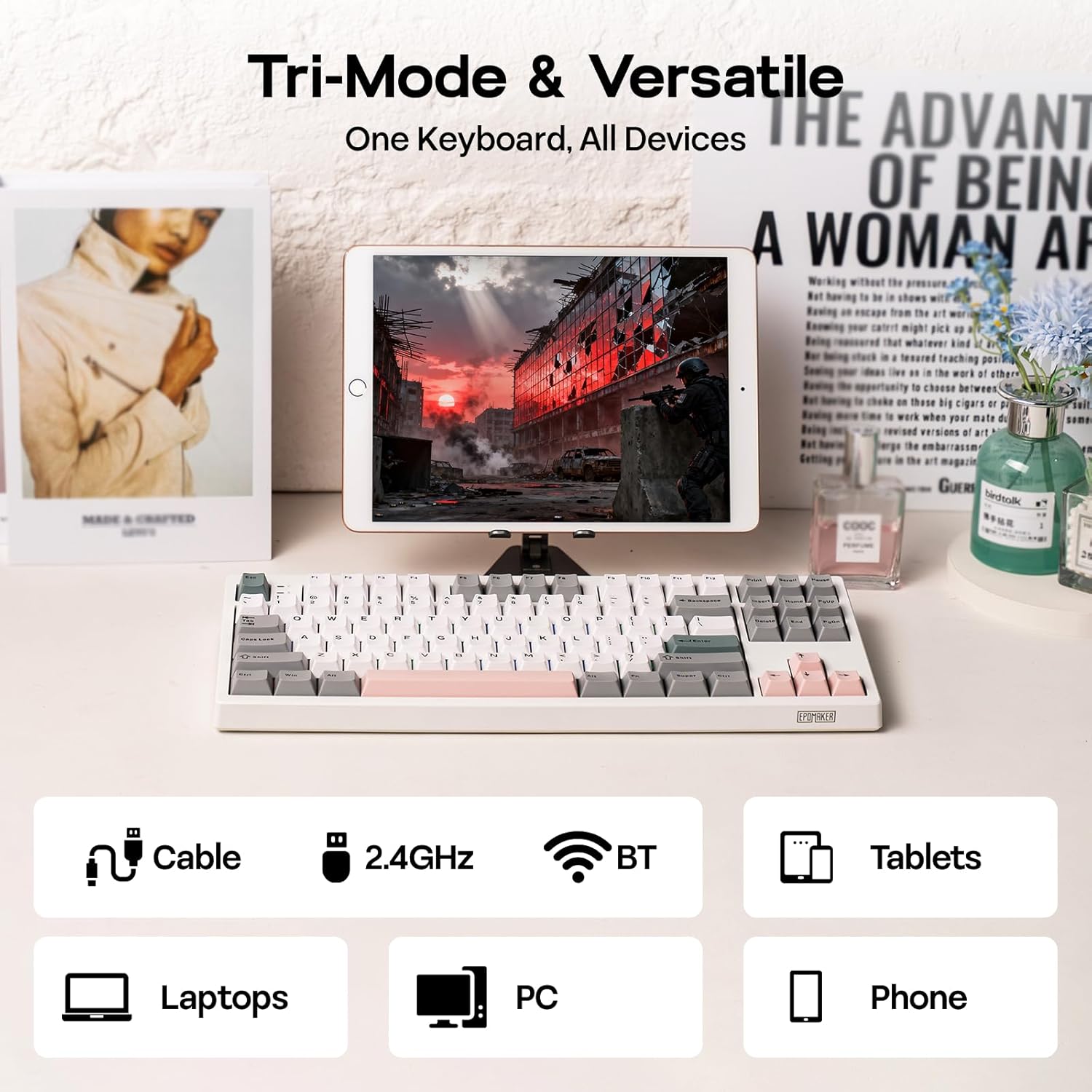
2 pav.: Trijų režimų ryšio parinktys
4. Naudojimo instrukcijos
4.1. Pagrindinės funkcijos
The TH87 features a standard 87-key TKL layout. All keys function as labeled in their default state.
4.2. Funkciniai klavišai (Fn deriniai)
The keyboard includes an 'Fn' key to access secondary functions printed on certain keycaps. Common combinations include:
- Fn + F1–F12: Multimedia controls, volume adjustment, etc.
- Fn + rodyklių klavišai: Adjust RGB lighting effects (brightness, speed, direction).
- Fn + Win: „Windows“ klavišo užrakinimas / atrakinimas.
- Fn + Enter: Patikrinkite akumuliatoriaus būseną.
4.3. OS Mode Switching
Use the dedicated switch on the keyboard to toggle between Mac and Windows compatibility modes.
5. Pritaikymas
The EPOMAKER TH87 offers extensive customization through its webpagrįsta tvarkyklės programinė įranga.
5.1. Web-Pagal vairuotoją
The custom driver allows you to:
- Pergrupuoti atskirus klavišus.
- Record and assign macros for complex key sequences.
- Adjust RGB lighting effects, colors, brightness, and speed.
- Configure advanced key functions like SOCD (Simultaneous Opposite Cardinal Directions) and Mod Tap.
Access the driver online via the official EPOMAKER website or the QR code provided in the brand card.
Video 2: How to Use TH87 Online Web Driver. This video guides you through connecting your keyboard to the web driver and customizing key functions, macros, and lighting settings.
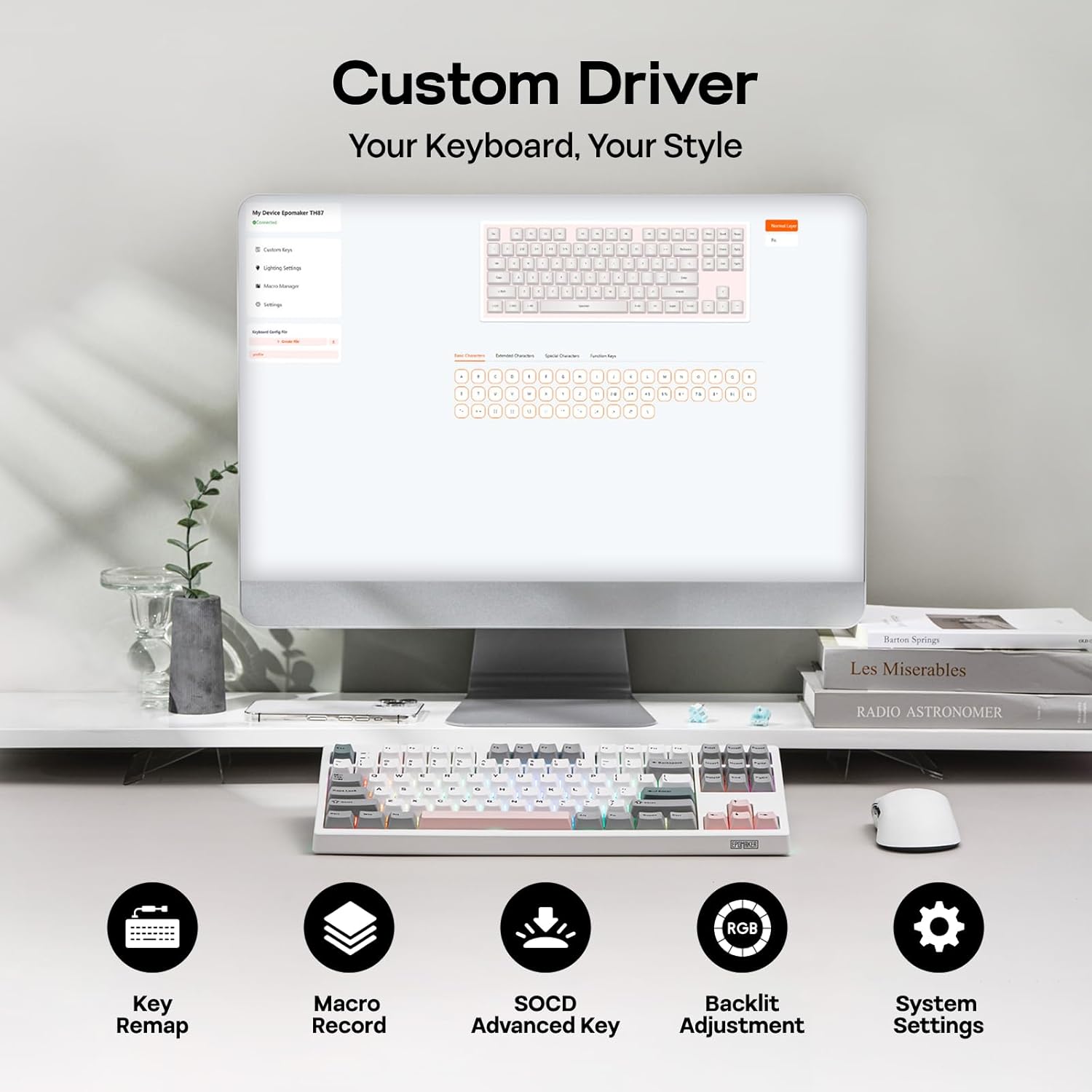
Figure 3: Custom Driver Interface
5.2. Karšto keitimo jungikliai
The TH87 features a hot-swappable PCB, allowing you to change mechanical switches without soldering. It is compatible with 3-pin and 5-pin switches.
Norėdami pakeisti jungiklį:
- Use the provided keycap puller to remove the keycap.
- Use the provided switch puller to gently remove the switch from the PCB.
- Sulygiuokite naujo jungiklio kaiščius su spausdintinės plokštės skylėmis ir tvirtai paspauskite, kol jis spragtelėdamas užsifiksuos.
- Uždėkite klavišo dangtelį.
The keyboard comes with pre-lubed EPOMAKER Sea Salt Silent V2 switches (Linear, 45±5gf Trigger Force, 51±5gf Bottom-Out Force, 1.8±0.4mm Pre-Travel, 3.5±0.4mm Total Travel).

Figure 4: Hot-Swappable Switches and Sea Salt Silent V2 Specifications
Video 3: EPOMAKER TH87 Typing with Creamy Jade/Sea Salt Silent Switch. This video demonstrates the sound profile of the included switches.
5.3. RGB foninis apšvietimas
The TH87 features per-key RGB backlighting with various effects. You can adjust the saturation, brightness, and speed of the lighting through the Fn key combinations or the custom driver software.
6. Informacija apie akumuliatorių
The keyboard is equipped with a 10000mAh battery, providing extended usage times:
- Up to 45 hours of continuous use with RGB backlight at brightest setting.
- Up to 200 hours of continuous use with RGB backlight off.
To charge the keyboard, connect it via the USB-C cable to a computer or a compatible USB power adapter. The keyboard charges when plugged in. Always use a computer USB port for charging. Using a power adapter directly may cause battery damage.
7. Priežiūra
Tinkama priežiūra užtikrina jūsų klaviatūros ilgaamžiškumą ir našumą:
- Valymas: Regularly clean keycaps and the keyboard surface with a soft, dry cloth. For deeper cleaning, remove keycaps using the provided puller and use compressed air to clear debris.
- Saugykla: Klaviatūrą laikykite vėsioje, sausoje vietoje, apsaugotoje nuo tiesioginių saulės spindulių ir ekstremalių temperatūrų.
- Tvarkymas: Venkite klaviatūros numetimo ir saugokite ją nuo skysčių.
8. Problemų sprendimas
Jei kyla problemų dėl klaviatūros, žr. šiuos įprastus sprendimus:
- Klaviatūra nereaguoja: Ensure the keyboard is charged and the correct connectivity mode (Wired, 2.4G, BT) is selected. Try reconnecting the cable or re-pairing the wireless connection.
- Raktai neregistruojami: Check if the switches are properly seated. If a specific key is not working, try replacing its switch with one of the extra switches provided.
- RGB apšvietimas neveikia / yra netinkamas: Verify lighting settings in the custom driver or cycle through effects using Fn key combinations. Ensure the keyboard is sufficiently charged.
- Ryšio problemos: For 2.4GHz, ensure the dongle is securely plugged in and close to the keyboard. For Bluetooth, ensure your device's Bluetooth is enabled and the keyboard is paired correctly. Avoid interference from other wireless devices.
- Programinės įrangos problemos: If the custom driver is not detecting the keyboard, ensure it is connected via USB-C and the mode switch is set to 'USB'.
9. Specifikacijos
| Funkcija | Detalė |
|---|---|
| Prekės ženklas | EPOMAKER |
| Modelio numeris | TH87 |
| Klaviatūros aprašymas | TKL Layout Mechanical Keyboard |
| Raktų skaičius | 87 |
| Ryšio technologija | 2.4Ghz Wireless, BT, USB A-to-C Wired |
| Maitinimo šaltinis | Maitinamas baterija (10000 mAh) |
| Klaviatūros apšvietimas | RGB |
| Jungiklio tipas | Linear (EPOMAKER Sea Salt Silent Switch) |
| Ypatingos savybės | Backlit, Ergonomic, Hot-Swappable, Programmable Keys, Rechargeable |
| Gaminio matmenys | 14.43 colio ilgio x 5.59 colių pločio x 1.63 colio aukščio |
| Medžiaga | Plastikiniai |
| Suderinami įrenginiai | Gaming Console, Laptop, PC, Projector, Tablet |

Figure 5: Technical Specifications and Layout
10. Garantija ir palaikymas
The EPOMAKER TH87 Wireless Mechanical Keyboard comes with a 1 metų garantija nuo pirkimo datos.
For technical support, warranty claims, or any inquiries, please contact EPOMAKER customer service:
- El. paštas: support@epomaker.com
- Oficialus Websvetainė: www.epomaker.com
Please have your purchase receipt and product model number (TH87) ready when contacting support.