
1. Produktas baigtasview
The SGIN Y101 is a 15.6-inch laptop designed for everyday computing tasks, featuring a Core i3 processor, 16GB RAM, and a 1024GB SSD. It operates on Windows 11 Home and includes a backlit keyboard, WiFi 6 connectivity, and a 180-degree hinge for flexible use.

Image: SGIN Y101 Laptop highlighting its Core i3 processor, Windows 11, 7000mAh battery, backlit keyboard, WiFi 6, 180-degree hinge, 16GB RAM, and 1024GB SSD.
2. Kas yra dėžutėje
- 1 x SGIN Y101 Laptop
- 1 x maitinimo adapteris / įkroviklis
- 1 x Naudotojo vadovas (šis dokumentas)
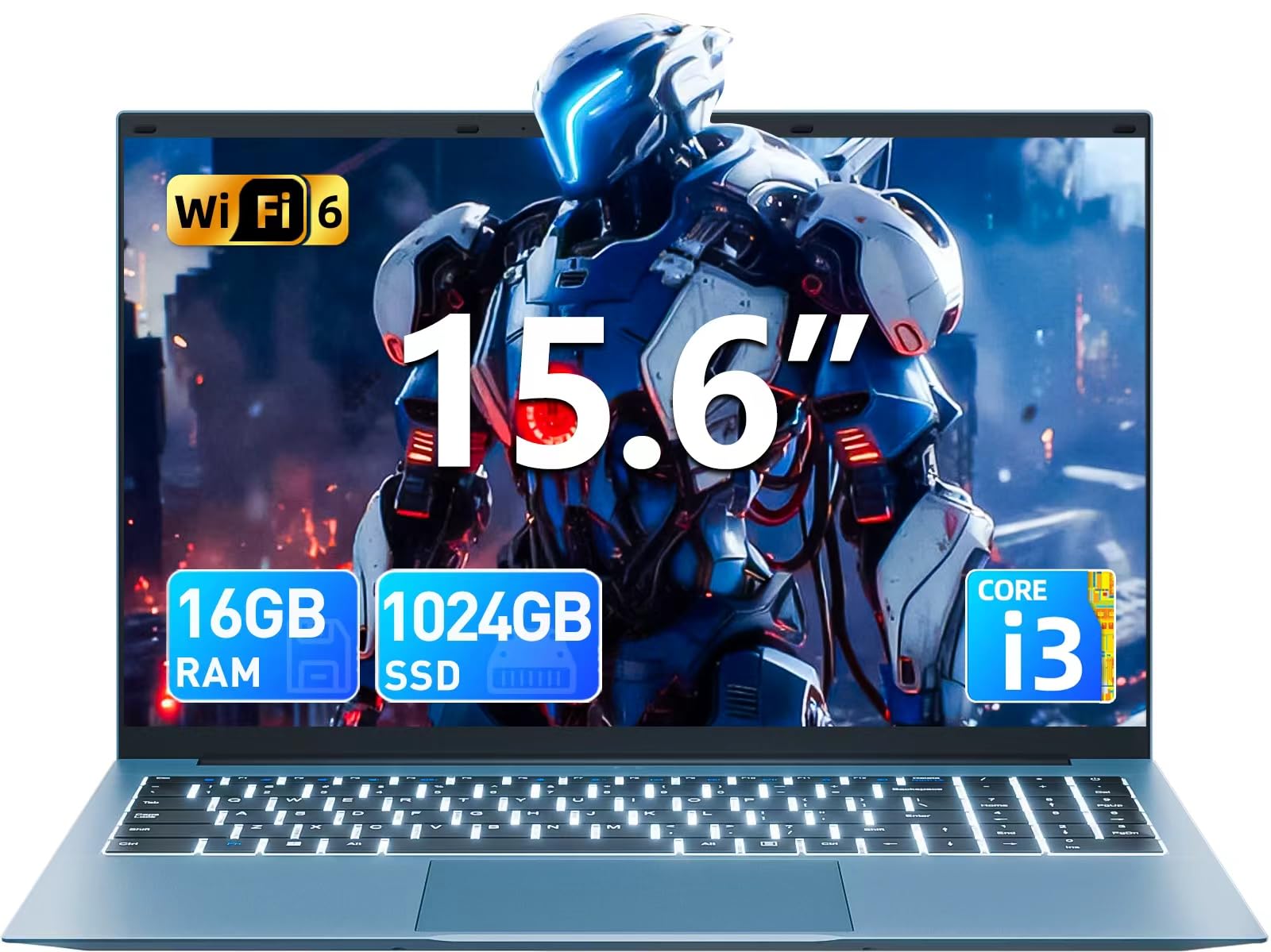
Image: The SGIN Y101 laptop, its power adapter, and the user manual as typically found in the product packaging.
3. Sąranka
3.1 Pradinis įkrovimas ir įjungimas
- Prijunkite maitinimo adapterį: Plug the power adapter into the DC jack on the side of the laptop and then into a power outlet.
- Įkraukite akumuliatorių: Prieš pirmą kartą naudodami nešiojamąjį kompiuterį, leiskite jam įsikrauti bent 30 minučių arba tol, kol akumuliatoriaus indikatorius rodys pakankamą įkrovą.
- Maitinimas: Open the laptop lid and press the power button, usually located on the top right of the keyboard, to turn on the device.
3.2 „Windows 11“ sąranka
Follow the on-screen instructions to complete the initial Windows 11 Home setup. This typically includes:
- Pasirinkite savo regioną ir klaviatūros išdėstymą.
- Connecting to a Wi-Fi network (WiFi 6 supported).
- Prisijungimas naudojant „Microsoft“ paskyrą arba naujos paskyros sukūrimas.
- PIN kodo arba slaptažodžio nustatymas.
3.3 Išorinių įrenginių prijungimas
The SGIN Y101 laptop offers various ports for connecting external devices:
Vaizdas: Išsamus view of the laptop's multiple interfaces, including DC jack, Type-C, HDMI, USB 3.2, Security lock, TF card slot, 3.5mm Headphone jack, and RJ45 Ethernet port.
- USB 3.0/3.2 prievadai: Skirta prijungti USB įrenginius, tokius kaip pelės, klaviatūros ar išorinės atminties įrenginiai.
- HDMI prievadas: Prijunkite prie išorinio monitoriaus arba televizoriaus, kad galėtumėte ilgiau žiūrėti.
- C tipo prievadas: For data transfer and potentially charging compatible devices.
- „Micro SD“ lizdas: Insert a TF card for expanded storage up to 1TB.
- 3.5 mm ausinių lizdas: Prijunkite ausines arba išorinius garsiakalbius.
- RJ45 eterneto prievadas: Laidiniam interneto ryšiui.
- Kensingtono užrakto lizdas: Dėl fizinio saugumo.
4. Nešiojamojo kompiuterio valdymas
4.1 Klaviatūra ir jutiklinė planšetė
The laptop features a full-size keyboard with a numeric keypad and a large touchpad for navigation. The keyboard is backlit for use in low-light conditions.
- Apšviesta klaviatūra: Paspauskite Fn + F5 to toggle the keyboard backlight on or off.
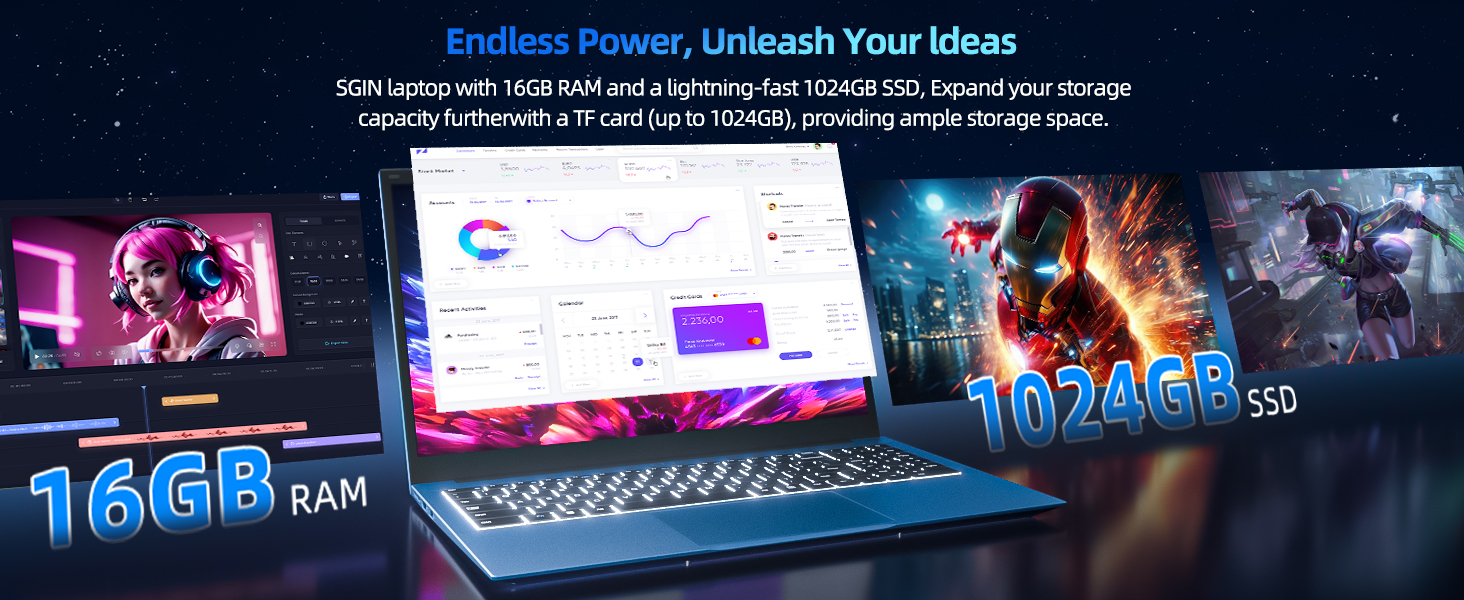
Image: Close-up of the SGIN Y101 laptop's backlit keyboard and numeric keypad, illustrating the Fn+F5 shortcut for backlight control.
4.2 Ekrano funkcijos
The 15.6-inch Full HD (1920x1080) IPS screen provides clear visuals and wide viewing angles. The laptop also features a 180-degree hinge, allowing the screen to lay flat for easy sharing and collaboration.
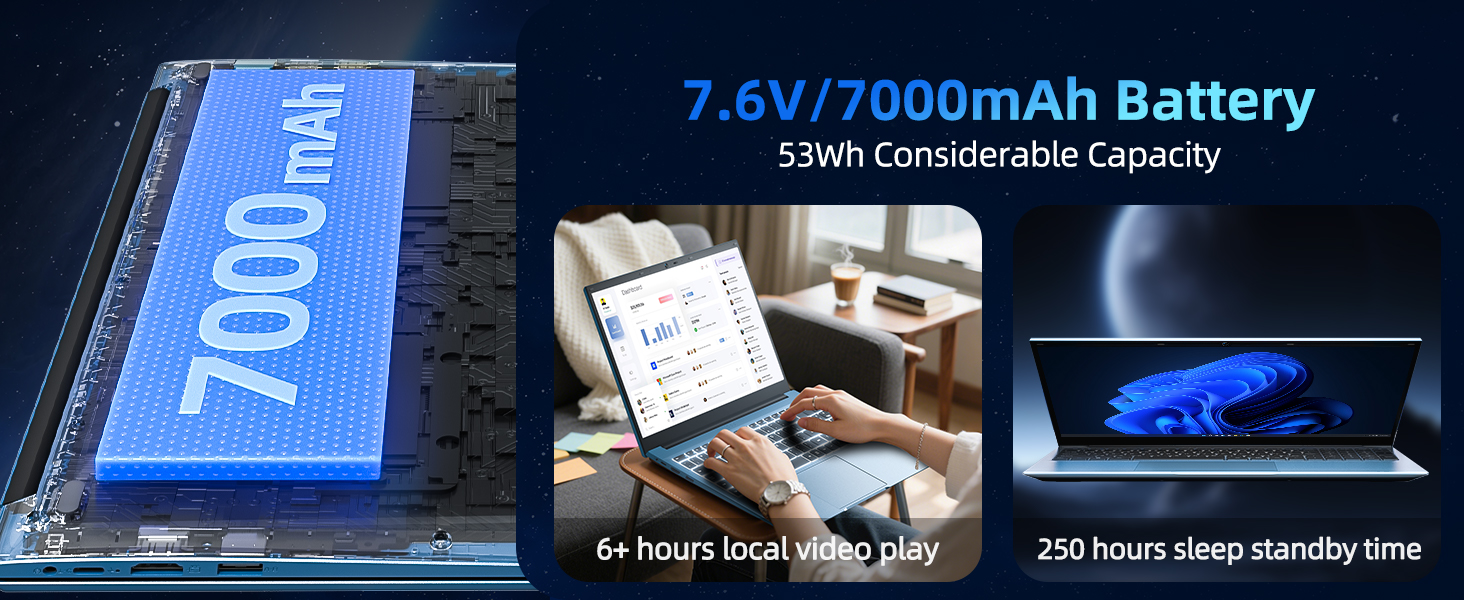
Image: The SGIN Y101 laptop displaying vibrant visuals on its 15.6-inch Full HD IPS screen.
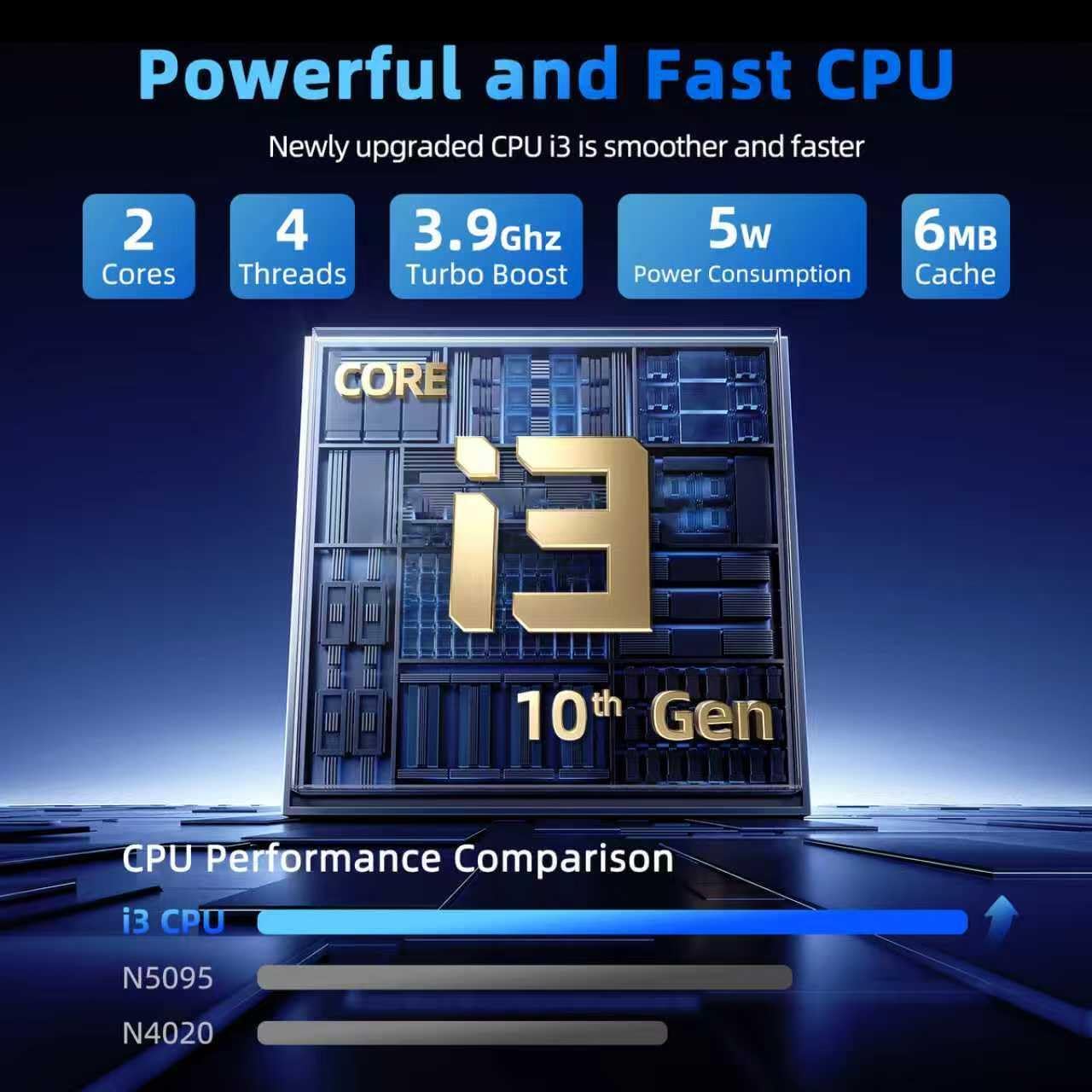
Image: The SGIN Y101 laptop open, illustrating its 180-degree hinge design for flexible viewir dalijimasis.
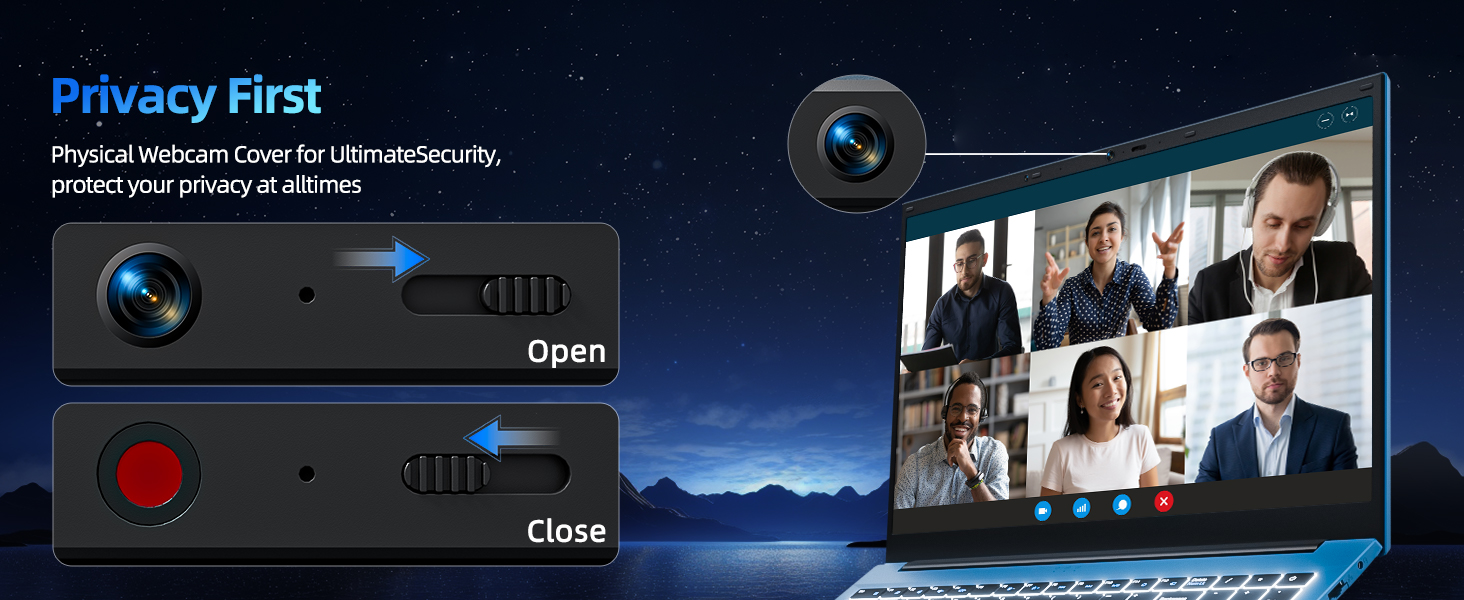
„4.3“ privatumas Webkumštelio dangtelis
For enhanced privacy, the laptop includes a built-in physical webcam switch. Slide the cover to open or close the webkumštelis pagal poreikį.
5. Priežiūra
5.1 Bendroji priežiūra
- Venkite nešiojamojo kompiuterio laikymo ekstremaliose temperatūrose, tiesioginiuose saulės spinduliuose ar didelėje drėgmėje.
- Skysčius laikykite toliau nuo prietaiso.
- Atsargiai elkitės su nešiojamuoju kompiuteriu, kad išvengtumėte fizinės žalos.
5.2 Valymas
- Ekranui ir išorei valyti naudokite minkštą, nepūkuotą šluostę.
- Įsisenėjusioms dėmėms šiek tiek pamirkykiteampNuvalykite šluostę vandeniu arba ekranui saugiu valikliu.
- Do not spray cleaners directly onto the laptop.
5.3 Akumuliatoriaus priežiūra
- Norėdami pailginti akumuliatoriaus veikimo laiką, venkite dažnai visiškai jį iškrauti.
- Jei ilgesnį laiką nenaudojate nešiojamojo kompiuterio, laikykite jį vėsioje, sausoje vietoje.
- The 7000mAh/53.2Wh battery provides up to 8 hours of typical use.
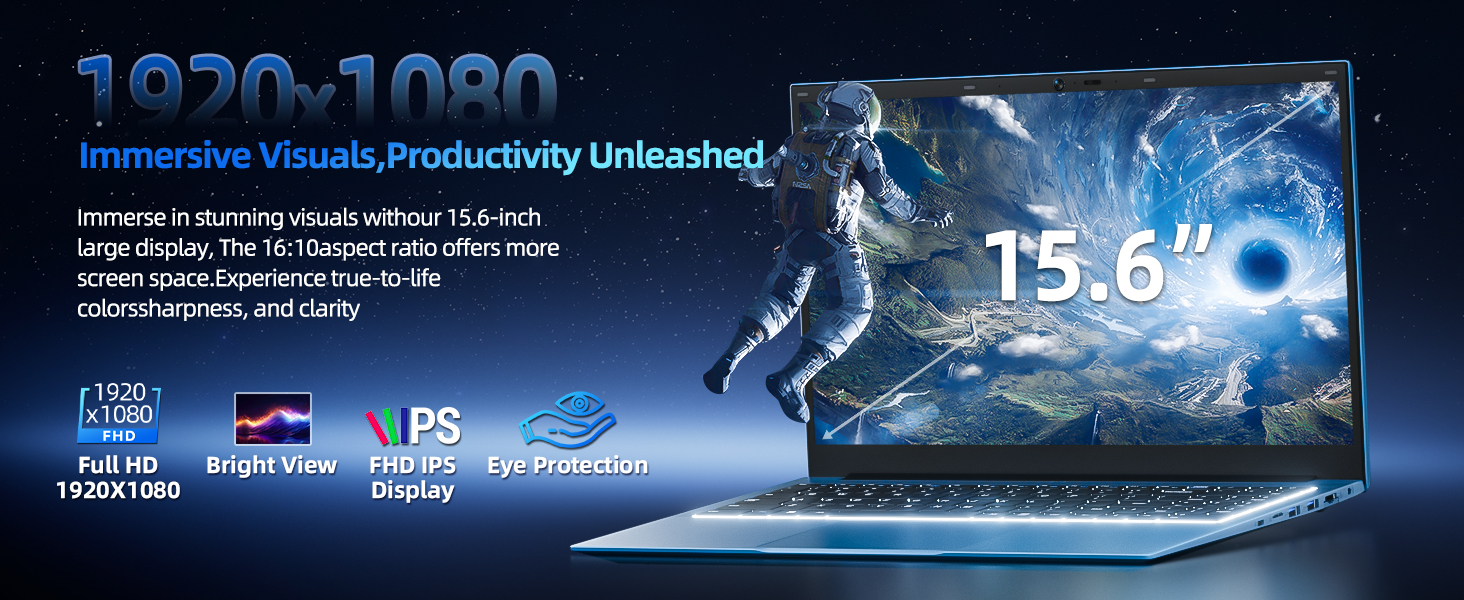
Image: Visual representation of the SGIN Y101 laptop's 7000mAh/53.2Wh large capacity battery, indicating its suitability for extended use.
6. Problemų sprendimas
This section addresses common issues you might encounter with your SGIN Y101 laptop.
6.1 Maitinimo ir paleidimo problemos
- Nešiojamasis kompiuteris neįsijungia: Įsitikinkite, kad maitinimo adapteris yra tvirtai prijungtas ir kad akumuliatorius yra pakankamai įkrautas. Išbandykite kitą maitinimo lizdą.
- Laptop turns on but screen is black: Connect to an external monitor via HDMI to check if the display is the issue. Restart the laptop.
6.2 Ekranas ir grafika
- Screen flickering or unusual display: Update graphics drivers. If connecting to an external display, ensure the cable is secure.
- Screen appears dim or too bright: Adjust brightness settings in Windows or using keyboard function keys.
6.3 Ryšio problemos
- „Wi-Fi“ neprisijungia: Check if Wi-Fi is enabled in Windows settings. Restart your router and the laptop. Ensure correct password entry.
- USB įrenginiai neatpažįstami: Try a different USB port. Ensure the device drivers are installed.
6.4 Klaviatūra ir jutiklinė planšetė
- Klaviatūra nereaguoja: Restart the laptop. Ensure no foreign objects are under the keys.
- Jutiklinė planšetė neveikia: Check Windows settings to ensure the touchpad is enabled. Restart the laptop.
- Foninis apšvietimas neveikia: Paspauskite Fn + F5 to ensure it's toggled on.
If you encounter persistent issues not covered here, please refer to the support section for assistance.
7. Specifikacijos
| Funkcija | Detalė |
|---|---|
| Modelio pavadinimas | SGIN-Y101 |
| Procesorius | Intel Core i3-10100 (2-core, 4-thread, 6MB cache, up to 3.9GHz) |
| RAM | 16 GB DDR3 SDRAM |
| Sandėliavimas | 1024GB SSD (expandable with TF card up to 1TB) |
| Ekranas | 15.6 colių „Full HD“ (1920 x 1080) IPS ekranas |
| Operacinė sistema | Windows 11 Home |
| Baterija | 7000mAh / 53.2Wh (up to 8 hours battery life) |
| Belaidis ryšys | „WiFi 6“ (802.11ax) |
| Uostai | USB 3.0, HDMI, Micro SD slot, Type-C, Kensington lock, 3.5mm Headphone jack, RJ45 Ethernet |
| Matmenys (IxPxH) | 15.6 x 9 x 0.6 colio |
| Svoris | 4.97 svaro |
| Spalva | Pilka |
8. Garantija ir palaikymas
Your SGIN Y101 laptop comes with comprehensive support and warranty:
- 1 metų apsauga: Enjoy a 1-year protection plan covering manufacturing defects.
- 1-Year Repair Service: The product includes a 1-year repair service.
- 30 dienų grąžinimo politika: Eligible for returns within 30 days of purchase.
- 24/7 klientų aptarnavimas: Access instant customer help for any queries or issues.
For support, please contact SGIN customer service through the official channels provided at the time of purchase or on the SGIN websvetainę.
9. Produkto demonstracinis vaizdo įrašas
Watch this official video for a visual guide on the SGIN 15.6 Inch Laptop Computer's features and connectivity options.
Vaizdo įrašas: Viršijimasview and demonstration of the SGIN 15.6-inch laptop, showcasing its design, features, and available ports.