
1. Įvadas
This manual provides instructions for the setup, operation, maintenance, and troubleshooting of your LETSUNG Golite11 Mini PC. The Golite11 is a compact desktop computer designed for various tasks, from web browsing and office applications to light gaming and multimedia playback. It features an Intel Celeron N4000 processor, 6GB LPDDR4 RAM, and a 128GB M.2 SSD, offering efficient performance in a small form factor.
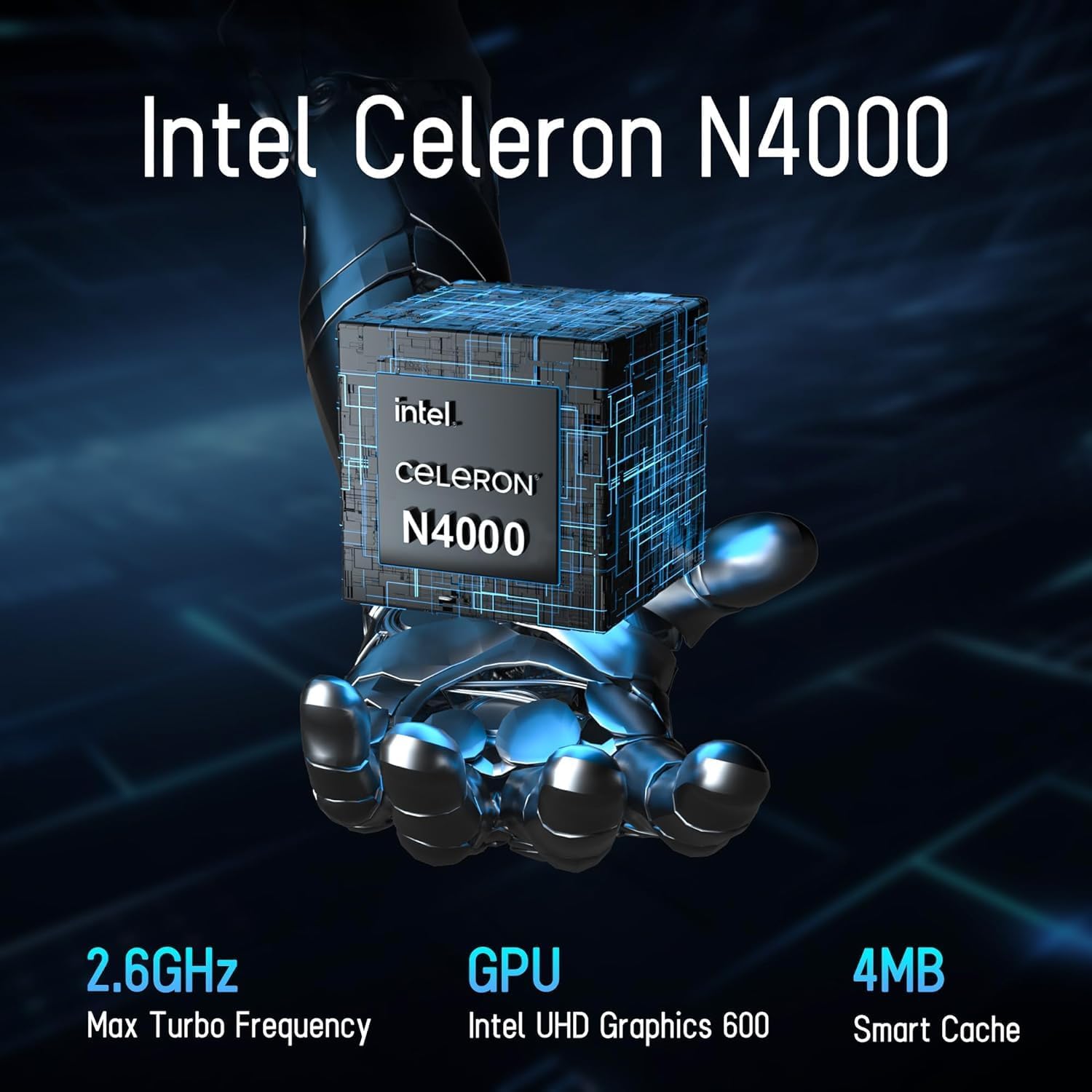
Image 1.1: LETSUNG Golite11 Mini PC, front view.
2. Kas yra dėžutėje
Patikrinkite, ar pakuotėje yra visi reikalingi daiktai:
- 1 x Golite 11 Mini PC
- 1x HDMI laidas
- 1 x VESA laikiklis
- 1x maitinimo adapteris
- 1 x Vartotojo vadovas
3. Produktas baigtasview
3.1. Procesorius ir atmintis
The Golite11 Mini PC is equipped with an Intel Celeron N4000 processor, providing efficient performance for daily computing tasks. It includes 6GB of LPDDR4 RAM for smooth multitasking.

Image 3.1: Intel Celeron N4000 Processor.

Image 3.2: DDR4 Memory Module.
3.2. Sandėliavimas
The device comes with a 128GB M.2 SATA SSD, offering fast boot times and data access. Storage can be expanded up to 512GB.
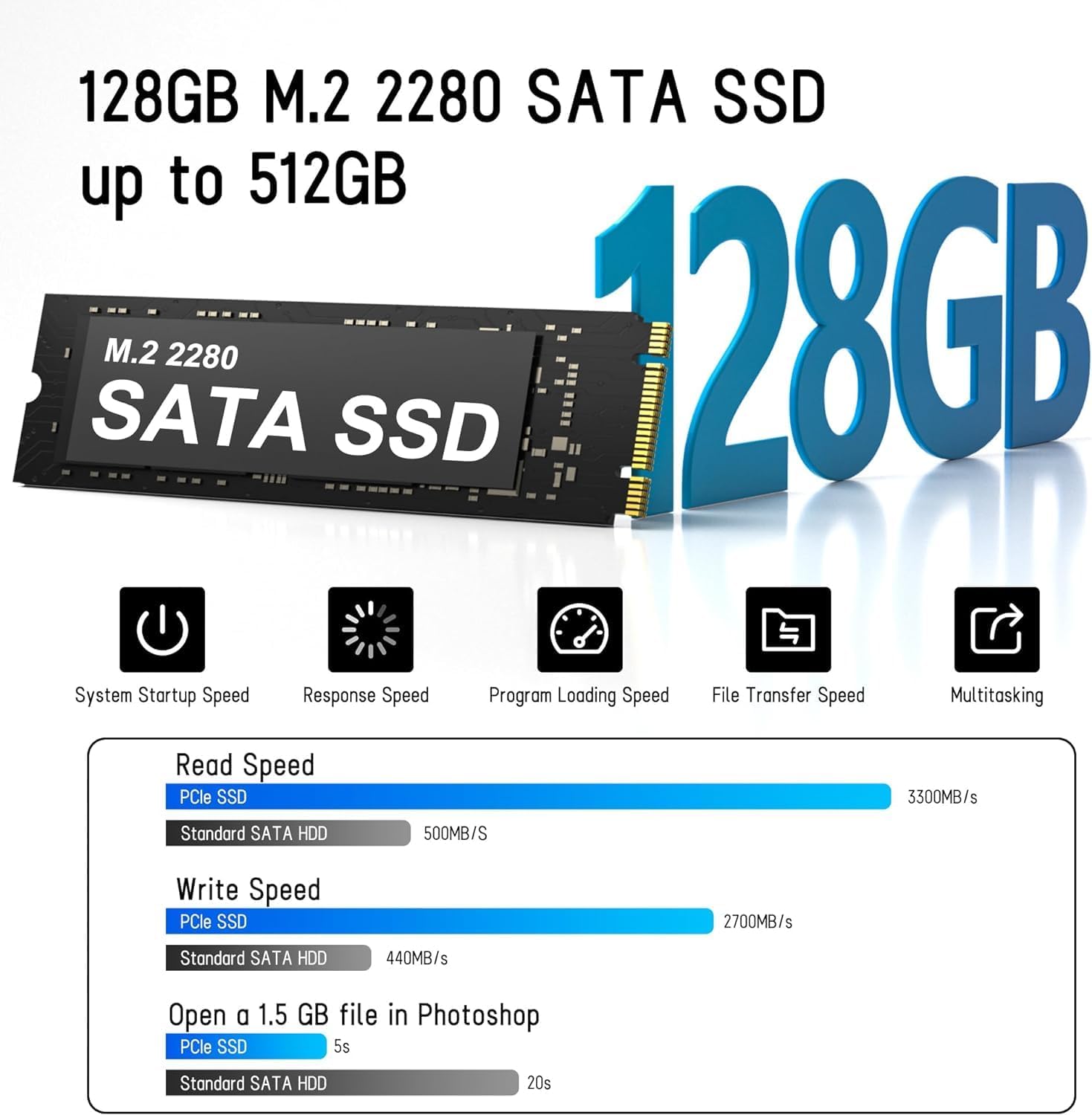
Image 3.3: M.2 SATA SSD.
3.3. Prievadai ir jungtys
The Golite11 Mini PC features a variety of ports for connectivity:
- Maitinimo mygtukas: Norėdami įjungti arba išjungti įrenginį.
- 3.5 mm ausinių lizdas: Dėl garso išvesties.
- USB 3.2 1 kartos prievadai: Keli prievadai periferiniams įrenginiams prijungti.
- RJ45 LAN prievadas: Laidinio tinklo ryšiui.
- HDMI 1.4 prievadai: Du prievadai ekranams prijungti.
- DC lizdas: Dėl maitinimo įvesties.

3.4 pav.: Išsamus view of ports and connectors.
4. Sąranka
Follow these steps to set up your LETSUNG Golite11 Mini PC:
- Prijunkite prie ekrano: Use the provided HDMI cable to connect the Mini PC to a monitor or TV. The device supports dual displays.
- Prijunkite išorinius įrenginius: Prijunkite USB klaviatūrą ir pelę prie laisvų USB prievadų.
- Prijunkite maitinimą: Connect the power adapter to the DC jack on the Mini PC, then plug the adapter into a power outlet.
- Maitinimas: Press the power button located on the device. The system will boot up.
- Pradinė „Windows“ sąranka: Follow the on-screen instructions to complete the initial Windows operating system setup, including language, region, and network configuration.
5. Naudojimo instrukcijos
5.1. Pagrindinė operacija
Once the initial setup is complete, your Mini PC is ready for use. Navigate the operating system using your connected keyboard and mouse. You can install applications, browse the internet, and perform other computing tasks.
5.2. Dvigubo ekrano sąranka
The Golite11 supports connecting two displays simultaneously for an extended desktop experience. Connect a second monitor using the additional HDMI port. The operating system should automatically detect the second display. You can configure display settings (e.g., extend, duplicate) through the display settings in your operating system.

Image 5.1: Dual display setup with the Mini PC.
5.3. Tinklo ryšys
- „Wi-Fi“: The Mini PC supports WiFi 5.0. To connect to a wireless network, go to your operating system's network settings, select your desired Wi-Fi network, and enter the password.
- Ethernet: Laidiniam ryšiui prijunkite maršrutizatoriaus arba modemo eterneto kabelį prie „Mini PC“ RJ45 LAN prievado.
5.4. „Bluetooth“ įrenginiai
The Mini PC supports Bluetooth 4.2. To pair Bluetooth devices (e.g., headphones, speakers), enable Bluetooth in your operating system's settings, search for devices, and follow the pairing instructions.
6. Priežiūra
6.1. Valymas
To maintain optimal performance, keep the Mini PC clean. Use a soft, dry cloth to wipe the exterior. For dust accumulation in vents, use compressed air. Ensure the device is powered off and unplugged before cleaning.

Image 6.1: Internal cooling system for efficient heat dissipation.
6.2. Programinės įrangos atnaujinimai
Regularly update your operating system and drivers to ensure security, stability, and optimal performance. Check for updates through your operating system's settings.
6.3. Saugyklos išplėtimas
The internal M.2 SATA SSD can be upgraded up to 512GB. Refer to the detailed instructions for internal component access if you plan to upgrade the storage. It is recommended to seek professional assistance for hardware upgrades.
7. Problemų sprendimas
Jei kyla problemų dėl „Mini PC“, žr. šias dažniausiai pasitaikančias problemas ir sprendimus:
- Nėra galios:
- Įsitikinkite, kad maitinimo adapteris yra tvirtai prijungtas tiek prie „Mini PC“, tiek prie veikiančio maitinimo lizdo.
- Patikrinkite, ar maitinimo lizdas veikia, prijungdami prie jo kitą įrenginį.
- Nėra ekrano:
- Patikrinkite, ar HDMI kabelis tvirtai prijungtas prie mini kompiuterio ir monitoriaus.
- Įsitikinkite, kad monitorius įjungtas ir nustatytas tinkamas įvesties šaltinis (HDMI).
- Jei įmanoma, pabandykite kitą HDMI kabelį arba monitorių.
- Lėtas našumas:
- Uždarykite nereikalingas programas, veikiančias fone.
- Check for and install any available operating system updates.
- Įsitikinkite, kad SSD diske yra pakankamai laisvos vietos.
- Tinklo ryšio problemos:
- Jei naudojate „Wi-Fi“, įsitikinkite, kad įvestas teisingas slaptažodis ir signalo stiprumas yra pakankamas.
- For Ethernet, check the cable connection and ensure your router/modem is working correctly.
- Iš naujo paleiskite maršrutizatorių / modemą ir „Mini PC“.
8. Specifikacijos
| Funkcija | Specifikacija |
|---|---|
| Modelis | Golite11 |
| Procesorius | Intel Celeron N4000 (2 Cores, 2 Threads, up to 2.8 GHz) |
| Grafika | Intel UHD Graphics 600 |
| RAM | 6 GB LPDDR4 |
| Vidinė saugykla | 128GB M.2 SATA SSD (Expandable up to 512GB) |
| Operacinė sistema | Pre-installed (e.g., Windows 11, specific version may vary) |
| Vaizdo išvestis | 2 x HDMI 1.4 (Supports 1920x1080 @60Hz, Dual Display) |
| USB prievadai | 4 x USB 3.2 Gen 1 |
| Tinklas | WiFi 5.0, Bluetooth 4.2, 1 x RJ45 LAN Port |
| Garsas | 1 x 3.5 mm ausinių lizdas |
| Matmenys | Maždaug 4.52 col. x 4.42 col. x 1.61 col. |
| Svoris | Apytiksliai 0.6 svaro |
| Aušinimo sistema | Built-in ultra-low power cooling fan |
9. Garantija ir palaikymas
LETSUNG products are designed for reliability and performance. For warranty information, please refer to the warranty card included with your purchase or visit the official LETSUNG website. For technical support, troubleshooting assistance beyond this manual, or service inquiries, please contact LETSUNG customer support through the contact information provided on the official websvetainėje arba jūsų pirkimo platformoje.
Išsaugokite pirkimo įrodymą, kad galėtumėte kreiptis dėl garantijos.