
Magcubic L018
Magcubic L018 Mini Portable Projector User Manual
Modelis: L018
Brand: Magcubic
Įvadas
Thank you for choosing the Magcubic L018 Mini Portable Projector. This device is designed to provide a high-quality home cinema experience with its advanced features and portable design. Please read this manual carefully to ensure proper setup and operation.
Pagrindinės funkcijos:
- Native 1080P & 4K Support: Enjoy crystal-clear images with native 1080p resolution and 4K decoding capabilities for a cinematic visual experience.
- 400 ANSI liumenų: Bright and vivid projections suitable for various lighting conditions.
- Android 14 OS: Access a wide range of streaming apps and content directly from the projector.
- 180° pasukamas stovas: Flexible projection angles, allowing you to project onto walls, ceilings, or screens with ease.
- Dual-Band WiFi 6 & Bluetooth 5.2: Ensures ultra-fast, stable wireless connectivity for streaming and audio.
- Auto Keystone Correction & Electric Focus: Automatically adjusts image shape and sharpness for a perfect picture every time.
- Integruotas garsiakalbis: Integrated audio for an immersive experience.
Kas yra dėžutėje
- Magcubic L018 Mini Portable Projector
- Maitinimo kabelis
- Nuotolinio valdymo pultas
- Vartotojo vadovas
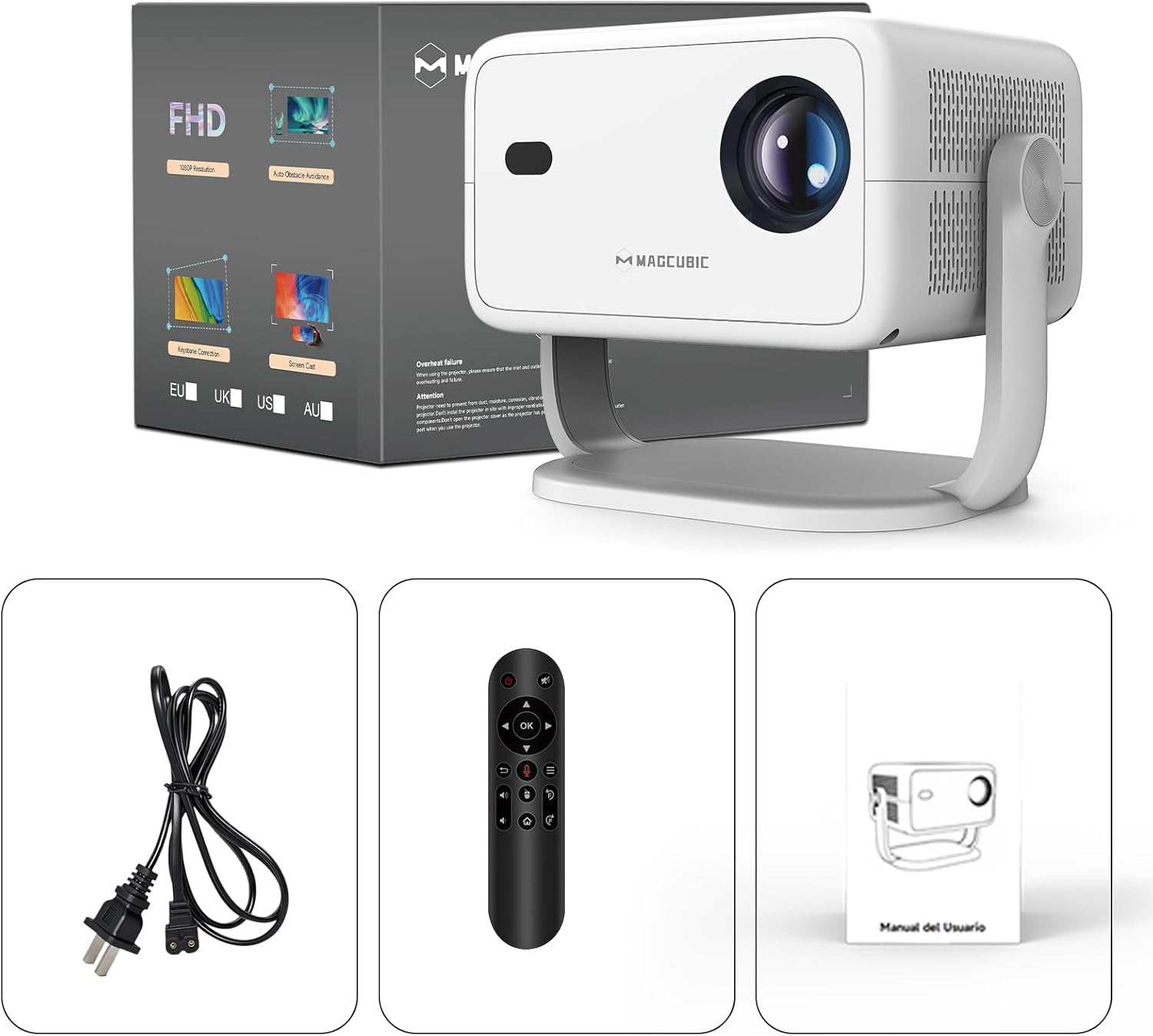
Image: The Magcubic L018 projector, power cable, remote control, and user manual are shown, illustrating the package contents.
Sąranka
- Maitinimo jungtis: Connect the provided power cable to the projector's power input and then to a power outlet.
- Vieta: Place the projector on a stable surface (floor mount or tabletop stand) or mount it as desired. The 180° rotatable stand allows for flexible positioning, including ceiling projection.
- Maitinimas: Norėdami įjungti įrenginį, paspauskite projektoriaus arba nuotolinio valdymo pulto maitinimo mygtuką.
- Automatiniai reguliavimai: The projector features automatic keystone correction and electric focus. It will automatically adjust the image shape and sharpness. If needed, use the remote control for fine-tuning the focus.
- Initial Setup (Android OS): Vykdykite ekrane pateikiamus nurodymus, kad atliktumėte pradinę sąranką, įskaitant kalbos pasirinkimą, „Wi-Fi“ ryšį ir laiko juostos nustatymus.
- Ryšys:
- „Wi-Fi“: Connect to your home Wi-Fi network (2.4G or 5G) via the settings menu for internet access and streaming.
- Bluetooth: Pair Bluetooth devices like external speakers or headphones through the Bluetooth settings.
- HDMI: Connect external devices (e.g., laptop, game console) using an HDMI cable to the HDMI port.
- USB: Insert a USB drive into the USB port to play local media files.
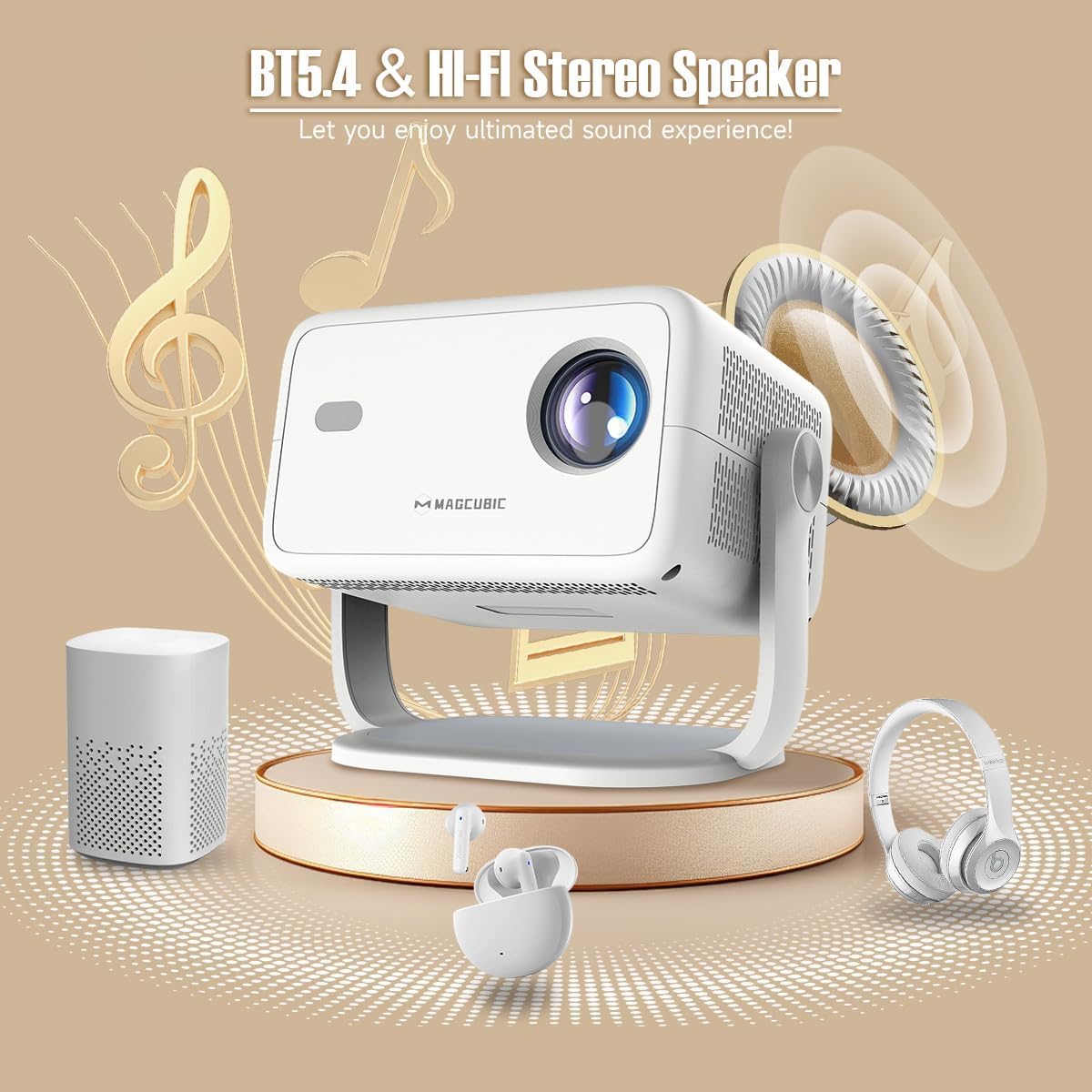
Image: The rear panel of the projector displays the HDMI, USB, and 3.5mm audio ports for connecting various devices.

Image: The projector is shown on a coffee table, projecting an image onto a wall, with on-screen indicators for auto keystone correction and auto focus.
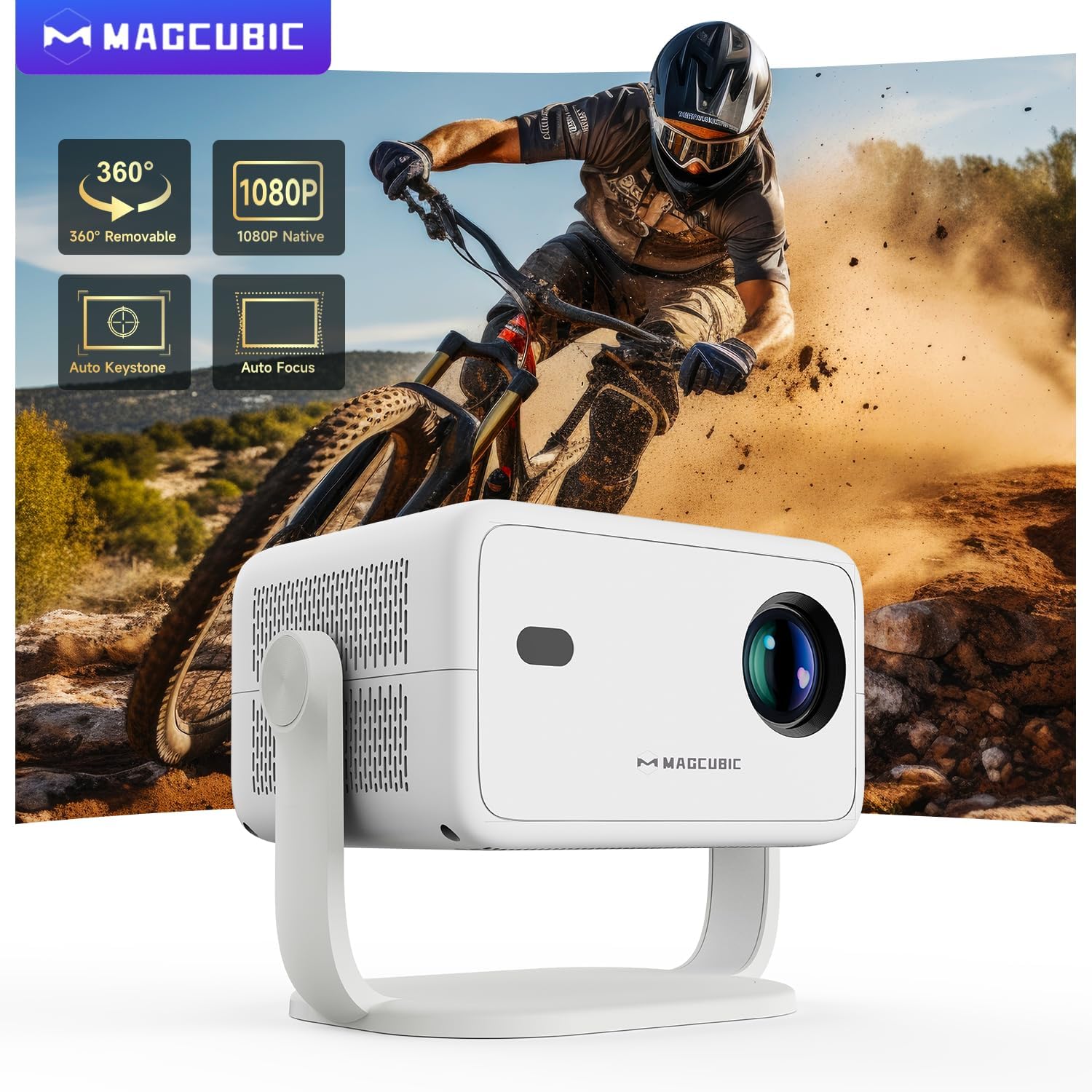
Image: The projector is shown rotating 180 degrees on its integrated stand, demonstrating its flexible projection capabilities.
Naudojimo instrukcijos
- Navigacija: Use the remote control to navigate the Android 14 OS interface. The remote supports both standard button navigation and an air mouse function for easier control.
- Prieiga prie programos: From the home screen, select your desired streaming apps (e.g., Netflix, YouTube, Prime Video) or browse the app store to download more.
- Ekrano dubliavimas: Use the built-in screen mirroring function (compatible with Android and iOS devices) to project content from your smartphone or tablet wirelessly.
- Medijos atkūrimas: Play videos, photos, or music from connected USB drives or HDMI sources.
- Garso išvestis: The projector has a built-in speaker. For enhanced audio, connect external Bluetooth speakers or headphones.
- Vaizdo nustatymai: Adjust brightness, contrast, color, and sharpness through the projector's settings menu to optimize your viewpatirtį.
Video: This video demonstrates the features of the Mini Projector HY350Max Black, including its design, performance, auto-focus, auto-keystone, wireless mirroring, and audio capabilities.
Video: This video showcases the Portable Projector with 4K support and 180° rotatable stand, highlighting its versatility and ease of use for various projection scenarios.
Video: This video presents the Android 11 L018 projector, demonstrating its native 1080P resolution, 650 ANSI lumens, and 4K capabilities.
Video: This video highlights the WiMiUS P61 Pro Portable Projector with Official Netflix support, showcasing its smart features and entertainment options.
Video: This video features the Magcubic HY310 Portable Projector, demonstrating its compact design and projection capabilities.
Priežiūra
- Objektyvo valymas: Švelniai nuvalykite projektoriaus objektyvą minkštu, nepūkuotu skudurėliu. Nenaudokite abrazyvinių valiklių ar tirpiklių.
- Vėdinimas: Įsitikinkite, kad projektoriaus ventiliacijos angos yra švarios ir neuždengtos, kad neperkaistų.
- Saugykla: Kai nenaudojate, laikykite projektorių vėsioje, sausoje vietoje, toliau nuo tiesioginių saulės spindulių ir ekstremalių temperatūrų.
- Apsauga nuo dulkių: Use a dust cover when the projector is not in use for extended periods.
Trikčių šalinimas
| Problema | Galima priežastis | Sprendimas |
|---|---|---|
| Neprojektuojamas vaizdas | Power cable disconnected, projector off, input source not selected. | Check power connection, turn on projector, select correct input source (HDMI, USB, Screen Mirroring). |
| Vaizdas neryškus | Out of focus, incorrect projection distance. | Use the remote control to adjust electric focus. Ensure the projector is within the recommended projection distance (1.05m - 4m). |
| Vaizdas iškraipytas (trapecijos formos) | Projektorius nėra statmenas ekranui. | The projector has auto keystone correction. If manual adjustment is needed, check settings. |
| Nėra garso | Volume too low, external speaker not connected/paired, incorrect audio output selected. | Increase volume. Check Bluetooth connection for external speakers. Ensure internal speaker is selected or correct audio output is chosen. |
| Wi-Fi ryšio problemos | Incorrect password, out of range, router issues. | Verify Wi-Fi password. Move projector closer to the router. Restart router. |
Specifikacijos
- Prekinis ženklas:
- Magkubinis
- Modelio pavadinimas:
- L018
- Rekomenduojami naudojimo būdai:
- Namų kinas
- Ypatingos savybės:
- Automatic screen alignment, Built-in speaker, Digital keystone correction, Auto focus, Wi-Fi enabled
- Ryšio technologija:
- HDMI, USB, „Wi-Fi“
- Ekrano skiriamoji geba:
- 1920 x 1080 (natyvioji)
- Maksimali ekrano skiriamoji geba:
- 3840 x 2160 (palaikoma 4K)
- Ekrano tipas:
- LED
- Formos faktorius:
- Nešiojami
- Montavimo tipas:
- Floor mount, Tabletop stand
- Ryškumas:
- 400 lm (ANSI)
- Spalva:
- Baltas
- Vattage:
- 80 vatų
- Control Unit Type:
- Voice control, Remote control
- Suderinami įrenginiai:
- Television (and other HDMI/USB devices)
- Kontrasto santykis:
- 10000: 1
- Didžiausias projekcijos atstumas:
- 4 metrai
- Minimalus projekcijos atstumas:
- 1.05 metrai
- Aparatinės įrangos sąsaja:
- 3.5mm Audio, Bluetooth 5, HDMI, USB 2.0
- Vaizdo kodavimas:
- H.264 arba H.265
- Prekės svoris:
- 1.3 kilogramo
- Kilmės šalis:
- Kinija
Garantija ir palaikymas
Your Magcubic L018 Mini Portable Projector comes with a 2 metų gaminio garantija. We are committed to providing excellent customer service.
- Skaidrumas patvirtintas: Kiekvienas daiktas turi unikalų kodą, kuris patikrinamas prieš išsiuntimą.
- 30-Day Return or Exchange: Jūsų ramybei.
- Techninis palaikymas visą gyvenimą: Our professional support team is available to assist you.
- 24/7 Service Professional: Dedicated support for any inquiries or issues.
For further assistance, please refer to the contact information provided with your purchase or visit the official Magcubic support websvetainę.
Ask a question about this manual
Ask about setup, troubleshooting, compatibility, parts, safety, or missing instructions. Manuals+ will review the question and use this page’s manual context to help answer it.