
1. Įvadas
This manual provides essential information for setting up, operating, maintaining, and troubleshooting your HP 14-em 14-inch HD Laptop. Please read this guide thoroughly to ensure optimal performance and longevity of your device.
The HP 14-em laptop features an AMD Athlon Silver 7120U processor, 4GB RAM, 512GB eMMC storage, and runs on Windows 11 Pro. It is designed for everyday tasks, offering a balance of performance and portability.
2. Sąranka
2.1 Išpakavimas ir pradinė apžiūra
Atsargiai išimkite nešiojamąjį kompiuterį ir visus priedus iš pakuotės. Patikrinkite, ar yra visi komponentai:
- HP 14-inch Laptop
- Maitinimo adapteris
- Mytrix 2.4GHz Wireless Gaming Headset
- Dokumentacija
Patikrinkite nešiojamąjį kompiuterį, ar nėra fizinių pažeidimų. Jei pastebėjote kokių nors pažeidimų, nedelsdami susisiekite su pardavėju.
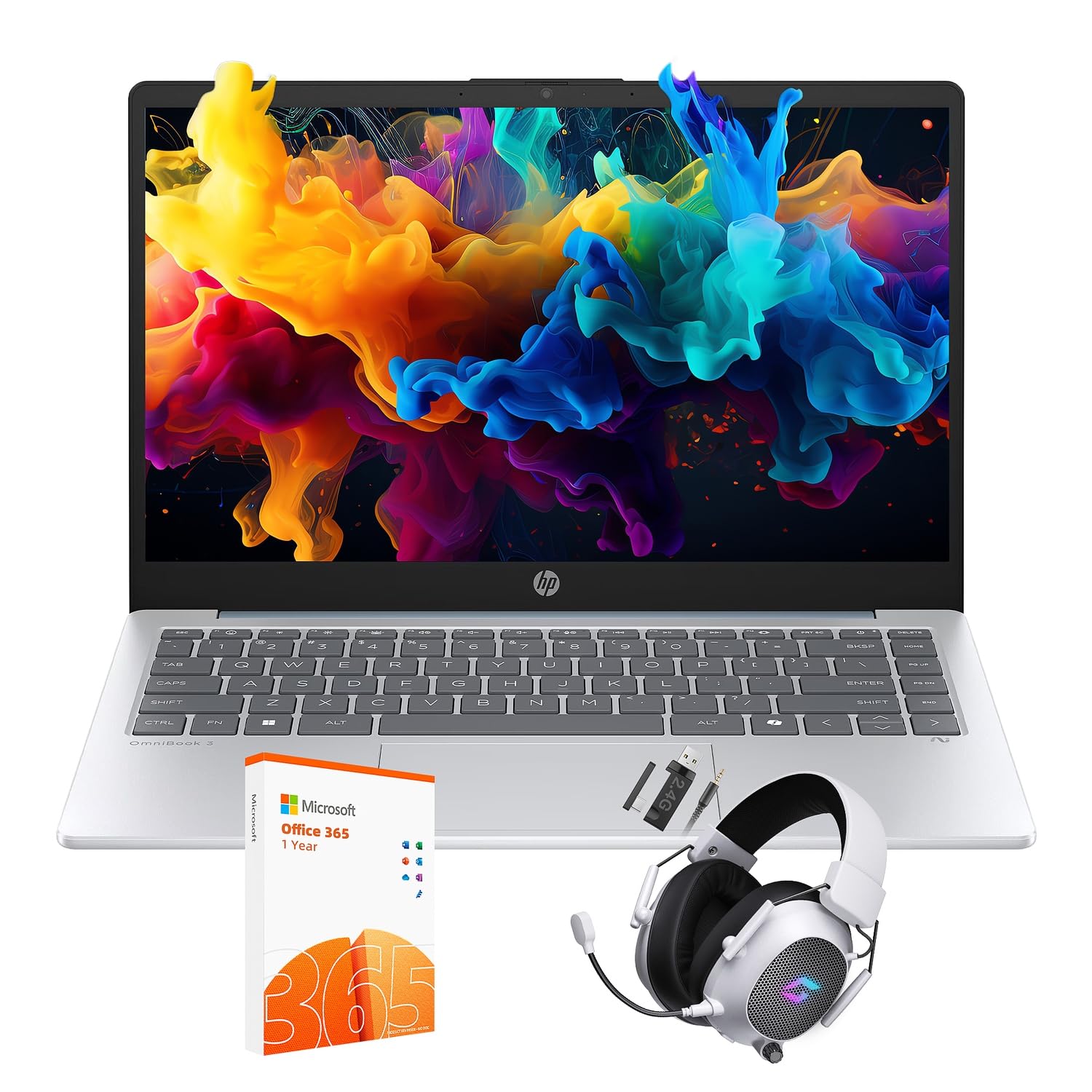
Figure 2.1: The HP 14-inch HD Laptop in Moonlight Blue, showcasing savo elegantišku dizainu.
2.2 Maitinimo adapterio prijungimas
Prijunkite maitinimo adapterį prie nešiojamojo kompiuterio maitinimo prievado, o tada įjunkite jį į sieninį lizdą. Prieš pirmą kartą naudojant, rekomenduojama visiškai įkrauti akumuliatorių.
2.3 Initial Power On and Windows 11 Pro Setup
Press the power button located on the keyboard deck. The laptop will boot up and guide you through the Windows 11 Pro setup process. Follow the on-screen instructions to:
- Pasirinkite savo regioną ir kalbą.
- Prisijunkite prie „Wi-Fi“ tinklo.
- Sutikite su licencijos sąlygomis.
- Sukurkite vartotojo paskyrą arba prisijunkite naudodami „Microsoft“ paskyrą.
- Konfigūruoti privatumo nustatymus.
2.4 Setting up the Mytrix Wireless Gaming Headset
Refer to the separate instructions provided with the Mytrix 2.4GHz Wireless Gaming Headset for detailed setup. Generally, this involves:
- Ausinių įkrovimas.
- Connecting the wireless dongle to an available USB port on the laptop.
- Powering on the headset and ensuring it pairs with the dongle.
- Configuring audio input/output settings in Windows 11 Pro.
3. Nešiojamojo kompiuterio valdymas
3.1 Energijos valdymas
- Maitinimas: Paspauskite maitinimo mygtuką.
- Miegojimo rezimas: Uždarykite dangtį arba meniu „Pradėti“ pasirinkite „Miego režimas“.
- Išjungti: Select "Shut down" from the Start Menu.
- Paleisti iš naujo: Select "Restart" from the Start Menu.
3.2 Jutiklinės planšetės naudojimas
The touchpad supports multi-touch gestures for navigation. Common gestures include:
- Bakstelėkite: Single finger tap for left-click.
- Dviejų pirštų bakstelėjimas: Dešiniuoju pelės mygtuku spustelėkite.
- Slinkimas dviem pirštais: Slinkite aukštyn arba žemyn.
- Žnybtelėjimas, norint priartinti: Priartinti arba nutolinti.
3.3 Connecting to Networks (Wi-Fi 6 and Bluetooth 5.4)
Norėdami prisijungti prie „Wi-Fi“ tinklo:
- Užduočių juostoje spustelėkite „Wi-Fi“ piktogramą.
- Iš sąrašo pasirinkite norimą tinklą.
- Jei būsite paraginti, įveskite tinklo slaptažodį.
Norėdami prijungti Bluetooth įrenginį:
- Eikite į Nustatymai > „Bluetooth“ ir įrenginiai.
- Įsitikinkite, kad „Bluetooth“ įjungtas.
- Select "Add device" and follow the pairing instructions for your device.
3.4 External Port Usage
Jūsų nešiojamas kompiuteris turi įvairius prievadus išoriniams įrenginiams prijungti:

Figure 3.1: Available ports on the HP 14-inch HD Laptop.
- A tipo USB: For connecting standard USB devices like mice, keyboards, and external storage.
- C tipo USB: Duomenų perdavimui.
- HDMI: Skirta prijungti išorinius ekranus arba projektorius.
- Ausinių / mikrofono derinys: Skirta ausinėms arba išoriniams garsiakalbiams / mikrofonui prijungti.
3.5 „Windows 11 Pro“ funkcijos
Windows 11 Pro offers advanced security, management tools, and productivity features. Explore the Start Menu, Taskbar, and Settings app to customize your experience. The laptop also supports a 180-degree hinge for flexible viewkampų.
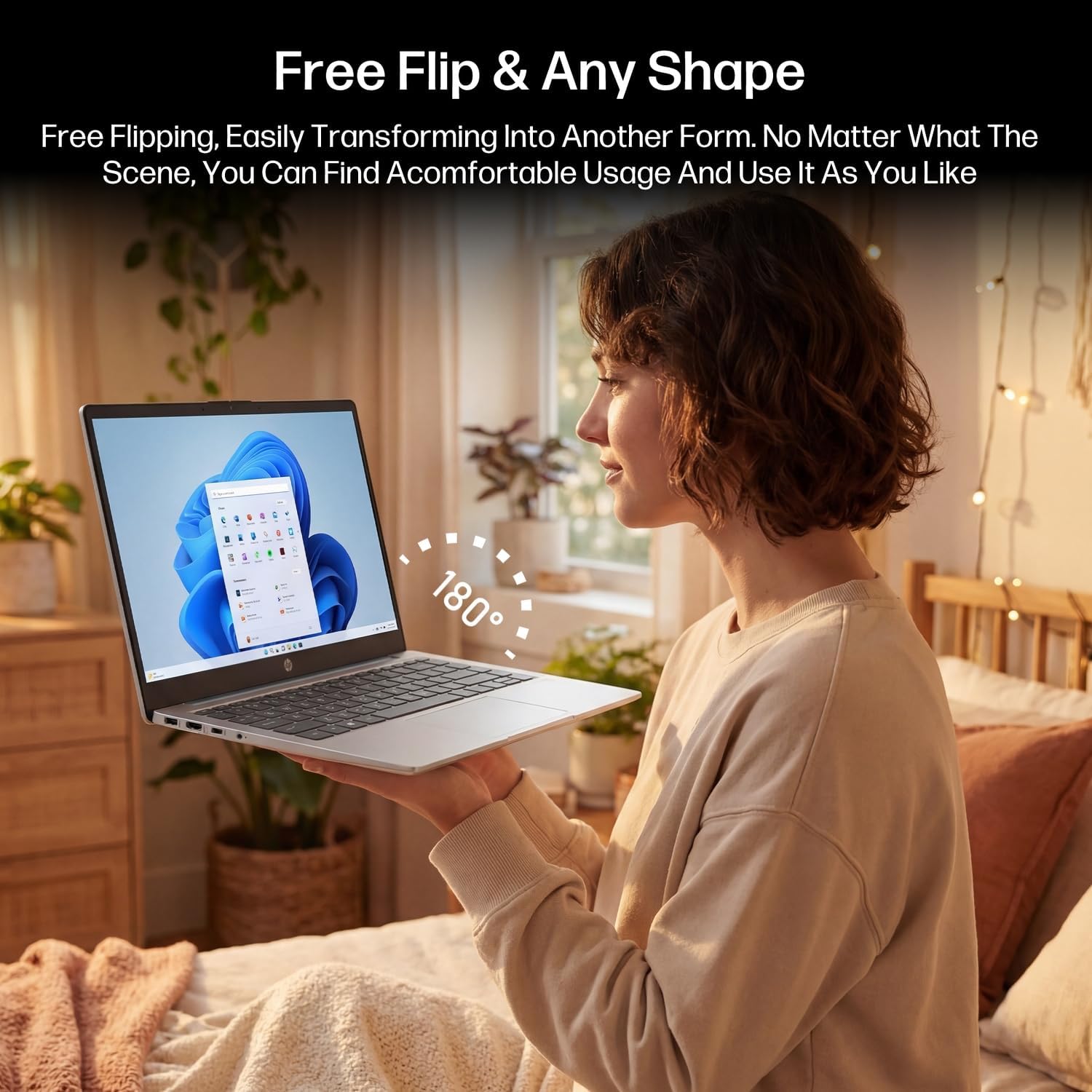
Figure 3.2: The laptop's 180-degree hinge for versatile use.

Figure 3.3: The HP laptop efficiently handles daily tasks.
4. Priežiūra
4.1 Nešiojamojo kompiuterio valymas
- Ekranas: Lengvai naudokite minkštą, nepūkuotą audinį dampnuplaukite vandeniu arba ekrano valikliu. Nepurkškite valiklio tiesiai ant ekrano.
- Važiuoklė ir klaviatūra: Naudokite minkštą, sausą šluostę. Įsisenėjusius nešvarumus lengvai nuvalykite.amp cloth can be used. Avoid excessive moisture.
- Prievadai: Švelniai nuvalykite dulkes nuo prievadų suslėgtu oru.
4.2 Akumuliatoriaus priežiūra
Norėdami maksimaliai pailginti akumuliatoriaus veikimo laiką:
- Venkite ekstremalių temperatūrų.
- Neleiskite akumuliatoriui dažnai visiškai išsikrauti.
- Utilize HP Fast Charge technology for quick recharging when needed.
4.3 Programinės įrangos naujiniai
Reguliariai tikrinkite, ar yra „Windows“ naujinimų, ir juos įdiekite, kad jūsų sistemoje būtų įdiegti naujausi saugos pataisymai ir našumo patobulinimai. Eikite į Nustatymai > „Windows“ naujinimas.
4.4 Saugojimo valdymas
The 512GB eMMC storage provides fast boot-ups and file access. To maintain performance, periodically:
- Ištrinkite nereikalingus files.
- Pašalinkite nenaudojamas programas.
- Naudokite integruotą „Windows“ disko valymo įrankį.
5. Problemų sprendimas
Šiame skyriuje aptariamos dažniausiai pasitaikančios problemos, su kuriomis galite susidurti. Sudėtingesnių problemų atveju žr. oficialius HP pagalbos išteklius.
5.1 Nešiojamasis kompiuteris neįsijungia
- Įsitikinkite, kad maitinimo adapteris yra tvirtai prijungtas tiek prie nešiojamojo kompiuterio, tiek prie veikiančio maitinimo lizdo.
- Patikrinkite, ar maitinimo lizdas veikia, prijungdami prie jo kitą įrenginį.
- Jei akumuliatorius visiškai išsikrovęs, leiskite jam įkrauti bent 30 minučių prieš bandydami vėl įjungti.
5.2 „Wi-Fi“ ryšio problemos
- Patikrinkite, ar „Windows“ nustatymuose įjungtas „Wi-Fi“.
- Iš naujo paleiskite maršrutizatorių ir modemą.
- Pamirškite tinklą ir vėl prisijunkite, dar kartą įvesdami slaptažodį.
- Ensure your laptop is within range of the Wi-Fi signal.
5.3 External Display Not Detected
- Įsitikinkite, kad HDMI kabelis yra tvirtai prijungtas prie nešiojamojo kompiuterio ir išorinio ekrano.
- Check the input source on your external display (e.g., HDMI 1, HDMI 2).
- Paspauskite „Windows“ klavišas + P and select a display option (Duplicate, Extend, Second screen only).
5.4 Garso problemos
- Check volume levels in Windows and on any connected external audio devices.
- Ensure the correct audio output device is selected in Windows sound settings.
- If using the Mytrix headset, ensure it is powered on and properly paired.
6. Specifikacijos
Detailed technical specifications for your HP 14-em 14-inch HD Laptop:
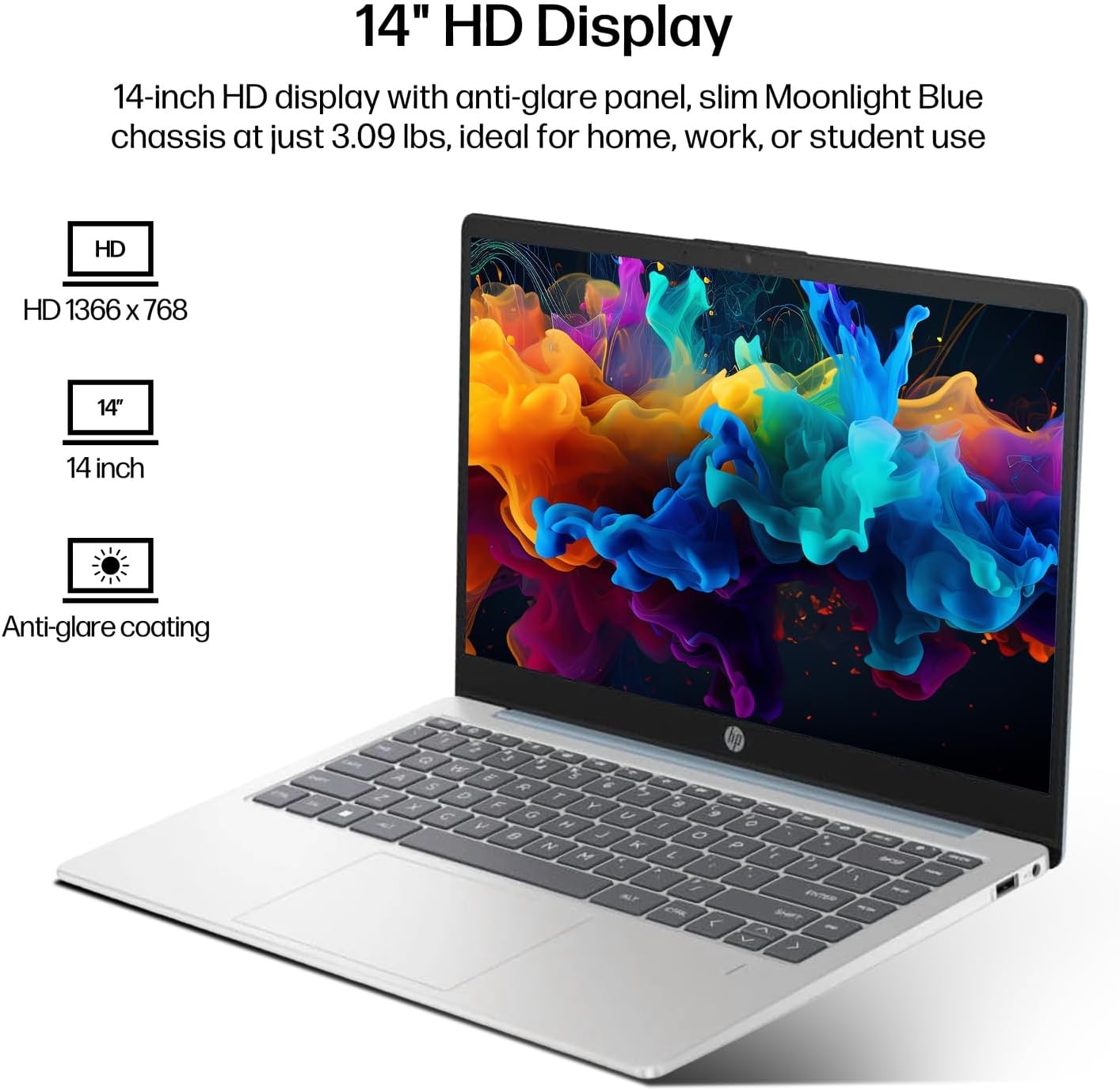
Figure 6.1: The 14-inch HD display features a resolution of 1366 x 768 pixels and an anti-glare coating.

Figure 6.2: The laptop is powered by an AMD Athlon Silver 7120U Processor with integrated AMD Radeon Graphics.
| Funkcija | Specifikacija |
|---|---|
| Prekės ženklas | HP |
| Modelio pavadinimas | 14-em |
| Procesorius | AMD Athlon Silver 7120U (2 Cores, 2 Threads, up to 3.5 GHz Boost Clock) |
| Grafika | AMD Radeon grafika (integruota) |
| RAM | 4 GB DDR4 SODIMM atmintis |
| Sandėliavimas | 512 GB eMMC (Solid State) |
| Ekranas | 14-inch HD (1366 x 768) LED, Anti-Glare |
| Operacinė sistema | Windows 11 Pro |
| Belaidis ryšys | „Wi-Fi 6“ (802.11ax), „Bluetooth 5.4“ |
| Uostai | 2x USB Type-A, 1x USB Type-C (Data Transfer), 1x HDMI, 1x Headphone/Microphone Combo |
| Fotoaparatas | Priekyje atsukta |
| Garsas | HD garsas |
| Matmenys (I x P x A) | 12.74" x 8.46" x 0.7" |
| Svoris | Maždaug 3.09 svaro |
| Pridedami priedai | Mytrix 2.4GHz Wireless Gaming Headset |

Figure 6.3: Physical dimensions of the HP 14-inch HD Laptop.
7. Garantija ir palaikymas
7.1 Gaminio garantija
Your HP 14-em laptop comes with a 12-month manufacturer's warranty. This warranty covers defects in materials and workmanship under normal use. For specific terms and conditions, please refer to the warranty documentation included with your product or visit the official HP support websvetainę.
7.2 Techninė pagalba
For technical assistance, troubleshooting beyond this manual, or warranty claims, please contact HP Customer Support. You can find contact information on the official HP websvetainėje arba per nešiojamajame kompiuteryje iš anksto įdiegtą pagalbos programėlę.
Additional protection plans are available for purchase, including 2-Year and 4-Year Protection Plans, and a monthly Complete Protect plan. Details can be found where you purchased the product.


