
1. Įvadas
This manual provides essential information for the safe and efficient use of your viqee Android Smartphone U25. Please read it thoroughly before operating your device. Keep this manual for future reference.
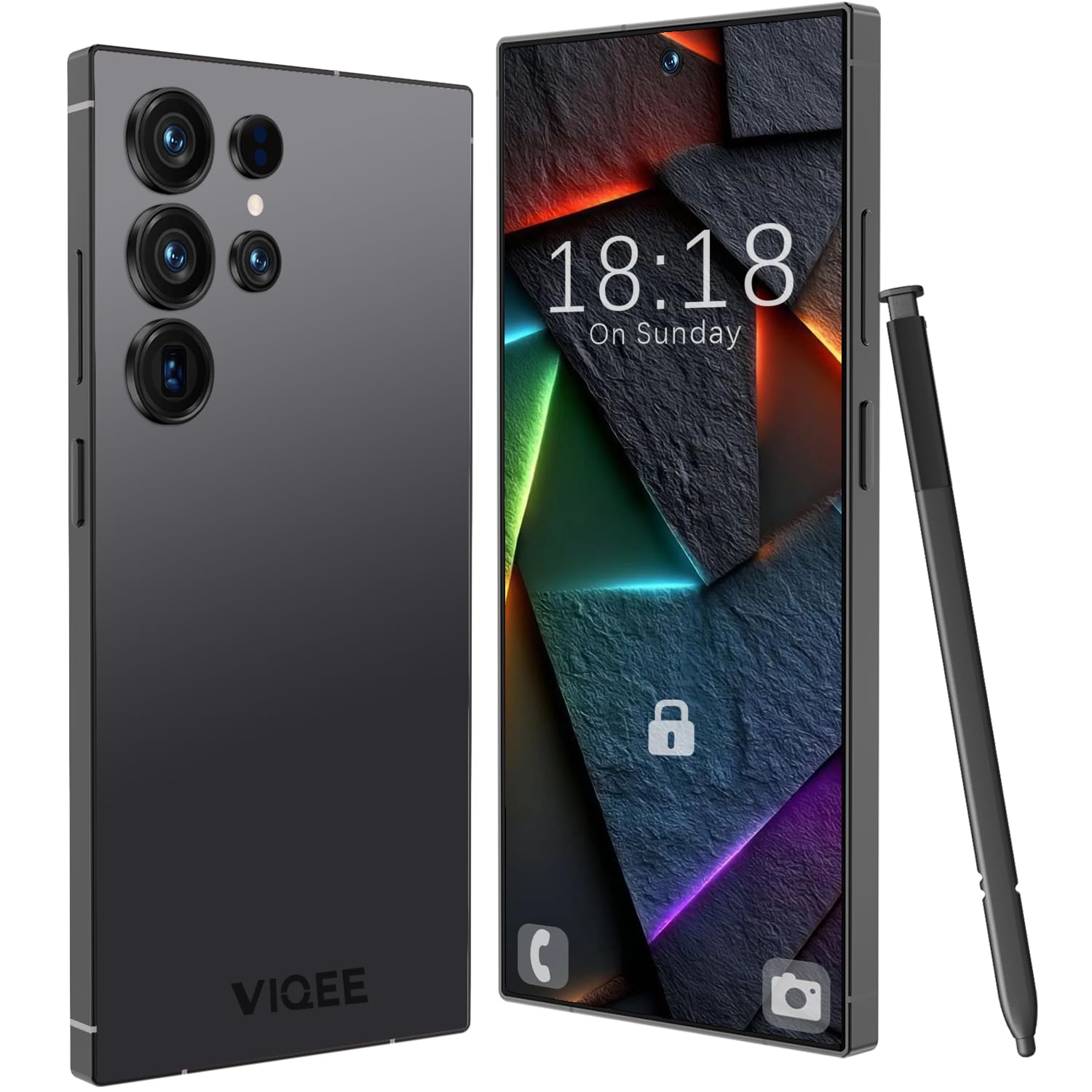
1.1 vaizdas: priekis view of the viqee Android Smartphone U25.
2. Kas yra dėžutėje
Upon opening your viqee Android Smartphone U25 package, verify that all the following items are included:
- viqee Android Smartphone U25
- Apsauginis telefono dėklas
- USB-C kabelis
- Ausinės
- SIM kortelės dėklo išstūmimo įrankis
- Ekrano apsauga
- Vartotojo vadovas (šis dokumentas)

Image 2.1: All items included in the viqee Android Smartphone U25 package.
3. Sąranka
3.1. SIM ir SD kortelių įdėjimas
Your viqee U25 supports Dual SIM functionality and expandable storage via an SD card. Follow these steps to install your SIM and/or SD card:
- Raskite SIM kortelės dėklą telefono šone.
- Įkiškite SIM kortelės dėklo išstūmimo įrankį į mažą skylutę šalia dėklo ir švelniai paspauskite, kol dėklas iššoks.
- Place your Nano-SIM card(s) into the designated slots on the tray. Ensure the gold contacts face downwards and the cut corner aligns correctly.
- If installing an SD card, place it into the dedicated slot on the tray.
- Atsargiai įstatykite dėklą atgal į telefoną, kol jis spragtelėdamas užsifiksuos.
Note: Network compatibility may vary. Ensure your SIM card is compatible with the device's cellular technology (5G).
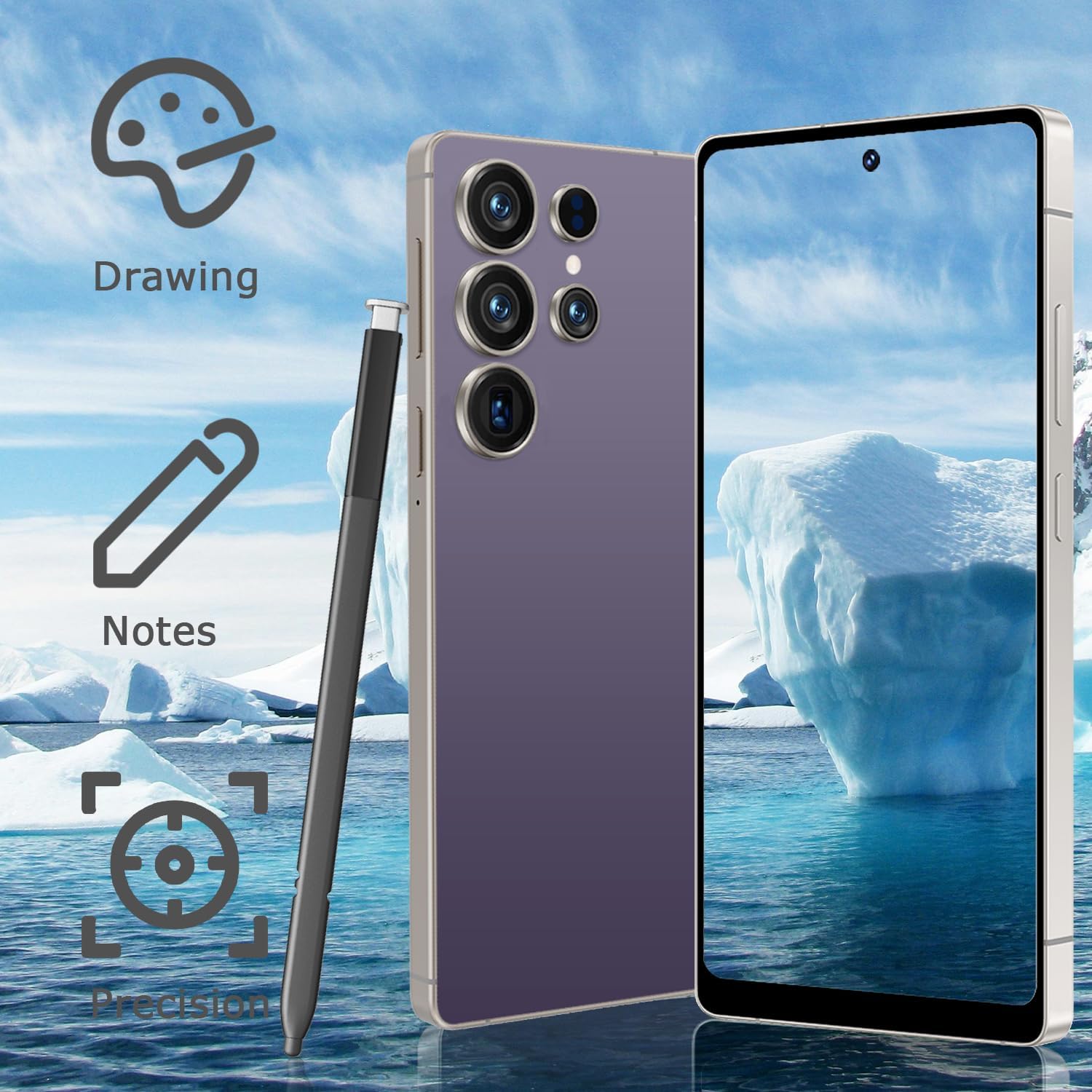
Image 3.1: Illustration of Dual SIM and SD card placement in the tray.
3.2. Pradinis įjungimas ir įkrovimas
To power on your device for the first time, press and hold the power button located on the side of the phone until the screen lights up. It is recommended to fully charge your device before first use. Connect the USB-C cable to the phone's charging port and the other end to a power adapter.
3.3. Face Recognition Setup
The viqee U25 features Face Recognition for secure unlocking. To set this up:
- Eikite į Nustatymai > Saugumas ir privatumas > Atrakinimas pagal veidą.
- Follow the on-screen prompts to register your face. Ensure you are in a well-lit area and hold the phone at eye level.
- You may be prompted to set up a backup screen lock method (PIN, pattern, or password).
4. Naudojimo instrukcijos
4.1. Pagrindinė navigacija
Your viqee U25 runs on Android 14, offering an intuitive user interface. Use gestures or the navigation bar at the bottom of the screen to navigate:
- Pagrindinis puslapis: Tap the home button or swipe up from the bottom to return to the home screen.
- Atgal: Tap the back button or swipe from the left/right edge to go back to the previous screen.
- Naujausios programos: Tap the recent apps button or swipe up and hold from the bottom to view neseniai naudotos programos.
4.2. Kameros naudojimas
The viqee U25 is equipped with a 21 MP rear camera and an 8 MP front camera. To use the camera:
- Atidarykite Fotoaparatas programėlę iš pagrindinio ekrano arba programėlių stalčiaus.
- Pasirinkite norimą režimą (nuotrauka, vaizdo įrašas, portretas ir kt.).
- Palieskite užrakto mygtuką, kad nufotografuotumėte arba pradėtumėte / sustabdytumėte vaizdo įrašymą.
- Norėdami perjungti priekinę ir galinę kameras, reguliuoti priartinimą arba pritaikyti filtrus, naudokite ekrane rodomus valdiklius.

4.1 vaizdas: Baigtaview of the viqee U25's dual camera system.
4.3. Dviejų SIM kortelių funkcionalumas
With Dual SIM Dual Standby, you can manage two phone numbers simultaneously. To configure SIM preferences:
- Eikite į Nustatymai > Tinklas ir internetas > SIM kortelės.
- Here you can set preferred SIMs for calls, SMS messages, and mobile data.
4.4. Educational App
The viqee U25 includes a pre-installed educational suite designed to foster creativity and learning. This app features interactive games focused on drawing, letters, and music, helping to develop fine motor skills, hand-eye coordination, and cognitive abilities. Locate the app icon on your home screen or in the app drawer to access it.
5. Priežiūra
5.1. Akumuliatoriaus priežiūra
The viqee U25 is equipped with a 4500 mAh battery. To maximize battery life:
- Venkite ekstremalių temperatūrų.
- Neleiskite akumuliatoriui visiškai išsikrauti prieš jį reguliariai įkraunant.
- Use the provided USB-C cable and a compatible charger.
- Uždarykite nenaudojamas programas, veikiančias fone.

Image 5.1: Illustration of the 4500 mAh battery and charging port.
5.2. Programinės įrangos atnaujinimai
Reguliariai tikrinkite, ar yra programinės įrangos atnaujinimų, ir juos įdiekite, kad užtikrintumėte optimalų našumą ir saugumą. Eikite į Nustatymai > Sistema > Sistemos atnaujinimas.
5.3. Įrenginio valymas
Use a soft, lint-free cloth to clean your phone. Avoid using harsh chemicals or abrasive materials. The device is not water-resistant, so avoid direct contact with liquids.
6. Problemų sprendimas
If you encounter issues with your viqee U25, refer to the following common solutions:
- Device Freezes or is Unresponsive: Paspauskite ir palaikykite maitinimo mygtuką maždaug 10–15 sekundžių, kad priverstumėte įrenginį paleisti iš naujo.
- Apps Crashing or Exiting Unexpectedly: Išvalykite probleminės programos talpyklą (Nustatymai > Programėlės > [Programėlės pavadinimas] > Saugykla ir talpykla > Išvalyti talpyklą). If the issue persists, consider reinstalling the app.
- No Signal or Poor Network Connectivity: Ensure your SIM card is correctly inserted (refer to Section 3.1). Check if Airplane Mode is off. Restart your device. Verify with your network provider that your SIM plan is active and compatible.
- Greitai išsikrauna baterija: Review Section 5.1 for battery care tips. Reduce screen brightness, disable unused features like GPS or Bluetooth, and close background apps.
- Ekranas nereaguoja: If the screen is unresponsive, try restarting the device. If the issue persists, contact customer support.
7. Specifikacijos
Below are the detailed technical specifications for the viqee Android Smartphone U25:
| Prekės ženklas | viqee |
| Modelio pavadinimas | U25 |
| Operacinė sistema | Android 14 |
| RAM atmintis | 8 GB |
| Vidinė saugykla | 256 GB |
| Išplečiama atmintis | Iki 256 GB (per SD kortelę) |
| Ekrano dydis | 6.8 colių |
| Rezoliucija | 720 x 1600 Pixels (HD LCD) |
| Atnaujinimo dažnis | 60 Hz |
| CPU modelis | MTK 8121 |
| CPU greitis | 2 GHz |
| Galinė kamera | 21 MP |
| Priekinė kamera | 8 MP |
| Baterijos talpa | 4500 mAh |
| SIM kortelės lizdas | Dual SIM (Nano) |
| Jungties tipas | C tipo USB |
| Biometrinis saugumas | Veido atpažinimas |
| Belaidžio ryšio paslaugų teikėjas | Atrakinta |
| Korinio ryšio technologija | 5G |
| Atsparumas vandeniui | Neatsparus vandeniui |

Image 7.1: The 6.8-inch HD LCD display and memory specifications.
8. Informacija apie garantiją
The viqee Android Smartphone U25 comes with a 1 metų gamintojo garantija. This warranty covers defects in materials and workmanship under normal use. It does not cover damage caused by accidents, misuse, unauthorized repairs, or normal wear and tear. For warranty claims, please retain your proof of purchase.
9. Parama
For further assistance, technical support, or warranty inquiries, please contact viqee customer service through the official websvetainėje arba kontaktinę informaciją, pateiktą kartu su pirkimo dokumentais.