
1. Įvadas
This manual provides instructions for the setup, operation, and maintenance of your NIIMBOT B2 Pro Label Maker Machine. Please read this manual thoroughly before using the device to ensure proper function and longevity.
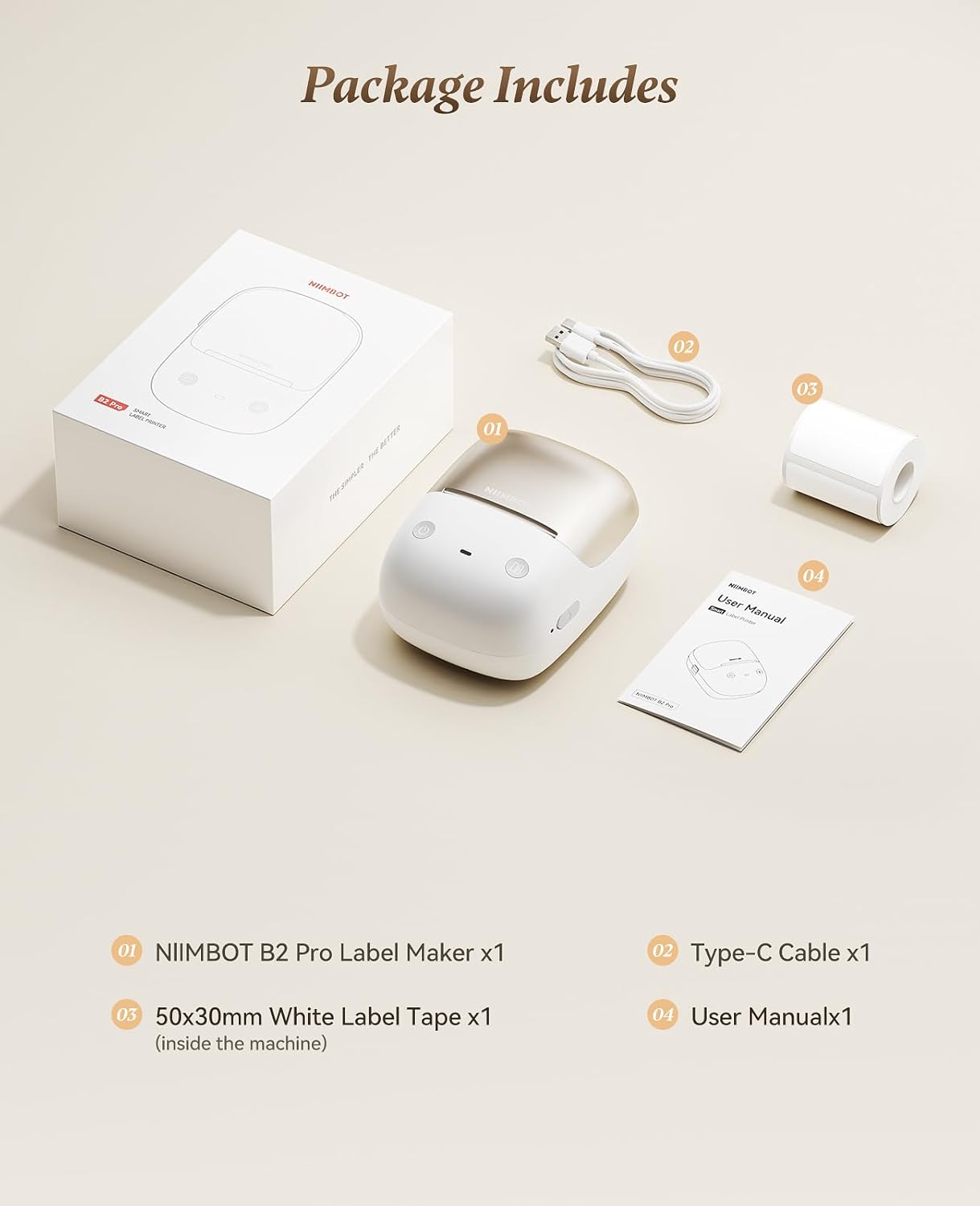
2. Pakuotės turinys
Patikrinkite, ar pakuotėje yra visi reikalingi daiktai:
- NIIMBOT B2 Pro Label Maker (x1)
- C tipo kabelis (x1)
- 50x30mm White Label Tape (x1, pre-installed inside the machine)
- Vartotojo vadovas (1x)
3. Įrenginys baigtasview
The NIIMBOT B2 Pro is a portable thermal label printer designed for various labeling needs. It features a 300dpi print head for clear output and supports both mobile and PC connectivity.

Pagrindinės funkcijos:
- Ultra-portable Design: Weighs approximately 348g, with ergonomic curves for comfortable handling.
- 300dpi High-Definition Printing: Ensures crisp and clear label output. Supports NIIMBOT grayscale photo paper labels and red-and-black dual-color printing.
- One-key Smart Operation: Allows independent operation for real-time, history, and preset template printing without a smartphone or PC after initial setup.
- Multi-Point Bluetooth Connectivity: Connects to mobile devices (iOS and Android) and PC (Windows). Supports simultaneous connection of up to 10 smartphones (3 iOS, 7 Android) for multi-user editing.
- Programos funkcijos: Access to over 1500 icons, borders, 249 free fonts, and 100+ VIP exclusive fonts, with over 1,000 design templates.
- Platus etikečių suderinamumas: Palaiko etikečių plotį nuo 20 mm iki 50 mm.
4. Sąrankos vadovas
4.1 Įrenginio įkrovimas
Before first use, fully charge the NIIMBOT B2 Pro using the provided Type-C cable. The charging port is located on the device.
4.2 Installing the NIIMBOT App
- Download the "NIIMBOT" app from your mobile device's app store (iOS or Android).
- Alternatively, for PC (Windows), download the NIIMBOT software from the official website. (Note: Incompatible with iPad).

4.3 Prisijungimas prie įrenginio
- Ensure the NIIMBOT B2 Pro is powered on. The power button is typically located on the right side.
- Open the NIIMBOT app on your smartphone or PC.
- Follow the in-app instructions to connect to the printer via Bluetooth.
The device supports simultaneous connection with up to 10 smartphones (3 iOS and 7 Android).
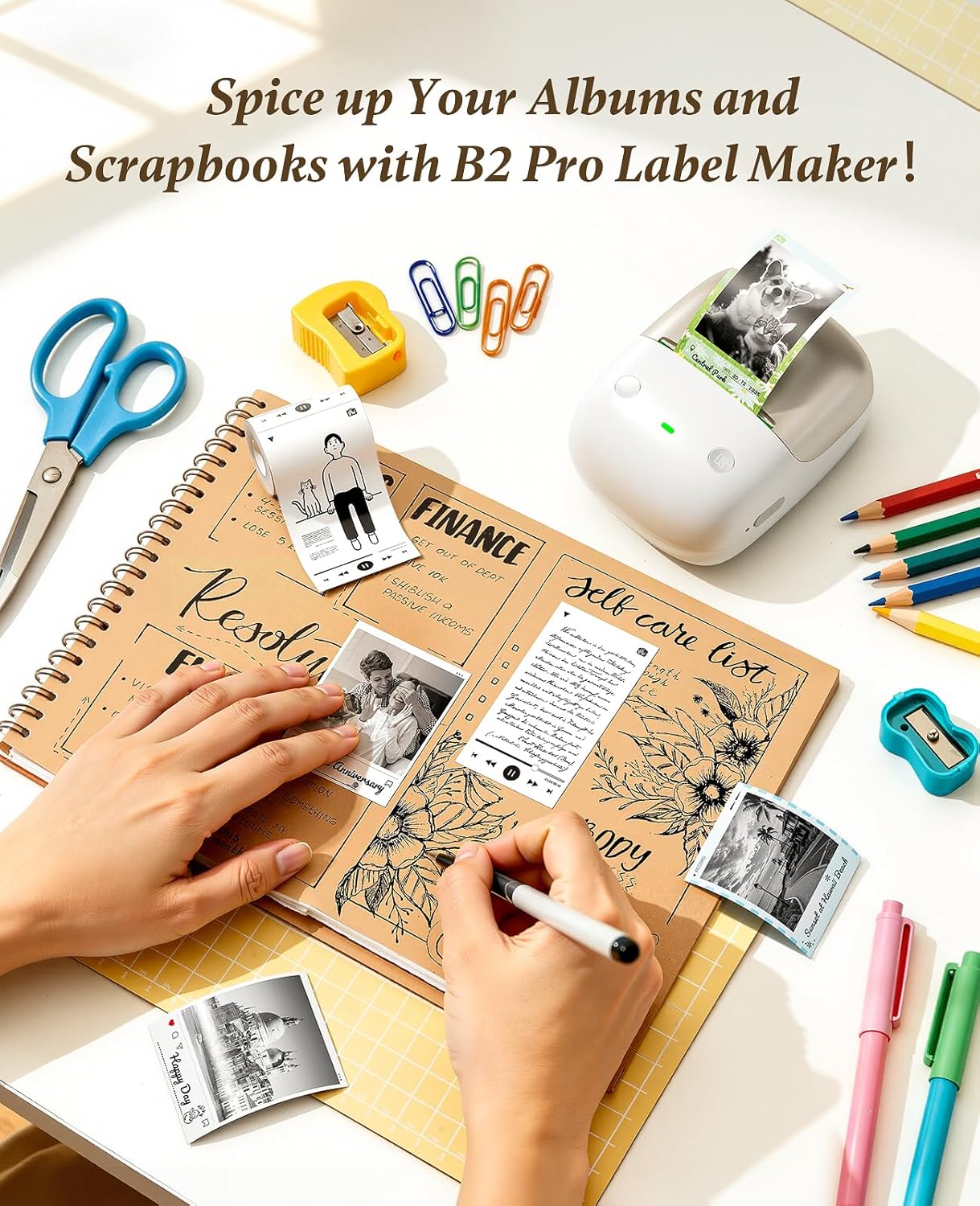
4.4 Etikečių juostos įdėjimas
The NIIMBOT B2 Pro features a shaftless design for easy label loading.
- Atidarykite etikečių skyriaus dangtelį.
- Place the label roll into the compartment, ensuring the labels feed out correctly.
- Close the cover. The printer will automatically detect the label size and type.

5. Naudojimo instrukcijos
5.1 NIIMBOT programėlės naudojimas
The NIIMBOT app provides extensive customization options for your labels.
- Teksto redagavimas: Double-tap a text box to enter content. Adjust font, size, style, and alignment.
- Piktogramos ir rėmeliai: Choose from over 1500 icons and 100+ borders to enhance your labels.
- Šablonai: Utilize over 1,000 pre-designed templates for various scenarios (catering, office, retail, etc.).
- Vaizdo integravimas: Import your own photos for personalized projects.
- Kelių kalbų palaikymas: The app supports multiple languages.

5.2 Etikečių spausdinimas
After designing your label in the app, tap "Print" to send the job to the B2 Pro. The printer offers three fully configurable offline printing modes:
- Mode 1: Print Real-time: For dynamic information such as expiration dates or material receiving times.
- Mode 2: Print Previous One: Re-print a previously used label without re-editing.
- Mode 3: Designate "My Templates": Print from your saved preset templates for standardized labeling.


6. Problemų sprendimas
6.1 "Printer connection failed" with Android phone
If you encounter this issue, follow these steps:
- Update the printer's Bluetooth firmware via an iOS device or PC cloud printing.
- After the update, double-press the printer's power button to print a self-test page.
- Verify that the Bluetooth version on the self-test page has changed to 7470.
Jei problemos išlieka, kreipkitės pagalbos į klientų aptarnavimo tarnybą.
7. Specifikacijos
| Funkcija | Detalė |
|---|---|
| Prekės ženklas | NIIMBOT |
| Modelio pavadinimas | B2 Pro |
| Ryšio technologija | Bluetooth |
| Spausdinimo technologija | Šiluminis |
| Ypatinga funkcija | Bluetooth, Inkless Printing, Portable |
| Spausdintuvo išvestis | Vienspalvis |
| Didžiausias spausdinimo greitis, vienspalvis | 40 mm/s |
| Prekės svoris | 12 uncijos (apie 340 g) |
| Gaminio matmenys (D x P x A) | 5" x 2.6" x 3.6" |
| Spausdinimo laikmena | Etiketės |
| Rezoliucija | 300 x 300 XNUMX DPI |
| Maksimalus laikmenos dydis | 2x14 colių |
| Paper Size (Example) | 2x1.2 colių |
| Dvipusis spausdinimas | Ne (vienpusis) |

8. Garantija ir palaikymas
8.1 Informacija apie garantiją
The NIIMBOT B2 Pro Label Maker Machine comes with a 2 metų garantija iš gamintojo.
8.2 Pagalba klientams
For any issues or inquiries not covered in this manual, please contact NIIMBOT customer support. Refer to the product packaging or official NIIMBOT websvetainė, kurioje rasite kontaktinius duomenis.