
Įvadas
Thank you for choosing the Cillso Smartwatch. This manual provides detailed instructions on how to set up, operate, and maintain your device. This smartwatch features a 1.95-inch HD display, Bluetooth calling capabilities, IP68 water resistance, comprehensive health monitoring including SpO2 and sleep tracking, over 100 sports modes, and integrated Alexa for voice control. Please read this manual carefully to ensure optimal performance and longevity of your smartwatch.
Sąranka
1. Išmaniojo laikrodžio įkrovimas
Before initial use, fully charge your smartwatch. Connect the provided charging cable to the charging port on the back of the watch and to a standard USB power adapter (not included). A full charge typically takes approximately 2 valandos. The watch has a 300 mAh baterija, teikiant 5-7 days of normal use ir iki 30 days of standby time.

Image: The smartwatch display indicating a 1.95-inch screen, 2 hours charging time, 5-7 days normal use, 30 days standby time, and a 300mAh battery capacity.
2. Programėlės diegimas ir susiejimas
- Atsisiųskite programą: Scan the QR code in the quick start guide or search for the companion app (e.g., 'GloryFit' as suggested by watch dial image) in your smartphone's app store (Android or iOS).
- Registruotis / Prisijungti: Vykdykite ekrane pateikiamus nurodymus, kad sukurtumėte paskyrą arba prisijunkite.
- Pair the Smartwatch: Ensure Bluetooth is enabled on your smartphone. Open the app, navigate to the device section, and select 'Add Device'. Choose your Cillso Smartwatch from the list of available devices. Confirm the pairing request on both your phone and the smartwatch.
Naudojimo instrukcijos
1. Pagrindinė navigacija
- Jutiklinis ekranas: Braukite aukštyn, žemyn, kairėn arba dešinėn, kad naršytumėte meniu ir pranešimus. Palieskite, kad pasirinktumėte elementus.
- Šoninis mygtukas: Press the side button to return to the home screen or to wake up the display.
2. Skambinimas per „Bluetooth“
Išmanusis laikrodis palaiko Bluetooth 5.3 calling, allowing you to make and receive calls directly from your wrist when connected to your smartphone. It features a įmontuotas mikrofonas ir palaiko skambučių įrašai ir iki 100 kontaktų.
- Atsiliepimas į skambučius: When an incoming call notification appears, tap the green phone icon to answer.
- Skambučių atmetimas: Norėdami atmesti gaunamą skambutį, palieskite raudoną telefono piktogramą.
- Skambinimas: Norėdami pradėti skambutį, pasiekite išmaniojo laikrodžio numerio rinkiklį arba kontaktų sąrašą.
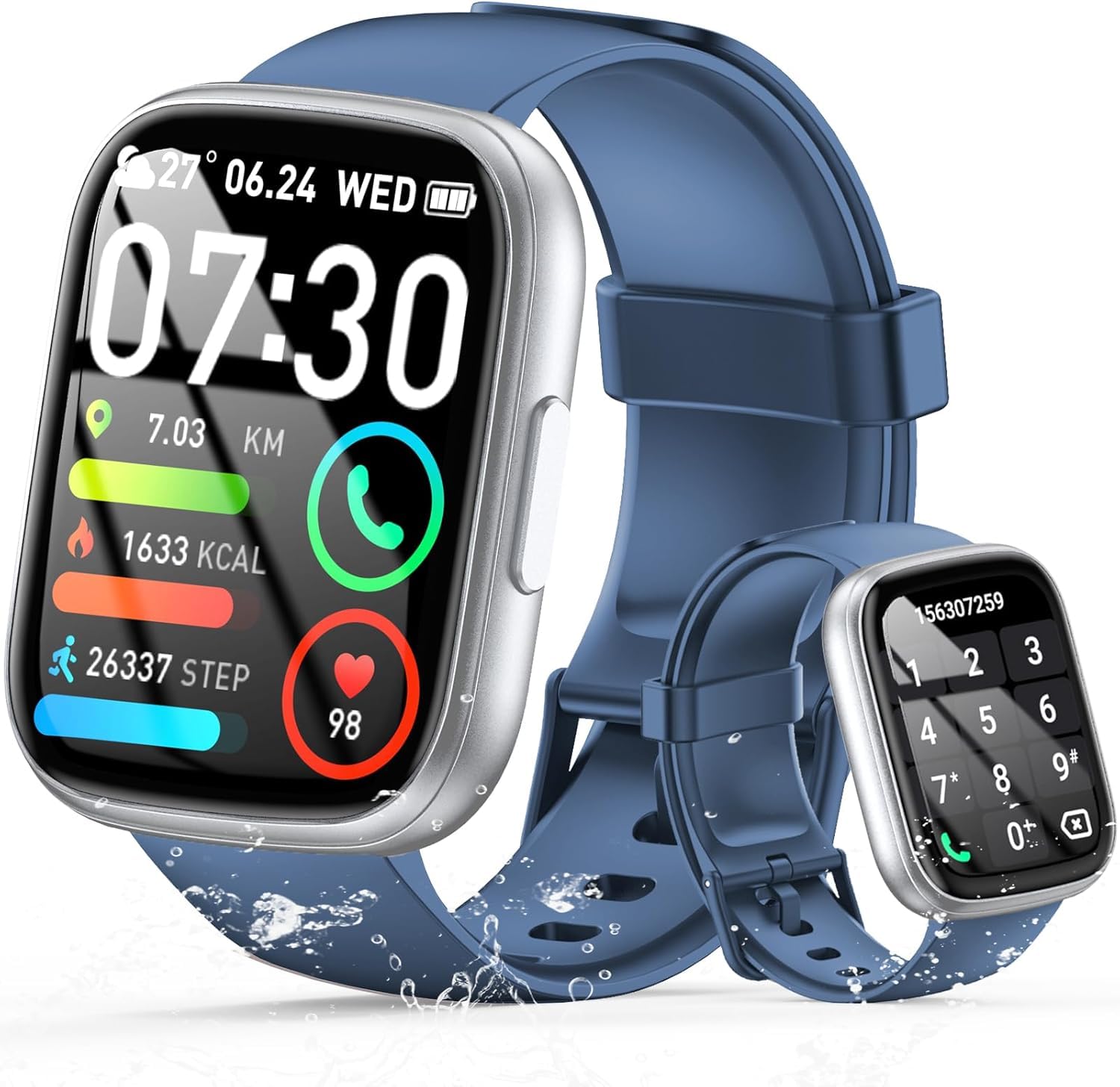
Image: The smartwatch displaying an incoming call, along with icons for built-in mic, Hi-Fi Spectra, call records, and 100 contacts. Examples of dial pad and contact list are also shown.
3. Sveikatos stebėsena
The smartwatch provides continuous health monitoring features to help you track your well-being.
- Širdies ritmo stebėjimas: Laikrodis nuolat stebi jūsų širdies ritmą visą dieną. View your heart rate data on the watch or in the app.
- Kraujo deguonies (SpO2) stebėjimas: Išmatuokite kraujo prisotinimo deguonimi lygį.
- Miego stebėjimas: Tracks your sleep patterns, including deep sleep, light sleep, and wake times, to provide insights into your sleep quality.

Image: Visual representation of heart rate, blood oxygen (SpO2), and sleep monitoring graphs and data on the smartwatch and a person sleeping while wearing the watch.
4. Sporto režimai
Išmanusis laikrodis palaiko over 100 sports modes to accurately track your workouts. Common modes include running, basketball, climbing, skipping, swimming, and badminton. It tracks metrics such as steps, distance, calories burned, and exercise duration.

Image: A person cycling with the smartwatch, illustrating various sports modes like running, basketball, climbing, skipping, swimming, and badminton. Also shows tracking for steps, distance, and calories.
5. „Alexa“ integracija
Su Alexa integrated, you can use voice commands to control music playback, check weather, set alarms, and more directly from your smartwatch.
6. Personalized Watch Dials
Customize your smartwatch with over 200 stylish watch faces available through the companion app. You can also upload your favorite photos to create personalized watch dials. The display features wide color gamut, AM LED technology, and color accuracy.

Paveikslėlis: išmaniųjų laikrodžių demonstracijaasing multiple personalized watch dial options, highlighting wide color gamut, AM LED, and color accuracy features.
7. Daugiafunkcinės funkcijos
- Muzikos valdymas: Leiskite, pristabdykite, praleiskite takelius ir reguliuokite prijungtame išmaniajame telefone grojamos muzikos garsumą.
- Kameros valdymas: Remotely control your smartphone's camera to frame, focus, and snap photos or start/stop video recording.
- Žadintuvas: Nustatykite žadintuvus, kurie jus pažadintų arba primintų apie svarbius įvykius.
- Kitos funkcijos: Includes weather forecasts, stopwatch, timer, and more.

Image: The smartwatch displaying interfaces for music control, remote camera control, and alarm clock settings, along with icons for other features like temperature, weather, and microphone.
Priežiūra
1. Valymas
Wipe the smartwatch regularly with a soft, dry cloth. For stubborn dirt, use a slightly damp šluoste ir kruopščiai nusausinkite. Venkite naudoti stiprias chemines medžiagas ar abrazyvines medžiagas.
2. Atsparumas vandeniui (IP68)
The Cillso Smartwatch is IP68 atsparus vandeniui, meaning it is protected against dust ingress and can withstand immersion in water up to 1.5 meters for up to 30 minutes. It is suitable for daily use, hand washing, and light rain. However, it is not recommended for hot showers, saunas, or diving, as steam and high water pressure can compromise the seal.
3. Akumuliatoriaus priežiūra
- Venkite ekstremalių temperatūrų, kurios gali pabloginti akumuliatoriaus veikimo laiką.
- Prieš ilgesnį nenaudojimo laikotarpį visiškai įkraukite įrenginį.
- Naudokite tik pateiktą įkrovimo laidą.
Trikčių šalinimas
- Laikrodis neįsijungia: Įsitikinkite, kad laikrodis yra visiškai įkrautas. Prijunkite jį prie įkroviklio bent 30 minučių.
- Nepavyksta susieti su telefonu: Make sure Bluetooth is enabled on your phone and the watch is within range. Restart both devices and try pairing again through the app.
- Netikslūs sveikatos duomenys: Įsitikinkite, kad laikrodis tvirtai uždėtas ant riešo – ne per stipriai ar per laisvai. Reguliariai valykite jutiklius.
- Pranešimai negauti: Check app permissions on your phone to ensure the companion app has access to notifications. Verify that notifications are enabled within the app settings.
- Alexa neatsako: Ensure the watch is connected to your phone and has an active internet connection. Check Alexa settings within the companion app.
Specifikacijos
| Modelio numeris | B0GQGYDJS7 |
| Prekės ženklas | Cillso |
| Ekrano dydis | 1.95 colių |
| Ryšio technologija | Bluetooth 5.3 |
| Atsparumo vandeniui įvertinimas | IP68 |
| Baterijos talpa | 300 mAh (ličio polimeras) |
| Įkrovimo laikas | apytiksliai 2 valandas |
| Įprasto naudojimo baterijos veikimo laikas | 7-10 dienas |
| Budėjimo laikas | Iki 30 dienų |
| Atminties talpa | 1 GB |
| Žmogaus sąsajos įvestis | Mikrofonas, Jutiklinis ekranas |
| Įtraukti komponentai | Įkrovimo laidas |
Garantija ir palaikymas
Warranty information for your Cillso Smartwatch is typically provided with your purchase documentation. Please refer to those materials for details regarding warranty coverage and terms. For technical support, product inquiries, or assistance with troubleshooting beyond this manual, please contact Cillso customer service through the contact information provided with your product or on the official Cillso websvetainę.