
Įvadas
This manual provides instructions for the J36 Ultra Handheld Video Game Console. The J36 Ultra is a compact, portable gaming device designed for playing a variety of retro games across multiple simulator platforms. It features a 3.5-inch display, responsive controls, and a built-in 64GB memory card with a large game library.
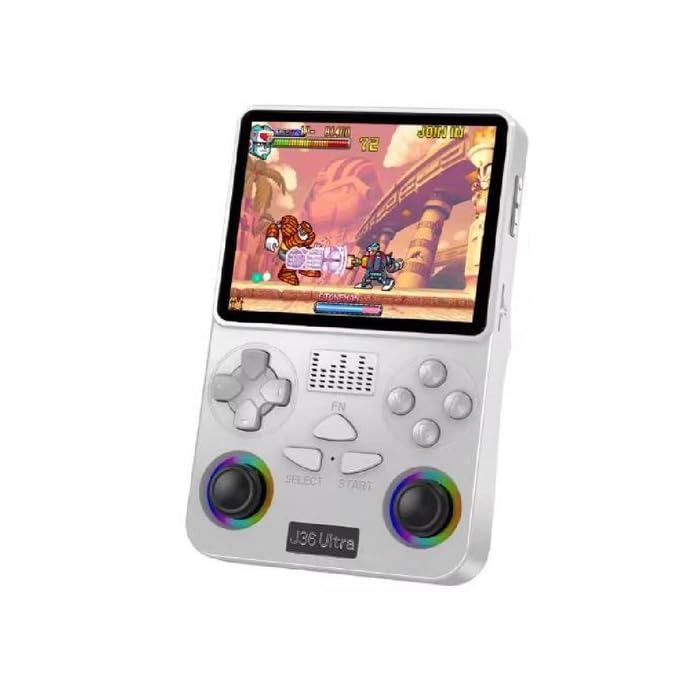
Vaizdas: Priekinė ir galinė dalys view of the J36 Ultra Game Console, showcasindėl kompaktiško dizaino ir mygtukų išdėstymo.
Saugos informacija
ĮSPĖJIMAS: All packaging materials (tape, labels, plastic sheets, binding wires) and small internal machine accessories are choking risks. Keep away from children under 3 years of age. Use only with adult supervision.
Pakuotės turinys
Patikrinkite, ar pakuotėje yra visi reikalingi daiktai:
- J36 Ultra Handheld Game Console
- C TIPO įkrovimo laidas
- Sandėliavimo dėžutė
- Ekrano filmas
- Vartotojo vadovas (šis dokumentas)
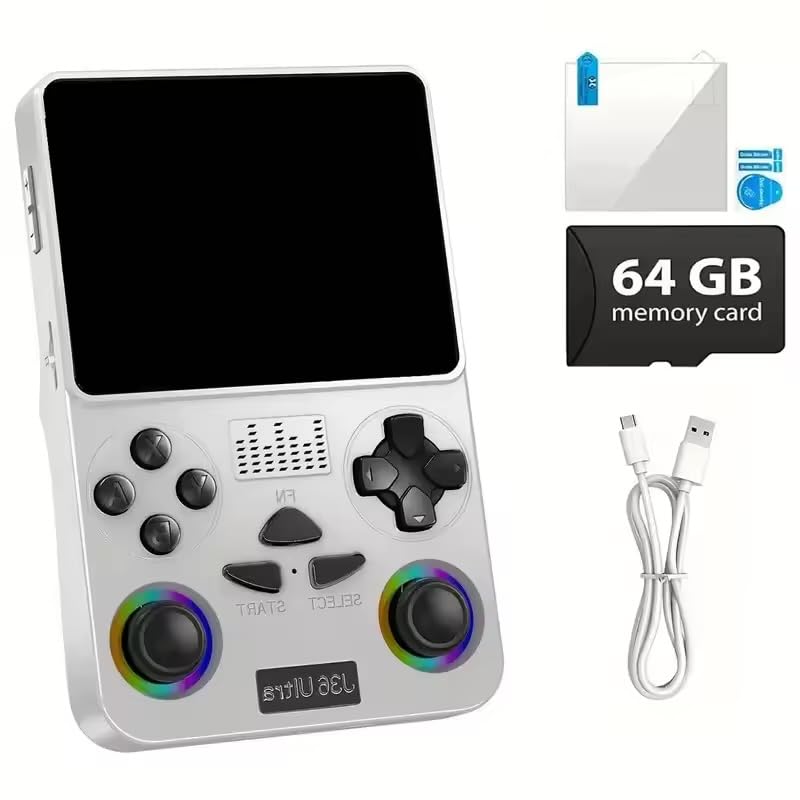
Image: The J36 Ultra Game Console displayed with its accessories, including the charging cable, screen film, and 64GB memory card.
Sąranka
1. Charging the Console
Before first use, fully charge the console.
- Connect the provided TYPE-C charging cable to the console's charging port.
- Kitą laido galą prijunkite prie suderinamo USB maitinimo adapterio (nepridedamas) arba kompiuterio USB prievado.
- Užsidegs įkrovimo indikatoriaus lemputė. Kai prietaisas bus visiškai įkrautas, lemputė gali pakeisti spalvą arba užgesti.
The console features a 3000mAh rechargeable battery, providing approximately 6 hours of continuous gameplay on a full charge.

Vaizdas: Galinis view of the J36 Ultra Game Console, illustrating its internal components and emphasizing the battery.
2. Applying the Screen Film
To protect the display, carefully apply the included screen film according to the instructions provided with the film.
3. Atminties kortelė
The console comes with a 64GB memory card pre-installed, containing over 20,000 games. Ensure the memory card is securely inserted into its slot before powering on the device.
Naudojimo instrukcijos
1. Maitinimo įjungimas/išjungimas
- Norėdami įjungti: paspauskite ir palaikykite maitinimo mygtuką, kol ekranas įsijungs.
- To power off: Press and hold the Power button, then follow the on-screen prompts to shut down the system.
2. Pagrindiniai valdikliai
The J36 Ultra features a classic button layout with dual joysticks for precise control.
- D-Pad / Left Joystick: Navigation in menus and directional control in games.
- Dešinysis vairasvirtė: Secondary directional control, often used for camera or specific game actions.
- A, B, X, Y mygtukai: Action buttons for gameplay.
- SELECT mygtukas: Typically used for menu selections or in-game functions.
- START mygtukas: Naudojamas žaidimams pradėti, pristabdyti arba patvirtinti pasirinkimus.
- L1, L2, R1, R2 mygtukai: Pečių mygtukai papildomiems veiksmams žaidime.

Vaizdas: Stambus planas view of the J36 Ultra Game Console's front, highlighting the dual joysticks and button layout for precise control.

Vaizdas: Šoninė view of the J36 Ultra Game Console, illustrating its ergonomic curved grip design for comfortable handling during extended gameplay.
3. Navigating the Game Library
The console supports over 20 simulator platforms and includes a library of more than 20,000 games.
- From the main menu, use the D-Pad or left joystick to navigate through the available simulator platforms.
- Select a platform to view the list of games.
- Choose a game from the list and press the A button (or equivalent) to start playing.
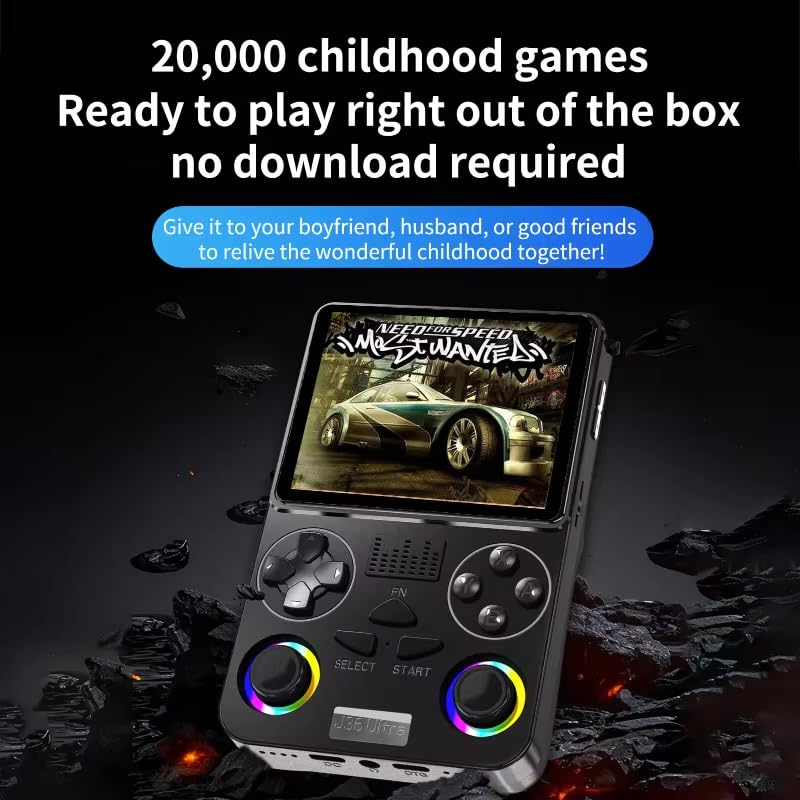
Image: The J36 Ultra Game Console displaying a game on its screen, demonstrating the extensive library of pre-installed games.
4. Garsumo valdymas
Locate the volume buttons on the side or back of the console to adjust the audio level.
Priežiūra
1. Konsolės valymas
- Konsolės išorę valykite minkšta, sausa, nepūkuota šluoste.
- Įsisenėjusioms dėmėms šiek tiek pamirkykiteampNuvalykite šluostę vandeniu. Venkite naudoti stiprias chemines medžiagas ar abrazyvinius valiklius.
- Nepurkškite valymo tirpalų tiesiai ant konsolės.
2. Akumuliatoriaus priežiūra
- Norėdami pailginti akumuliatoriaus veikimo laiką, venkite dažnai visiškai jį iškrauti.
- Store the console in a cool, dry place when not in use for extended periods.
- If storing for a long time, charge the battery to approximately 50% every few months.
Trikčių šalinimas
Console Does Not Power On
- Ensure the battery is sufficiently charged. Connect the console to a power source and allow it to charge for at least 30 minutes before attempting to power it on again.
- Verify that the power button is being pressed and held correctly.
Games Are Not Loading or Displaying Correctly
- Check if the memory card is properly inserted. Remove and re-insert it firmly.
- Iš naujo paleiskite konsolę.
- Užtikrinkite žaidimą file nėra sugadintas.
Screen Issues (No Display, Flickering)
- Iš naujo paleiskite konsolę.
- Ensure the console has sufficient power.
- Jei problema išlieka, susisiekite su klientų aptarnavimo tarnyba.
Specifikacijos
| Modelis | J36 Ultra |
| Ekranas | 3.5-inch LCD, 640x480 pixels, Full OCA Technology |
| Procesorius | RK3326 1.5 GHz 64-bit processor |
| Atminties saugykla | 64 GB (pre-installed memory card) |
| Baterija | 3000mAh Lithium-Ion, approx. 6 hours average life |
| Palaikomos platformos | 20+ simulator platforms (e.g., puzzle, arcade, shooting, racing, fighting, adventure) |
| Valdiklio tipas | Button Control, Dual Joysticks |
| Matmenys (I x P x A) | 7.6 x 2.5 x 12.7 centimetro (apytiksliai 3 x 1 x 5 colio) |
| Svoris | 200 gramų |
| Medžiaga | Plastikiniai |
| Amžiaus diapazonas | 3 metų ir vyresni (su suaugusiųjų priežiūra) |

Image: Diagram illustrating the RK3326 professional gaming chip, a 1.5 GHz 64-bit processor, responsible for smooth game performance.

Image: Visual representation of the console's screen, highlighting its display quality and features.


