1. Įvadas
This manual provides detailed instructions for the setup, operation, maintenance, and troubleshooting of your Razer BlackWidow Ultimate Mechanical Gaming Keyboard. Please read this manual thoroughly to ensure proper use and to maximize your gaming and typing experience.
2. Produktas baigtasview
Pagrindinės funkcijos:
- Mechanical Key Architecture: Designed for superior tactility and faster response times.
- Fully Programmable Keys: Includes 5 additional gaming keys with on-the-fly macro recording capabilities.
- Individually Backlit Keys: Features customizable backlighting for enhanced visibility in various lighting conditions.
- Razer Mechanical Switches: Equipped with 50g actuation force for optimal gaming performance.
Kas yra dėžutėje:
- Razer BlackWidow Ultimate Mechanical Gaming Keyboard
- USB laidas (integruotas)
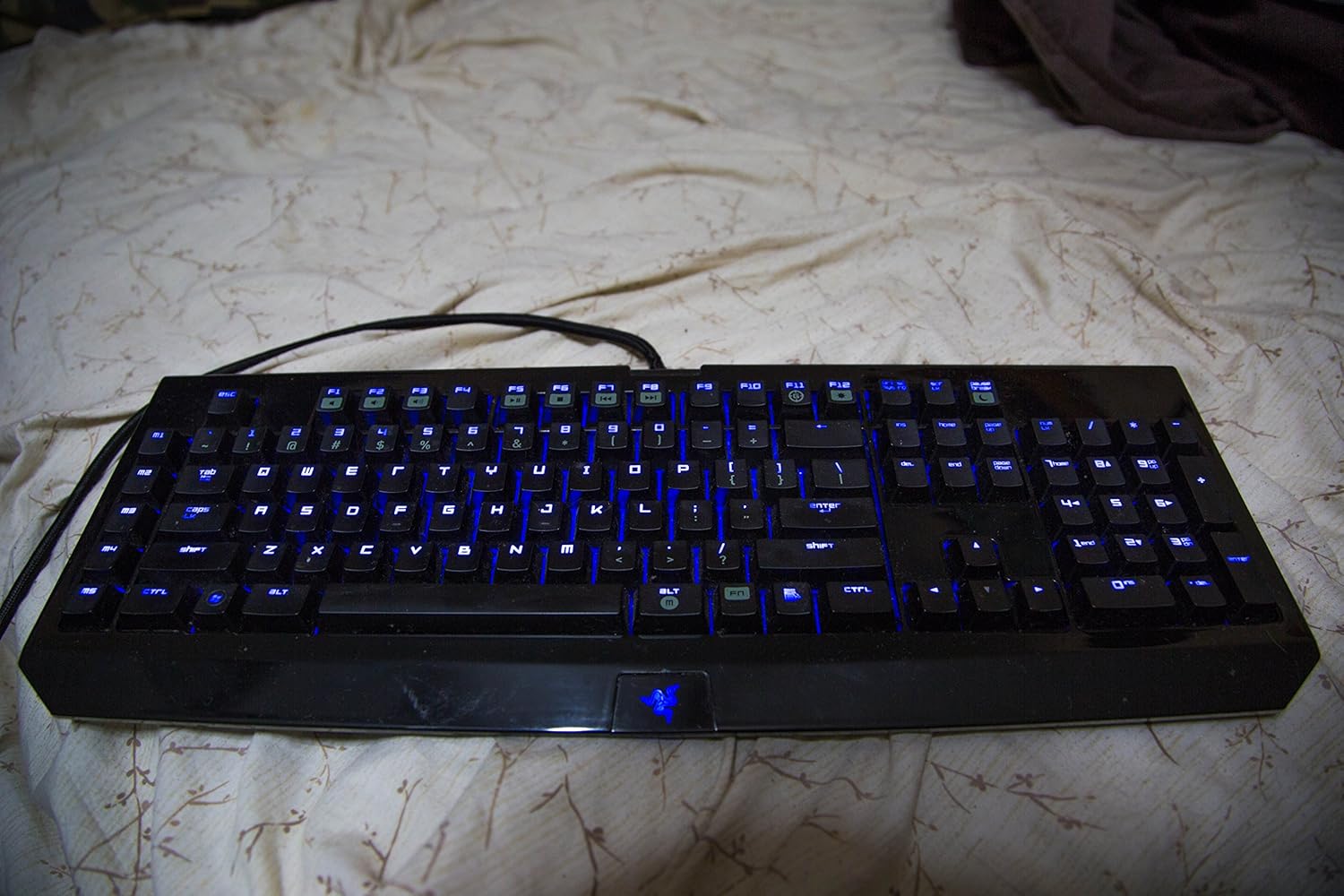
Figure 2.1: Razer BlackWidow Ultimate Mechanical Gaming Keyboard with blue backlighting activated.
3. Sąranka
- Prijunkite klaviatūrą: Plug the integrated USB cable from the keyboard into an available USB port on your computer. The keyboard is plug-and-play for basic functionality.
- Įdiekite „Razer Synapse“ programinę įrangą: For full functionality, including macro programming, backlighting customization, and profile management, download and install the Razer Synapse software from the official Razer websvetainė (www.razer.com/synapse). Vadovaukitės ekrane pateikiamomis diegimo instrukcijomis.
- Tvarkyklės diegimas: Upon connecting the keyboard and installing Synapse, the necessary drivers will be automatically detected and installed. Firmware updates may also be prompted through Synapse.
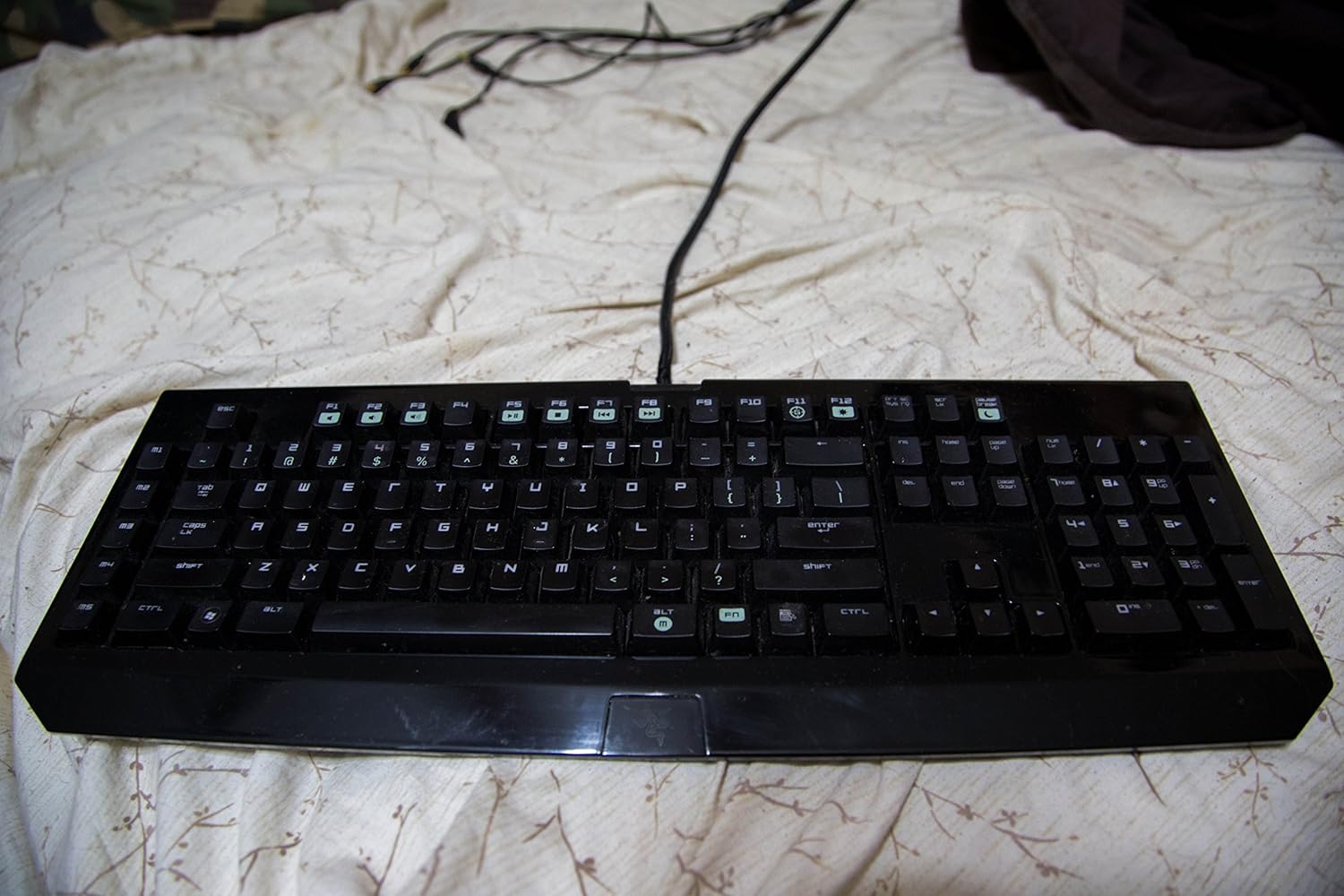
Figure 3.1: Razer BlackWidow Ultimate Mechanical Gaming Keyboard in a powered-off state or with backlighting disabled.
4. Naudojimo instrukcijos
4.1 Backlighting Control:
- The keyboard features individually backlit keys.
- Adjust backlighting intensity using the dedicated function keys (usually Fn + F11 for decrease, Fn + F12 for increase).
- Further customization, including brightness levels and lighting effects, can be configured through the Razer Synapse software.
4.2 Macro Recording:
The keyboard supports on-the-fly macro recording without software, as well as advanced macro programming via Razer Synapse.
- On-the-Fly Recording: Press Fn + G to initiate recording. Select a macro key (M1-M5) to assign the macro. Type your desired key sequence. Press Fn + G again to stop recording.
- Synapse Macro Editor: For complex macros with precise timing and delays, use the Macro module within Razer Synapse.
4.3 Gaming Mode:
- Activate Gaming Mode (Fn + F10) to disable the Windows key and other potentially disruptive key combinations during gameplay.
- This prevents accidental interruptions to your gaming session.
4.4 multimedijos klavišų:
- Utilize the function keys (Fn + F1-F7) for multimedia control, including volume adjustment, play/pause, stop, and track navigation.
- Note: Specific software (e.g., iTunes) may require additional configuration or plugins for full multimedia key compatibility. Refer to Razer support for details.

4.1 pav.: Kampinis view of the Razer BlackWidow Ultimate, highlighting the key layout and backlighting.
5. Priežiūra
- Klaviatūros valymas: Šiek tiek naudokite minkštą, be pūkelių šluostę dampened with water or a mild cleaning solution to wipe down the keys and chassis. Avoid harsh chemicals.
- Blizgūs paviršiai: The keyboard features glossy surfaces that may attract fingerprints and dust. Regular cleaning is recommended to maintain its appearance.
- Dulkių šalinimas: Norėdami pašalinti dulkes ir šiukšles iš tarpų tarp klavišų dangtelių, naudokite suslėgtą orą.
- Kabelio priežiūra: Kad nepažeistumėte USB kabelio, venkite staigių lenkimų ir per didelio tempimo.
6. Problemų sprendimas
- Klaviatūra nereaguoja: Ensure the USB cable is securely connected to your computer. Try a different USB port. Restart your computer.
- Foninis apšvietimas neveikia: Check backlighting intensity settings using Fn + F11/F12. Verify settings within Razer Synapse.
- Atsitiktiniai „Windows“ klavišų paspaudimai: Activate Gaming Mode (Fn + F10) to disable the Windows key during gaming.
- Keys Registering Incorrectly or Sticking: Ensure the keyboard is clean and free of debris. If the issue persists, try reinstalling Razer Synapse or updating keyboard firmware.
- Programinės įrangos problemos: If Razer Synapse is not functioning correctly, try reinstalling the software. Ensure your operating system is up to date.
- Nuolatinės problemos: If you encounter problems not resolved by the above steps, please contact Razer Support for further assistance.
7. Specifikacijos
| Funkcija | Detalė |
|---|---|
| Modelio numeris | RZ03-00380100-R3U1 |
| Klaviatūros tipas | Mechaninė žaidimų klaviatūra |
| Jungiklio tipas | Razer Mechanical Switches (50g actuation force) |
| Ryšys | USB |
| Foninis apšvietimas | Individually backlit keys (Single Color) |
| Programuojami klavišai | 5 additional macro keys with on-the-fly recording |
| Gaminio matmenys | 18.7" L x 6.73" W x 1.18" H (approx.) |
| Prekės svoris | 5.3 svaro |
| Palaikomos kalbos | Anglų, prancūzų, ispanų |
8. Garantija ir palaikymas
Razer products are built to the highest standards and come with a limited manufacturer's warranty. For detailed warranty information, please refer to the warranty card included with your product or visit the official Razer websvetainę.
Dėl techninės pagalbos, tvarkyklių atsisiuntimų ir dažnai užduodamų klausimų apsilankykite „Razer“ pagalbos puslapyje:
Taip pat galite susisiekti su „Razer“ klientų aptarnavimo tarnyba tiesiogiai per jų websvetainė, teikianti asmeninę pagalbą.


