1. Įvadas
This manual provides instructions for the setup, operation, maintenance, and troubleshooting of your Rollei Designline 3080 Digital Photo Frame. Please read this manual carefully before using the device to ensure proper functionality and longevity.
The Rollei Designline 3080 is an 8-inch digital photo frame designed to display your digital photos, play videos, and audio files. It features an 800 x 600 pixel display with a 4:3 aspect ratio, integrated stereo speakers, and a lithium-ion battery for portable use.
2. Pakuotės turinys
- Rollei Designline 3080 Digital Photo Frame
- Power Adapter (100-240V, 50-60Hz, DC 5V/1.5A)
- Ličio jonų akumuliatorius (iš anksto sumontuotas arba atskirai)
- Vartotojo vadovas (šis dokumentas)
3. Sąranka
3.1. Maitinimo prijungimas
Connect the provided power adapter to the DC 5V input port on the photo frame and then plug the adapter into a standard electrical outlet. The device will begin charging its internal lithium-ion battery. A full charge provides up to 2 hours of operation.
3.2. Atminties kortelės įdėjimas
The photo frame supports SD, SDHC, MS, and MMC memory cards. Locate the memory card slot on the side or back of the frame. Insert your memory card with the metal contacts facing the correct direction until it clicks into place. Do not force the card.

1 paveikslas: Priekyje view of the Rollei Designline 3080 Digital Photo Frame displaying an image. This image illustrates the device's appearance and its primary function of displaying digital photographs.
3.3. Prijungimas per USB
You can connect the photo frame to a computer using a USB cable (not included) via the USB 2.0 or Mini-USB port. This allows you to transfer files directly to a connected memory card or the frame's internal memory (if available). The frame will appear as a removable disk drive on your computer.
4. Naudojimo instrukcijos
4.1. Įjungimas/išjungimas
Press and hold the power button (usually located on the back or side) for a few seconds to turn the device on or off.
4.2. Meniu naršymas
Use the directional buttons (Up, Down, Left, Right) and the 'OK' or 'Enter' button on the frame or remote control to navigate through the on-screen menu. The 'Menu' or 'Exit' button typically returns you to the previous screen or the main menu.
4.3. Photo Playback
- From the main menu, select "Photo" or "Image".
- Choose the desired memory source (e.g., SD card, USB drive).
- Browse through your JPEG images.
- Pasirinkite vaizdą view it individually or start a slideshow.
The frame supports JPEG image format. You can configure slideshow settings such as interval time and transition effects in the system settings.
4.4. Vaizdo įrašų atkūrimas
- Pagrindiniame meniu pasirinkite „Vaizdo įrašas“.
- Choose the desired memory source.
- Pasirinkite vaizdo įrašą file norėdami pradėti atkūrimą.
Supported video formats include MPEG1, MPEG2, MPEG4 (Divx 4.0, Divx 5.0), M-JPEG, Xvid, and AVI.
4.5. Garso atkūrimas
- Pagrindiniame meniu pasirinkite „Muzika“ arba „Garsas“.
- Choose the desired memory source.
- Pasirinkite garso įrašą file to begin playback through the integrated stereo speakers.
Supported audio formats include MP3 and WMA. Audio can also be played during photo slideshows.
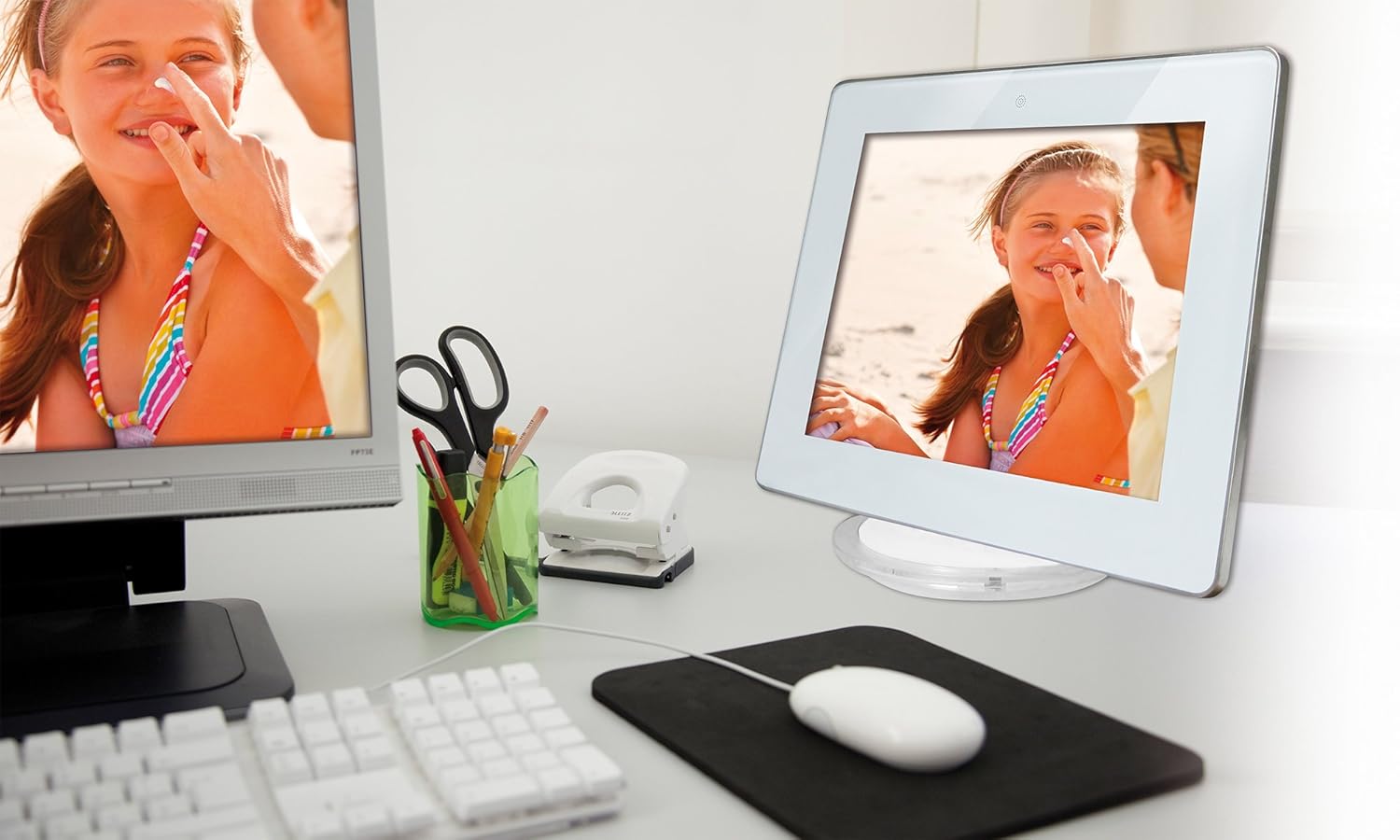
2 paveikslas: The Rollei Designline 3080 Digital Photo Frame positioned on a desk, demonstrating its integration into a typical home or office environment.
4.6. Clock and Alarm Function
The device includes an integrated clock and a programmable alarm function. Access these settings through the main menu to set the time and configure alarms as needed.
5. Priežiūra
5.1. Prietaiso valymas
- Prieš valydami įsitikinkite, kad prietaisas yra išjungtas ir atjungtas.
- Minkšta, sausa, nepūkuota šluoste švelniai nuvalykite ekraną ir rėmelį.
- Įsisenėjusioms dėmėms šiek tiek pamirkykiteampNuvalykite šluostę vandeniu; venkite stiprių cheminių medžiagų ar abrazyvinių valiklių.
5.2. Akumuliatoriaus priežiūra
- Norėdami pailginti akumuliatoriaus veikimo laiką, venkite dažnai visiškai jį iškrauti.
- If storing the device for an extended period, charge the battery to approximately 50% before storage.
- Laikyti vėsioje, sausoje vietoje.
6. Problemų sprendimas
| Problema | Galima priežastis | Sprendimas |
|---|---|---|
| Įrenginys neįsijungia. | Low battery or power adapter not connected. | Connect the power adapter and allow the battery to charge. Ensure the power outlet is functional. |
| No image/video displayed. | No memory card inserted, card not recognized, or unsupported file formatu. | Insert a compatible memory card with supported files. Ensure files are in JPEG, MPEG, or AVI format. Reinsert the card. |
| Nėra garso iš vaizdo įrašų / muzikos. | Volume too low or audio file formatas nepalaikomas. | Increase the volume using the controls. Ensure audio fileyra MP3 arba WMA. |
| Nuotolinio valdymo pultas neveikia. | Battery depleted or obstruction between remote and frame. | Replace the remote control battery. Ensure a clear line of sight to the frame's IR receiver. |
If you encounter issues not listed here or if the problem persists, please contact Rollei customer support.
7. Specifikacijos
| Modelio numeris | 30149 |
| Prekės ženklas | Rollei |
| Ekrano dydis | 8.0 colio (20.32 cm) |
| Rezoliucija | 800 x 600 pikselių |
| Krašto santykis | 4:3 |
| Palaikomi nuotraukų formatai | JPEG |
| Palaikomi garso formatai | MP3, WMA |
| Palaikomi vaizdo formatai | MPEG1, MPEG2, MPEG4 (Divx 4.0, Divx 5.0), M-JPEG, Xvid, AVI |
| Atminties kortelių lizdai | SD/SDHC/MS/MMC |
| Ryšys | USB 2.0, Mini-USB |
| Maitinimo šaltinis | Net adapter 100-240 V, 50-60 Hz, DC 5 V/1.5 A |
| Baterija | Lithium-ion (up to 2 hours runtime) |
| Matmenys (P x A x G) | 21.69 cm x 17.3 cm x 2.54 cm (approx. 217 x 173 x 25.5 mm) |
| Svoris | 199.58 g |
8. Garantija ir palaikymas
Your Rollei Designline 3080 Digital Photo Frame comes with a 24-month exchange service. For technical assistance, warranty claims, or any other inquiries, please contact the Rollei Service Hotline.
Please refer to your product packaging or the official Rollei website for the most current contact information for the service hotline in your region.


