1. Įvadas
The Sitecom CN-070 USB 3.0 4-Port Hub is designed to expand the connectivity of your desktop PC or notebook by adding four additional USB 3.0 ports. This hub utilizes the USB 3.0 standard, offering data transfer speeds up to 5 Gigabits per second (Gbps), which is significantly faster than USB 2.0. It also provides increased bandwidth, allowing for simultaneous data transmission and reception.
2. Pakuotės turinys
Patikrinkite, ar jūsų pakuotėje yra šie elementai:
- Sitecom CN-070 USB 3.0 4-Port Hub
- USB 3.0 jungiamasis kabelis
- Greito diegimo vadovas (jei pridėtas)
3. Produktas baigtasview
The Sitecom CN-070 hub features a compact design with four USB 3.0 ports, allowing you to connect multiple USB devices simultaneously. Its high-quality finish and modern design complement various computer setups.
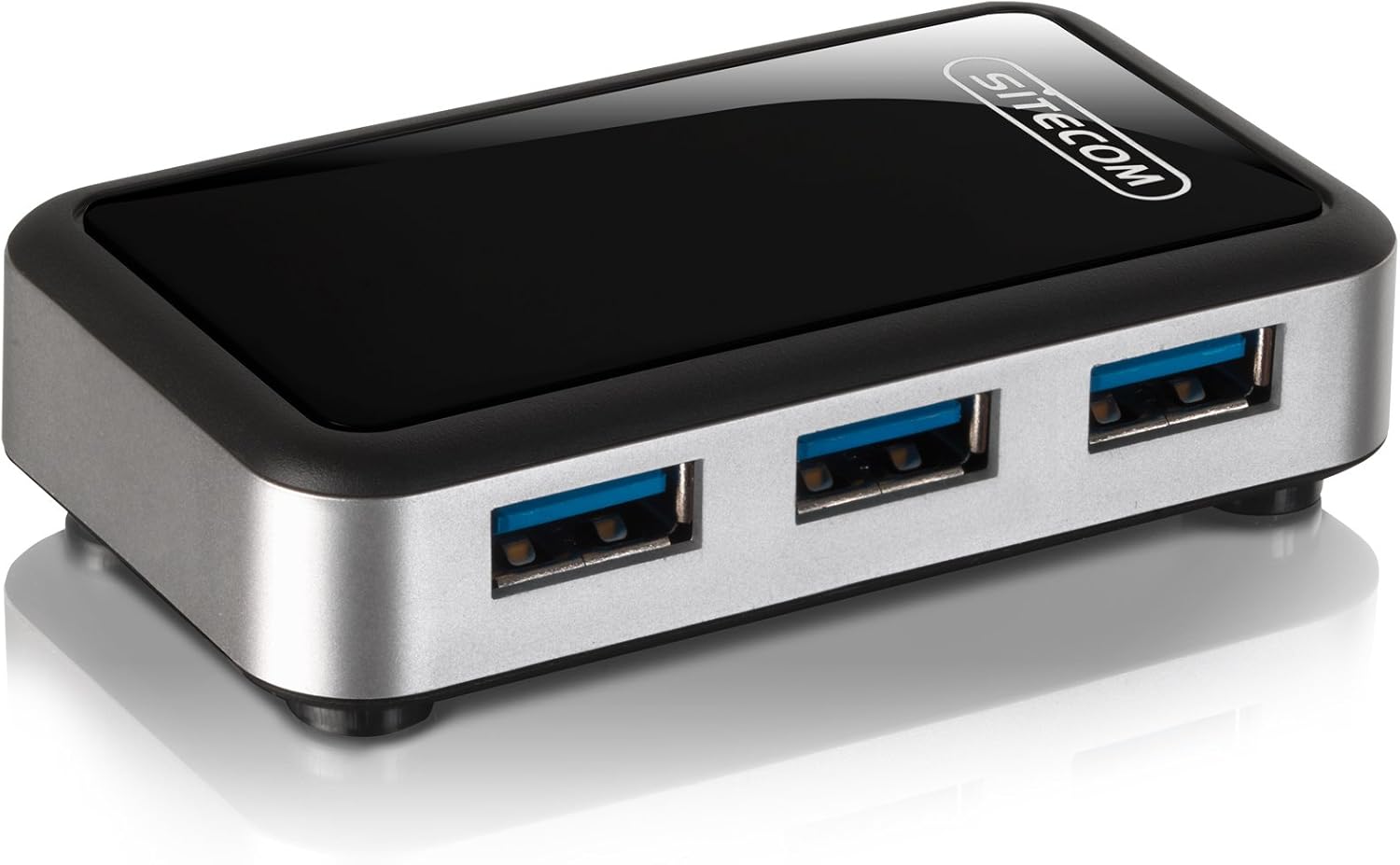
3.1 vaizdas: The Sitecom CN-070 USB 3.0 4-Port Hub, showcasing its sleek black and silver design with four blue-accented USB 3.0 ports.
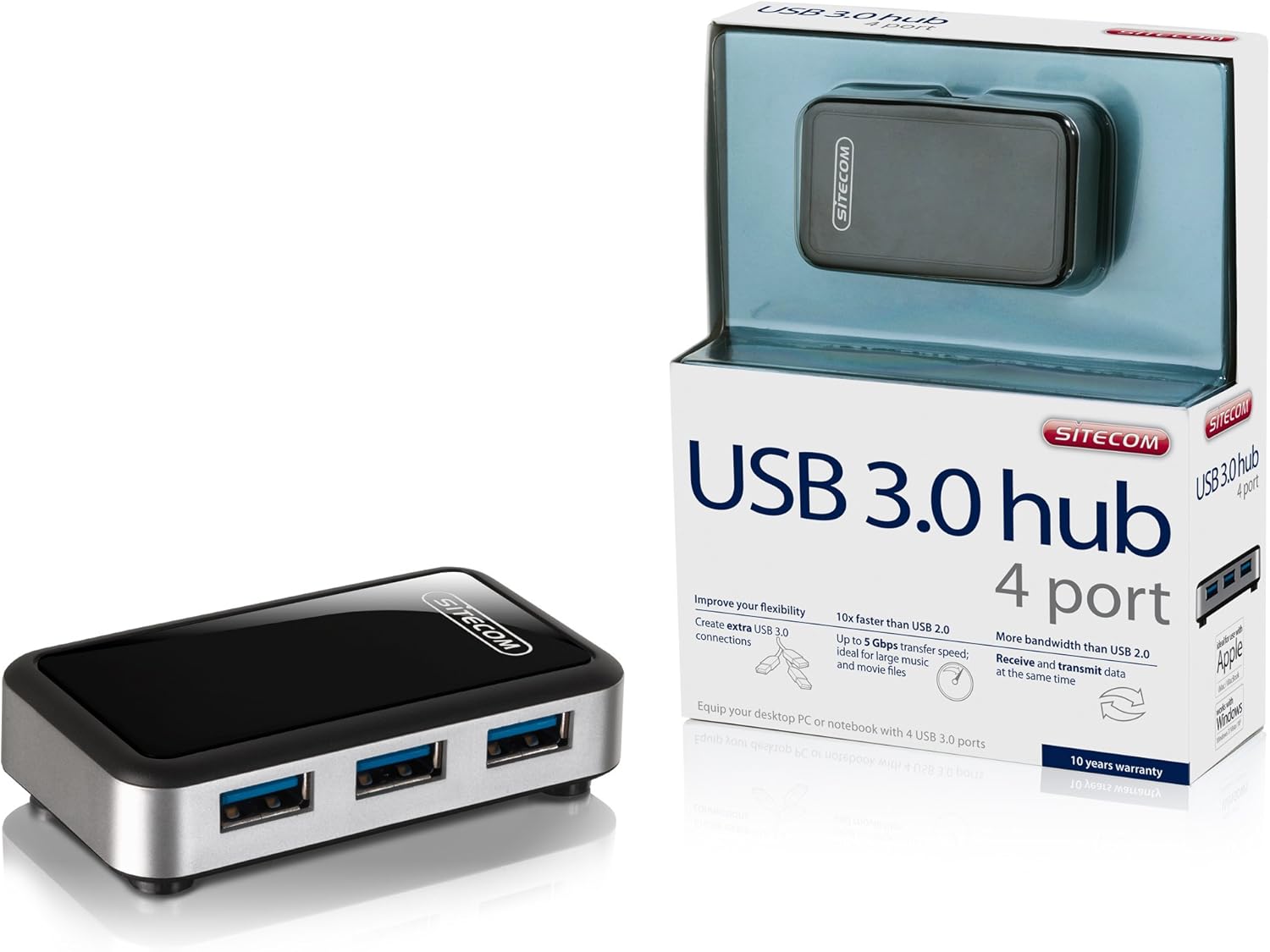
3.2 vaizdas: The Sitecom CN-070 USB 3.0 Hub displayed alongside its retail packaging, highlighting the product's presentation.
4. Sąrankos instrukcijos
Follow these steps to set up your Sitecom CN-070 USB 3.0 Hub:
- Prijunkite šakotuvą: Take the provided USB 3.0 connection cable. Connect one end of the cable to the USB 3.0 input port on the Sitecom CN-070 hub.
- Prisijunkite prie kompiuterio: Plug the other end of the USB 3.0 cable into an available USB 3.0 port on your desktop PC or notebook. USB 3.0 ports are typically blue internally.
- Sistemos atpažinimas: Your operating system (Windows, macOS, Linux) should automatically detect and install the necessary drivers for the hub. This process usually takes a few moments. No additional software installation is typically required.
- Paruošta naudoti: Once the hub is recognized, it is ready to connect your USB devices.
5. Centro valdymas
Using the Sitecom CN-070 USB 3.0 Hub is straightforward:
- Įrenginių prijungimas: Insert your USB devices (e.g., external hard drives, USB flash drives, keyboards, mice) into any of the four available USB 3.0 ports on the hub.
- Didelės spartos duomenų perdavimas: When connecting USB 3.0 compatible devices to the hub, you will benefit from data transfer speeds of up to 5 Gbps. This is ideal for transferring large files such as HD movies or extensive music libraries quickly.
- Simultaneous Data Flow: The USB 3.0 standard allows for increased bandwidth, enabling the hub to send and receive data simultaneously, optimizing performance for multiple connected devices.
- Atgalinis suderinamumas: The hub is fully backward compatible with USB 2.0 and USB 1.1 devices. Older USB devices will function correctly, though at their respective maximum speeds (e.g., USB 2.0 devices will operate at USB 2.0 speeds).
- Sumažintas energijos suvartojimas: The design of the hub incorporates reduced power consumption, making it efficient for everyday use.
6. Priežiūra ir priežiūra
To ensure the longevity and optimal performance of your Sitecom CN-070 USB 3.0 Hub, follow these simple maintenance guidelines:
- Valymas: Use a soft, dry, lint-free cloth to clean the exterior of the hub. Avoid using liquid cleaners, aerosols, or solvents, as these can damage the finish or internal components.
- Saugykla: Kai nenaudojate, laikykite šakotį vėsioje, sausoje vietoje, toliau nuo tiesioginių saulės spindulių ir ekstremalių temperatūrų.
- Aplinkos sąlygos: Avoid exposing the hub to moisture, dust, or corrosive environments. Do not place heavy objects on top of the hub.
- Tvarkymas: Handle the hub with care. Avoid dropping it or subjecting it to strong impacts.
7. Problemų sprendimas
If you encounter issues with your Sitecom CN-070 USB 3.0 Hub, please refer to the following troubleshooting tips:
- Hub Not Recognized by Computer:
- Ensure the USB 3.0 cable is securely connected to both the hub and a functioning USB 3.0 port on your computer.
- Try connecting the hub to a different USB 3.0 port on your computer.
- Restart your computer and try connecting the hub again.
- Verify that your computer's USB 3.0 drivers are up to date. Most operating systems handle this automatically, but manual updates may be necessary in some cases.
- Connected Devices Not Working or Recognized:
- Ensure the device is properly inserted into one of the hub's ports.
- Pabandykite prijungti įrenginį prie kito šakotuvo prievado.
- Connect the device directly to your computer's USB port to confirm it is functioning independently.
- If the device requires significant power, ensure your computer's USB port can supply sufficient power to the hub and connected devices.
- Mažas duomenų perdavimo greitis:
- Confirm that both the connected device and the computer's port are USB 3.0 compatible. If either is USB 2.0, speeds will be limited to USB 2.0 rates.
- Jei ryšys sulėtėja, venkite vienu metu prijungti kelis didelės spartos įrenginius.
8. Specifikacijos
| Funkcija | Aprašymas |
|---|---|
| Prekės ženklas | Sitecom |
| Modelio numeris | CN-070 |
| Sąsaja | USB 3.0 |
| Iš viso USB prievadų | 4 3.0 (USB XNUMX) |
| Duomenų perdavimo sparta | Iki 5 Gbps |
| Atgalinis suderinamumas | USB 2.0, USB 1.1 |
| Spalva | Juoda/Sidabrinė |
| Suderinami įrenginiai | Desktop computers, external hard drives, and other USB devices |
9. Informacija apie garantiją
The Sitecom CN-070 USB 3.0 Hub comes with an extended 10 metų garantija. To activate this extended warranty, you must register your product within a few weeks of purchase. Please refer to the official Sitecom website or the product packaging for specific registration instructions and terms.
10. Parama
For further assistance, updated drivers, or additional product information, please visit the official Sitecom websvetainėje. Paprastai ten galite rasti pagalbos išteklių, DUK ir kontaktinę informaciją.
Websvetainė: www.sitecom.com (Please note: This is a generic placeholder. Refer to your product packaging or official documentation for the exact support URL.)


