Įvadas
Thank you for choosing the Lexon Prism Speaker. This portable Bluetooth speaker is designed to deliver quality audio with convenient connectivity. This manual provides detailed instructions on how to set up, operate, and maintain your speaker to ensure optimal performance and longevity.
Prieš naudodami gaminį, atidžiai perskaitykite šį vadovą ir išsaugokite jį ateičiai.
Pakuotės turinys
Įsitikinkite, kad pakuotėje yra visi daiktai:
- Lexon Prism Speaker (Model LA87N)
- USB įkrovimo laidas
- Vartotojo vadovas (šis dokumentas)
Sąranka
1. Įkraukite garsiakalbį
Before first use, fully charge the Lexon Prism Speaker.
- Suraskite garsiakalbio USB įkrovimo prievadą.
- Connect one end of the provided USB charging cable to the speaker's charging port.
- Kitą USB laido galą prijunkite prie suderinamo USB maitinimo adapterio (nepridedamas) arba kompiuterio USB prievado.
- Įkrovimo metu šviečia įkrovimo indikatoriaus lemputė, paprastai raudona. Kai visiškai įkraunama, ji užgęsta arba pakeičia spalvą (pvz., mėlyna arba žalia).
- Pilnas įkrovimas paprastai trunka maždaug 2–3 valandas.
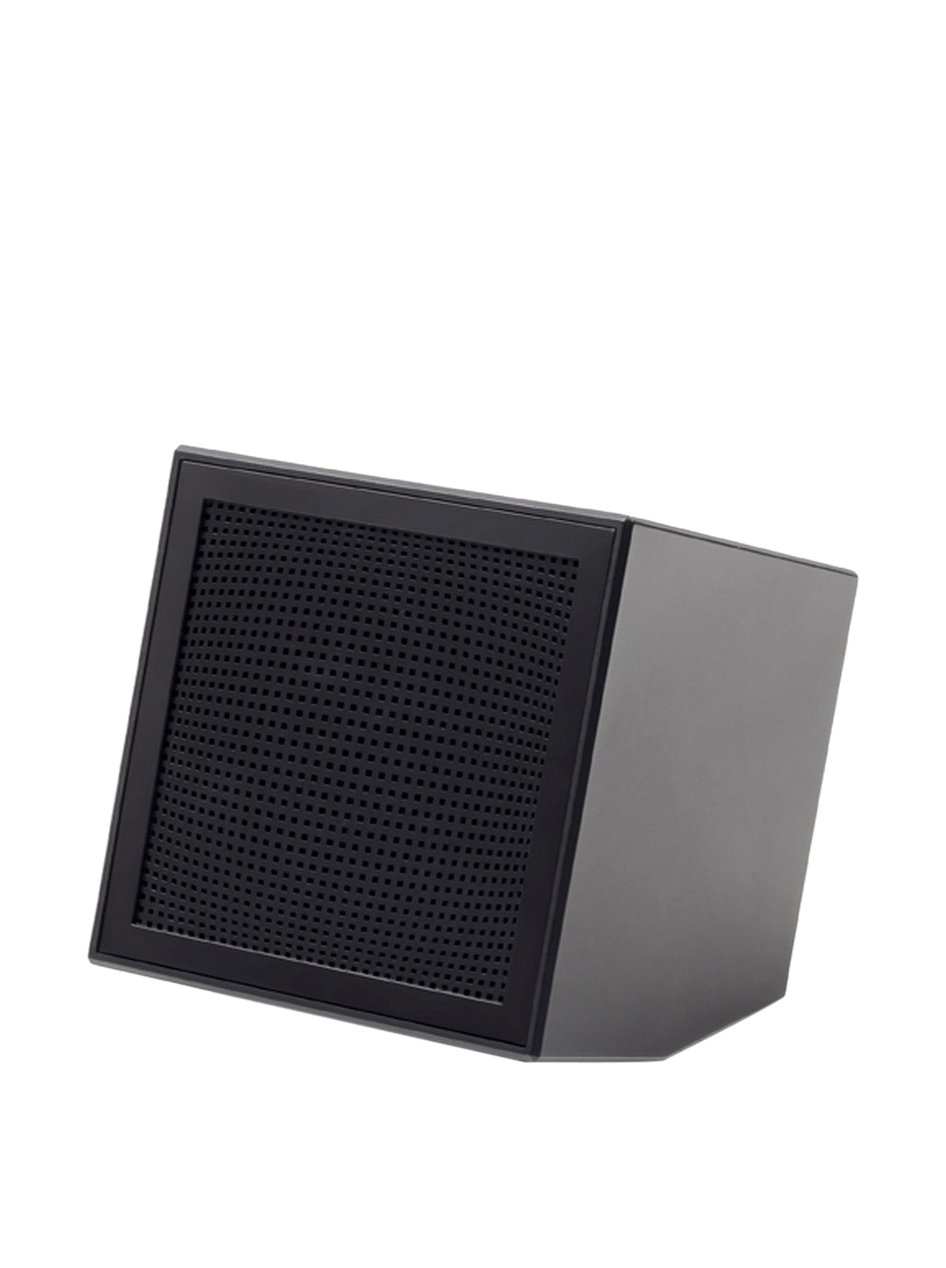
Image: The Lexon Prism Speaker, a compact black cube with a speaker grille, ready for use.
Naudojimo instrukcijos
1. Įjungimas/išjungimas
- To power on: Press and hold the power button (usually marked with a power symbol) for a few seconds until you hear an audible tone or see an indicator light.
- To power off: Press and hold the power button again for a few seconds until you hear an audible tone or the indicator light turns off.
2. „Bluetooth“ poravimas
Pair your Lexon Prism Speaker with a Bluetooth-enabled device (e.g., smartphone, tablet, computer).
- Ensure the speaker is powered on and in pairing mode. The Bluetooth indicator light will typically flash rapidly.
- Įrenginyje eikite į „Bluetooth“ nustatymus ir įgalinkite „Bluetooth“.
- Ieškokite available devices. The speaker should appear as "Lexon Prism" or a similar name.
- Select "Lexon Prism" from the list to connect.
- Once successfully paired, you will hear a confirmation tone, and the Bluetooth indicator light will stop flashing and remain solid.
- Įjungus garsiakalbį, jis automatiškai bandys prisijungti prie paskutinio suporuoto įrenginio.
3. Garso atkūrimas
After successful pairing, you can play audio from your connected device. Use your device's controls for:
- Playing/Pausing music
- Garsumo reguliavimas
- Skipping tracks (if supported by speaker controls)
The speaker itself may have basic controls for volume and playback, refer to the physical buttons on your device.
Priežiūra ir priežiūra
- Valymas: Use a soft, dry cloth to wipe the surface of the speaker. Do not use abrasive cleaners, alcohol, or chemical solvents, as these may damage the finish.
- Saugykla: Kai garsiakalbio nenaudojate ilgesnį laiką, laikykite jį vėsioje, sausoje vietoje, toliau nuo tiesioginių saulės spindulių ir ekstremalių temperatūrų.
- Vandens ekspozicija: Šis garsiakalbis nėra atsparus vandeniui. Saugokite jį nuo vandens, lietaus ar per didelės drėgmės.
- Poveikis: Avoid dropping the speaker or subjecting it to strong impacts, which can damage internal components.
Trikčių šalinimas
| Problema | Galimas sprendimas |
|---|---|
| Garsiakalbis neįsijungia. | Įsitikinkite, kad garsiakalbis yra visiškai įkrautas. Prijunkite jį prie maitinimo šaltinio naudodami USB laidą ir leiskite jam įkrauti bent 30 minučių, prieš bandydami vėl įjungti. |
| Negalima susieti su Bluetooth įrenginiu. |
|
| Nėra garso arba garsas per mažas. |
|
| Garso iškraipymas. |
|
Specifikacijos
| Funkcija | Detalė |
|---|---|
| Modelio numeris | LA87N |
| Prekės ženklas | Lexon |
| Maitinimo išvestis | 3 vatų |
| Ryšio technologija | Bluetooth, USB |
| Maitinimo šaltinis | Maitinamas baterijomis |
| Medžiaga | ABS |
| Matmenys (I x P x A) | 8 x 8 x 8 cm |
| Svoris | 405 gramų |
| Spalva | Juoda |
Garantija ir palaikymas
Lexon products are manufactured to the highest quality standards. For information regarding warranty coverage, terms, and conditions, please refer to the warranty card included with your purchase or visit the official Lexon websvetainę.
If you encounter any issues not covered in the troubleshooting section or require further assistance, please contact Lexon customer support through their official websvetainėje arba kontaktinę informaciją, pateiktą kartu su jūsų produkto dokumentais.
Please have your model number (LA87N) and proof of purchase ready when contacting support.


