1. Produktas baigtasview
The Sitecom WLA-5100 N600 Wi-Fi Dual Band USB Adapter provides wireless connectivity for your computer. It supports Wi-Fi 4 (802.11n) standards and operates on dual bands (2.4 GHz and 5 GHz) for optimal performance. This adapter connects via a USB interface, offering a convenient solution for adding or upgrading Wi-Fi capabilities to desktop or laptop computers.

Image 1: The Sitecom WLA-5100 N600 Wi-Fi Dual Band USB Adapter. This image shows the compact black USB adapter with the Sitecom logo, featuring a removable cap for the USB connector.
2. Pakuotės turinys
- 1 x Sitecom WLA-5100 N600 Wi-Fi Dual Band USB Adapter
- 1 x Quick Installation Guide (may vary by region)
- 1 x Driver CD (drivers may also be available for download online)
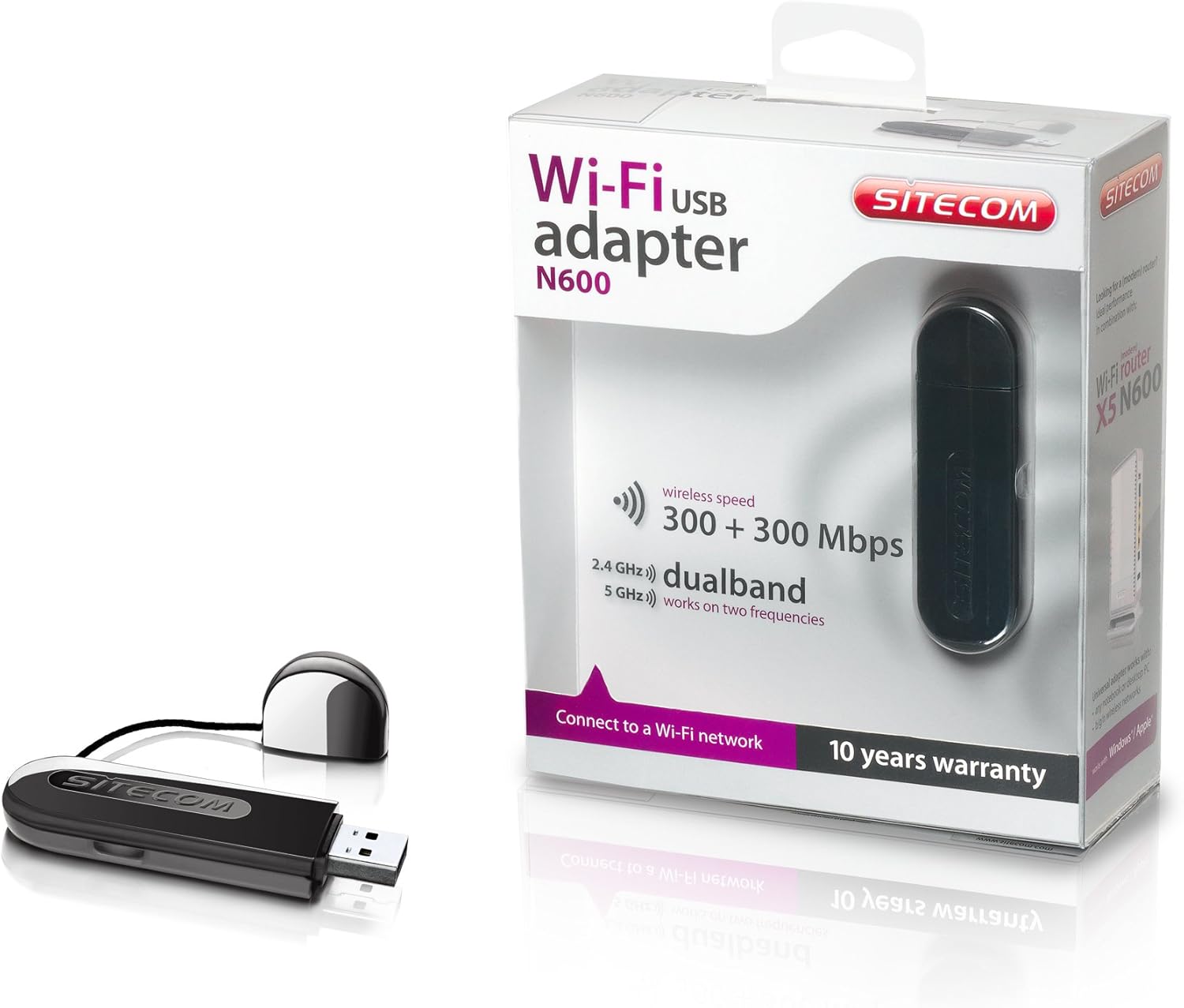
Image 2: The Sitecom WLA-5100 N600 Wi-Fi Dual Band USB Adapter shown alongside its retail packaging. The packaging highlights features such as wireless speed (300 + 300 Mbps) and dual-band functionality (2.4 GHz and 5 GHz).
3. Sistemos reikalavimai
- Galimas USB prievadas (rekomenduojama USB 2.0 arba naujesnė versija)
- Operating System: Compatible with Windows and Mac OS X (e.g., Mac OS X 10.8 Mountain Lion and later versions).
- Internet connection for driver download (if not using the included CD).
4. Sąranka
4.1 Tvarkyklės diegimas
- Before inserting the adapter, it is recommended to install the necessary drivers.
- Insert the included Driver CD into your computer's optical drive, or download the latest drivers from the official Sitecom support websvetainę.
- Vykdykite ekrane pateikiamas instrukcijas, kad užbaigtumėte tvarkyklės diegimo procesą.
4.2 Aparatinės įrangos diegimas
- Carefully insert the Sitecom WLA-5100 USB adapter into an available USB port on your desktop or laptop computer.
- Ensure the adapter is fully seated in the USB port. The operating system should detect the new hardware.
4.3 Prisijungimas prie „Wi-Fi“ tinklo
- Once the drivers are installed and the adapter is connected, your computer should detect available wireless networks.
- Access your operating system's network settings (e.g., Wi-Fi icon in the system tray for Windows, Wi-Fi menu bar item for macOS).
- Select your desired Wi-Fi network (SSID) from the list of available networks.
- Enter the network security key (password) if prompted, then click 'Connect'.
- Dabar jūsų kompiuteris turėtų būti prijungtas prie „Wi-Fi“ tinklo.
5. Operacinis
The WLA-5100 adapter supports dual-band operation, allowing connection to both 2.4 GHz and 5 GHz Wi-Fi networks. The 2.4 GHz band offers wider coverage and better penetration through obstacles, while the 5 GHz band provides faster speeds and less interference, making it ideal for activities like online gaming and high-definition video streaming.
Your computer's operating system will automatically detect and display available networks on both bands. You can choose which band to connect to based on your proximity to the router and your performance needs. For optimal performance, connect to a 5 GHz network if available and you are in close range to your router.
6. Priežiūra
- Adapterį laikykite švarų ir be dulkių. Valymui naudokite minkštą, sausą šluostę.
- Saugokite adapterį nuo ekstremalių temperatūrų, tiesioginių saulės spindulių ar drėgmės.
- Nebandykite ardyti ar modifikuoti įrenginio, nes tai panaikins garantiją ir gali sukelti gedimų.
- When not in use, store the adapter in a safe place to prevent physical damage.
7. Problemų sprendimas
7.1 Nėra „Wi-Fi“ ryšio
- Patikrinkite adapterio jungtį: Ensure the adapter is securely plugged into a functional USB port. Try a different USB port.
- Patikrinkite tvarkyklės įdiegimą: Confirm that the drivers are correctly installed. Check your computer's Device Manager (Windows) or System Information (macOS) to see if the adapter is listed without errors. Reinstall drivers if necessary.
- Maršrutizatoriaus būsena: Įsitikinkite, kad jūsų „Wi-Fi“ maršrutizatorius įjungtas ir transliuoja signalą.
- Tinklo diapazonas: Make sure your computer is within range of your Wi-Fi network.
- Iš naujo paleiskite kompiuterį: Kartais paprastas paleidimas iš naujo gali išspręsti ryšio problemas.
7.2 Lėtas ryšio greitis
- Juostos pasirinkimas: If available, connect to the 5 GHz network for faster speeds, especially if you are close to the router.
- Trikdžiai: Move the adapter or computer away from potential sources of interference (e.g., microwaves, cordless phones, Bluetooth devices).
- Tvarkyklės naujinimas: Įsitikinkite, kad įdiegėte naujausias adapterio tvarkykles.
- Maršrutizatoriaus našumas: Check your router's settings and ensure it is operating optimally.
7.3 Adapteris neatpažintas
- USB prievadas: Pabandykite prijungti adapterį prie kito kompiuterio USB prievado.
- Iš naujo įdiekite tvarkykles: Uninstall existing drivers and perform a clean reinstallation.
- Operacinės sistemos atnaujinimai: Įsitikinkite, kad jūsų operacinė sistema yra atnaujinta.
8. Specifikacijos
| Funkcija | Detalė |
|---|---|
| Prekės ženklas | Sitecom |
| Modelis | WLA-5100 |
| Ryšio technologija | Bevielis |
| Priimančiosios sąsaja | USB |
| bevielio ryšio standartas | IEEE 802.11a, 802.11b, 802.11g, 802.11n (Wi-Fi 4) |
| Belaidis greitis | Iki 300 Mbps (2.4 GHz) + 300 Mbps (5 GHz) |
| Dažnių juosta | Dviejų dažnių juosta (2.4 GHz ir 5 GHz) |
| Spalva | Juoda |
| Matmenys (I x P x A) | 7.5 x 2.5 x 1 cm (apytiksliai) |
| Svoris | 10 g |
| Maitinimo šaltinis | USB veikia |
| Suderinami įrenginiai | Desktop computer, Laptop computer |
| Pasaulinis prekybos prekės numeris (GTIN) | 08716502026821 |
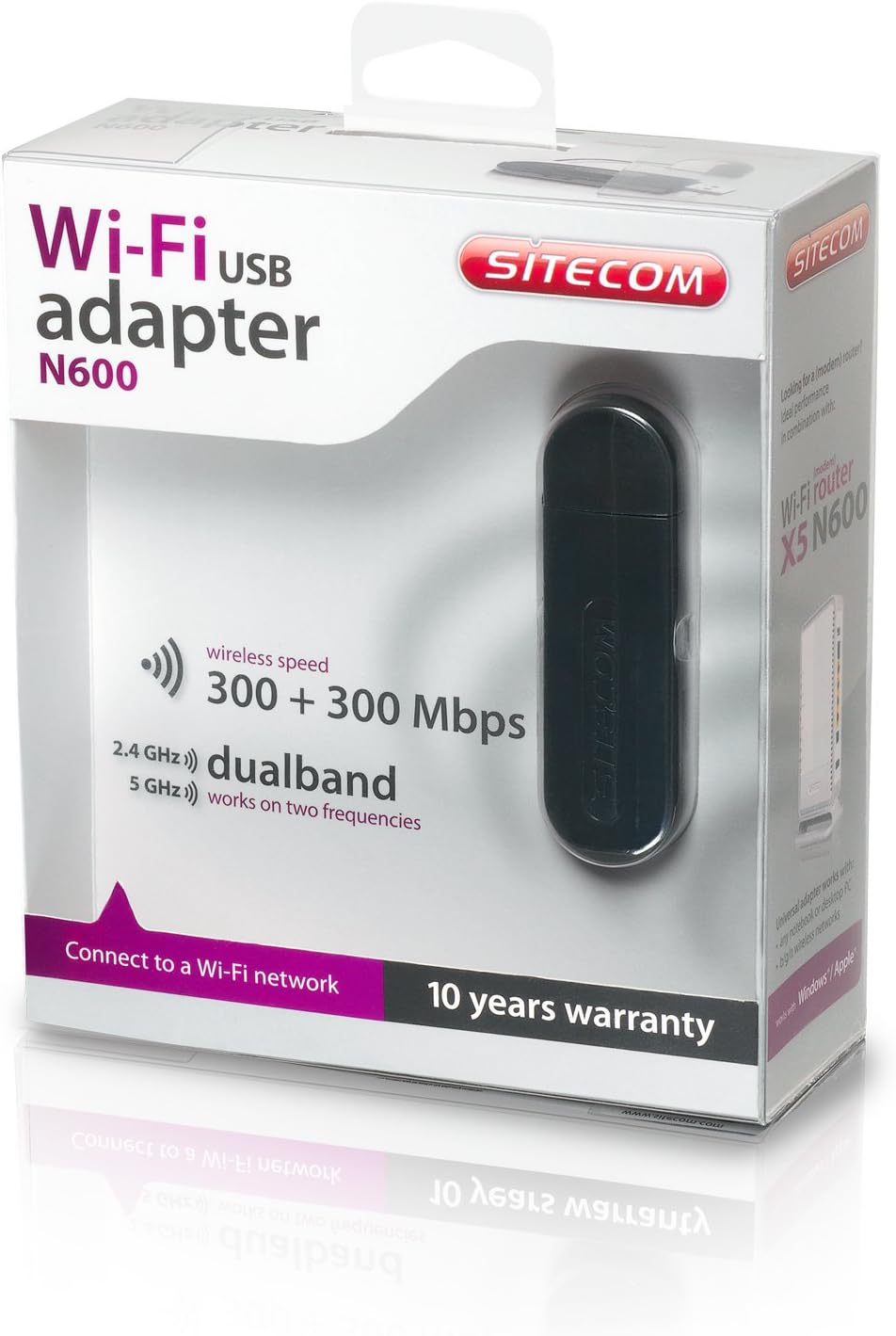
Image 3: The retail packaging for the Sitecom WLA-5100 N600 Wi-Fi Dual Band USB Adapter. The box prominently displays the product name, N600 rating, wireless speed, and dual-band capabilities.
9. Garantija ir palaikymas
The Sitecom WLA-5100 N600 Wi-Fi Dual Band USB Adapter typically comes with a 10 metų garantija, kaip nurodyta ant gaminio pakuotės. Išsaugokite pirkimo įrodymą garantiniams reikalavimams.
For technical support, driver downloads, frequently asked questions, or further assistance, please visit the official Sitecom website or contact their customer support. Refer to the packaging or the Sitecom websvetainėje rasite naujausią palaikymo kontaktinę informaciją.


