1. Įvadas
Thank you for choosing the 2BOOM HPBT500K Wireless Headphone System. This manual provides essential information for the proper setup, operation, and maintenance of your new headphones. Please read it thoroughly before use to ensure optimal performance and longevity of the product.
The HPBT500K headphones offer a wireless audio experience with a built-in microphone for hands-free calling, enhanced bass sound, and comfortable wear.
2. Kas yra dėžutėje
- 2BOOM HPBT500K Wireless Headphone
- USB įkrovimo laidas
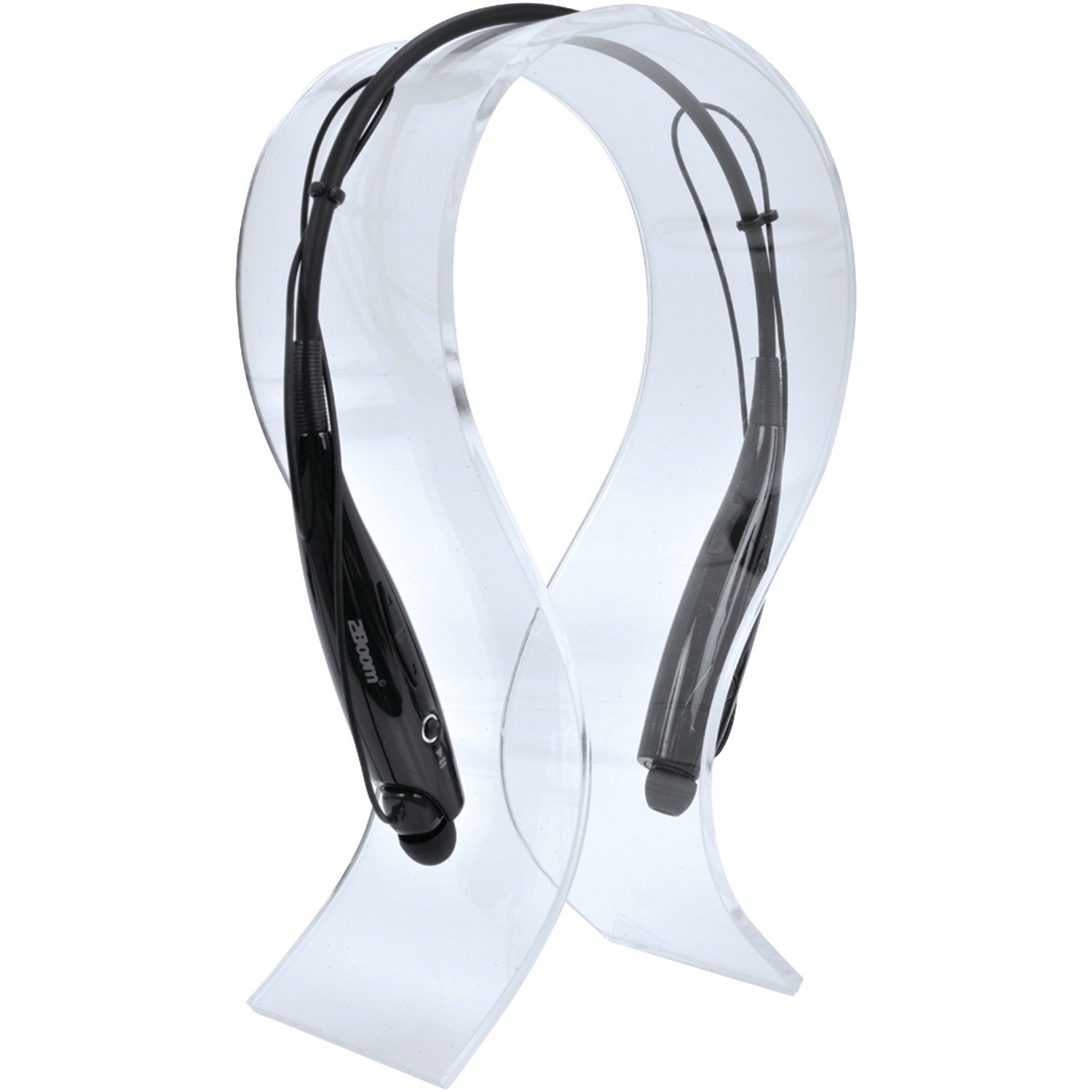
Image: The 2BOOM HPBT500K Wireless Headphone, showcasing jo dizainas.
Image: The included USB charging cable for the headphones.
3. Produktas baigtasview
Familiarize yourself with the various parts and controls of your HPBT500K headphones.

Vaizdas: Šoninė view of the 2BOOM HPBT500K Wireless Headphone, highlighting control buttons and ports.
Valdikliai ir indikatoriai:
- Maitinimo mygtukas: Used to turn the headphones on/off and for pairing.
- Garsumo didinimas/kitas takelis: Increases volume or skips to the next song.
- Garsumo mažinimas/ankstesnis takelis: Decreases volume or goes to the previous song.
- Daugiafunkcis mygtukas (MFB): Leisti / pristabdyti, atsiliepti / baigti skambutį.
- Mikrofonas: Laisvų rankų bendravimui.
- LED indikatorius: Rodo maitinimo būseną, susiejimo režimą ir įkrovimo būseną.
- Mikro USB įkrovimo prievadas: Įkrovimo laido prijungimui.
4. Ausinių įkrovimas
Before first use, fully charge your headphones. A full charge typically takes about 2-3 hours.
- Connect the small end of the USB charging cable to the Micro USB charging port on your headphones.
- Connect the larger end of the USB charging cable to a USB power source (e.g., computer USB port, USB wall adapter). Ensure the power source provides DC 5V.
- The LED indicator will illuminate during charging and change color or turn off once charging is complete.
Pastaba: Nenaudokite įkroviklių, kurių įtampatage higher than DC 5V, as this may damage the headphones.
5. Sąranka ir „Bluetooth“ susiejimas
Follow these steps to pair your HPBT500K headphones with your Bluetooth-enabled device.
- Maitinimas: Press and hold the Power button on the headphones until the LED indicator flashes, usually alternating blue and red, indicating pairing mode.
- Suaktyvinkite „Bluetooth“: On your smartphone, tablet, or other Bluetooth device, go to the Bluetooth settings and ensure Bluetooth is turned on.
- Ieškokite Įrenginiai: Jūsų įrenginys ieškos galimų „Bluetooth“ įrenginių.
- Select 'HPBT500K': From the list of found devices, select 'HPBT500K'.
- Patvirtinkite susiejimą: Once paired, the LED indicator on the headphones will typically flash blue slowly or remain solid blue, and your device may confirm the connection.
The operating distance for Bluetooth connectivity is up to 33 feet (10 meters) in an open environment. Obstacles may reduce this range.
6. Naudojimo instrukcijos
Muzikos atkūrimas:
- Leisti / pristabdyti: Vieną kartą paspauskite daugiafunkcį mygtuką (MFB).
- Kitas takelis: Paspauskite ir palaikykite garsumo didinimo mygtuką.
- Ankstesnis takelis: Paspauskite ir palaikykite garsumo mažinimo mygtuką.
- Pagarsink: Trumpai paspauskite garsumo didinimo mygtuką.
- Patildyti: Trumpai paspauskite garsumo mažinimo mygtuką.
Music playback time is up to 3 hours on a full charge.
Skambinimas laisvų rankų įranga:
- Atsiliepti į skambutį: Press the MFB once when a call comes in.
- Baigti skambutį: Skambučio metu vieną kartą paspauskite daugiafunkcį mygtuką.
- Atmesti skambutį: Press and hold the MFB for approximately 2 seconds when a call comes in.
- Perrink paskutinį numerį: Du kartus paspauskite MFB.
Talk time is up to 3 hours on a full charge.
7. Priežiūra
Norėdami užtikrinti ausinių ilgaamžiškumą ir optimalų veikimą, laikykitės šių priežiūros nurodymų:
- Keep the headphones dry. Avoid exposure to moisture, rain, or liquids.
- Clean the headphones with a soft, dry cloth. Do not use harsh chemicals or abrasive cleaners.
- Ausines laikykite vėsioje, sausoje vietoje, toliau nuo ekstremalių temperatūrų.
- Venkite ausinių numetimo ir stiprių smūgių.
- Nebandykite ardyti ar modifikuoti ausinių, nes tai panaikins garantiją.
8. Problemų sprendimas
If you encounter issues with your HPBT500K headphones, refer to the following common problems and solutions:
- Ausinės neįsijungia:
Įsitikinkite, kad ausinės yra visiškai įkrautos. Prijunkite jas prie maitinimo šaltinio naudodami pridėtą USB laidą. - Nepavyksta susieti su įrenginiu:
Make sure Bluetooth is enabled on your device and the headphones are in pairing mode (LED flashing blue/red). Move the headphones closer to your device. Try turning both devices off and on again. - Nėra garso arba garsas per mažas:
Patikrinkite garsumo lygius abiejose ausinėse ir prijungtame įrenginyje. Įsitikinkite, kad ausinės tinkamai susietos. - Prasta garso kokybė arba ryšio sutrikimai:
Ensure there are no obstructions between the headphones and your device. Move closer to your device. Avoid environments with strong Wi-Fi or other wireless interference. - Mikrofonas neveikia:
Ensure the headphones are properly connected and selected as the audio input device on your phone/computer.
9. Specifikacijos
| Funkcija | Specifikacija |
|---|---|
| Bluetooth versija | 2.1 + EDR |
| Veikimo atstumas | Iki 33 pėdų (10 metrų) |
| Muzikos atkūrimo laikas | Iki 3 valandų |
| Pokalbių laikas | Iki 3 valandų |
| Įkrovimo įvestis, ttage | DC 5V |
| Įkrovimo laikas | Maždaug 2-3 valandų |
| Garsiakalbio išvestis | 2x40mW |
| Integruota baterija | 3.7 V, 150 mAh |
| Prekės svoris | 113 g |
| Gaminio matmenys (IxPxH) | 23.11 x 16.76 x 3.81 cm |
| Įtraukti komponentai | Headphone with charging cable |
| Kontrolės metodas | Palieskite |
| Ypatingos savybės | Lengvas, pridedamas mikrofonas |
10. Garantija ir palaikymas
For warranty information or technical support, please refer to the documentation provided at the time of purchase or contact 2BOOM customer service. Keep your proof of purchase for warranty claims.


