1. Įvadas
Šiame vadove pateikiama esminė informacija apie jūsų įrenginio nustatymą, naudojimą ir priežiūrą. ViewSonic VG2449_H2 24-inch dual pack head-only 1080p LED monitors. These monitors are designed for high performance and easy deployment, particularly in multi-monitor setups for corporate, government, and education environments. The dual pack is supplied without monitor stands, making it ideal for VESA-compatible mounting solutions.
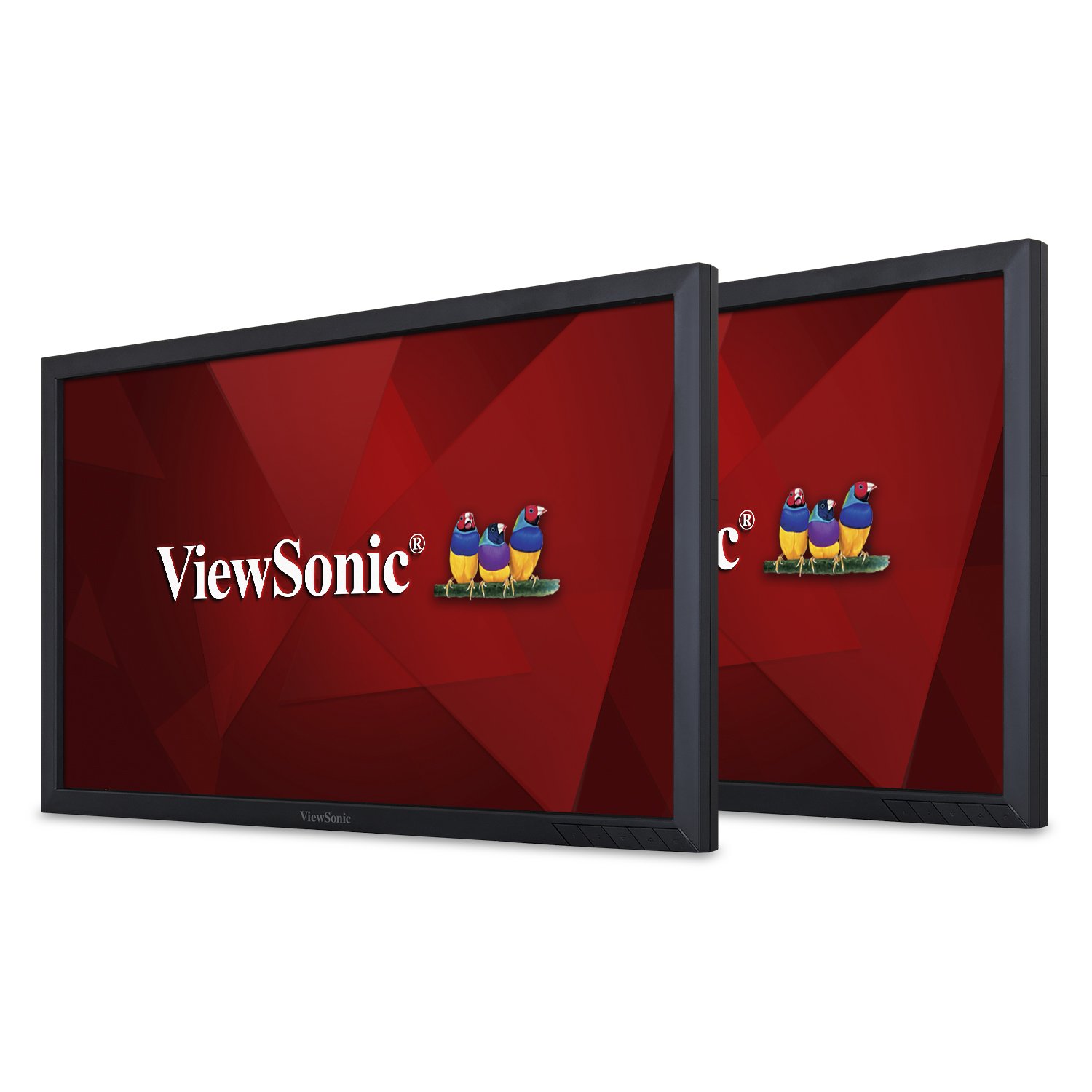
1 pav.: priekis view iš ViewSonic VG2449_H2 monitor.
2. Kas yra dėžutėje
Išpakuodami patikrinkite, ar yra visi toliau išvardyti daiktai:
- Du (2) ViewSonic VG2449 Monitors
- Two (2) Power Cables (1.8m)
- Two (2) Mini DP to DP Cables (1.8m)
- Two (2) USB 3.0 Upstream Cables (1.8m)
- Vienas (1) Greitos pradžios vadovas
3. Sąranka
The VG2449_H2 monitors are designed for VESA-compatible mounting. They do not include monitor stands, making them suitable for custom mounting solutions such as desk mounts or wall mounts. Ensure your mounting solution is compatible with VESA 100x100mm standards.
3.1 Mounting the Monitors
Attach the monitors to your VESA-compatible mount using the provided screws. Refer to your mount's instruction manual for specific installation steps. Ensure the monitors are securely fastened before proceeding with cable connections.

2 pav.: galinis view of the monitor highlighting VESA mount points.
3.2 Pradinis prisijungimas
After mounting, connect the power cables to each monitor and then to a power outlet. Connect the video cables (HDMI, DisplayPort, Mini DP, or VGA) from your computer or other video source to the respective input ports on the monitors. For USB functionality, connect the USB 3.0 upstream cable from one monitor to your computer.
For a visual guide on setting up dual monitors and understanding the benefits of ViewSonic Dual Monitor Packs, please watch the video below:
1 vaizdo įrašas: Viršview of ViewSonic Dual Monitor Packs, demonstrating setup and productivity benefits.
4. Monitorių valdymas
4.1 Maitinimo įjungimas/išjungimas
Press the power button located on the bottom right bezel of each monitor to turn it on or off. The power indicator light will illuminate when the monitor is active.
4.2 Įvesties pasirinkimas
Use the OSD (On-Screen Display) menu buttons to navigate and select the desired input source (HDMI, DisplayPort, Mini DP, VGA). The monitors will automatically detect an active input, but manual selection may be necessary if multiple sources are connected.
4.3 Ekrano kokybė
The VG2449_H2 monitors feature SuperClear MVA panel technology, ensuring consistent and stunning views from wide viewing angles. With a 20M:1 dynamic contrast ratio, images are sharp and colors are vivid across all screens, enhancing productivity and visual experience.
4.4 Suderinamumas su OS
These monitors are compatible with various operating systems, including macOS, Windows, Linux, Ubuntu, Android, and Chrome OS.
5. Ryšys
The ViewSonic VG2449_H2 offers a comprehensive range of connectivity options to support various devices and configurations:
- HDMI: Didelės raiškos skaitmeniniam vaizdui ir garsui.
- „DisplayPort“ (DP): For high-resolution digital video and audio, supporting daisy-chaining.
- Mini DisplayPort (Mini DP): A compact version of DisplayPort.
- VGA: Analoginėms vaizdo jungtims.
- USB 3.0: Multiple USB ports for connecting peripherals and charging devices.
5.1 Ramunėlių jungimas
The DisplayPort input and output allow for easy, single-cable daisy-chaining of multiple monitors. This feature simplifies cable management and expands your desktop workspace efficiently.

3 pav. Išsamus view monitoriaus jungiamųjų prievadų.
6. Priežiūra
Proper maintenance ensures the longevity and optimal performance of your monitors.
- Valymas: Švelniai nuvalykite ekraną minkšta, nepūkuota šluoste. Įsisenėjusioms dėmėms valyti naudokite specialiai ekranui skirtą valymo tirpalą, užtepkite ant šluostės, o ne tiesiai ant ekrano. Venkite stiprių cheminių medžiagų.
- Tvarkymas: Always handle the monitors by their edges. Avoid applying pressure to the screen.
- Vėdinimas: Ensure adequate airflow around the monitors to prevent overheating. Do not block ventilation openings.
- Saugykla: When not in use for extended periods, store the monitors in a cool, dry place, ideally in their original packaging.
7. Problemų sprendimas
If you encounter issues with your monitors, refer to the following common troubleshooting steps:
- Nėra galios: Įsitikinkite, kad maitinimo laidas yra tvirtai prijungtas prie monitoriaus ir maitinimo lizdo. Patikrinkite, ar maitinimo lizdas veikia.
- Nėra signalo: Verify that the video cable is correctly connected to both the monitor and the computer/video source. Ensure the correct input source is selected via the OSD menu.
- Mirgantis / iškreiptas vaizdas: Patikrinkite, ar vaizdo kabelis nepažeistas arba neatsilaisvinusios jungtys. Išbandykite kitą vaizdo kabelį arba prievadą. Įsitikinkite, kad jūsų vaizdo plokštės tvarkyklės yra atnaujintos.
- Neteisinga skiriamoji geba: Adjust the display resolution settings in your operating system to the monitor's native resolution (1920x1080).
- USB prievadai neveikia: Ensure the USB 3.0 upstream cable is connected from the monitor to your computer. Check your computer's device manager for any USB driver issues.
For more complex issues, consult the full user manual available on the ViewSonic websvetainę arba kontaktą View„Sonic“ klientų aptarnavimas.
8. Specifikacijos
Žemiau pateikiamos pagrindinės techninės specifikacijos, skirtos ViewSonic VG2449_H2 monitors:
| Funkcija | Specifikacija |
|---|---|
| Stovinčio ekrano dydis | 24 colių |
| Ekrano raiška | 1920 x 1080 (viskas viename) |
| Maksimali ekrano skiriamoji geba | 1920 x 1080 pikselių |
| Prekės ženklas | ViewSonic |
| Serija | VG2449_H2 |
| Prekės modelio numeris | VG2449_H2 |
| Prekės svoris | 15.84 pounds (per monitor) |
| Gaminio matmenys | 2.33 x 22.06 x 13.1 colio |
| Spalva | Juoda |
| ttage | 240 voltai (kintamoji srovė) |
| Krašto santykis | 16:9 |
| Ekrano paviršiaus aprašymas | Blizgus |
9. Garantija ir palaikymas
ViewSonic products are manufactured to the highest standards and deliver high-quality performance. For detailed warranty information, please refer to the warranty card included with your product or visit the official ViewSonic websvetainę. Dėl techninės pagalbos, produkto registracijos arba viso naudotojo vadovo atsisiuntimo apsilankykite www.viewsonic.com.


