Produktas baigtasview
The Ultimate Ears WONDERBOOM is a compact, portable, and waterproof Bluetooth speaker designed to deliver surprisingly serious sound. Its robust design makes it ideal for outdoor adventures, poolside parties, or even use in the shower. With 360-degree sound and impressive battery life, the WONDERBOOM ensures your music is always with you.
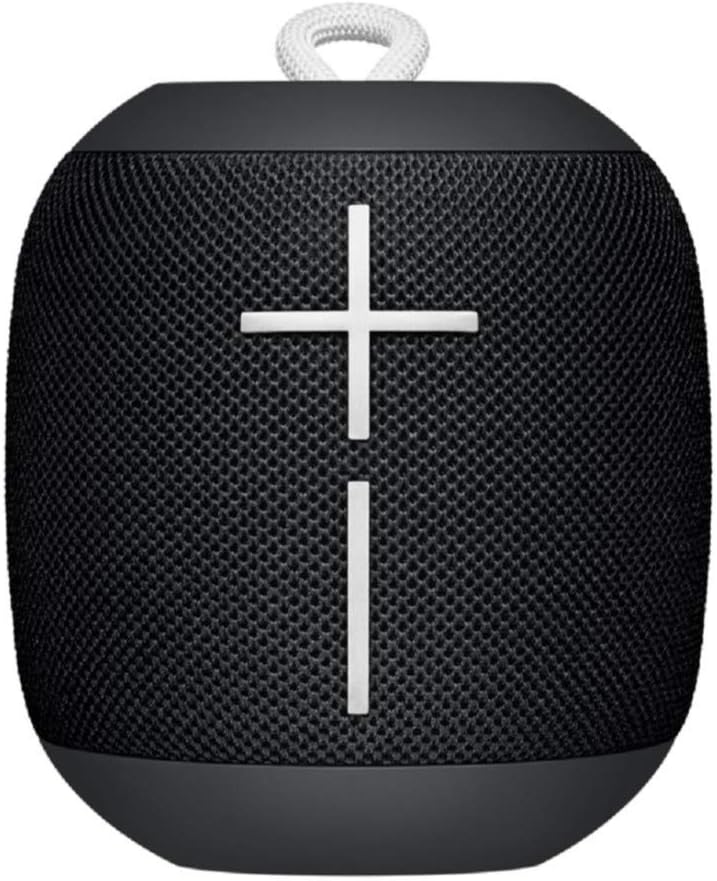
Vaizdas: priekis view of the Ultimate Ears WONDERBOOM speaker in Phantom Black, showcasing its compact, cylindrical design with large volume controls.
Kas yra dėžutėje
- Ultimate Ears WONDERBOOM Speaker
- USB įkrovimo laidas
- Greitos pradžios vartotojo vadovas
Sąranka
1. Įjunkite maitinimą
Press the power button located on the top of the speaker. A sound will indicate that the speaker is powered on and ready for pairing.
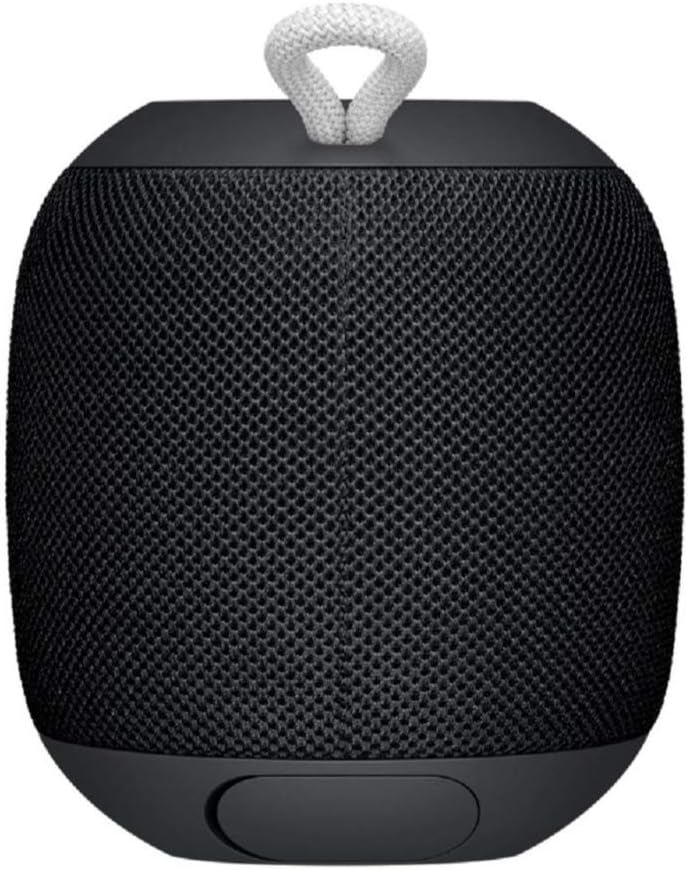
Image: Close-up of the top surface of the WONDERBOOM speaker, highlighting the power button and the Ultimate Ears logo.
2. „Bluetooth“ poravimas
- Turn on your WONDERBOOM speaker.
- Mobiliajame įrenginyje eikite į „Bluetooth“ nustatymus.
- Select 'WONDERBOOM' from the list of available devices to pair.
- Suporavus garsiakalbį, pasigirs patvirtinimo garsas.
Naudojimo instrukcijos
Pagrindiniai valdikliai
- Leisti / pristabdyti: Press the UE logo button on the top of the speaker once.
- Praleisti dainą: Double-tap the UE logo button to skip to the next track.
- Garsumo valdymas: Garsumui reguliuoti naudokite didelius mygtukus „+“ ir „-“, esančius garsiakalbio priekyje.

Vaizdas: priekis view of the WONDERBOOM speaker, clearly showing the prominent '+' and '-' buttons for volume control.
Double Up (Pairing Two WONDERBOOMs)
For a louder and more immersive audio experience, you can wirelessly pair two WONDERBOOM speakers together.
- Ensure both WONDERBOOM speakers are powered on.
- On one speaker, press and hold the UE logo button on the top until you hear a confirmation tone.
- Pakartokite procesą su antruoju garsiakalbiu.
- Both speakers will now play audio from the same source, creating a stereo sound.

Image: Two individuals interacting with two WONDERBOOM speakers, demonstrating the 'Double Up' pairing feature for enhanced sound.
Atsparios vandeniui savybės
The WONDERBOOM is IPX7 rated, meaning it can be immersed in water up to 1 meter (3.3 feet) for up to 30 minutes. It is designed to float, making it perfect for use around pools, beaches, or in the shower.
Video: An official product video demonstrating the Ultimate Ears WONDERBOOM's waterproof capabilities and robust design.
Baterijos veikimo laikas ir įkrovimas
The WONDERBOOM offers up to 10 hours of continuous playback on a single charge. When the battery is low, the speaker will indicate this with an audible alert.
Įkrovimas
To charge your WONDERBOOM, open the weather door at the bottom of the speaker and connect the included USB charging cable to a power source. A full charge takes approximately 2.8 hours.
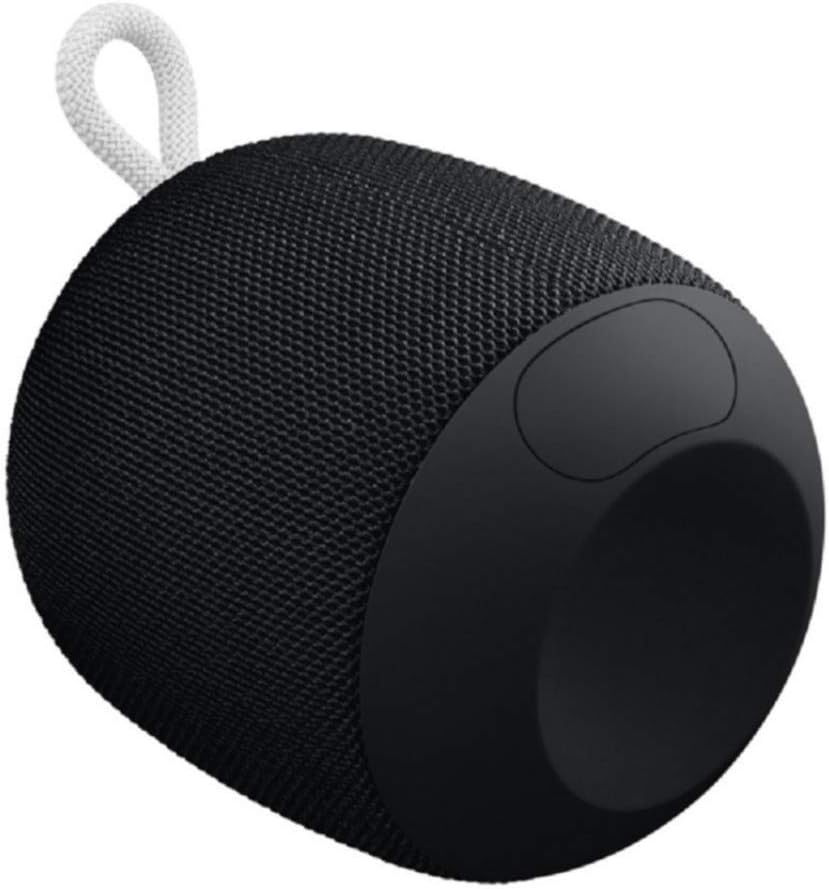
Image: The underside of the WONDERBOOM speaker, showing the protective flap covering the charging port in an open position.
Specifikacijos
| Funkcija | Aprašymas |
|---|---|
| Modelio pavadinimas | WONDERBOOM |
| Garsiakalbio tipas | Lauke |
| Ypatingos savybės | Stereo pairing, Portable |
| Baterijos veikimo laikas | Iki 10 valandų |
| Atsparumas vandeniui | IPX7 (Waterproof up to 1m for 30 mins) |
| Įkrovimo laikas | apytiksliai 2.8 valandos |
| belaidis diapazonas | Iki 100 pėdų (30 metrų) |
| Prekės svoris | 0.5 svaro (8 uncijos) |
| Gaminio matmenys | 4.2 "D x 4.6" P x 5.3" A |
| Ryšys | Bluetooth |
| Gamintojas | Logitech |
Priežiūra
To ensure the longevity of your WONDERBOOM speaker, follow these maintenance guidelines:
- Valymas: Nuvalykite garsiakalbį minkšta, damp audinys. Nenaudokite stiprių cheminių medžiagų ar abrazyvinių valiklių.
- Saugykla: Kai nenaudojate, laikykite garsiakalbį vėsioje, sausoje vietoje. Venkite ilgalaikio ekstremalių temperatūrų poveikio.
- Įkrovimo prievadas: Ensure the charging port cover is securely closed when the speaker is not charging, especially when near water, to maintain its waterproof integrity.
Trikčių šalinimas
If you encounter issues with your WONDERBOOM speaker, try the following solutions:
- Nėra galios: Ensure the speaker is fully charged. Connect it to a power source using the provided USB cable.
- „Bluetooth“ ryšio problemos:
- Įsitikinkite, kad jūsų įrenginyje įjungtas „Bluetooth“.
- Perkelkite garsiakalbį arčiau savo įrenginio.
- Forget the speaker from your device's Bluetooth settings and re-pair.
- Iš naujo paleiskite garsiakalbį ir įrenginį.
- Nėra garso / tylus garsas:
- Patikrinkite garsumo lygius tiek garsiakalbyje, tiek prijungtame įrenginyje.
- Įsitikinkite, kad garsiakalbis nėra nutildytas.
- If using 'Double Up', ensure both speakers are properly paired.
Garantija ir palaikymas
The Ultimate Ears WONDERBOOM comes with a Limited Warranty. For detailed warranty information and support, please refer to the official User Guide (PDF) available for download or visit the Ultimate Ears support websvetainę.


