1. Įvadas
The Avantree Torpedo Plus is a versatile portable Bluetooth speaker designed to deliver high-quality audio with minimal latency. Featuring aptX Low Latency technology, it ensures audio-visual synchronization when paired with compatible transmitters. This manual provides detailed instructions for setting up, operating, and maintaining your speaker.

Figure 1: Avantree Torpedo Plus Portable Bluetooth Speaker
2. Kas yra dėžutėje
- Avantree Torpedo Plus Speaker
- Type C USB Charging Cable (100CM / 3FT)
- Audio Cable (120CM / 4FT)
- Greitas vartotojo vadovas
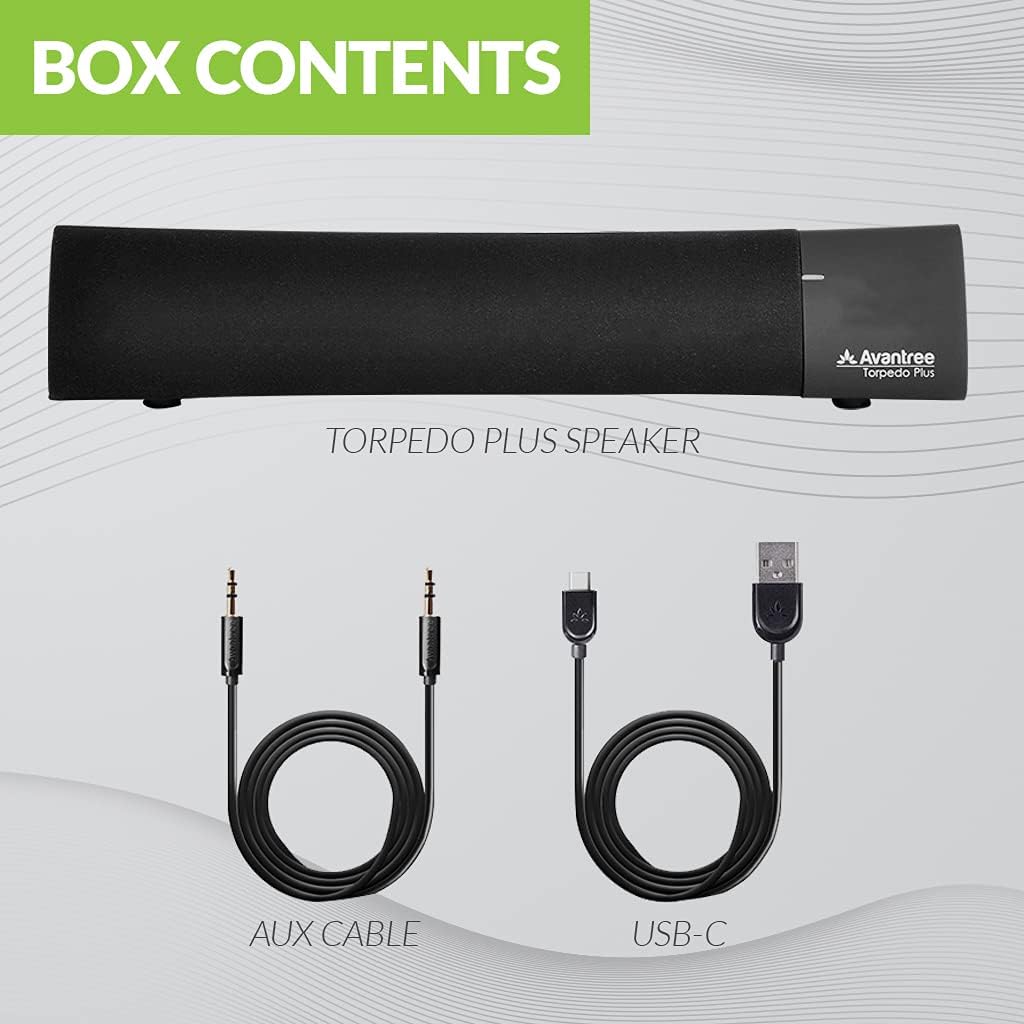
Figure 2: Included accessories with the Torpedo Plus speaker.
3. Produktas baigtasview
The Torpedo Plus features a compact design with intuitive controls. It includes dual 5W speakers for clear sound output and supports multiple sound modes for a customized listening experience.

3 pav. Vidinis view highlighting the dual 5W power drivers.
The speaker is lightweight and portable, making it suitable for various environments, from a desktop setup to on-the-go use.
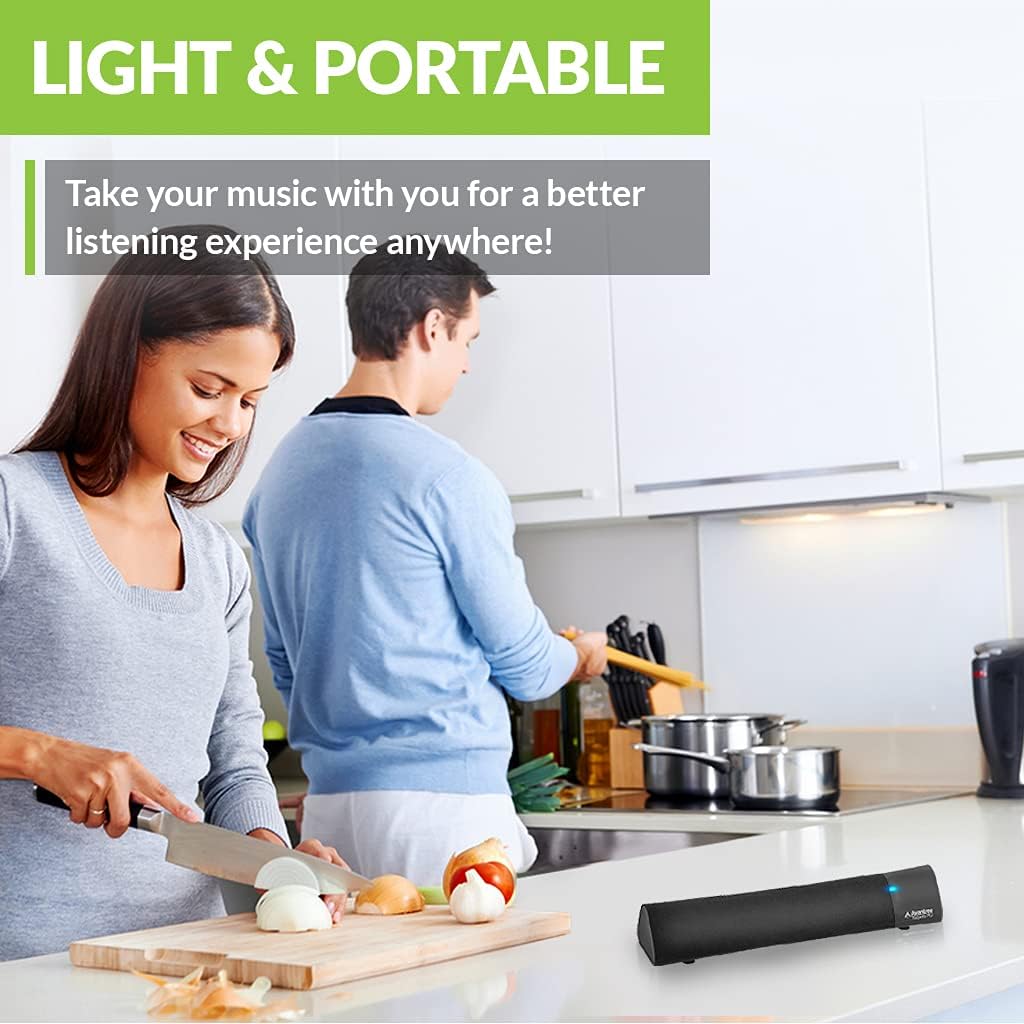
Figure 4: Portability of the Torpedo Plus speaker in a kitchen setting.
4. Sąranka
4.1 Įjungimas
- Connect the provided Type C USB charging cable to the speaker's charging port.
- Plug the other end of the USB cable into a DC 5V/1A power source (e.g., computer USB port, USB wall adapter).
- The speaker will indicate its power status via an LED indicator.
4.2 Pradinis susiejimas („Bluetooth“)
- Įsitikinkite, kad garsiakalbis įjungtas ir veikia „Bluetooth“ susiejimo režimu (paprastai tai rodo mirksintis LED indikatorius).
- On your device (laptop, phone, tablet), enable Bluetooth and search for "Avantree Torpedo Plus".
- Select the speaker to pair. Once connected, the LED indicator will show a solid light.

Figure 5: Easy setup and Bluetooth pairing with a laptop.
5. Naudojimo instrukcijos
5.1 Bluetooth ryšys
After initial pairing, the speaker should automatically reconnect to your last paired device when powered on and within range.
5.2 Laidinis ryšys (AUX)
- Connect one end of the provided 3.5mm audio cable to the AUX input port on the speaker.
- Connect the other end to the audio output jack of your device (e.g., TV, computer).
- The speaker will automatically switch to AUX mode or you may need to select it using the mode button/control.
5.3 garso režimai
The Torpedo Plus features Digital Signal Processing (DSP) with three distinct sound modes:
- 3D erdvinis garsas: Enhances spatial audio for an immersive experience.
- Boso režimas: Boosts low frequencies for richer bass.
- Balanced Audio Mode: Suteikia neutralų garsąfile suitable for various content.
Refer to the quick user guide for specific instructions on how to switch between these modes.

Figure 6: Available sound modes for personalized audio.
5.4 Mažo vėlavimo garsas
When used with an aptX Low Latency enabled Bluetooth transmitter, the Torpedo Plus delivers audio in perfect synchronization with video, eliminating noticeable delays.

Figure 7: Enjoying low latency audio with the speaker while watching TV.
5.5 Oficialus produkto vaizdo įrašas
Watch this official video from AvantreeDirect USA for a visual overview of the Avantree aptX Low Latency Portable Bluetooth 5.0 Speaker.
Video 1: Avantree aptX Low Latency Portable Bluetooth 5.0 Speaker overview.
6. Priežiūra
- Keep the speaker away from water and excessive moisture.
- Paviršių valykite minkšta, sausa šluoste. Nenaudokite abrazyvinių valiklių.
- Stenkitės, kad garsiakalbis nepatektų į ekstremalias temperatūras.
- Laikyti vėsioje, sausoje vietoje, kai nenaudojate ilgą laiką.
7. Problemų sprendimas
7.1 Nėra galios
- Ensure the USB charging cable is securely connected to both the speaker and a working power source.
- Patikrinkite, ar maitinimo šaltinis yra aktyvus.
7.2 Nėra garso
- Bluetooth: Check if the speaker is successfully paired and connected to your device. Ensure the volume on both the speaker and your device is turned up.
- AUX: Confirm the 3.5mm audio cable is fully inserted into both the speaker and your device. Ensure your device's audio output is set to the correct port.
- Check if the speaker is in the correct input mode (Bluetooth or AUX).
7.3 Garso vėlavimas (latencija)
- For optimal low latency performance, ensure your Bluetooth audio source (e.g., TV, PC) is connected via an aptX Low Latency compatible Bluetooth transmitter.
- Ensure the speaker is operating in aptX Low Latency mode if applicable (refer to quick user guide for LED indicators).
8. Specifikacijos
| Funkcija | Detalė |
|---|---|
| Bluetooth versija | V5.0 |
| Garso kodekas | aptX LL, aptX, SBC |
| „Pro“ palaikymasfiles | A2DP V1.3, AVRCP V1.5 |
| Įkrovimo prievadas | C tipas |
| Įkrovimo laikas | 3 valandų |
| Įkrovimo ttage | DC 5V/1A |
| Integruota baterija | 2200 mA / 3.7 V |
| Žaidimo laikas | 7 valandų |
| Išėjimo galia | 5W × 2 |
| Dažnio atsakas | 50 Hz ~ 20 KHz |
| Dydis | 275 mm x 60mm x 50 mm (10.83" x 2.36" x 1.97") |
| Produkto svoris | 480 g (0.026 uncijos) |
| Belaidžio ryšio technologija | Bluetooth |
| Ryšio technologija | Pagalbinis, „Bluetooth“ |
| Bluetooth diapazonas | 30 metrai (100 pėdos) |
| Garso vėlavimas | 40 milisekundės |
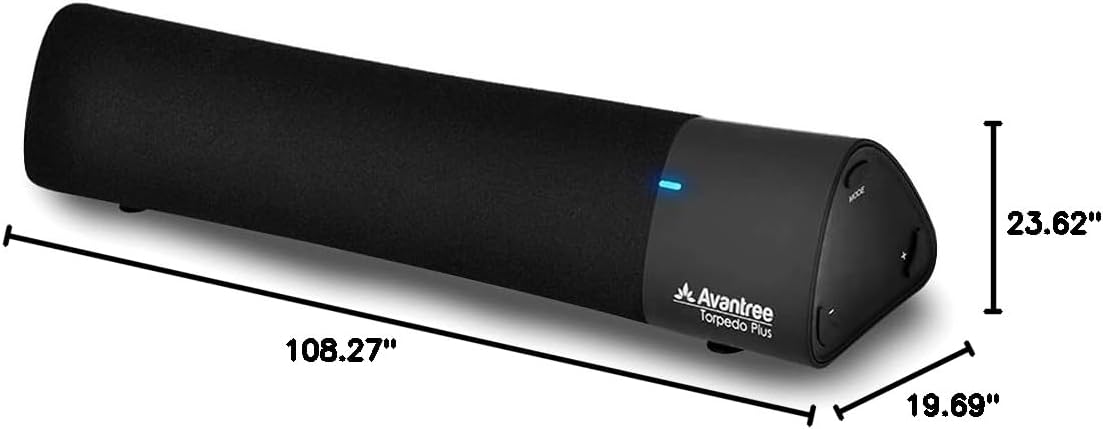
8 pav.: Gaminio matmenys.
9. Garantija ir palaikymas
The Avantree Torpedo Plus comes with a full 24-month warranty. For support, please visit the official Avantree websvetainėje arba susisiekite su jų klientų aptarnavimo tarnyba.
Aplankykite „Avantree“ parduotuvė daugiau informacijos ir produktų.


