Įvadas
This manual provides instructions for the installation and use of the Mount Plus MP-APM-06-01 Streaming Media Player Wall Mounting Bracket. This adjustable bracket is designed to securely hold small, narrow media devices such as Apple TV, Roku, and Fire TV, weighing up to 11 lbs. It allows for discreet mounting behind a television, contributing to a clean and organized entertainment area.
Saugos informacija
- Prieš montuodami atidžiai perskaitykite visas instrukcijas.
- Ensure the mounting surface can support the weight of the bracket and the device.
- Montavimo metu naudokite tinkamus įrankius ir saugos priemones.
- Neviršykite maksimalaus svorio pajėgumo – 11 kg (5 svarų).
- Smulkias dalis laikykite vaikams nepasiekiamoje vietoje.
Pakuotės turinys
Prieš pradėdami montavimą, patikrinkite, ar yra visi komponentai.
- 1x MP-APM-06-01 Wall Mounting Bracket
- 2x Drywall Screws
- 2x gipso kartono inkarai
- 1x Elastic Cord (for securing device)

Figure 1: Package Contents - Wall mounting bracket, screws, anchors, and elastic cord.
Sąranka ir diegimas
The bracket can be installed on various wall types. Ensure you select the appropriate mounting hardware for your wall material.
1 veiksmas: pasirinkite montavimo vietą
Select a location on the wall where you intend to mount the bracket. This is typically behind your television for a concealed setup. Use a level to ensure the bracket is straight.
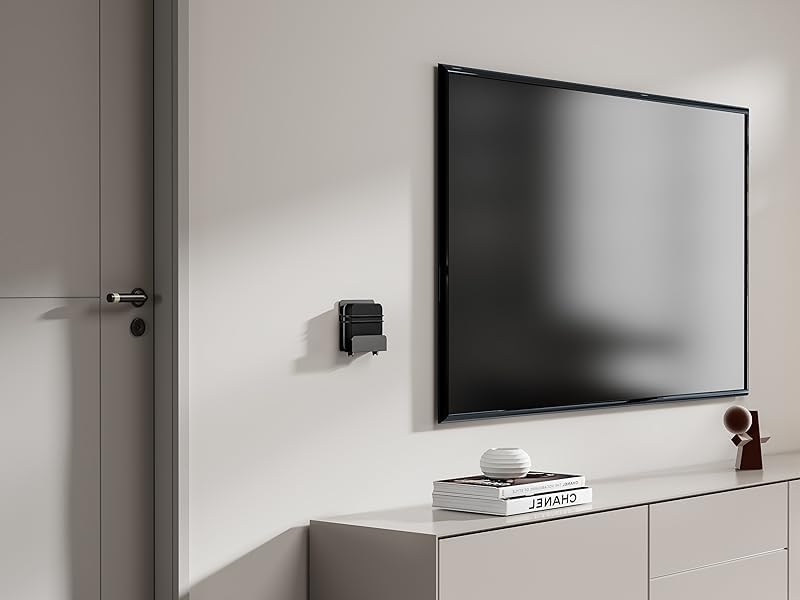
2 pav. Pvzample of bracket mounted on a wall next to a television.
2 veiksmas: pažymėkite gręžimo skyles
Hold the bracket against the wall at the desired height and position. Use a pencil to mark the locations for the two mounting screws through the pre-drilled holes on the bracket.
1 vaizdo įrašas: Įdiegimas baigtasview showing marking drill holes for wall mounting.
Step 3: Drill Pilot Holes and Install Anchors (if applicable)
- Medinėms sijoms: Drill pilot holes using a suitable drill bit (e.g., 1/8 inch or 3mm). Secure the bracket directly with the provided screws.
- Gipskartoniui: Drill pilot holes using a suitable drill bit for the provided drywall anchors. Insert the drywall anchors into the holes until flush with the wall surface.
- For Masonry/Concrete: Drill pilot holes using a masonry drill bit. Insert appropriate masonry anchors (not included) into the holes.
4 veiksmas: pritvirtinkite laikiklį
Align the bracket with the pilot holes/anchors. Insert the screws and tighten them until the bracket is firmly secured to the wall. Do not overtighten.

Figure 3: Detail of the rotary knob for adjustment.
Naudojimo instrukcijos
Adjusting and Securing Your Device
- Reguliuoti plotį: The bracket features a rotary knob design (Figure 3) that allows you to adjust the width to fit your device. Turn the knob to expand or contract the bracket's holding arms until it snugly fits your media player. The adjustable depth ranges from 23 mm to 37 mm.
- Įrenginio vieta: Carefully place your streaming media player into the adjusted bracket.
- Saugus įrenginys: For added security, use the provided elastic cord to firmly hold your equipment within the bracket. Wrap the cord around the device and the bracket's securing points.
- Prijunkite kabelius: The open construction of the bracket allows for easy access to ports for connecting power, HDMI, and other necessary cables.

4 pav. Pvzample of a device (Nintendo Switch) secured in the bracket.

Figure 5: Open construction allows for easy cable management.
The bracket's design ensures that remote control signals (Infrared, Radio Frequency, and Bluetooth) are not blocked when the device is mounted behind a TV.
Priežiūra
- Periodically check the tightness of the mounting screws to ensure the bracket remains securely attached to the wall.
- Inspect the elastic cord for any signs of wear or damage. Replace if necessary.
- Clean the bracket with a soft, dry cloth. Avoid abrasive cleaners or solvents.
Trikčių šalinimas
- Device does not fit: Ensure your device's width is within the adjustable range of 23 mm to 37 mm. The bracket's height is a maximum of 10 inches.
- Laikiklis jaučiasi laisvas: Re-tighten the mounting screws. If mounted on drywall, ensure anchors are properly installed and not stripped. Consider relocating to a wood stud if possible for maximum stability.
- Nuotolinio valdymo pulto problemos: The bracket is designed not to interfere with remote signals. Test your remote by holding your device behind the TV before final mounting to confirm functionality.
Specifikacijos
| Modelio numeris | MP-APM-06-01 |
| Prekės ženklas | Mount Plus |
| Medžiaga | Nerūdijantis plienas |
| Spalva | Juoda |
| Montavimo tipas | Sieninis laikiklis |
| Reguliuojamas gylis | 23 mm–37 mm (0.9–1.46 colio) |
| Maximum Vertical Height | 10 colio (254 mm) |
| Maksimali svorio talpa | 11 svarai (5 kg) |
| Prekės svoris | 12 uncijų (0.34 kg) |
| Pakuotės matmenys | 5.7 x 5.1 x 1.3 colio |
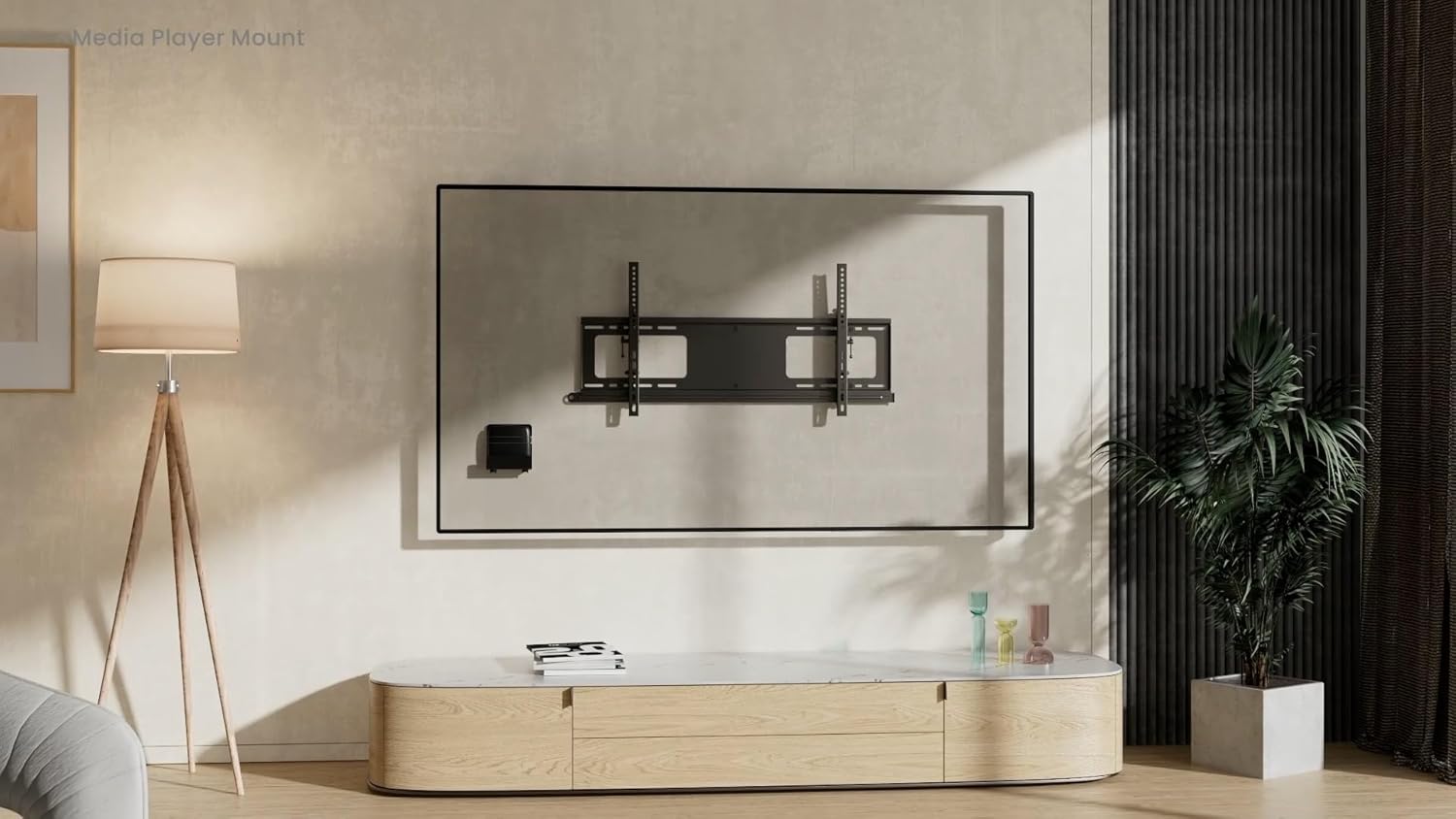
Figure 6: Dimensional drawing of the MP-APM-06-01 bracket.
Garantija ir palaikymas
Dėl garantijos informacijos ar techninės pagalbos kreipkitės į oficialią gamintojo svetainę. websvetainėje arba susisiekite su jų klientų aptarnavimo skyriumi. Išsaugokite pirkimo kvitą, jei prireiktų pateikti pretenziją dėl garantijos.


