1. Įvadas
Thank you for choosing the Solight LED Desk Lamp WO46. This versatile lamp combines modern design with practical features, including a dimmable LED light, an integrated display showing time, date, alarm, and temperature. This manual provides essential information for the safe and efficient use of your new desk lamp.
2. Saugos instrukcijos
- Prieš naudodami atidžiai perskaitykite visas instrukcijas ir išsaugokite jas ateičiai.
- Užtikrinkite maitinimo šaltinio ttage matches the requirements specified on the product.
- Neatskleiskite lamp vanduo arba per didelė drėgmė.
- Venkite ardyti ar modifikuoti lampVisus techninės priežiūros darbus patikėkite kvalifikuotiems darbuotojams.
- Laikykite lamp toliau nuo šilumos šaltinių ir tiesioginių saulės spindulių.
- Nuvalykite lamp tik minkšta, sausa šluoste. Nenaudokite abrazyvinių valiklių ar tirpiklių.
- Šis gaminys skirtas naudoti tik patalpose.
3. Pakuotės turinys
Patikrinkite pakuotę, ar joje yra šie daiktai:
- „Solight“ LED stalas, Lamp WO46
- Maitinimo kabelis
- Vartotojo vadovas (šis dokumentas)
4. Produktas baigtasview
The Solight LED Desk Lamp WO46 features a flexible arm, an integrated LED light panel, and a multi-functional display on its base. The base also houses the touch-sensitive controls.

Figure 1: Solight LED Desk Lamp WO46 in folded position, displaying time, date, and temperature on its integrated screen.

Figure 2: Solight LED Desk Lamp WO46 with its arm extended, highlighting the LED light panel and the functional display.
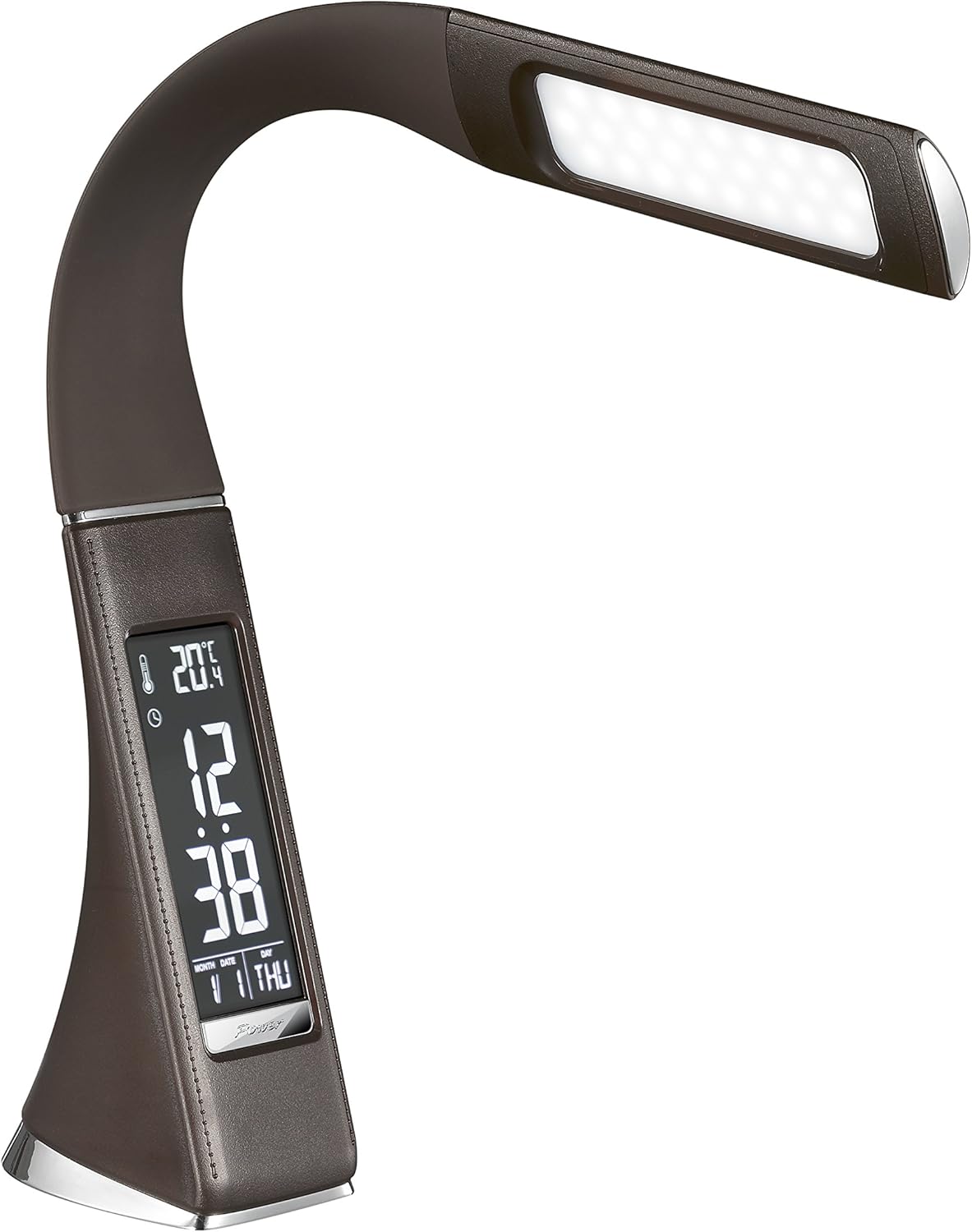
3 pav.: Kampinis view of the Solight LED Desk Lamp WO46, extended, emphasizing its sleek design and the display panel.
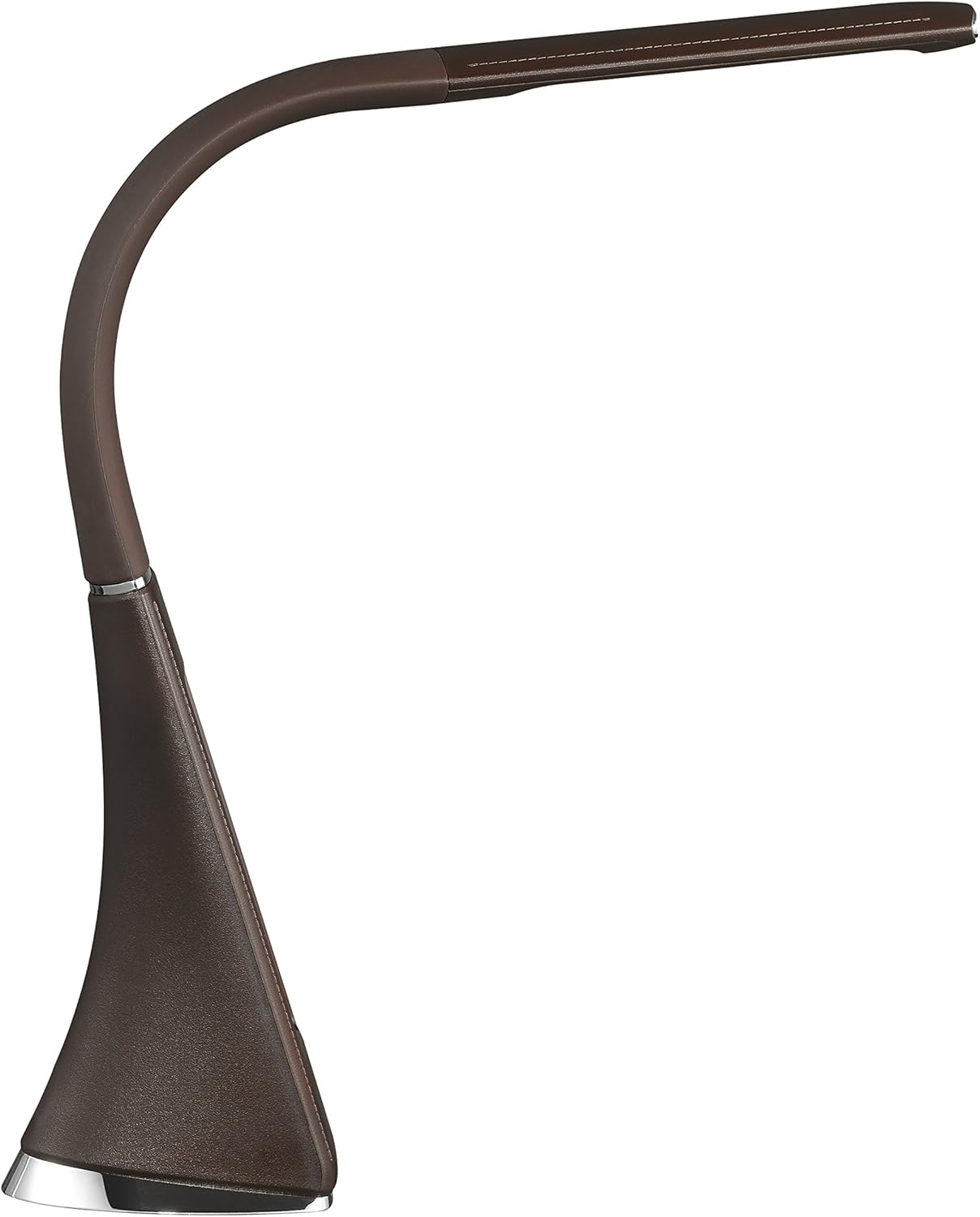
4 pav.: Šoninis profilisfile of the Solight LED Desk Lamp WO46, extended, illustrating the flexibility of its arm and the slim design of the light panel.

5 pav.: galinis view of the Solight LED Desk Lamp WO46, extended, indicating the power input port located at the back of the lampbazė.
5. Sąranka
- Išpakuoti: Atsargiai išimkite visus komponentus iš pakuotės.
- Vieta: Padėkite lamp on a stable, flat surface. The non-slip base ensures stability.
- Prijunkite maitinimą: Insert the power cable into the DC input port at the back of the lamp's base, then plug the adapter into a standard electrical outlet.
- Koreguoti padėtį: Gently adjust the flexible arm to your desired lighting angle.
6. Naudojimo instrukcijos
6.1 Šviesos valdymas
- Maitinimo įjungimas/išjungimas: Press the touch-sensitive power button on the base to turn the lamp įjungti arba išjungti.
- Ryškumo reguliavimas: Su lamp on, press and hold the power button to cycle through the three available brightness levels. Release the button at your desired brightness.
6.2 Ekrano funkcijos
The integrated display shows time, date, day of the week, temperature, and alarm status. Specific buttons on the base (e.g., 'Mode', 'Set', 'Up', 'Down' - refer to physical markings on your lamp if available) are used to navigate and set these functions.
- Laiko ir datos nustatymas:
- Press the 'Mode' button until the time display flashes.
- Use the 'Up' and 'Down' buttons to adjust the hour, then press 'Set' to confirm and move to minutes.
- Pakartokite su minutėmis, metais, mėnesiu ir diena.
- Press 'Mode' to exit setting mode.
- Signalo nustatymas:
- Press the 'Mode' button repeatedly until the alarm icon appears and the alarm time flashes.
- Use 'Up' and 'Down' to set the alarm hour, then 'Set' to confirm and move to minutes.
- Press 'Mode' to activate/deactivate the alarm. An alarm icon will indicate if it's active.
- Temperatūros rodymas: Lamp automatically displays the ambient temperature. No user adjustment is typically required for this function.
7. Priežiūra
- Valymas: Atjunkite lamp Prieš valydami atjunkite nuo maitinimo šaltinio. Nuvalykiteamp's surface with a soft, dry, lint-free cloth. Do not use liquid cleaners or sprays.
- Saugykla: Jei saugote lamp ilgesnį laiką, užtikrinkite, kad jis būtų švarus ir sausas. Laikykite jį vėsioje, sausoje vietoje, apsaugotoje nuo tiesioginių saulės spindulių.
8. Problemų sprendimas
| Problema | Galima priežastis | Sprendimas |
|---|---|---|
| Lamp neįsijungia. | Nėra maitinimo. | Check if the power cable is securely connected to the lamp and the electrical outlet. Ensure the outlet is functional. |
| Display is blank or incorrect. | Power interruption or incorrect settings. | Ensure continuous power. Reset time and date settings as per Section 6.2. |
| Šviesos mirgėjimas. | Nestabilus maitinimo šaltinis. | Pabandykite prijungti lamp into a different electrical outlet. |
| Signalizacija neskamba. | Signalizacija neįjungta arba nustatyta neteisingai. | Verify that the alarm is set and activated (alarm icon visible) as per Section 6.2. |
9. Specifikacijos
| Funkcija | Detalė |
|---|---|
| Modelio numeris | WO46-H |
| Matmenys (I x P x A) | 5.5 x 9 x 50 cm |
| Svoris | 599 g (1.32 svaro) |
| Medžiaga | PS (polistirenas) |
| Apdailos tipas | Leather look |
| Šviesos šaltinio tipas | LED |
| Lempučių skaičius | 3 |
| Šviesos srautas | 300 lm |
| Galia | 1.5 vatų |
| ttage | 230 voltų |
| Vidutinė gyvenimo trukmė | 30,000 valandų |
| IP reitingas | IP20 |
| Perjungti stilių | Mygtukas |
| Energijos etiketė | A+ |
10. Garantija ir palaikymas
Solight products are designed and manufactured to the highest quality standards. For information regarding warranty coverage, technical support, or spare parts availability, please refer to the documentation provided with your purchase or visit the official Solight websvetainėje. Prašome išsaugoti pirkimo įrodymą, jei prireiktų pateikti pretenziją dėl garantijos.


