Įvadas
This manual provides detailed instructions for the setup, operation, and maintenance of your 808 Singsation Karaoke Microphone. Please read this manual thoroughly before using the device to ensure proper function and to maximize your experience.
Produktas baigtasview
Komponentai
- Singsation Karaoke Microphone with integrated wireless Bluetooth speaker
- USB charging cable (not explicitly listed but implied for battery-powered device)
Pagrindinės savybės
- All-in-one karaoke system
- Wireless Bluetooth connectivity for audio streaming
- Integruotas garsiakalbis
- LED light effects (14 distinct patterns)
- Voice effects (5 fun effects)
- Sound effects (6 distinct sound effects)
- Echo valdymas
- Iki 6 valandų grojimo laiko vienu įkrovimu
- Compatible with various karaoke music websites and applications
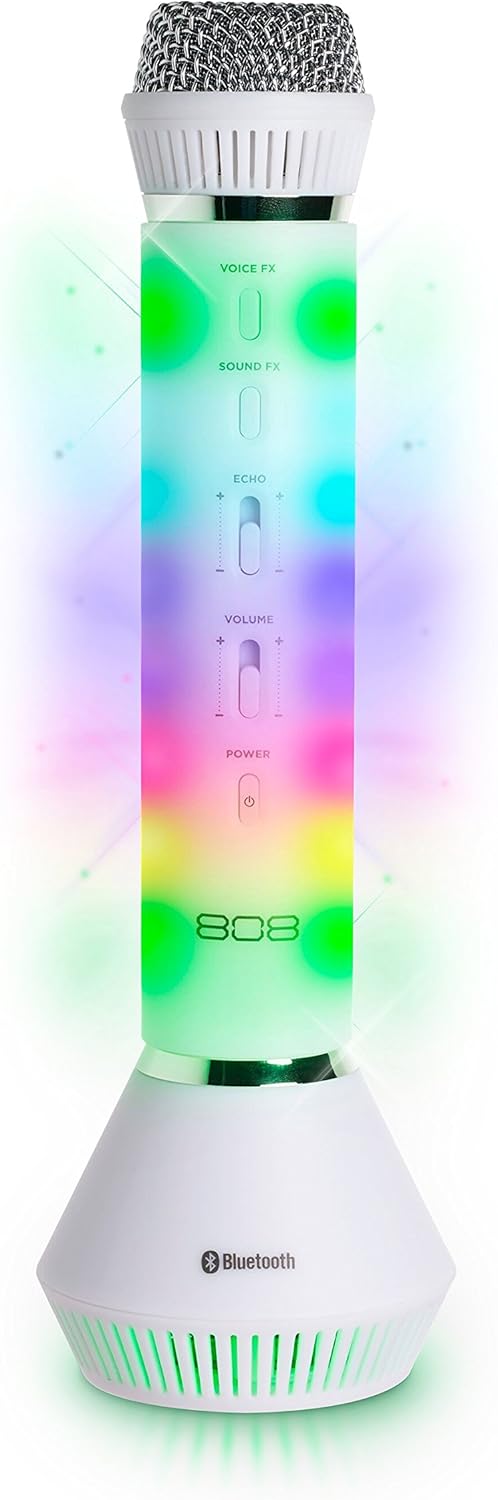
1 pav.: priekis view of the 808 Singsation Karaoke Microphone, showcasing its controls and vibrant LED lighting.
Sąranka
Mikrofono įkrovimas
- Locate the charging port on the microphone.
- Connect the provided USB charging cable to the microphone and a compatible USB power source (e.g., computer USB port, USB wall adapter).
- Įkrovimo indikatoriaus lemputė užsidegs įkrovimo metu ir užges, kai bus visiškai įkrauta.
- A full charge provides approximately 6 hours of operation.
"Bluetooth" poravimas
- Press and hold the Power button on the microphone until the LED lights activate and a pairing tone is heard. The microphone will enter Bluetooth pairing mode.
- Garso įrenginyje (išmaniajame telefone, planšetiniame kompiuteryje, kompiuteryje) eikite į „Bluetooth“ nustatymus.
- Ieškokite available devices and select "Singsation" from the list.
- Once paired, a confirmation tone will sound, and the microphone's LED lights may change pattern.
- You can now stream music wirelessly from your device to the Singsation microphone.
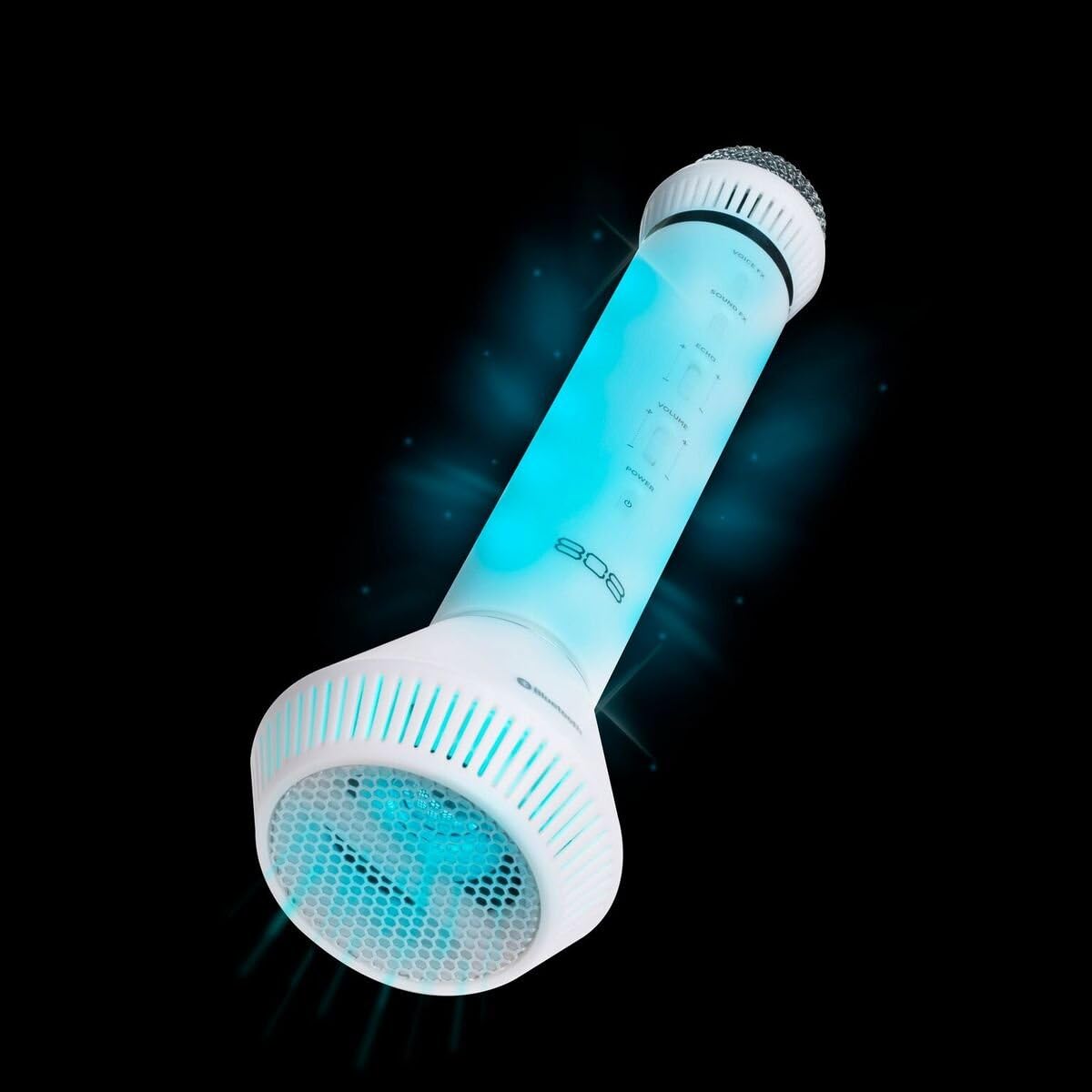
2 pav.: Kampinis view of the microphone, highlighting its integrated speaker and Bluetooth logo.
Naudojimo instrukcijos
Maitinimo įjungimas/išjungimas
- Paspauskite ir palaikykite Galia button to turn the microphone on or off.
Garsumo valdymas
- Naudokite Apimtis slider on the microphone to adjust the overall sound output.
- Additional volume control can be managed via your connected Bluetooth device.
Voice Effects (Voice FX)
- Paspauskite Voice FX button to cycle through the available voice effects. There are 5 distinct voice effects.
Sound Effects (Sound FX)
- Paspauskite Garsas FX button to activate various sound effects. There are 6 distinct sound effects.
Echo kontrolė
- Naudokite Aidas slider to adjust the intensity of the echo effect on your voice.
LED šviesos efektai
- The microphone features 14 different LED light patterns that activate automatically.
- Specific controls for cycling through or disabling light effects are not detailed in the product information, suggesting automatic operation.
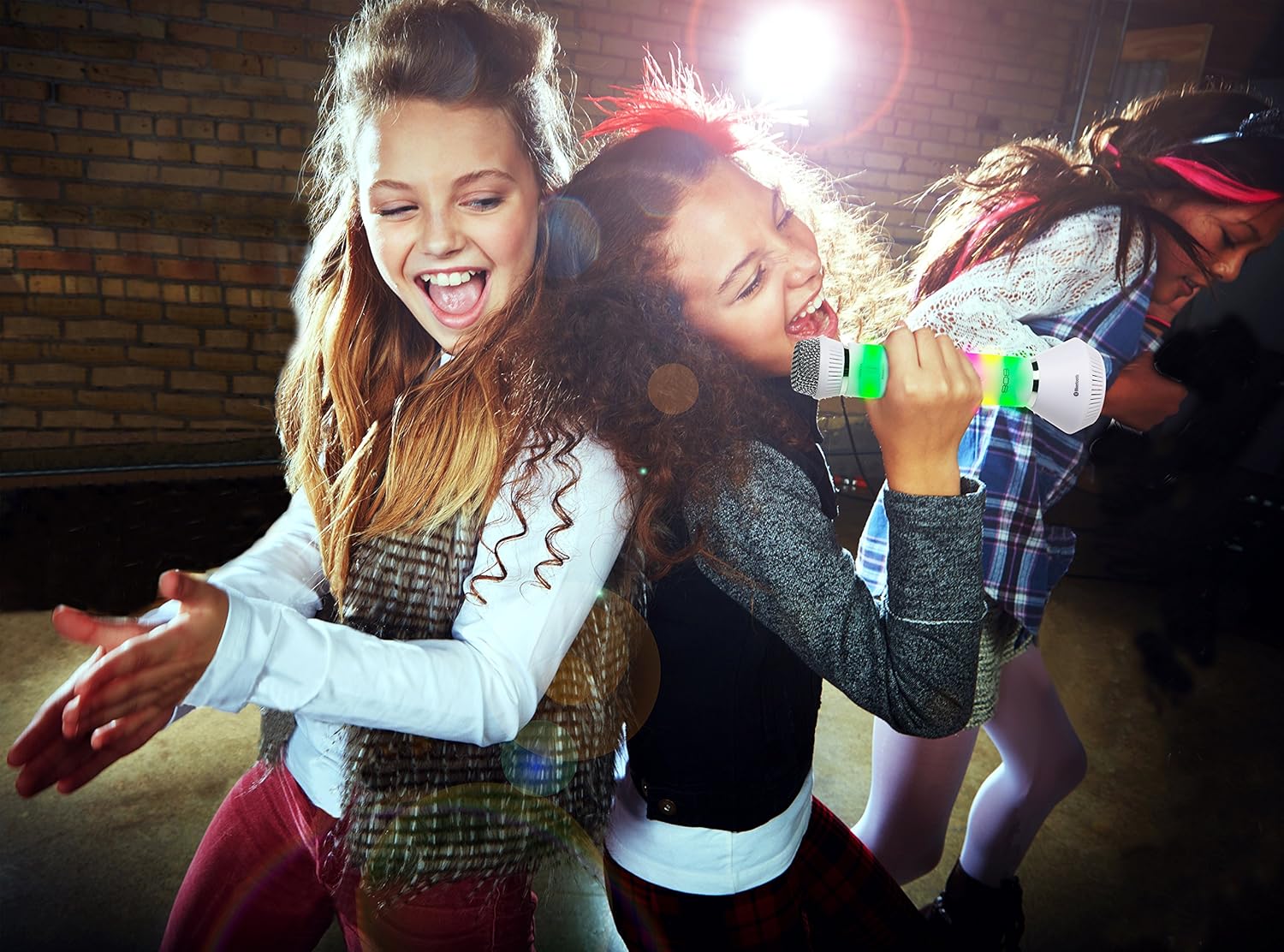
Figure 3: Users enjoying the Singsation Karaoke Microphone, demonstrating its use in a social setting.
Priežiūra
Valymas
- Wipe the microphone's exterior with a soft, dry cloth.
- Nenaudokite abrazyvinių valiklių ar tirpiklių.
- Avoid exposing the microphone to excessive moisture.
Sandėliavimas
- Mikrofoną laikykite vėsioje, sausoje vietoje, toliau nuo tiesioginių saulės spindulių ir ekstremalių temperatūrų.
Trikčių šalinimas
Nėra galios
- Ensure the microphone is fully charged. Connect it to a power source using the USB cable.
- Verify the power button is pressed and held sufficiently to turn the device on.
Nepavyksta susieti per „Bluetooth“
- Ensure the microphone is in pairing mode (LEDs flashing, pairing tone).
- Įsitikinkite, kad jūsų garso įrenginyje įjungtas „Bluetooth“ ryšys.
- Move the microphone closer to your audio device.
- Turn off and restart both the microphone and your audio device, then attempt pairing again.
- Jei anksčiau buvote suporuotas, pabandykite atsieti ir vėl suporuoti įrenginį.
No Sound from Microphone or Speaker
- Check the microphone's volume slider and ensure it is not set to minimum.
- Adjust the volume on your connected Bluetooth device.
- Ensure the microphone is properly paired and connected to your audio device.
- Confirm that the music source on your device is playing.
Specifikacijos
| Funkcija | Detalė |
|---|---|
| Prekės svoris | 1.6 uncijos |
| Gaminio matmenys | 3.54 x 4.33 x 12.2 colio |
| Prekės modelio numeris | 4334207539 |
| Pasiekiama pirmoji data | 16 m. spalio 2017 d |
| Spalva | Sidabras |
| Suderinami įrenginiai | Asmeninis kompiuteris, išmanusis telefonas |
| Jungties tipas | 3.5 mm lizdas, USB |
| Pranešėjų skaičius | 1 |
| Baterijos tipas | Ličio jonas |
| Maitinimo šaltinis | Maitinamas baterijomis |
| Ypatinga funkcija | Bevielis |
Saugos informacija
Vartotojo įspėjimas: Daugumai vartotojų nereikia licencijos, kad galėtų valdyti šią belaidžio mikrofono sistemą. Nepaisant to, naudojant šią mikrofono sistemą be licencijos taikomi tam tikri apribojimai: sistema negali kelti žalingų trukdžių; jis turi veikti mažos galios lygiu (neviršija 50 milivatų); ir jis nėra apsaugotas nuo trukdžių, gaunamų iš kito įrenginio.
Always handle the device with care. Avoid dropping or subjecting it to strong impacts. Keep out of reach of small children.
Produkto vaizdo įrašasview
Vaizdo įrašas: Viršijimasview of the 808 Singsation Karaoke Microphone, demonstrating its features including LED lights, voice effects, and wireless connectivity. This video highlights how the microphone functions as an all-in-one karaoke system.
Garantija ir palaikymas
Dėl garantijos informacijos ar techninės pagalbos kreipkitės į oficialią gamintojo svetainę. websvetainėje arba susisiekite su jų klientų aptarnavimo skyriumi. Išsaugokite pirkimo kvitą, jei prireiktų pateikti pretenziją dėl garantijos.


