Įvadas
This manual provides detailed instructions for the setup, operation, and maintenance of your 1MORE H1005 VR Gaming Headset. Designed for an immersive audio experience, this headset features 7.1 stereo surround sound, a dual-mic noise cancellation system, and customizable LED lighting. Please read this manual thoroughly to ensure proper use and to maximize your headset's performance.
Pakuotės turinys
Patikrinkite, ar pakuotėje yra visi reikalingi daiktai:
- 1MORE Spearhead VR Gaming Headset
- 3.5 mm garso laidas
- USB kabelis
- Vartotojo vadovas (šis dokumentas)
- Minkštas nešiojimo krepšys

Vaizdas: The 1MORE H1005 VR Gaming Headset displayed with its included accessories: a 3.5mm audio cable, a USB cable, and a soft carry bag.
Sąranka
1. Connecting to a PC (USB)
- Connect the USB cable to the USB port on your 1MORE H1005 headset.
- Kitą USB laido galą įkiškite į laisvą kompiuterio USB prievadą.
- Your computer should automatically detect the headset. For optimal performance and to customize LED lighting, download and install the 1MORE gaming software from the official 1MORE websvetainę.
- Įsitikinkite, kad kompiuterio garso nustatymuose ausinės yra pasirinktos kaip numatytasis garso įvesties ir išvesties įrenginys.
2. Connecting to Other Devices (3.5mm Audio Jack)
- Connect the 3.5mm audio cable to the audio jack on your 1MORE H1005 headset.
- Plug the other end of the 3.5mm audio cable into the headphone jack of your device (e.g., smartphone, tablet, gaming console controller).
- Note that some advanced features like 7.1 surround sound and LED customization may not be available when connected via the 3.5mm audio jack, as these typically require a USB connection and specific software.

Vaizdas: Priekyje nukreiptas view of the 1MORE H1005 VR Gaming Headset, highlighting its over-ear design and integrated microphone.
Naudojimo instrukcijos
1. Reguliavimas pagal komfortą
- Galvos juostos reguliavimas: The headset features an adjustable headband. Gently slide the earcups up or down to find a comfortable fit that rests securely on your head without excessive pressure.
- Ausų pagalvėlės: The memory-foam ear pads are designed for extended wear. Ensure they fully cover your ears for optimal sound isolation and comfort.
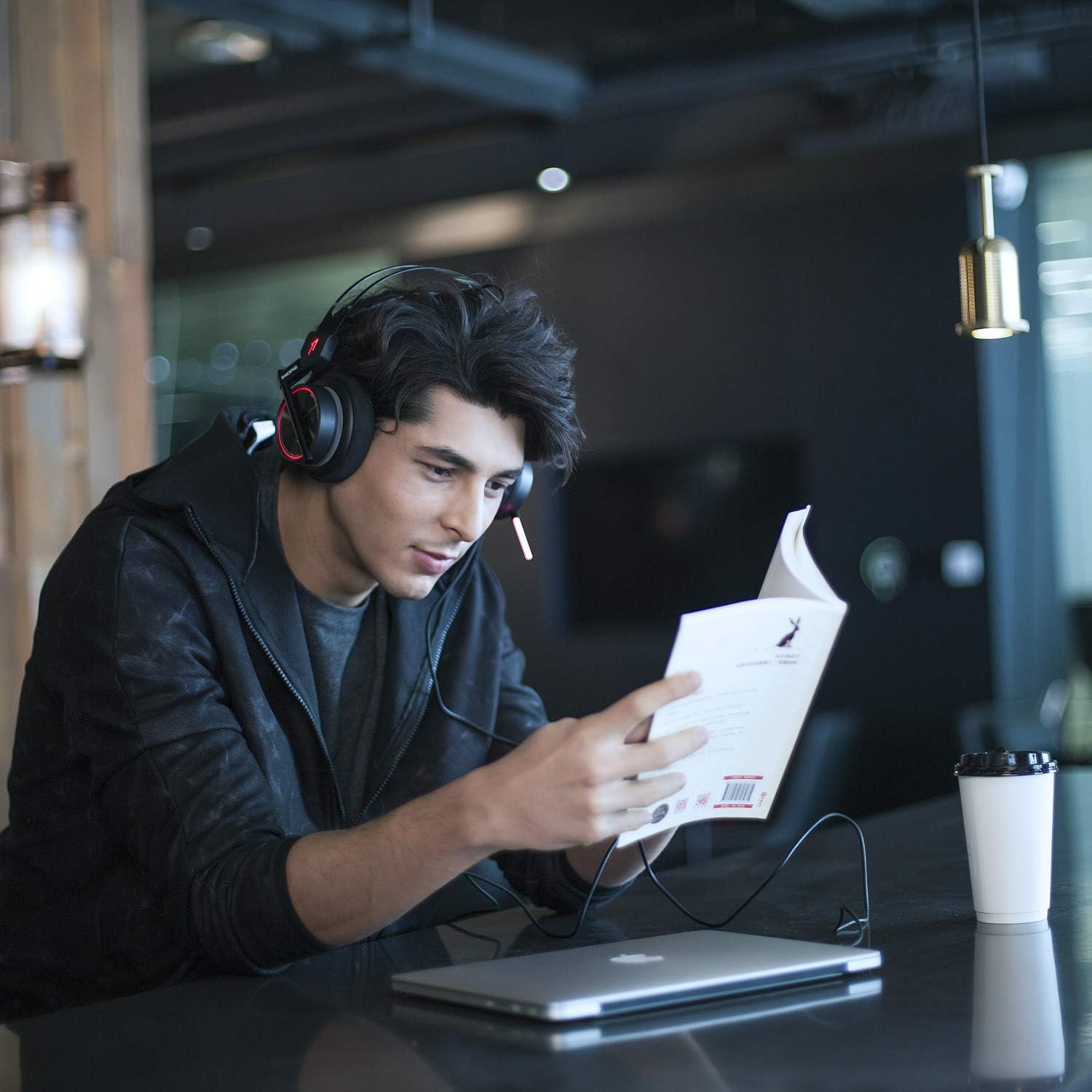
Vaizdas: A person wearing the 1MORE H1005 VR Gaming Headset, demonstrating its comfortable fit during use.
2. Garso valdikliai
- Garsumo valdymas: Locate the volume wheel or buttons on the headset or inline control (if applicable) to adjust the audio output level.
- Mikrofono nutildymas: A dedicated button or switch on the headset allows you to mute or unmute the microphone.
3. Mikrofono naudojimas
- The headset features a retractable microphone with dual-mic noise cancellation. Extend the microphone boom when speaking.
- Position the microphone approximately 1-2 inches from your mouth for clear voice pickup.
- Įsitikinkite, kad mikrofonas nėra nutildytas.
4. LED Lighting Customization
- When connected via USB to a PC, the LED lights can be customized using the 1MORE gaming software.
- The software allows you to select colors and twinkling modes to personalize your headset's appearance.
Priežiūra
- Valymas: Use a soft, dry cloth to wipe the headset. For ear pads, a slightly damp Galima naudoti šluostes, tačiau prieš naudojimą įsitikinkite, kad jos yra visiškai sausos. Nenaudokite stiprių cheminių medžiagų ar abrazyvinių valiklių.
- Saugykla: Store the headset in the provided soft carry bag or a clean, dry place away from extreme temperatures and direct sunlight. Avoid placing heavy objects on the headset.
- Kabelio priežiūra: Venkite staigių lenkimų ar per didelio tempimo, kad nepažeistumėte kabelių.
Trikčių šalinimas
| Problema | Galima priežastis | Sprendimas |
|---|---|---|
| Nėra garso iš ausinių |
|
|
| Mikrofonas neveikia |
|
|
| LED lights not working/customizing |
|
|
If you encounter issues not listed here or if the suggested solutions do not resolve your problem, please contact 1MORE customer support for further assistance.
Specifikacijos
| Modelio pavadinimas | H1005 |
| Ryšio technologija | Laidinis (USB, 3.5 mm lizdas) |
| Triukšmo valdymas | Active Noise Cancellation (Dual-Mic) |
| Dažnio atsakas | 20 Hz–20 kHz |
| Varža | 32 omų |
| Ausinės Jack | 3.5 mm lizdas |
| Suderinami įrenginiai | PC, PS4, XBOX, Smartphones |
| Medžiaga | Nerūdijantis plienas (rėmas) |
| Prekės svoris | 16 uncijos (apie 453 gramų) |
| Gaminio matmenys (IxPxH) | 54 x 6 x 8 inches (Note: These dimensions may refer to packaging.) |
Pastaba: Specifikacijos gali būti keičiamos be išankstinio įspėjimo.
Garantija ir palaikymas
Your 1MORE H1005 VR Gaming Headset is covered by a limited warranty. For specific warranty terms and conditions, please refer to the warranty card included in your product packaging or visit the official 1MORE websvetainę.
For technical support, troubleshooting assistance, or to inquire about warranty service, please contact 1MORE customer support through their official websvetainėje arba kontaktinę informaciją, pateiktą jūsų produkto dokumentuose.
Internetiniai ištekliai: Visit the 1MORE Store on Amazon


