Įvadas
This manual provides essential information for setting up, operating, and maintaining your Gigaset A170 digital cordless phone. Please read these instructions carefully to ensure proper use and to benefit from all features.

Image: The Gigaset A170 cordless phone, showing the handset docked in its base station.
Sąranka
Follow these steps to set up your Gigaset A170 phone for the first time.
1. Išpakavimas ir komponentai
Prieš pradėdami, įsitikinkite, kad pakuotėje yra visi komponentai:
- 1 Gigaset A170 base station
- 1 Gigaset A170H handset
- 1 plug-in power adapter
- 1 telephone connection cable
- 2 įkraunamos AAA baterijos
- 1 battery compartment cover
- 1 naudotojo vadovas (šis dokumentas)
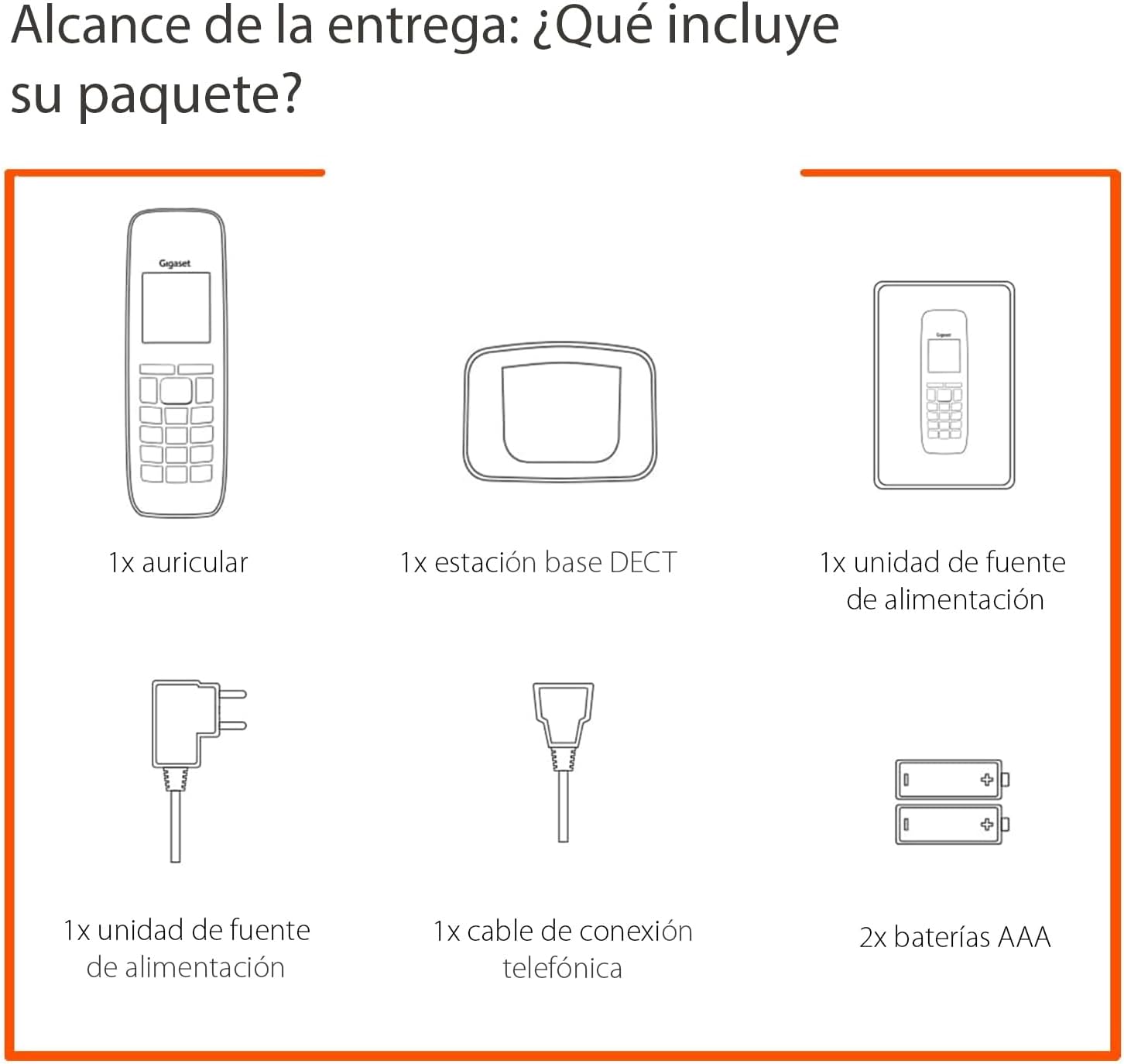
Image: Diagram illustrating the components included in the Gigaset A170 package, such as the handset, base, power adapter, phone cable, and batteries.
2. Bazinės stoties prijungimas
- Prijunkite maitinimo adapterį: Plug the power adapter into the base station and then into a wall outlet.
- Connect the telephone cable: Plug the telephone cable into the base station and then into your telephone wall socket.
3. Inserting Batteries into the Handset
- Nuimkite baterijų skyriaus dangtelį, esantį ragelio gale.
- Įdėkite dvi pridedamas AAA įkraunamas baterijas, užtikrindami teisingą poliškumą (+/-).
- Uždėkite akumuliatoriaus skyriaus dangtelį.
- Place the handset on the base station to charge. The handset display will indicate charging. Allow the batteries to charge for at least 6 hours before first use.
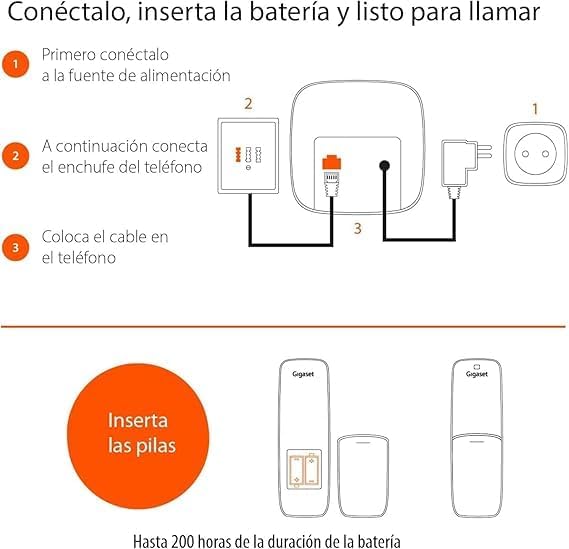
Image: A diagram showing the steps to connect the base station to power and the phone line, and how to insert batteries into the handset.
Naudojimo instrukcijos
This section covers basic functions and how to navigate your Gigaset A170 phone.
1. Skambinimas ir skambučių priėmimas
- Skambinimas: Paspauskite žalią skambinimo klavišą ☎, then dial the number. Alternatively, dial the number first and then press the call key.
- Skambučio priėmimas: When the phone rings, press the green call key ☎ atsakyti.
- Skambučio užbaigimas: Paspauskite raudoną skambučio baigimo klavišą ☒.
2. Ragelio garsumo reguliavimas
During a call, you can adjust the handset volume using the navigation keys. The A170 offers up to 5 adjustable volume levels.
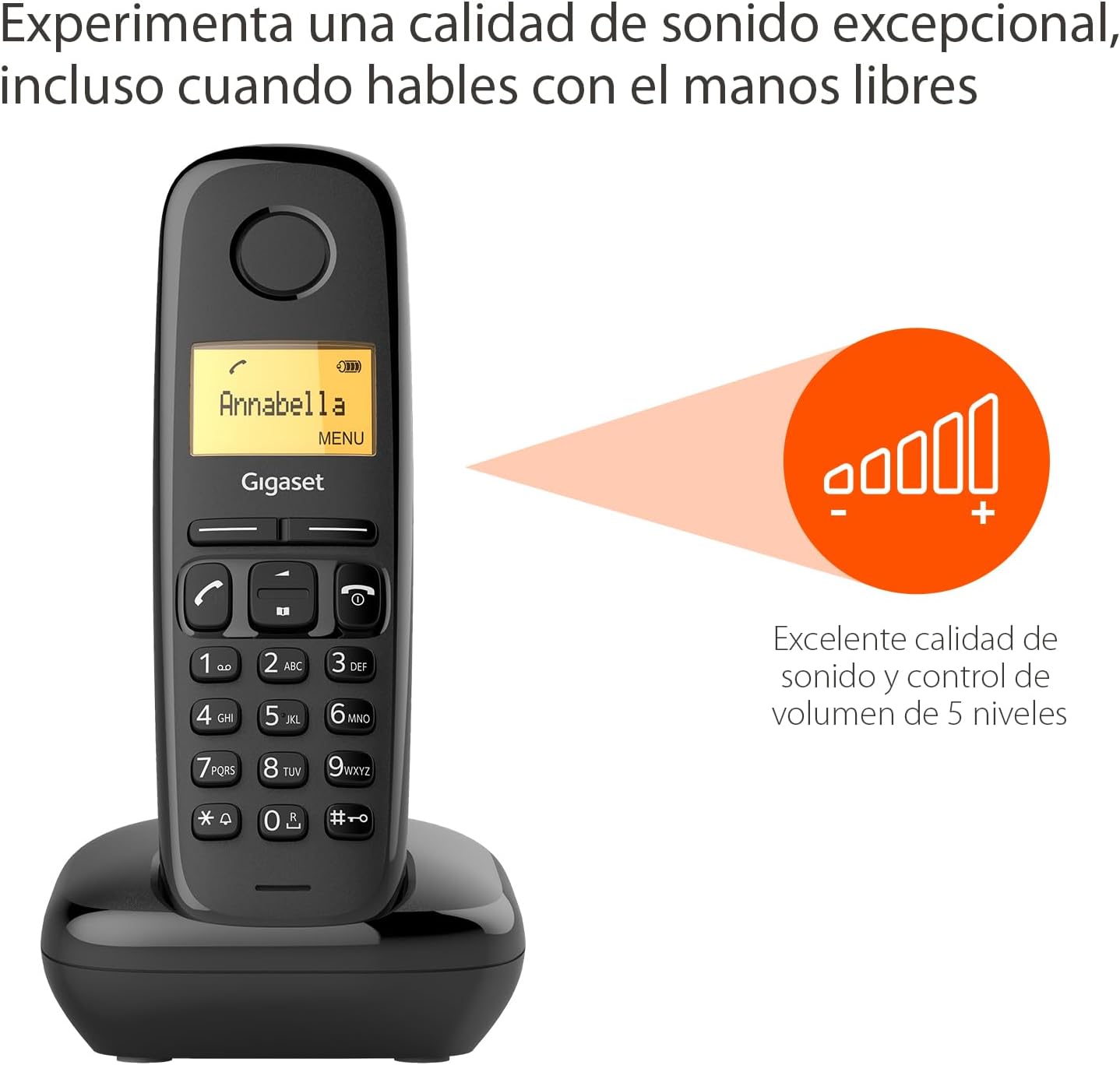
Image: The Gigaset A170 handset displaying an indicator for excellent sound quality and 5-level volume control.
3. Meniu naršymas
The Gigaset A170 features an intuitive icon-based menu. Use the navigation keys to scroll through menu options and the central key to select.
- Prieiga prie meniu: Press the 'MENU' key (usually the central key when not in a call).
- Slinkimas: Use the up/down navigation keys to move through menu items.
- Pasirinkimas: Press the central key to confirm a selection.
- Išeinama: Paspauskite raudoną skambučio baigimo klavišą ☒ norėdami išeiti iš meniu.
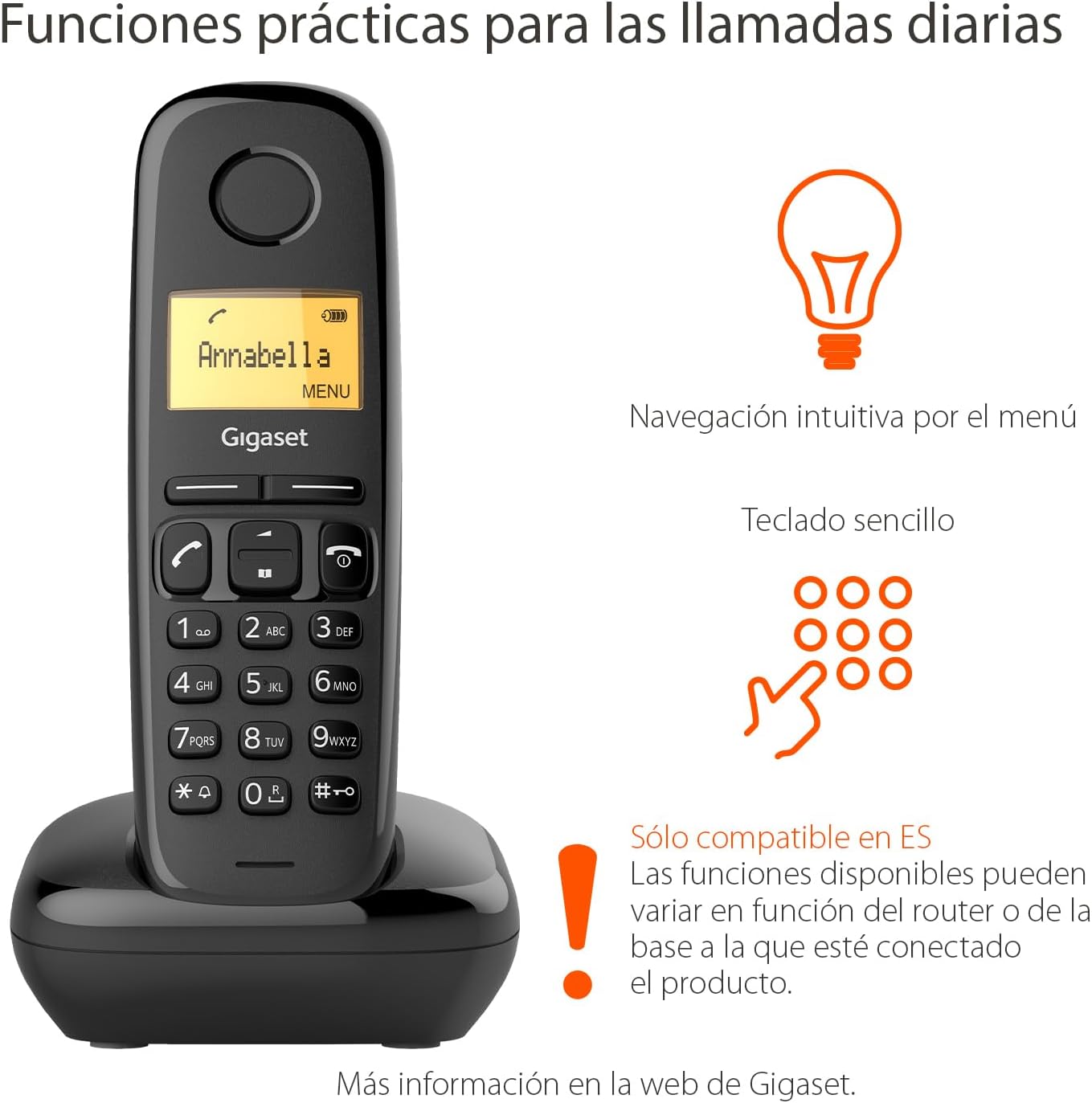
Image: The Gigaset A170 handset highlighting intuitive menu navigation and a simple keypad for practical daily calls.
4. Telefonų knyga
Telefonų knygoje galima saugoti iki 50 kontaktų. Norėdami pridėti kontaktą:
- Go to the 'Phonebook' menu.
- Pasirinkite „Naujas įrašas“.
- Įveskite vardą ir numerį naudodami klaviatūrą.
- Išsaugokite įrašą.
5. Speed Dial Keys
The Gigaset A170 supports programmable speed dial keys for quick access to frequently called numbers. Refer to the on-screen menu for programming instructions.
Priežiūra
Proper care ensures the longevity of your Gigaset A170 phone.
1. Valymas
- Wipe the handset and base station with a damp audinys.
- Do not use cleaning agents or solvents that could damage the surfaces.
2. Akumuliatoriaus priežiūra
- Naudokite tik rekomenduojamas įkraunamas AAA baterijas.
- Jei telefonas bus nenaudojamas ilgesnį laiką, išimkite baterijas iš ragelio.
- Senas baterijas išmeskite pagal vietinius reikalavimus.
Trikčių šalinimas
If you encounter issues with your Gigaset A170, try these solutions:
| Problema | Galima priežastis | Sprendimas |
|---|---|---|
| Nėra ekrano ragelyje | Baterijos išsikrovusios arba įdėtos neteisingai. | Check battery insertion and charge the handset on the base station. |
| Nėra rinkimo tono | Telephone cable not connected or faulty. | Ensure the telephone cable is securely connected to the base station and the wall socket. Test with another phone if possible. |
| Negaliu skambinti / priimti skambučių | Base station not powered or out of range. | Check power connection to the base station. Ensure handset is within range of the base. |
| Prasta garso kokybė | Trikdžiai arba ragelis per toli nuo bazės. | Move closer to the base station. Avoid placing the base near other electronic devices. |
Techninės specifikacijos
- Prekinis ženklas: Gigaset
- Modelio numeris: A170
- Telefono tipas: DECT (skaitmeninis patobulintas belaidis telekomunikacijų ryšys)
- Spalva: Juoda
- Medžiaga: Plastikiniai
- Maitinimo šaltinis: Corded Electric (for base station)
- Baterijos: 2 x AAA įkraunamos baterijos (pridedamos)
- Telefonų knygos talpa: Iki 50 kontaktų
- Rinkiklio tipas: Viena klaviatūra
- Atsakiklio tipas: Skaitmeninis
- Product Dimensions (Handset): 48 x 32 x 156 mm (I x P x A)
- Item Weight (Handset): 108 gramų
- Ypatingos savybės: Adjustable handset volume (5 levels), DTMF/Pulse dialing, ECO DECT technology for reduced energy consumption.
Garantija ir palaikymas
Gigaset products are designed and manufactured in Germany, ensuring high quality and durability.
Klientų aptarnavimas
For product inquiries or technical assistance, please contact Gigaset customer service at 02871-912 912. Standard landline rates may apply depending on your service provider.
Išsaugokite pirkimo įrodymą, kad galėtumėte kreiptis dėl garantijos.


