1. Įvadas
Thank you for choosing the Viotek NB27CB 27-Inch LED Curved Monitor. This monitor is designed to provide a vibrant and immersive visual experience for both work and entertainment. Featuring a bezel-less Samsung VA panel, 75Hz refresh rate, 1080P Full-HD resolution, and FreeSync technology, it offers exceptional clarity and smooth performance. This manual provides detailed instructions for setting up, operating, maintaining, and troubleshooting your new monitor.

2. Sąranka
2.1. Monitoriaus išpakavimas
Carefully remove all components from the packaging. Ensure all items listed in the 'What's in the Box' section are present. Retain the original packaging for future transport or storage.
2.2. Stovo surinkimas
- Attach the stand neck to the monitor panel by aligning the grooves and gently pushing until it clicks into place.
- Secure the base to the stand neck using the provided screw.
- Surinktą monitorių padėkite ant stabilaus, lygaus paviršiaus.
2.3. Prisijungimas prie įrenginio
The NB27CB monitor supports both VGA and HDMI 1.4 connections. Choose the appropriate cable for your device and connect it to the corresponding port on the monitor. An HDMI cable is included with your purchase.
- HDMI jungtis: Connect one end of the HDMI cable to the HDMI port on your computer or gaming console, and the other end to the HDMI port on the monitor.
- VGA jungtis: Connect one end of the VGA cable to the VGA port on your computer, and the other end to the VGA port on the monitor.
- Maitinimo jungtis: Connect the power adapter to the monitor's power input and then plug it into a power outlet.

2.4. VESA tvirtinimas (pasirinktinai)
The NB27CB is VESA compatible (75x75mm), allowing you to mount it to a wall or a compatible monitor arm. Ensure you use appropriate VESA screws and mounting hardware (not included) that can support the monitor's weight.
3. Monitoriaus valdymas
3.1. Maitinimo įjungimas/išjungimas
Norėdami įjungti arba išjungti monitorių, paspauskite ant jo esantį maitinimo mygtuką. Maitinimo indikatoriaus lemputė užsidegs, kai monitorius bus aktyvus.
3.2. Ekrano ekrano (OSD) meniu
Use the buttons on the monitor's bezel to navigate the OSD menu. This menu allows you to adjust various display settings such as brightness, contrast, color temperature, input source, and more.
3.3. Pagrindinės savybės
- 75 Hz atnaujinimo dažnis ir 5 ms atsako laikas: Experience smoother visuals with a 75Hz refresh rate and a rapid 5ms response time, ideal for gaming and fast-paced content.
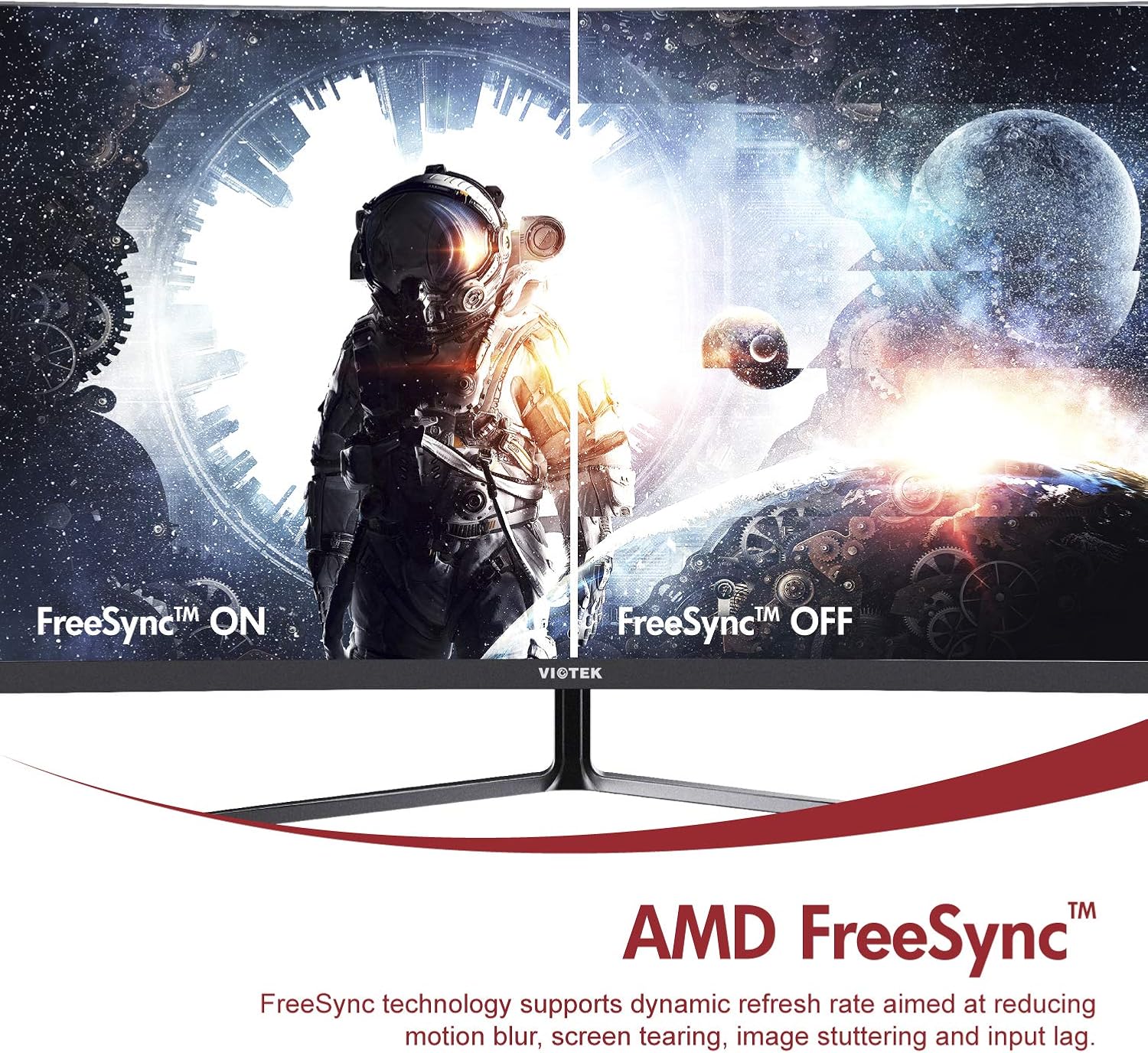
- AMD FreeSync™: Activate FreeSync to synchronize the monitor's refresh rate with your graphics card's frame rate, reducing screen tearing and stuttering for a seamless gaming experience.
- Žema mėlyna šviesa: Reduce eye strain during prolonged use by enabling the Low Blue Light setting in the OSD menu. This filters out harmful blue light emissions.
- GamePlus Crosshair Functionality: For competitive gaming, activate the GamePlus crosshair overlay to improve aiming accuracy in FPS/RTS games.
- Integruoti garsiakalbiai: The monitor includes integrated speakers for audio output.



4. Priežiūra
Tinkama priežiūra užtikrina monitoriaus ilgaamžiškumą ir optimalų veikimą.
- Ekrano valymas: Švelniai nuvalykite ekraną minkštu, nepūkuotu skudurėliu. Įsisenėjusioms dėmėms valyti naudokite monitoriui skirtą valymo tirpalą, užteptą ant šluostės, o ne tiesiai ant ekrano.
- C valymasasing: Monitoriaus korpusą valykite minkštu, sausu skudurėliu.asing. Venkite naudoti abrazyvinius valiklius ar tirpiklius.
- Vėdinimas: Įsitikinkite, kad monitoriaus ventiliacijos angos nėra užblokuotos, kad jis neperkaistų.
- Saugykla: If storing the monitor for an extended period, use the original packaging to protect it from dust and damage.
5. Problemų sprendimas
Jei kyla problemų dėl monitoriaus, žr. šias dažniausiai pasitaikančias problemas ir sprendimus:
| Problema | Galima priežastis | Sprendimas |
|---|---|---|
| Ekrane nėra vaizdo | Atjungtas maitinimo laidas; atjungtas vaizdo laidas; neteisingas įvesties šaltinis. | Įsitikinkite, kad maitinimo ir vaizdo kabeliai yra tvirtai prijungti. Pasirinkite tinkamą įvesties šaltinį per OSD meniu. |
| Vaizdas neryškus arba iškraipytas | Neteisinga raiška; Atsilaisvinęs vaizdo kabelis. | Set the display resolution to 1920x1080. Check video cable connection. |
| Iš garsiakalbių nėra garso | Volume too low; Audio output not set to monitor; Faulty cable. | Increase monitor volume. Ensure your computer's audio output is set to the monitor. Check HDMI cable. |
| Ekrano mirgėjimas | FreeSync not enabled (if applicable); Graphics driver issues; Faulty cable. | Enable FreeSync in OSD and graphics card settings. Update graphics drivers. Try a different video cable. |
6. Specifikacijos
Detailed technical specifications for the Viotek NB27CB monitor:
| Funkcija | Specifikacija |
|---|---|
| Ekrano dydis | 27 colių |
| Ekrano raiška | 1920 x 1080 (viskas viename) |
| Maksimali ekrano skiriamoji geba | 1920 x 1080 |
| Atnaujinimo dažnis | 75Hz Max. |
| Reagavimo laikas | 5 ms |
| Skydelio tipas | VA skydelis |
| Kreivumas | 1800R |
| Krašto santykis | 16:9 |
| Ekrano spalvos | 16.7 mln spalvų |
| Dinaminis kontrasto santykis | 1000000:1 |
| VESA suderinamumas | 75x75mm |
| Uostai | 1x VGA / 1x HDMI 1.4 |
| Garsiakalbiai | Yes, 2x 4Ω/3W |
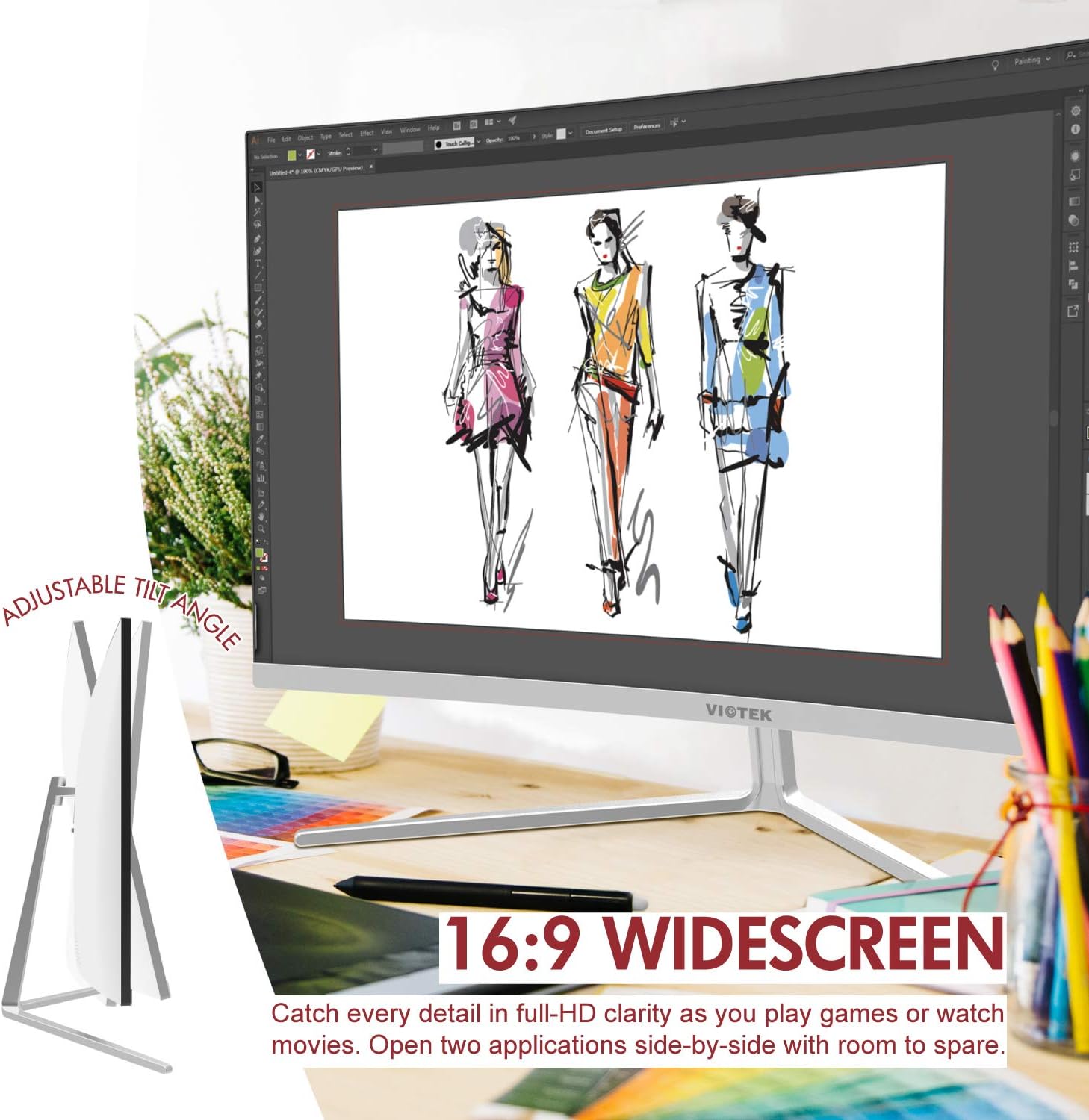
| Reguliuojamas pakreipimas | Yes, -5° ~ 15° |
| Prekės svoris | 10.36 svaro |
| Gaminio matmenys | 24.13 x 8.38 x 17.67 colio |
7. Garantija ir palaikymas
7.1. Gaminio garantija
The Viotek NB27CB monitor comes with a 3 metų garantija covering parts and labor. This includes Viotek's industry-leading Zero-Tolerance Dead Pixel Policy, ensuring a high-quality display experience.

7.2. Pagalba klientams
Viotek provides 100% U.S.-based customer support, available 7 days a week via live-chat, email, and social media. For assistance, please visit the official Viotek websvetainėje arba žr. kontaktinę informaciją, pateiktą kartu su jūsų produkto dokumentais.


