Įvadas
This instruction manual provides detailed guidance for the assembly, operation, and maintenance of your Winsome Burke Printer Stand Table, Model 23121. Please read all instructions carefully before beginning assembly and retain this manual for future reference.

Image: The Winsome Burke Printer Stand Table in Coffee finish, showcasing its compact design with a top surface, a drawer, and two open shelves.
Saugos informacija
Surinkdami ir naudodami laikykitės šių saugos nurodymų:
- Prieš surinkdami įsitikinkite, kad visos dalys yra ir nepažeistos.
- Surinkite ant minkšto, švaraus paviršiaus, kad išvengtumėte įbrėžimų.
- Neperveržkite varžtų, nes tai gali pažeisti medieną.
- Surinkdami mažas dalis laikykite vaikams nepasiekiamoje vietoje.
- Place the assembled stand on a level surface to prevent tipping.
- Neviršykite maksimalaus rekomenduojamo 50 svarų (apie 75 kg) viršutinio paviršiaus svorio.
Sąranka ir surinkimas
This section outlines the general steps for assembling your Winsome Burke Printer Stand. A detailed parts list and specific assembly diagrams are typically included with your product packaging. Refer to those for precise component identification and step-by-step instructions.
Matmenys baigtiview
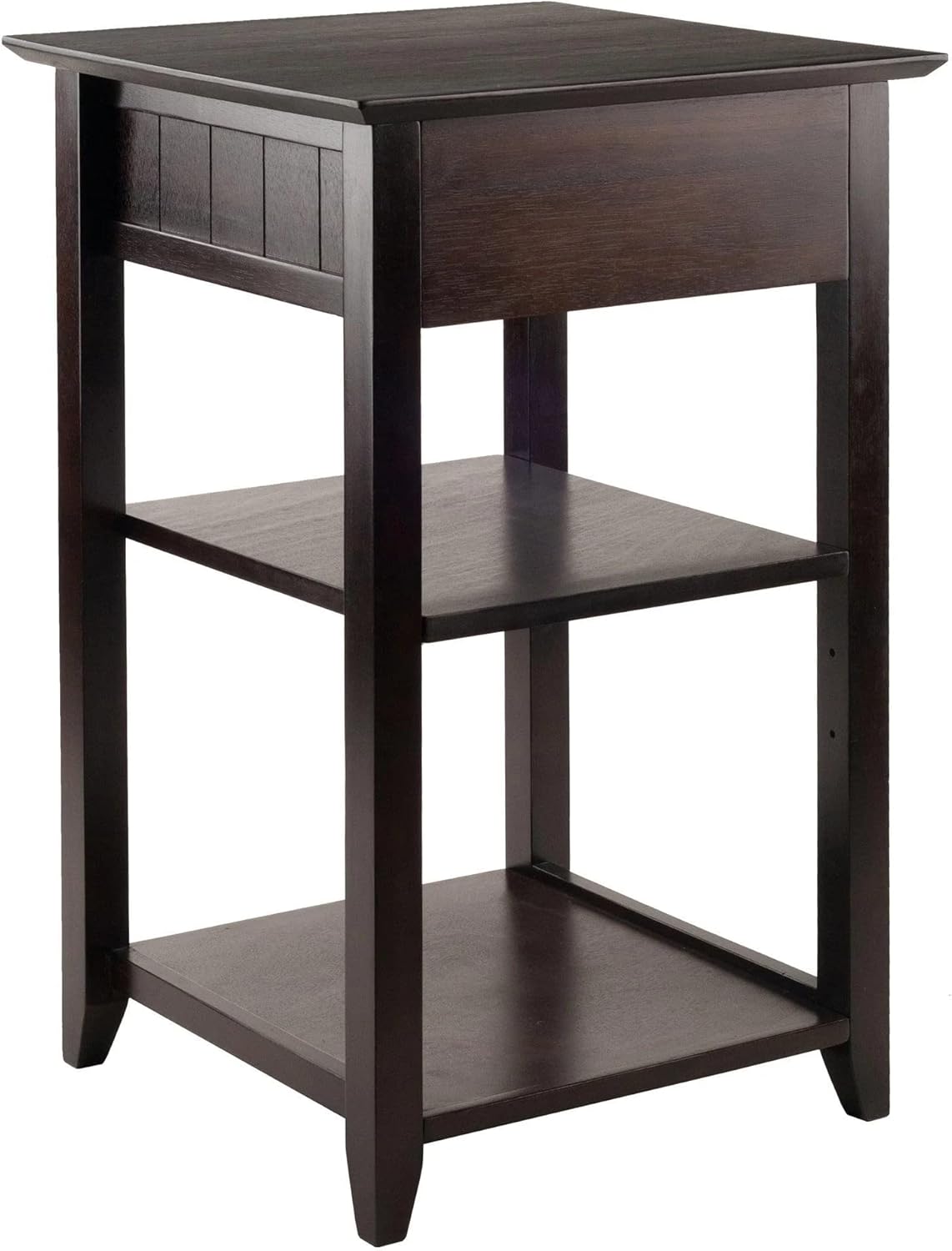
Image: Technical diagram showing the dimensions of the Winsome Burke Printer Stand Table. The stand measures approximately 22.5 inches deep, 19.84 inches wide, and 34.5 inches high (50.4cm x 50.4cm x 79cm). The adjustable shelf has a depth of 12 3/4 inches (32.4cm).
General Assembly Steps (Refer to packaged instructions for details)
- Išpakuokite ir atpažinkite dalis: Carefully remove all components from the packaging. Lay them out on a clean, soft surface. Verify all parts against the included parts list.
- Surinkti rėmą: Attach the side panels to the top and bottom frames using the provided hardware (e.g., screws, dowels, cam locks). Ensure all connections are secure.
- Įdiekite lentynas: Insert the adjustable middle shelf into the desired position. The shelf height can be customized using the pre-drilled holes and shelf pins.
- Surinkite stalčių: Construct the drawer box according to the instructions, then install the drawer slides onto the stand and the drawer. Insert the assembled drawer into the stand.
- Galutiniai patikrinimai: Ensure all screws are tightened and the stand is stable.
Naudojimo instrukcijos
The Winsome Burke Printer Stand Table is designed for functional use in a home office environment.
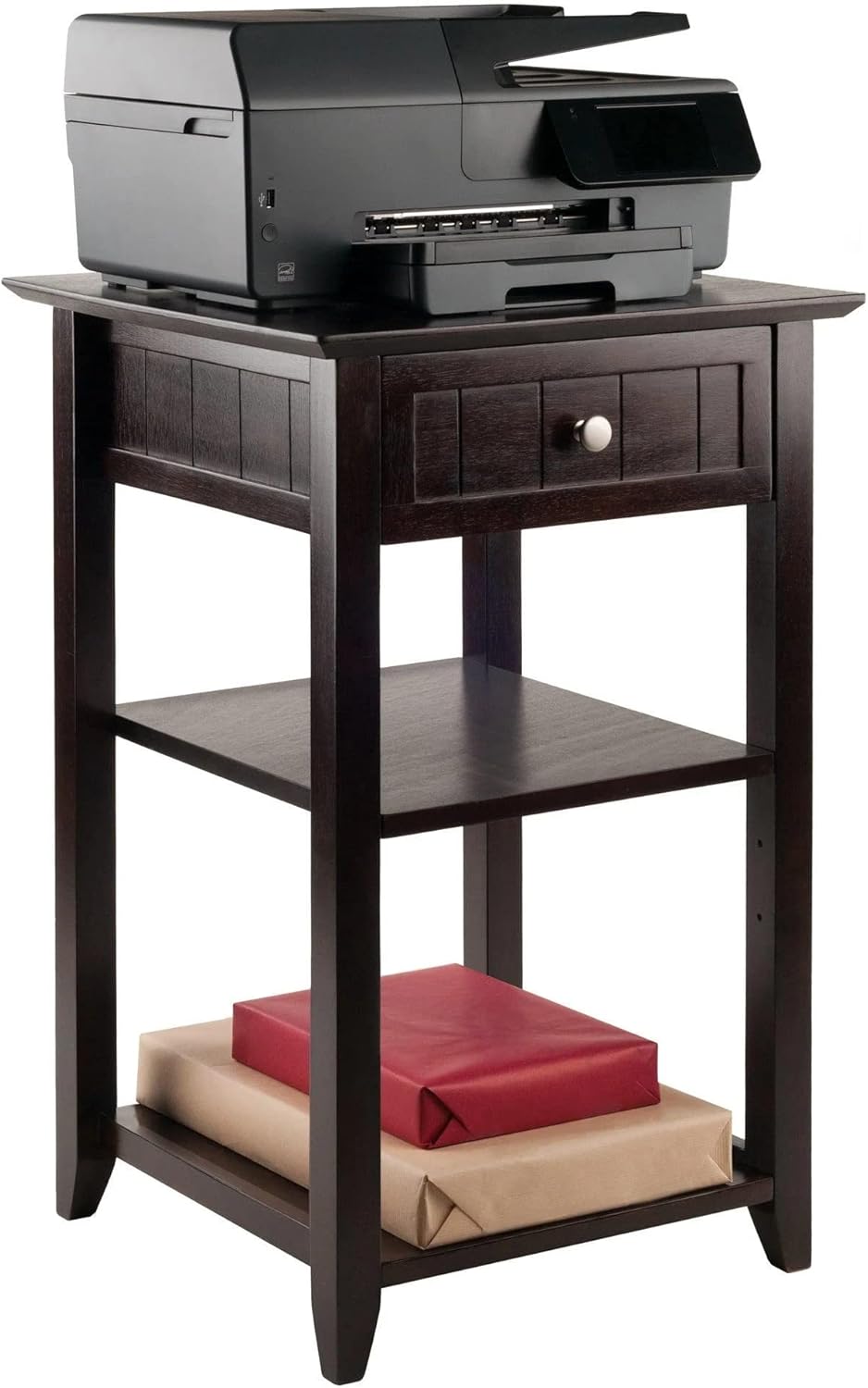
- Viršutinis paviršius: The top surface is suitable for holding a printer, laptop, or other office equipment. Ensure the weight does not exceed 50 pounds.
- Stalčius: The integrated drawer provides enclosed storage for small office accessories such as pens, paper clips, or labels.
- Reguliuojamos lentynos: The two open shelves offer additional storage. The middle shelf can be adjusted to accommodate items of varying heights.
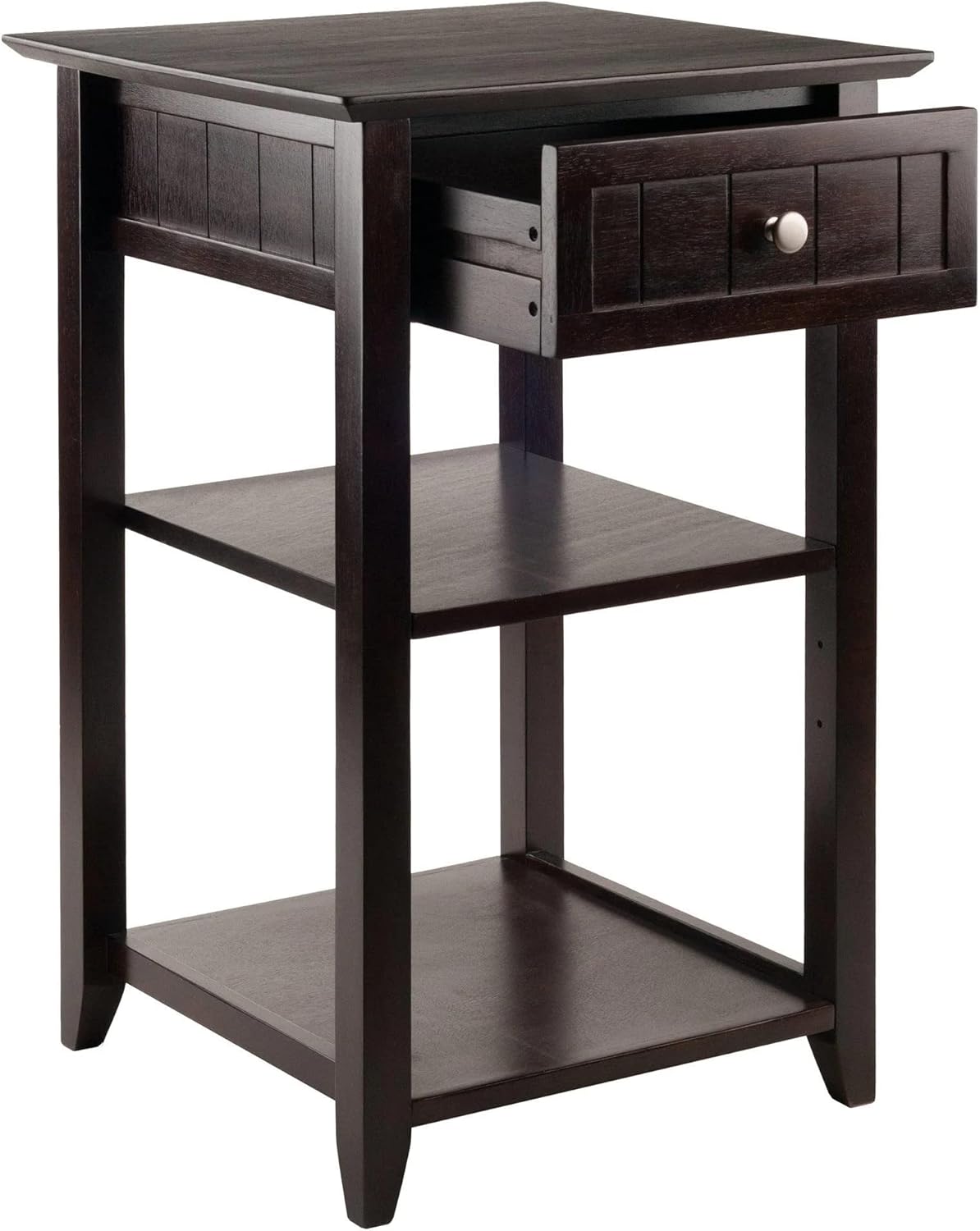
Image: The Winsome Burke Printer Stand Table with a printer placed on its top surface, demonstrating its primary function.
Vaizdas: Stambus planas view of the Winsome Burke Printer Stand Table with its drawer partially open, illustrating the storage capacity for small items.
Priežiūra
To maintain the appearance and longevity of your Winsome Burke Printer Stand Table:
- Valymas: Paviršius nuvalykite minkšta, damp šluoste. Venkite naudoti stiprių cheminių medžiagų, abrazyvinių valiklių ar poliravimo priemonių, kurios gali pažeisti apdailą.
- Išsiliejimai: Nedelsdami nuvalykite išsiliejusius skysčius, kad išvengtumėte dėmių ar vandens žalos.
- Saulės šviesa: Venkite ilgalaikio tiesioginių saulės spindulių poveikio, nes tai gali sukelti spalvos pakitimą ar išblukimą.
- Techninė įranga: Reguliariai tikrinkite ir priveržkite visus surinkimo elementus, kad užtikrintumėte stabilumą.
Trikčių šalinimas
If you encounter issues with your printer stand, consider the following common solutions:
- Nestabilumas / svyravimas:
- Įsitikinkite, kad stovas pastatytas ant lygaus paviršiaus.
- Check all screws and bolts to confirm they are securely tightened.
- Verify that all legs are making even contact with the floor.
- Stalčius neslysta sklandžiai:
- Patikrinkite, ar stalčių bėgeliuose nėra kliūčių.
- Įsitikinkite, kad stalčių bėgeliai yra tinkamai sulygiuoti ir tvirtai pritvirtinti.
- Lightly lubricate the drawer slides with a silicone-based lubricant if necessary.
- Trūksta dalių:
- Atidžiai patikrinkite visas pakavimo medžiagas.
- Contact Winsome customer support for assistance with replacement parts.
Specifikacijos
| Funkcija | Detalė |
|---|---|
| Prekės ženklas | Žavus |
| Modelio pavadinimas | Burke |
| Modelio numeris | 23121 |
| Spalva | Kava |
| Gaminio matmenys (D x P x A) | 22.5 "D x 19.84" P x 34.5" A |
| Prekės svoris | 29.45 svaro |
| Didžiausio svorio rekomendacija | 50 svaro |
| Medžiagos tipas | Inžinierinė mediena |
| Stalčių skaičius | 1 |
| Lentynų skaičius | 2 |
| UPC | 021713231215 |
Garantija ir palaikymas
Gamintojo garantija: Replacement parts are available for up to 60 days from the date of purchase.
For further assistance, please refer to the contact information provided with your product packaging or visit the official Winsome websvetainę.
Taip pat galite apsilankyti Winsome Store on Amazon Norėdami gauti daugiau informacijos.


