Produktas baigtasview
The MEE audio BTX2 Bluetooth Wireless MMCX Adapter Cable allows you to convert your favorite MMCX-compatible earphones or in-ear monitors into wireless Bluetooth devices. This adapter is designed for seamless audio streaming with phones, tablets, computers, and other Bluetooth stereo audio transmitters. It features Qualcomm aptX and aptX Low Latency codecs for high-quality wireless audio and improved lip-syncing. The BTX2 also includes dynamic audio enhancement with three selectable modes, a built-in microphone for calls, and integrated controls for media playback. Its IPX5 sweat- and weather-resistant design ensures durability for various activities.
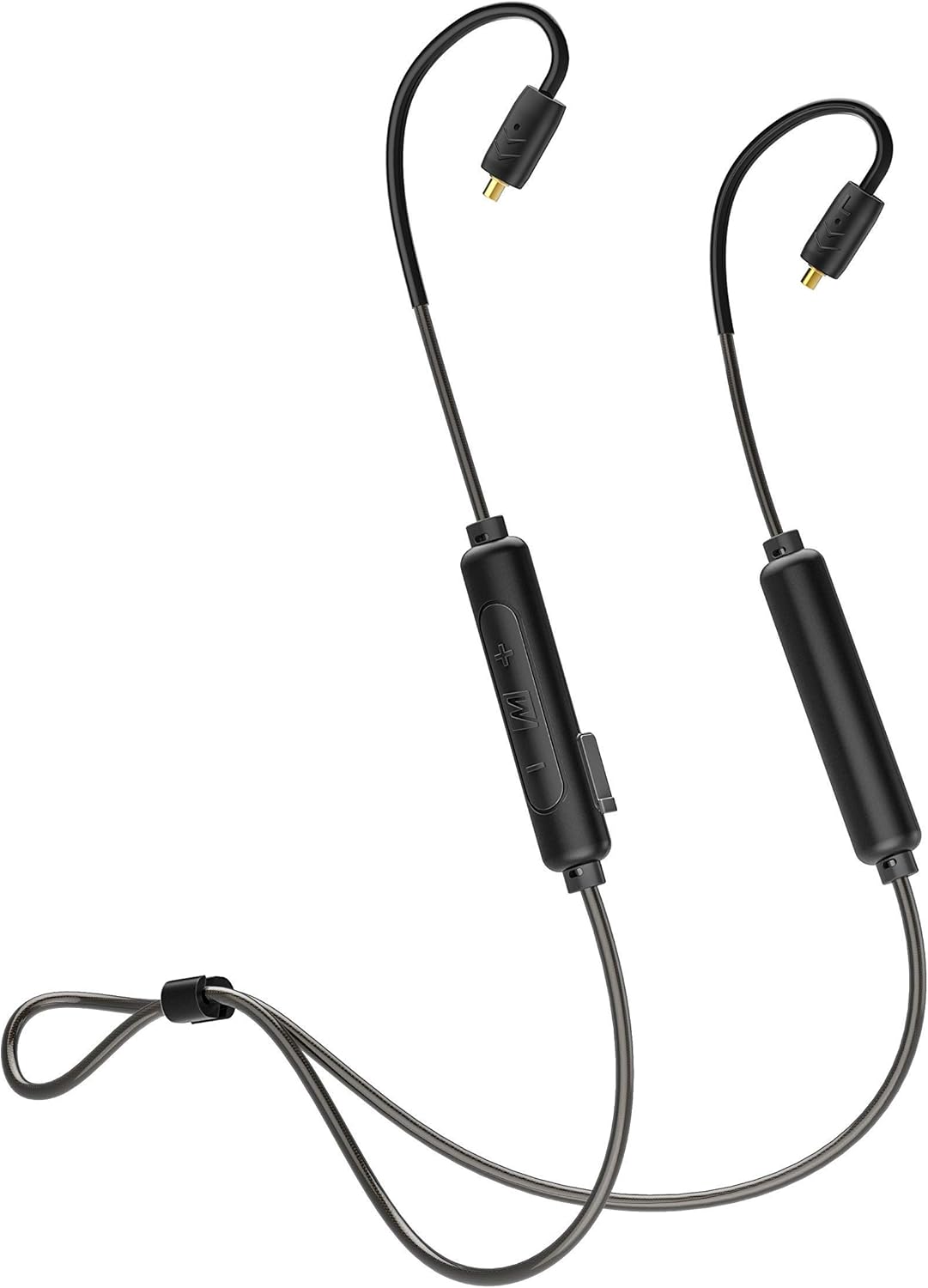
Image: The MEE audio BTX2 Bluetooth Wireless MMCX Adapter Cable, showcasing its design with ear hooks and inline controls.

Image: A graphic highlighting the universal MMCX Bluetooth adapter, emphasizing its compatibility with various MMCX earphones.
Kas yra dėžutėje
Atidarius pakuotę, įsitikinkite, kad yra visi šie daiktai:
- BTX2 Bluetooth Wireless MMCX adapter
- Mikro-USB įkrovimo laidas
- Vartotojo vadovas (šis dokumentas)

Image: The retail box of the BTX2 adapter, showing the adapter, charging cable, and user manual.
Sąrankos vadovas
1. Connecting Your Earphones
The BTX2 adapter uses standard Micro-Miniature Coaxial (MMCX) connectors. To attach your earphones:
- Identify the left (L) and right (R) connectors on the BTX2 cable and your earphones. The control unit side of the BTX2 is typically for the right earbud, and the battery side for the left.
- Align the MMCX connector on the BTX2 cable with the corresponding port on your earphone.
- Gently push the earphone onto the connector until you feel a secure click. Do not force the connection.
- To disconnect, firmly grasp the earphone and the connector (not the cable) and pull them apart.

Vaizdas: Stambus planas view of the universal MMCX connectors, showing how they attach to compatible earphones.
2. Charging the BTX2
Before first use, fully charge the BTX2 adapter. A full charge takes approximately 2 hours.
- Locate the Micro-USB charging port on the control unit.
- Connect the supplied Micro-USB charging cable to the port.
- Kitą USB kabelio galą prijunkite prie USB maitinimo šaltinio (pvz., kompiuterio USB prievado, USB sieninio adapterio).
- The LED indicator will glow red while charging and turn blue when fully charged.
A full charge provides up to 7 hours of talk time and 8 hours of music playback.
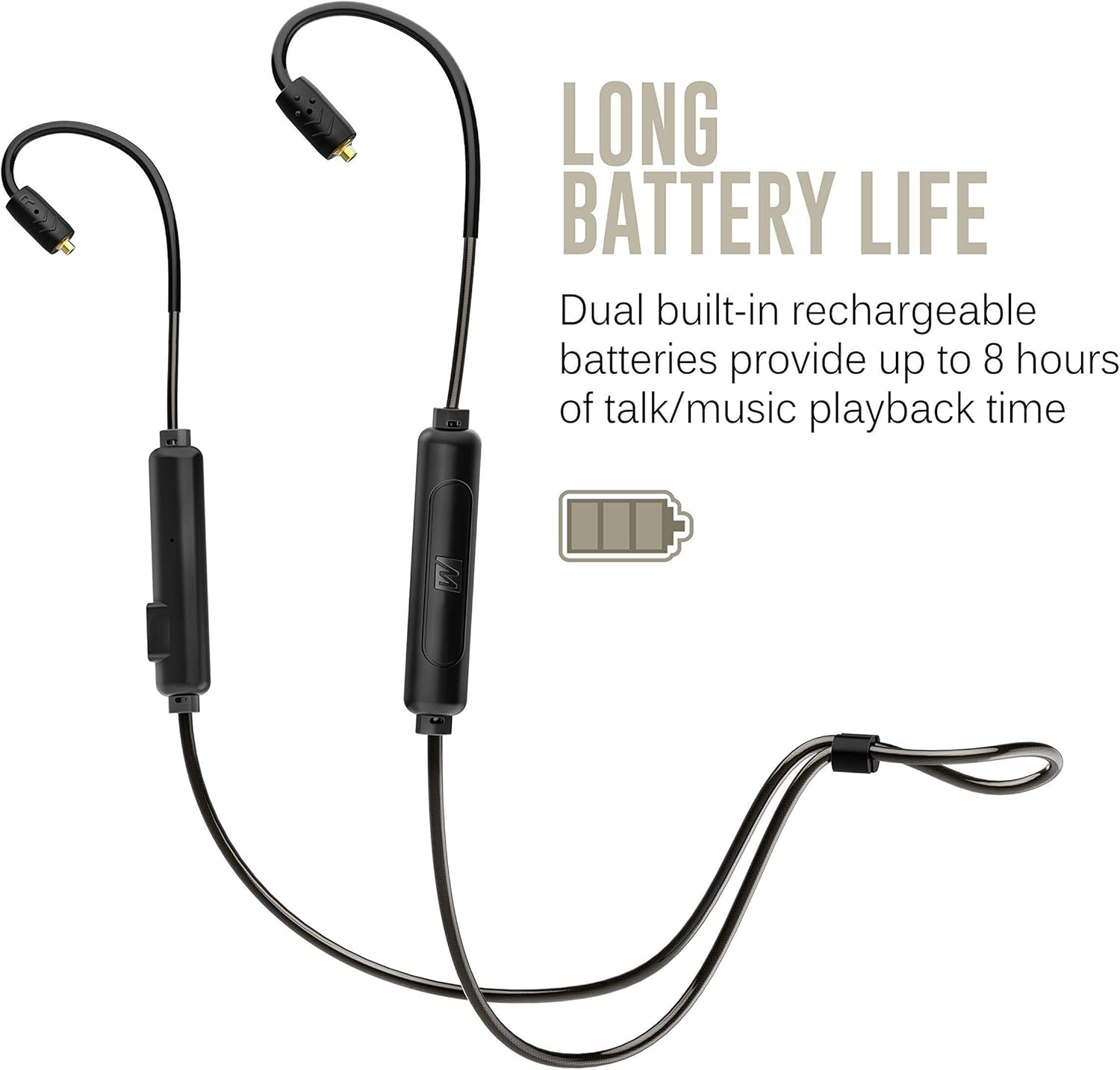
Image: The BTX2 adapter illustrating its long battery life capability, with a battery icon indicating extended usage.
3. „Bluetooth“ poravimas
To connect the BTX2 to your device:
- Ensure the BTX2 is turned off.
- Press and hold the Multifunction button (M) for approximately 4 seconds until the LED indicator flashes red and blue, and you hear the voice prompt "Pairing".
- Garso įrenginyje (išmaniajame telefone, planšetiniame kompiuteryje, kompiuteryje) įjunkite „Bluetooth“ ir ieškokite naujų įrenginių.
- Select "MEE audio BTX2" from the list of available devices.
- Once connected, the LED indicator will flash blue slowly, and you will hear "Connected".
The BTX2 supports multipoint connectivity, allowing it to be connected to two devices simultaneously.
Naudojimo instrukcijos
Valdikliai ir funkcijos
The BTX2 features an intuitive 3-button remote control for managing audio playback and calls.
| Mygtukas | Veiksmas | Funkcija |
|---|---|---|
| Multifunction (M) | Paspauskite ir palaikykite (4s) | Įjungimas / išjungimas, susiejimo režimo įjungimas |
| Multifunction (M) | Vienas paspaudimas | Groti / pristabdyti muziką, atsiliepti / baigti skambutį |
| Multifunction (M) | Dukart paspauskite | Perrink paskutinį numerį |
| Garsumo padidinimas (+) | Vienas paspaudimas | Padidinti garsumą |
| Garsumo padidinimas (+) | Paspauskite ir palaikykite | Kitas takelis |
| Patildyti (-) | Vienas paspaudimas | Sumažinti garsumą |
| Patildyti (-) | Paspauskite ir palaikykite | Ankstesnis takelis |

Image: A close-up of the BTX2's inline control unit, showing the volume and multifunction buttons.
Dinaminis garso patobulinimas
The BTX2 offers three audio modes to customize your listening experience:
- Natūralus: Provides unenhanced audio for a balanced sound profile.
- Žemų dažnių stiprinimas: Enhances bass response for deeper and more impactful low frequencies.
- Vokalo stiprinimas: Boosts speech and vocals for improved clarity and intelligibility, ideal for podcasts or audiobooks.
To cycle through these modes, press and hold both the Volume Up (+) and Multifunction (M) buttons simultaneously for 2 seconds.
Skambinimas ir skambučių priėmimas
The BTX2 features a built-in microphone and remote for seamless phone call management.
- Atsiliepimas į skambutį: Press the Multifunction (M) button once.
- Skambučio pabaiga: Press the Multifunction (M) button once during a call.
- Skambučio atmetimas: Press and hold the Multifunction (M) button for 2 seconds.
- Padėjėjas balsu: Double-press the Multifunction (M) button to activate your device's voice assistant (e.g., Siri, Google Assistant).

Image: The BTX2 control unit positioned next to a smartphone, illustrating its built-in headset capabilities for calls and media control.
Priežiūra ir priežiūra
Prakaitas ir atsparumas orams
The BTX2 features an IPX5 sweat- and weather-resistant design. This means it is protected against low-pressure water jets from any direction, making it suitable for use during workouts or in light rain. However, it is not designed for submersion in water.
- Do not immerse the BTX2 in water.
- Ensure the Micro-USB charging port cover is securely closed when not charging to maintain water resistance.
- After exposure to sweat or moisture, wipe the adapter clean with a soft, dry cloth before charging or storing.
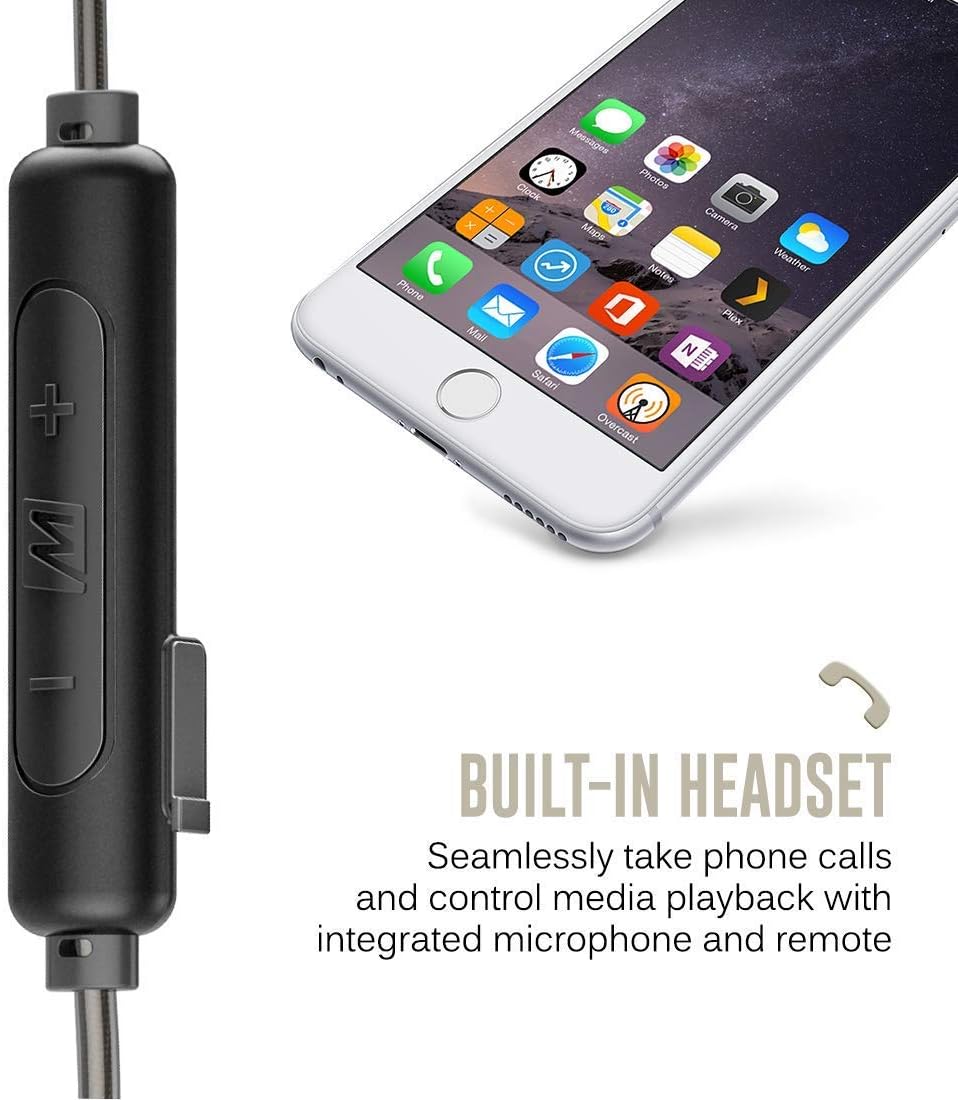
Image: A close-up of the BTX2 control unit with water droplets, demonstrating its IPX5 sweat- and weather-resistant design.
Bendroji priežiūra
- Clean the BTX2 with a soft, slightly damp audinys. Nenaudokite stiprių cheminių medžiagų ar abrazyvinių valiklių.
- Adapterį laikykite vėsioje, sausoje vietoje, apsaugotoje nuo tiesioginių saulės spindulių ir ekstremalių temperatūrų.
- Saugokite adapterį nuo kritimo ir stiprių smūgių.
Trikčių šalinimas
If you encounter issues with your MEE audio BTX2, please refer to the following common problems and solutions:
| Problema | Galima priežastis | Sprendimas |
|---|---|---|
| Įrenginys neįsijungia. | Žema akumuliatoriaus įtampa; vidinis gedimas. | Charge the BTX2 fully. If issue persists after charging, contact support. |
| Negalima susieti su Bluetooth įrenginiu. | BTX2 not in pairing mode; device's Bluetooth is off; interference; previously paired device. | Ensure BTX2 is in pairing mode (flashing red/blue). Turn Bluetooth off/on on your device. Move closer to the BTX2. Clear previous pairings on your device or reset BTX2 (see below). |
| Nėra garso arba garso kokybė prasta. | Volume too low; earphones not properly connected; source device issue; codec issue. | Increase volume on BTX2 and source device. Ensure MMCX connectors are securely attached. Test with another audio source. Check if your device is using aptX/AAC codec if supported. |
| Microphone quality is poor during calls. | Microphone too far from mouth; noisy environment. | Ensure the microphone is positioned optimally. Move to a quieter environment if possible. |
| Ryšys dažnai nutrūksta. | Distance from source; interference; low battery. | Stay within Bluetooth range (typically 30 feet/10 meters). Avoid obstacles. Charge the BTX2. |
Atstatyti gamyklinius nustatymus
If you experience persistent issues, a factory reset may resolve them. This will clear all previous pairings.
- Ensure the BTX2 is powered off.
- Press and hold the Multifunction (M) button and the Volume Up (+) button simultaneously for approximately 5 seconds until you hear a voice prompt indicating a reset.
- The BTX2 will then enter pairing mode. You can now attempt to re-pair with your desired device.
Gaminio specifikacijos
- Modelio pavadinimas:
- BTX2-BK
- Ryšio technologija:
- Bluetooth 5.0
- Ausinių lizdas:
- Micro USB (įkrovimui)
- Suderinami įrenginiai:
- Phones, Tablets, Computers, and other Bluetooth stereo audio transmitters
- Įtraukti komponentai:
- BTX2 Bluetooth Wireless MMCX adapter, Micro-USB charging cable, User manual
- Baterijos veikimo laikas:
- Up to 7 hours talk time, 8 hours music playback
- Įkrovimo laikas:
- Maždaug 2 val
- Atsparumo vandeniui lygis:
- IPX5 (atsparus prakaitui ir oro sąlygoms)
- Prekės svoris:
- 0.3 uncijos (maždaug 8.5 gramo)
- Gaminio matmenys:
- 6.77 x 4.72 x 1.18 colio
- Ypatingos savybės:
- Lightweight, Microphone Included, Universal Phone Control, Dynamic Audio Enhancement (Natural, Bass Boost, Vocal Boost modes)
- UPC:
- 616312625062
Garantija ir palaikymas
Gamintojo garantija
The MEE audio BTX2 Bluetooth Wireless MMCX Adapter Cable is covered by a 1-year manufacturer's warranty from the date of original purchase. This warranty covers defects in materials and workmanship under normal use. It does not cover damage caused by misuse, accident, unauthorized modification, or normal wear and tear.
Išsaugokite pirkimo įrodymą, kad galėtumėte kreiptis dėl garantijos.
Pagalba klientams
For technical assistance, warranty inquiries, or additional support, please visit the official MEE audio websvetainėje arba susisiekite su klientų aptarnavimo skyriumi.
Oficiali MEE garso įrašų parduotuvė: MEE audio Amazon Store
For the most up-to-date support information, please refer to the MEE audio official websvetainę.


