1. Įvadas
Thank you for choosing the Cshidworld G33Pro-W Wireless Earbuds. This manual provides detailed instructions on how to set up, operate, and maintain your earbuds to ensure optimal performance and longevity. Please read this manual carefully before using the product and keep it for future reference.
2. Pakuotės turinys
- Cshidworld G33Pro-W Wireless Earbuds (Left and Right)
- Nešiojamas įkrovimo dėklas
- USB įkrovimo laidas
- Vartotojo vadovas
3. Produktas baigtasview

Image: The Cshidworld G33Pro-W Wireless Earbuds resting inside their open charging case, showcasing their compact design and white finish.
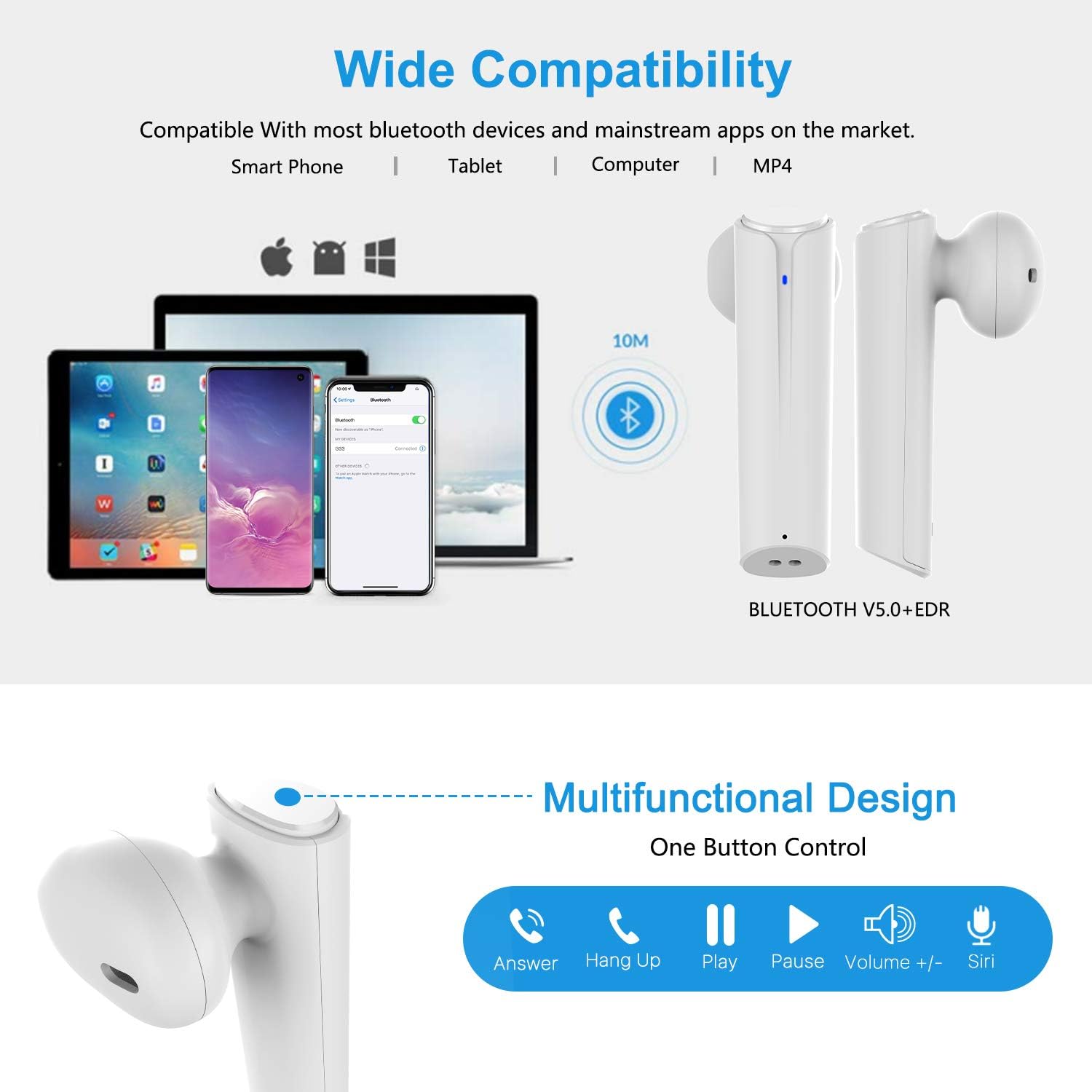
Image: A visual representation of the multi-function button on the earbud, detailing its various controls for answering calls, playing music, and activating voice assistants.
Ausinių komponentai:
- Daugiafunkcis mygtukas: Valdo atkūrimą, skambučius ir balso asistentą.
- LED indikatorius: Rodo susiejimo būseną ir akumuliatoriaus lygį.
- Mikrofonas: Skambučiams be rankų.
Įkrovimo dėklo komponentai:
- Įkrovimo uostai: For charging the case and earbuds.
- LED indikatoriai: Show charging status of the case.
4. Sąranka
4.1 Ausinių ir dėklo įkrovimas
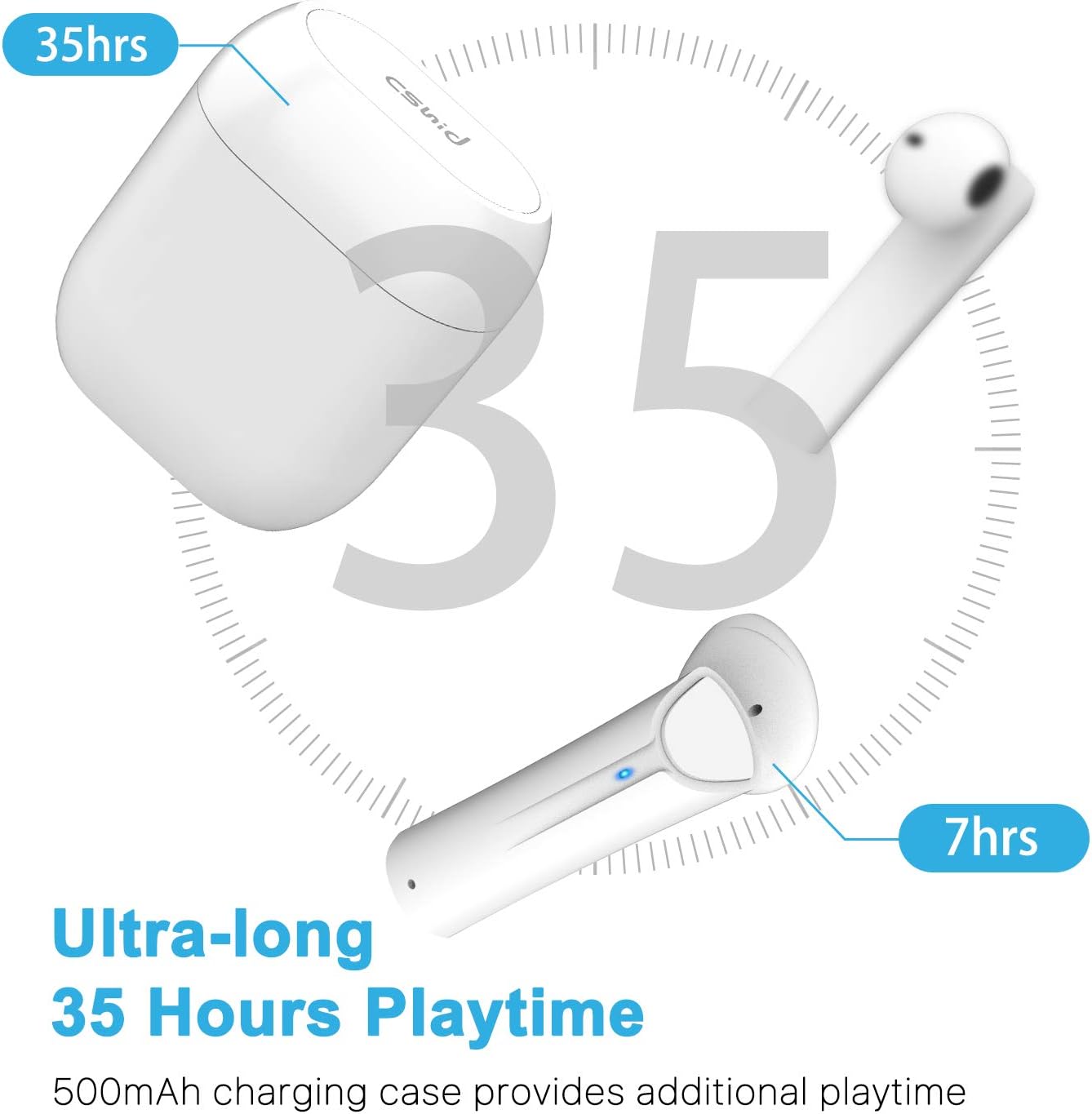
Image: An illustration highlighting the ultra-long 35 hours of total playtime, with 7 hours from a single earbud charge and additional charges from the case.
Before first use, ensure both the earbuds and the charging case are fully charged. The earbuds provide up to 7 hours of playtime on a single charge, and the charging case can provide an additional 5 full charges, extending the total playtime to up to 35 hours.
- Įdėkite ausines į įkrovimo dėklą. Įsitikinkite, kad jos tinkamai įstatytos.
- Prijunkite USB įkrovimo laidą prie dėklo įkrovimo prievado ir prie maitinimo šaltinio.
- The LED indicators on the case will show the charging status. Once fully charged, the indicators will change or turn off.
4.2 Initial Pairing (One-Step Pairing)

Image: A step-by-step guide showing how to pair the earbuds: simply take them out of the case and select 'G33' on your device's Bluetooth settings.
The G33Pro-W earbuds feature one-step pairing technology for quick and easy connection.
- Take both earbuds out of the charging case. They will automatically power on and enter pairing mode. The LED indicator on one earbud will flash, indicating it's ready to pair.
- Savo įrenginyje (išmaniajame telefone, planšetiniame kompiuteryje ir kt.) įjunkite „Bluetooth“.
- Ieškokite "G33" in the list of available Bluetooth devices and select it to connect.
- Once connected, the LED indicators on both earbuds will stop flashing. You are now ready to use your earbuds.
4.3 Vieno ausinės naudojimas
You can use either the left or right earbud independently. Simply take one earbud out of the charging case, and it will automatically enter pairing mode. Connect to "G33" on your device. To use both again, take the second earbud out, and they will automatically reconnect.
5. Naudojimo instrukcijos
The G33Pro-W earbuds are controlled via a multi-function button on each earbud.
| Funkcija | Veiksmas |
|---|---|
| Maitinimas | Take earbuds out of charging case (automatic) |
| Išjungti | Place earbuds back into charging case (automatic) |
| Leisti / pristabdyti muziką | Press the multi-function button once on either earbud |
| Kitas takelis | Double-press the multi-function button on the Right earbud |
| Ankstesnis takelis | Double-press the multi-function button on the Left earbud |
| Atsiliepti / Baigti skambutį | Press the multi-function button once on either earbud |
| Atmesti skambutį | Press and hold the multi-function button for 2 seconds on either earbud |
| Įjungti balso asistentą („Siri“ / „Google“ asistentas) | Tris kartus paspauskite daugiafunkcį mygtuką bet kurioje ausinėje |
| Padidinti garsumą | Press and hold the multi-function button on the Right earbud |
| Sumažinti garsumą | Press and hold the multi-function button on the Left earbud |
6. Priežiūra

Image: Two scenarios demonstrating earbud use: one person driving safely with hands-free calling, and another person working out, highlighting the sweat-proof and cable-free design.
6.1 Valymas
Reguliarus valymas padeda palaikyti garso kokybę ir higieną.
- Ausinėms ir įkrovimo dėklui nuvalyti naudokite minkštą, sausą, nepūkuotą šluostę.
- Įsisenėjusiam purvui šiek tiek pamirkykiteamplt šluostę nuvalykite vandeniu arba švelniu, neabrazyviniu valikliu.
- Nenaudokite stiprių cheminių medžiagų ar abrazyvinių medžiagų.
- Įsitikinkite, kad įkrovimo kontaktai ant ausinių ir dėklo yra švarūs ir sausi.
6.2 Saugykla
Kai nenaudojate, laikykite ausines įkrovimo dėkle, kad jos būtų apsaugotos ir įkrautos. Laikykite vėsioje, sausoje vietoje, toliau nuo ekstremalių temperatūrų.
6.3 Atsparumas vandeniui
The earbuds are designed to be waterproof, making them suitable for workouts and light rain. However, they are not intended for swimming or submersion in water. Ensure earbuds are dry before placing them back into the charging case to prevent damage.
7. Problemų sprendimas
If you encounter issues with your earbuds, please refer to the following common problems and solutions:
- Ausinės nesusijungia su įrenginiu:
Ensure Bluetooth is enabled on your device. Place earbuds back in the case, then take them out again to re-enter pairing mode. Try forgetting "G33" from your device's Bluetooth list and re-pairing. - Veikia tik viena ausinė:
Place both earbuds back into the charging case. Close the lid for a few seconds, then open it and take both earbuds out simultaneously. They should automatically connect to each other. - Nėra garso:
Check the volume level on both your device and the earbuds. Ensure the earbuds are properly connected to your device. Try playing different audio sources. - Ausinės neįkraunamos:
Įsitikinkite, kad įkrovimo laidas yra tvirtai prijungtas prie dėklo ir maitinimo šaltinio. Patikrinkite, ar ausinių ir dėklo įkrovimo kontaktai yra švarūs ir be šiukšlių. - Prasta garso kokybė:
Ensure the earbuds are properly seated in your ears. Check for any obstructions in the earbud speakers. Move closer to your connected device to avoid signal interference.
8. Specifikacijos
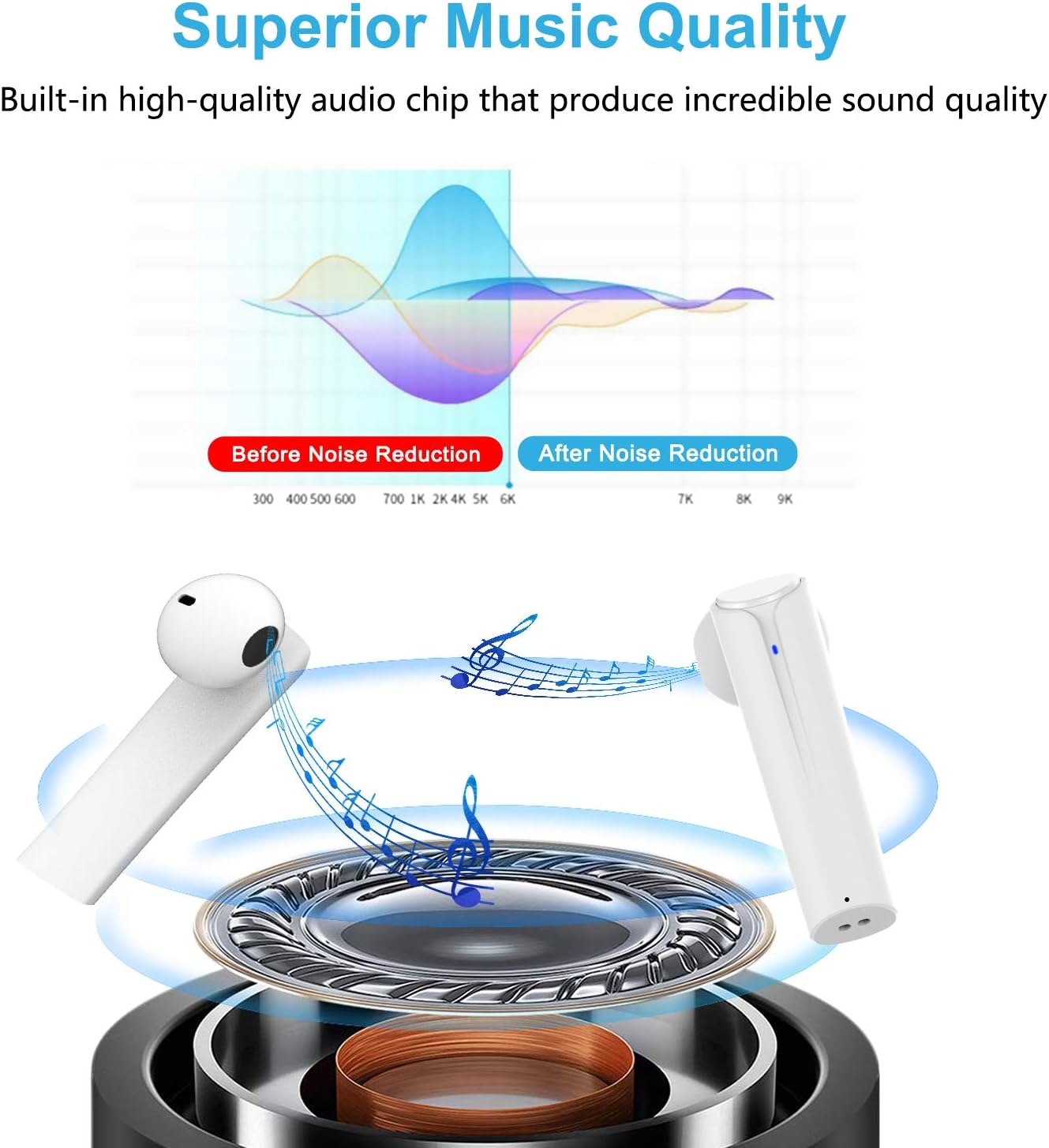
Image: A graph illustrating the effect of noise reduction on sound quality, accompanied by a detailed diagram of the earbud's internal audio components.
- Modelis: G33Pro-W
- Ryšys: Bluetooth 5.0
- Grojimo laikas (ausinės): Iki 7 valandų vienu įkrovimu
- Bendras grojimo laikas (su įkrovimo dėklu): Iki 35 valandų
- Mikrofonas: Built-In Dual Microphones
- Valdymo tipas: Daugiafunkcis mygtukas
- Medžiaga: Plastikiniai
- Atsparumas vandeniui: Atsparus vandeniui
- Spalva: Baltas
9. Saugos informacija
Norėdami saugiai ir tinkamai naudoti ausines, laikykitės šių saugos nurodymų:
- Nelaikykite ausinių ar įkrovimo dėklo ekstremaliose temperatūrose, tiesioginiuose saulės spinduliuose ar didelėje drėgmėje.
- Avoid dropping, hitting, or disassembling the product.
- Nenaudokite ausinių ilgai nustatę itin didelį garsumą, nes tai gali pažeisti klausą.
- Laikykite gaminį vaikams ir naminiams gyvūnėliams nepasiekiamoje vietoje.
- Produktą ir jo komponentus utilizuokite atsakingai, laikydamiesi vietinių taisyklių.
10. Garantija ir palaikymas
Cshidworld provides a 30 dienų grąžinimo politika be jokių rūpesčių ir a vienerių metų garantija for the G33Pro-W Wireless Earbuds. For any product-related inquiries, technical support, or warranty claims, please contact Cshidworld customer service through the platform where you purchased the product or refer to the contact information provided with your purchase.


