1. Įvadas ir pabaigaview
The ViewSonic ELITE XG270 is a 27-inch gaming monitor engineered for eSports enthusiasts, delivering exceptional speed and visual clarity. This monitor features an IPS display with an ultra-fast 1ms (GtG) response time and a 240Hz refresh rate, ensuring smooth screen transitions and responsive gameplay. It offers accurate color reproduction and wide viewing angles, making it suitable for competitive gaming and general use. The panel supports Full HD (1920x1080) resolution with 99% sRGB color coverage and is NVIDIA G-SYNC Compatible, which helps eliminate screen tearing and stuttering for a seamless gaming experience. Advanced ergonomic features and ELITE Design Enhancements are integrated for user comfort and a premium setup.

Vaizdas: ViewSonic ELITE XG270 highlighting key performance features.
2. Kas yra dėžutėje
Išpakavus jūsų ViewSonic ELITE XG270 monitor, please ensure all the following items are present:
- LCD monitorius (ViewSonic ELITE XG270)
- ELITE Hood (Sight Shields)
- Maitinimo kabelis
- AC/DC adapteris
- „DisplayPort“ laidas
- USB 3.1 kabelis
- Greitos pradžios vadovas
Video: Unboxing the ViewSonic ELITE XG270 27" Gaming Monitor. This video demonstrates the contents of the product packaging and initial setup steps.
3. Sąranka ir surinkimas
The ViewSonic ELITE XG270 monitor is designed for easy, tool-less assembly. The stand column is pre-mounted to the monitor head, requiring only the base to be attached.
- Pritvirtinkite stovo pagrindą: Carefully place the monitor face down on a soft, clean surface. Align the stand base with the bottom of the pre-attached stand column and secure it using the captive thumbscrew. Tighten until firm.
- Monitoriaus padėtis: Gently lift the assembled monitor and place it upright on your desk.
- Prijunkite kabelius: Connect the DisplayPort cable from your computer to the monitor for optimal performance, especially for 240Hz refresh rate and G-SYNC. Connect the USB 3.1 cable from your computer to the monitor to enable the integrated USB hub. Finally, connect the AC/DC adapter and power cable to the monitor and a power outlet.
Ergonomiški reguliavimai
The monitor's advanced ergonomic stand allows for various adjustments to optimize your viewkomfortas:
- Aukščio reguliavimas: Gently push or pull the monitor up or down to achieve your desired viewaukštis.
- Sukamasis: Rotate the monitor left or right on its base to adjust the horizontal viewing kampas.
- Pivot: Pasukite monitorių 90 laipsnių kampu, kad perjungtumėte horizontalią ir vertikalią orientacijas.
- Pakreipti: Tilt the screen forwards or backwards to find the most comfortable vertical viewing kampas.

Image: Ergonomic adjustments of the ViewSonic ELITE XG270 monitor.
4. Ryšys
The XG270 offers flexible connectivity options to support various devices, including laptops, PCs, Macs, PlayStation, and Xbox consoles.
- DisplayPort: Recommended for achieving the full 240Hz refresh rate and enabling NVIDIA G-SYNC Compatible technology.
- HDMI: Supports high refresh rates, suitable for gaming consoles and other HDMI-enabled devices.
- USB 3.1: Connect the monitor to your computer via the USB 3.1 upstream cable to activate the integrated USB hub, allowing you to connect peripherals like keyboards and mice directly to the monitor.
- Garso išvestis: A 3.5mm audio jack is available for connecting headphones or external speakers.

Vaizdas: Galinis view of ViewSonic ELITE XG270 connectivity ports.
5. Pagrindinės savybės
Ekranas ir našumas
- 240 Hz atnaujinimo dažnis ir 1 ms (GtG) atsako laikas: Experience ultra-smooth gameplay with minimal input lag, crucial for competitive eSports.
- Suderinamas su NVIDIA G-SYNC: Sinchronizuoja monitoriaus atnaujinimo dažnį su GPU kadrų dažniu, kad būtų išvengta ekrano plyšinėjimo ir mirgėjimo.
- PureXP Blur Reduction: Tuned by Blur Busters, this technology utilizes backlight strobing to drastically improve motion image clarity in fast-moving scenes.
- IPS Panel with 99% sRGB: Mėgaukitės ryškiomis spalvomis ir plačiu viewing angles without compromising on speed.
- HDR10 palaikymas: Delivers enhanced contrast and color depth for a more immersive visual experience.

Image: Visual representation of 1ms (GtG) response time.
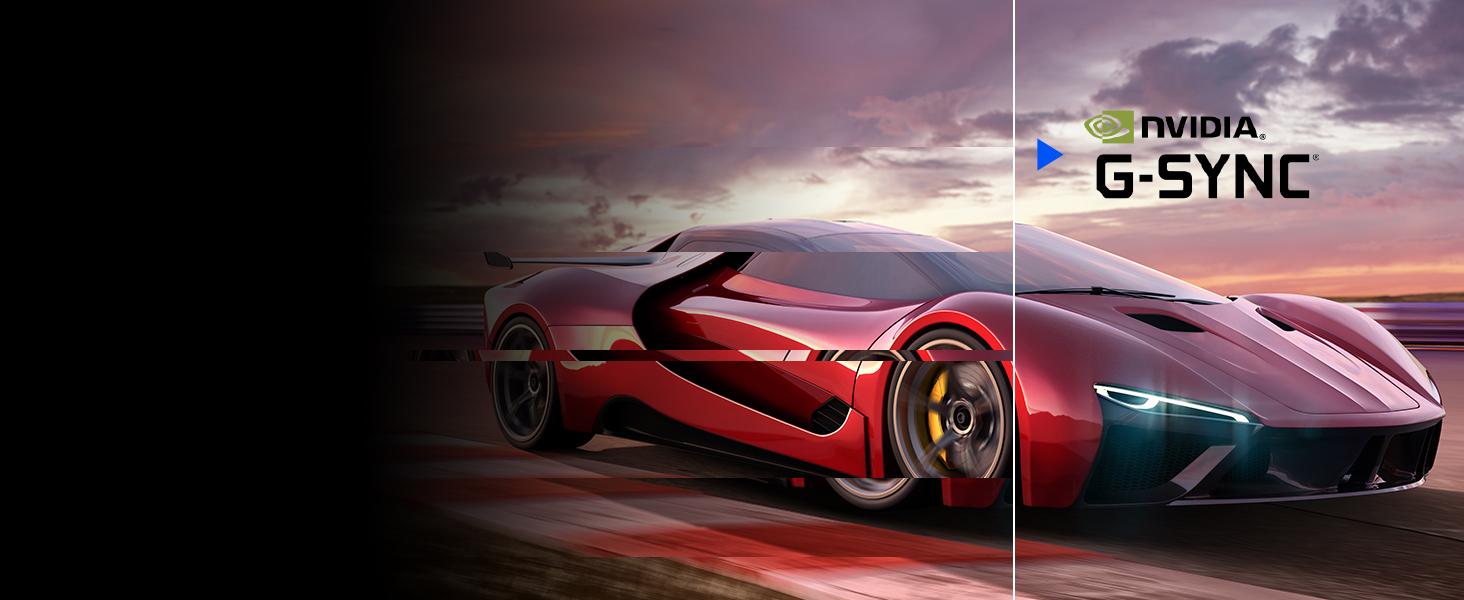
Image: Visual representation of NVIDIA G-SYNC Compatible technology.
ELITE Design Enhancements
- Built-in Mouse Bungee: Helps manage your mouse cable, preventing tangles and drag for unrestricted movement.
- Reinforced Headphone Hook: Conveniently store your gaming headset within easy reach.
- ELITE RGB Ambient Lighting: Customizable RGB lighting on the back of the monitor adds aesthetic flair to your gaming setup.
- Sight Shields (ELITE Hood): Attachable side panels reduce glare and distractions, enhancing focus during competitive play.

Vaizdas: Galinis view of the monitor with ELITE RGB Lighting System.

Image: Headphone hook and mouse bungee on the ViewSonic ELITE XG270.
Vaizdo įrašas: Užbaigtaview iš ViewSonic ELITE XG270 G-Sync Monitor, highlighting its design and features.
6. Naudojimo instrukcijos
Maitinimo įjungimas/išjungimas
To power on the monitor, press the power button located on the bottom right side of the monitor. To power off, press and hold the power button until the screen turns off.
Ekrano ekrano (OSD) meniu
The OSD menu allows you to adjust various monitor settings. Use the joystick or buttons (depending on model variation) located on the back or bottom of the monitor to navigate the menu. Common settings include:
- Paveikslėlis: Reguliuokite ryškumą, kontrastą, spalvų temperatūrą ir gamą.
- Įvesties pasirinkimas: Rankiniu būdu perjunkite „DisplayPort“ ir HDMI įvestis.
- Garsas: Sureguliuokite garsumą arba nutildykite.
- Žaidimai: Configure refresh rate, response time overdrive, G-SYNC settings, and other gaming-specific features like Black Stabilization.
- Sąrankos meniu: Access general settings like OSD language, OSD timeout, and factory reset.
7. Priežiūra
Tinkama priežiūra užtikrina monitoriaus ilgaamžiškumą ir optimalų veikimą.
- Ekrano valymas: Švelniai nuvalykite ekraną minkštu, nepūkuotu skudurėliu. Jei dėmės sunkiai pašalinamos, lengvai nuvalykiteampen the cloth with water or a specialized screen cleaner. Avoid using alcohol, ammonia, or abrasive cleaners.
- C valymasasing: Monitoriaus dangtelį nuvalykite minkštu, sausu skudurėliu.asing.
- Vėdinimas: Įsitikinkite, kad monitoriaus ventiliacijos angos nėra užblokuotos, kad jis neperkaistų.
- Išjunkite, kai nenaudojate: Išjunkite monitorių, kai jo ilgesnį laiką nenaudojate, kad taupytumėte energiją ir pailgintumėte jo tarnavimo laiką.
8. Problemų sprendimas
Jei kyla problemų dėl jūsų ViewSonic ELITE XG270 monitor, try the following basic troubleshooting steps:
- Nėra galios: Ensure the power cable and AC/DC adapter are securely connected to both the monitor and a working power outlet. Check if the power button is pressed.
- Nėra signalo / juodas ekranas: Verify that the DisplayPort or HDMI cable is securely connected to both the monitor and your computer/device. Ensure the correct input source is selected in the OSD menu.
- Image Issues (Blurry, Flickering, Incorrect Colors): Check the cable connections. Adjust picture settings in the OSD menu. Ensure your graphics card drivers are up to date. For G-SYNC related issues, confirm it's enabled in both the monitor OSD and NVIDIA Control Panel.
- USB prievadai neveikia: Ensure the USB 3.1 upstream cable is connected from the monitor to your computer.
For more detailed troubleshooting or persistent issues, please refer to the full user manual available on the ViewSonic websvetainę arba kontaktą View„Sonic“ klientų aptarnavimas.
9. Specifikacijos
| Funkcija | Specifikacija |
|---|---|
| Modelio numeris | XG270 |
| Ekrano dydis | 27 colių |
| Skydelio tipas | IPS |
| Rezoliucija | 1920 x 1080 (viskas viename) |
| Atnaujinimo dažnis | 240 Hz |
| Reagavimo laikas | 1 ms (GtG) |
| G-SYNC suderinamumas | Suderinamas su NVIDIA G-SYNC |
| Spalvų gama | 99% sRGB |
| HDR palaikymas | HDR10 |
| Ryšys | HDMI, DisplayPort, USB 3.0 (4 ports) |
| Ergonomika | Height, Swivel, Pivot, Tilt Adjustable |
| Svoris | 17.38 svaro |
| Matmenys (IxPxH) | 18.06 x 24.2 x 2.7 colio |
10. Garantija ir palaikymas
Jūsų ViewSonic ELITE XG270 monitor comes with a manufacturer's warranty. For specific warranty terms and conditions, please refer to the warranty card included in your product packaging or visit the official ViewSonic websvetainę.
For technical support, driver downloads, or additional product information, please visit the ViewSonic support page or contact their customer service directly. Keep your product's serial number handy when seeking support.


