Įvadas
Thank you for choosing the Celly Pantone Qi Wireless Charger. This device provides convenient and efficient wireless charging for your compatible smartphones and other Qi-enabled devices. Its compact design makes it ideal for use at home or in the office. Please read this manual carefully before use to ensure proper operation and to maximize the product's lifespan.
Pakuotės turinys
- Celly Pantone Qi Wireless Charger (Model PTWC001N)
- Mikro USB maitinimo kabelis

Image: Celly Pantone Qi Wireless Charger in its retail packaging, showing the charger and included USB cable.
Produktas baigtasview
The Celly Pantone Qi Wireless Charger is a sleek and compact charging pad designed for ease of use. It features a circular design with a central charging area and an integrated LED indicator to show charging status. The charger supports up to 10W wireless charging, with optimized 7.5W output for compatible Apple iPhone models.
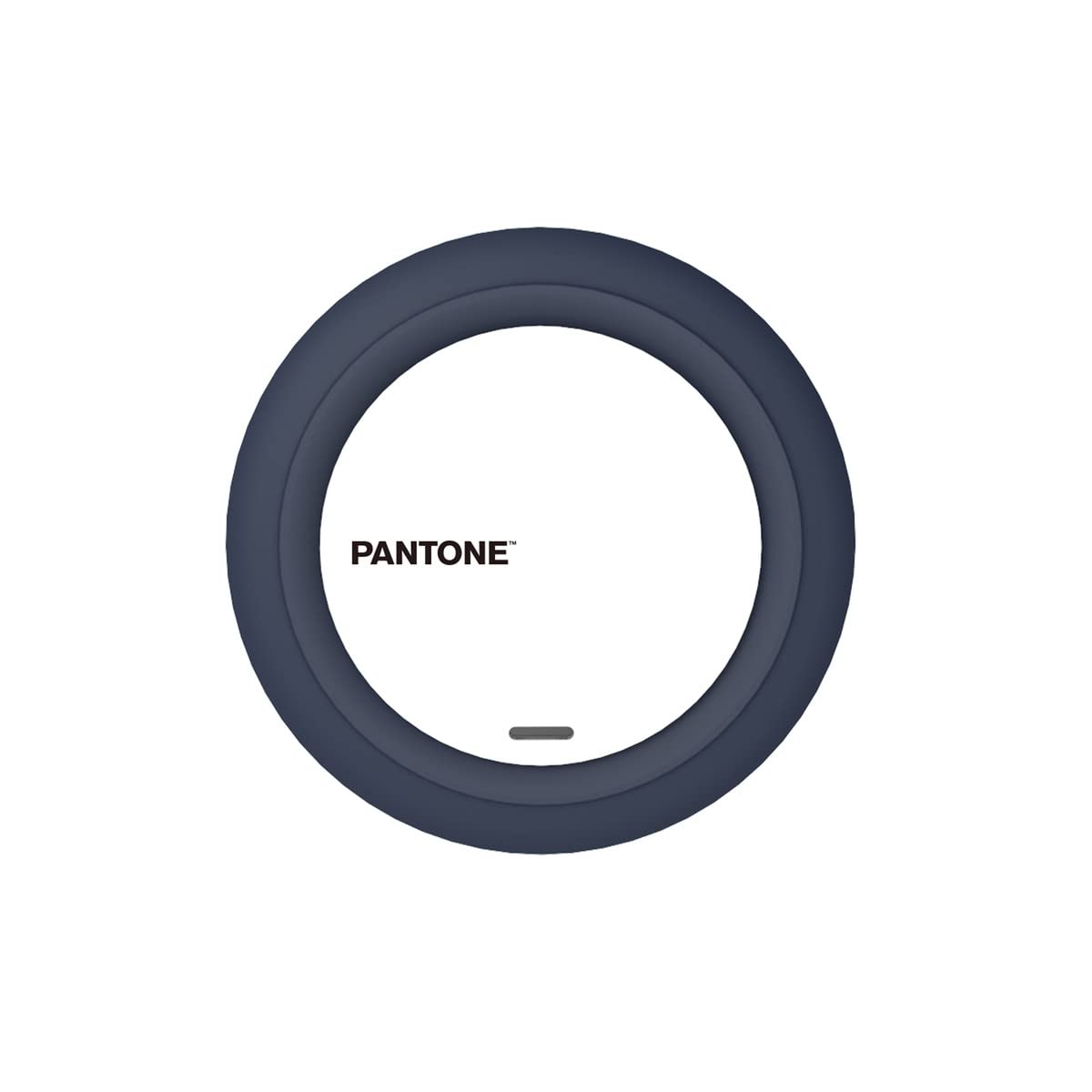
Vaizdas: Viršus view of the Celly Pantone Qi Wireless Charger, highlighting its circular design and central charging area.
Sąranka
- Connect the Micro USB end of the provided cable into the charging port on the Celly Pantone Qi Wireless Charger.
- Connect the standard USB-A end of the cable into a compatible USB power adapter (not included). A Quick Charge 2.0/3.0 adapter or a 5V/2A adapter is recommended for optimal performance.
- Place the wireless charger on a stable, flat surface.
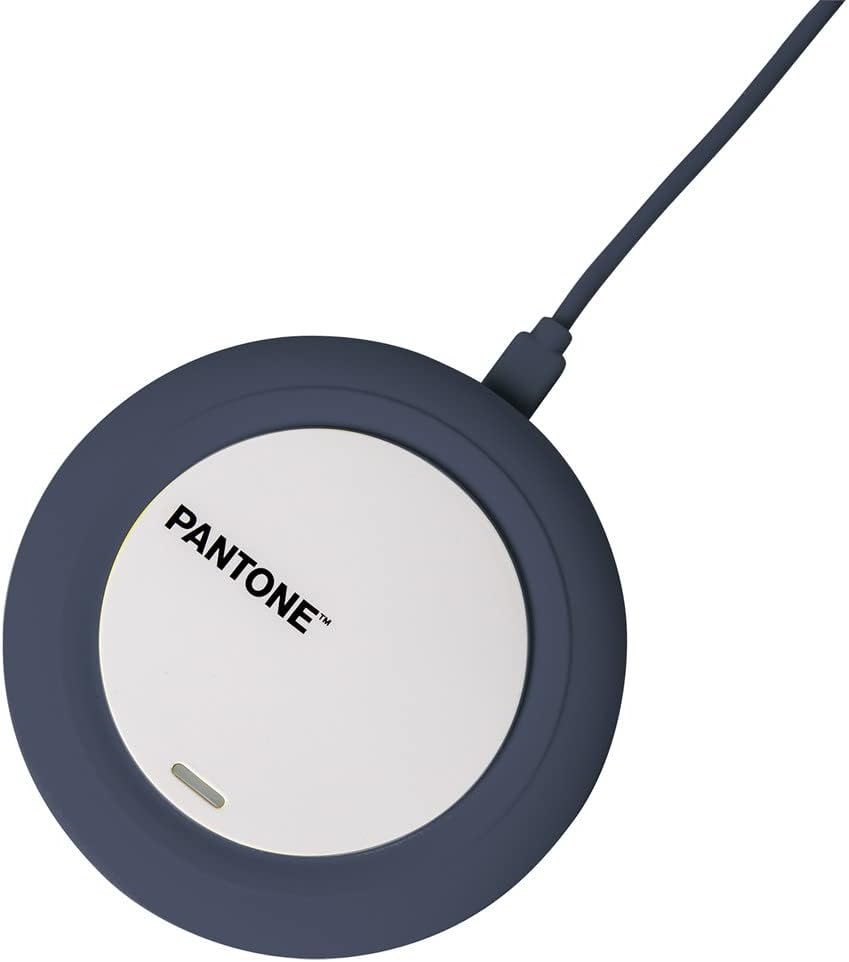
Image: The Celly Pantone Qi Wireless Charger with its Micro USB cable connected, ready for power.
Naudojimo instrukcijos
Norėdami įkrauti įrenginį:
- Ensure the Celly Pantone Qi Wireless Charger is properly connected to a power source. The LED indicator may briefly light up to confirm power.
- Place your Qi-compatible smartphone or device directly onto the center of the charging pad.
- The integrated LED indicator on the charger will illuminate to confirm that charging has begun. If the LED does not light up, adjust the position of your device on the pad.
- Kai įrenginys bus visiškai įkrautas, nuimkite jį nuo įkrovimo padėklo.
Suderinamumas
This charger is compatible with all devices featuring Qi wireless charging technology. This includes various models from brands such as Apple (iPhone 8 and newer), Samsung, Motorola, Xiaomi, OPPO, Huawei, TCL, Alcatel, Vivo, Realme, Honor, as well as compatible smartwatches and MP3 players.
Priežiūra
- Valymas: Prieš valydami atjunkite įkroviklį nuo maitinimo šaltinio. Paviršiui nuvalyti naudokite minkštą, sausą šluostę. Nenaudokite skystų valiklių ar aerozolių.
- Saugykla: Nenaudojamą įkroviklį laikykite vėsioje, sausoje vietoje.
- Tvarkymas: Avoid dropping the charger or subjecting it to strong impacts. Do not disassemble the device, as this will void any warranty and may cause damage.
Trikčių šalinimas
- Įrenginys neįkraunamas:
- Ensure the Micro USB cable is securely connected to both the charger and the power adapter.
- Verify that the power adapter is plugged into a working electrical outlet.
- Confirm your device is Qi-compatible.
- Adjust the position of your device on the charging pad to ensure proper alignment with the charging coil.
- Nuimkite visus storus telefono dėklus, kurie gali trukdyti belaidžiam įkrovimui.
- Įkrovimas lėtas:
- Ensure you are using a compatible power adapter (e.g., Quick Charge 2.0/3.0 or 5V/2A). Lower power adapters may result in slower charging.
- Patikrinkite, ar jūsų įrenginys tinkamai išdėstytas ant įkrovimo padėklo.
- Avoid charging in excessively hot environments.
- LED indicator is not lighting up:
- Verify that the charger is receiving power from the wall outlet.
- Ensure the device is placed correctly on the charging pad.
Specifikacijos
| Modelis | PTWC001N |
| Matmenys | 9.8 x 1.3 x 9.8 cm |
| Svoris | 50 g |
| Įvesties tomastage | 100 voltų |
| Amppakilimas | 2 Ampčia |
| Išėjimo vattage | Up to 10W (7.5W for compatible Apple iPhones) |
| Jungties tipas | Wireless (Qi standard) |
| Suderinami įrenginiai | Qi-enabled smartphones, smartwatches, MP3 players |
| Papildomos funkcijos | Įkrovimo indikatorius |
| Įtraukti komponentai | Mikro USB laidas |
Garantija ir palaikymas
Dėl garantijos informacijos ar techninės pagalbos žr. kartu su pirkiniu pateiktus dokumentus arba susisiekite tiesiogiai su pardavėju / gamintoju. Išsaugokite pirkimo įrodymą, jei prireiktų pateikti garantijos pretenziją.


