Įvadas
Thank you for choosing the Kono 19-inch Carry-On Luggage. This manual provides essential information for the proper setup, operation, maintenance, and troubleshooting of your new product. Please read these instructions carefully before use to ensure optimal performance and longevity of your luggage.

Image: The Kono 19-inch Carry-On Luggage, presented alongside larger models, highlighting its compact size and design.
Sąranka
1. Išpakavimas
- Remove all packaging materials from the luggage.
- Inspect the luggage for any signs of damage. If damaged, contact customer support immediately.
2. Setting the Combination Lock
Your Kono luggage is equipped with a 3-digit combination lock. The default combination is 0-0-0. To set your personal combination:
- Ensure the lock is set to the default combination (0-0-0).
- Locate the small reset button (usually a small hole) next to the dials. Use a pen or a pointed object to press and hold this button.
- While holding the reset button, set your desired 3-digit combination by turning the dials.
- Atleiskite atstatymo mygtuką. Jūsų naujas derinys dabar nustatytas.
- Test your new combination by scrambling the dials and then entering your combination to open the lock.
- Svarbu: Remember your combination. Kono cannot retrieve lost combinations.
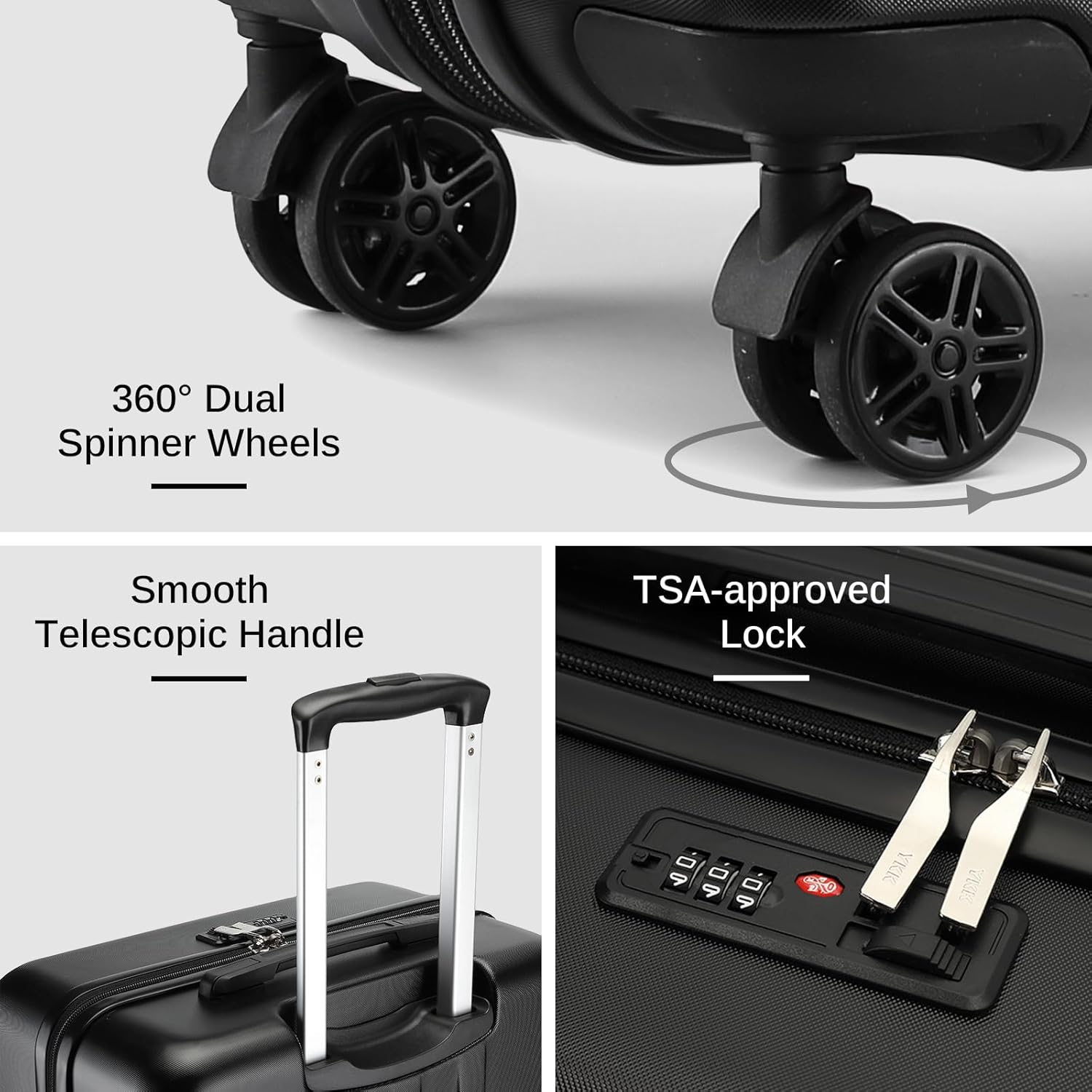
Vaizdas: Išsamus view of the luggage features, including the combination lock mechanism.
3. Adjusting the Telescopic Handle
The luggage features an adjustable 3-level aluminum telescopic handle for comfortable maneuvering.
- To extend the handle, press the button located on the top of the handle and pull upwards.
- Release the button at your desired height (three levels available).
- To retract the handle, press the button and push the handle downwards until it is fully nested.
Operacija
1. Packing Your Luggage
The Kono 19-inch carry-on is designed with efficient packing in mind, offering a 27L capacity.
- Pagrindiniai skyriai: Utilize the two roomy, fully-lined compartments for your clothing and larger items.
- Packing Straps: Secure your clothes using the internal packing straps to minimize shifting during transit.
- Zipper Mesh Pocket: Use the zipper mesh pocket for smaller items, toiletries, or anything you wish to keep separate and easily accessible.

Image: The interior of the Kono luggage, demonstrating its spacious compartments and packing straps for organized storage.
2. Maneuvering the Luggage
Your luggage is equipped with quiet 360-degree spinner wheels for effortless movement.
- Push or pull the luggage in any direction with minimal effort.
- The spinner wheels allow for easy navigation through crowded spaces and tight aisles.
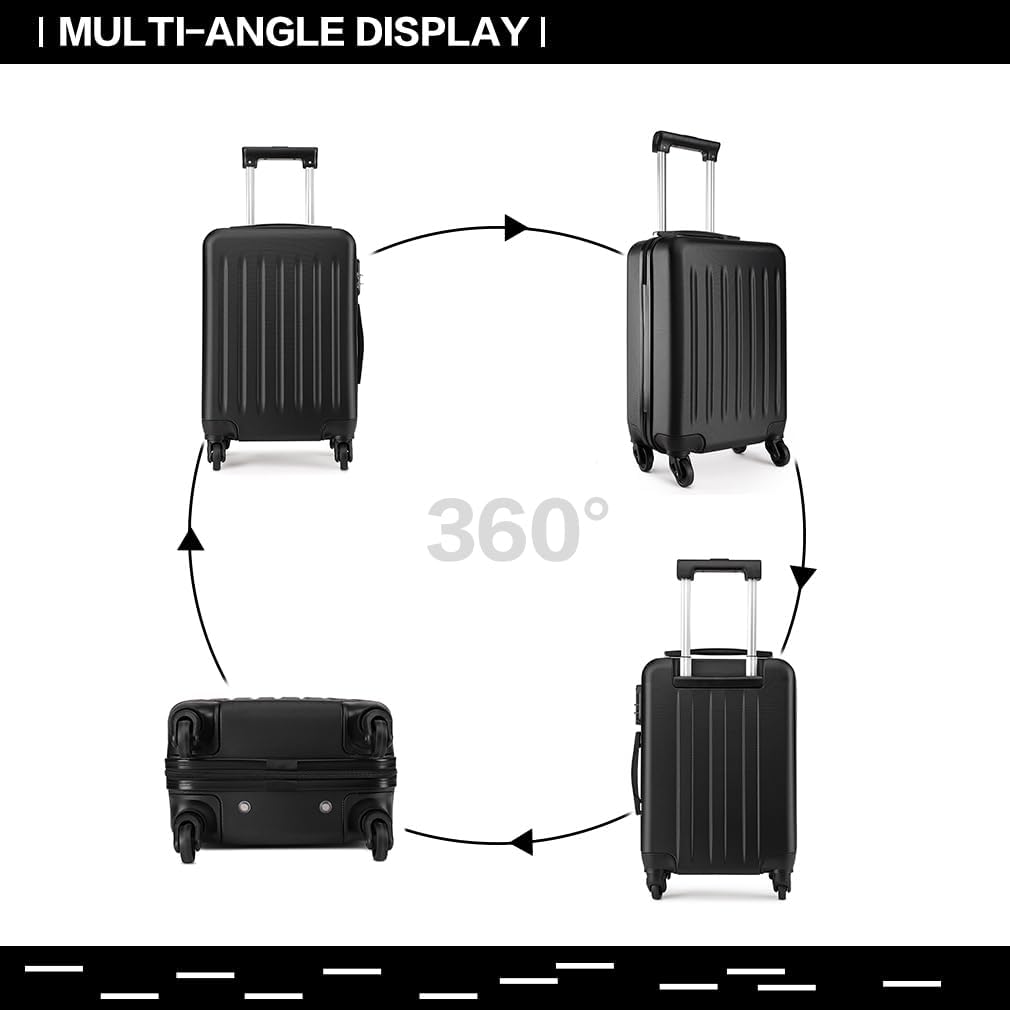
Image: A multi-angle display of the Kono luggage, illustrating its design and the functionality of its spinner wheels.
Priežiūra
1. Kietojo korpuso valymas
The ABS hard shell is designed to be scratch and pressure-resistant, as well as dirt-proof and waterproof.
- Išorę nuvalykite minkšta, damp audinys ir švelnus muilas.
- Venkite naudoti abrazyvinius valiklius ar tirpiklius, nes jie gali pažeisti apdailą.
- Kruopščiai išdžiovinkite švaria šluoste.
2. Ratų ir rankenų priežiūra
- Periodically check the wheels for debris (hair, lint, etc.) and remove them to ensure smooth rolling.
- Avoid exposing the telescopic handle to excessive force or impact.
- Ensure the handle retracts and extends smoothly. If it becomes stiff, a small amount of silicone-based lubricant can be applied to the telescoping tubes (avoiding the button mechanism).
Trikčių šalinimas
| Problema | Galima priežastis | Sprendimas |
|---|---|---|
| Lock will not open | Incorrect combination entered. | Ensure the correct 3-digit combination is aligned. If forgotten, there is no master key or reset method without the original combination. |
| Wheels are stiff or not rolling smoothly | Debris caught in wheels; lack of lubrication. | Remove any visible debris. Clean the wheel axles. If necessary, apply a small amount of silicone lubricant to the wheel bearings. |
| Telescopic handle is difficult to extend/retract | Debris in the mechanism; bent tubes; lack of lubrication. | Check for and remove any debris. Ensure the button is fully pressed. Apply a small amount of silicone lubricant to the telescopic tubes. Avoid forcing the handle. |
Specifikacijos
- Modelis: K1872
- Dimensions (including wheels and handles): 18.9 x 11.8 x 7.9 col. (48 cm x 30 cm x 20 cm)
- Svoris: 4.7 svarai (2.13 kg)
- Packing Capacity: 27 litrai
- Medžiaga: Durable, lightweight ABS hard shell
- Ratai: 360-degree spinner wheels
- Rankena: Adjustable 3-level aluminum telescopic handle
- Užraktas: Integrated 3-digit combination lock
- Spalva: Juoda
Informacija apie garantiją
Your Kono 19-inch Carry-On Luggage comes with a 2 metų garantija from the date of purchase. This warranty covers manufacturing defects in materials and workmanship. It does not cover damage caused by misuse, neglect, accidents, abrasion, extreme temperatures, solvents, acids, normal wear and tear, or transport damage (e.g., by airlines). For warranty claims, please retain your proof of purchase.
Pagalba klientams
For further assistance, questions, or to report any issues with your Kono luggage, please contact our customer support team.
- Websvetainė: www.kono.com (Pastaba: tai yra vietos žymeklis URL. Please refer to your product packaging or purchase documentation for official contact details.)
- El. paštas: support@kono.com (Pastaba: tai yra vietos rezervavimo el. pašto adresas.)


