1. Įvadas
Ačiū, kad pirkoteasing the TOPTRO X2 Mini Projector. This manual provides detailed instructions for setting up, operating, and maintaining your projector. Please read this manual thoroughly before use to ensure proper operation and to extend the lifespan of your device. Keep this manual for future reference.
Saugos informacija
- Nežiūrėkite tiesiai į projektoriaus objektyvą, kai lamp yra įjungtas.
- Užtikrinkite tinkamą vėdinimą aplink projektorių, kad išvengtumėte perkaitimo.
- Saugokite projektorių nuo lietaus ar drėgmės.
- Naudokite tik prie projektorijaus pridėtą maitinimo adapterį.
- Do not attempt to repair the projector yourself. Contact qualified service personnel for assistance.
- Projektorių laikykite atokiau nuo šilumos šaltinių ir tiesioginių saulės spindulių.
2. Pakuotės turinys
Patikrinkite, ar pakuotėje yra visi reikalingi daiktai:
- TOPTRO X2 Mini Projector
- Nuotolinio valdymo pultas
- Maitinimo kabelis
- HDMI kabelis
- AV kabelis
- Vartotojo vadovas
- Objektyvo dangtelis

Image: The TOPTRO X2 Mini Projector shown with its carrying case and a smartphone displaying projected content. This image illustrates the compact size and portability of the projector, along with its primary function of displaying media.
3. Produktas baigtasview
Projektoriaus išdėstymas
Vaizdas: Priekinė ir šoninė view of the TOPTRO X2 Mini Projector, highlighting the lens, focus ring, and ventilation grilles. This provides a visual guide to the projector's external components.
Įvesties/išvesties prievadai
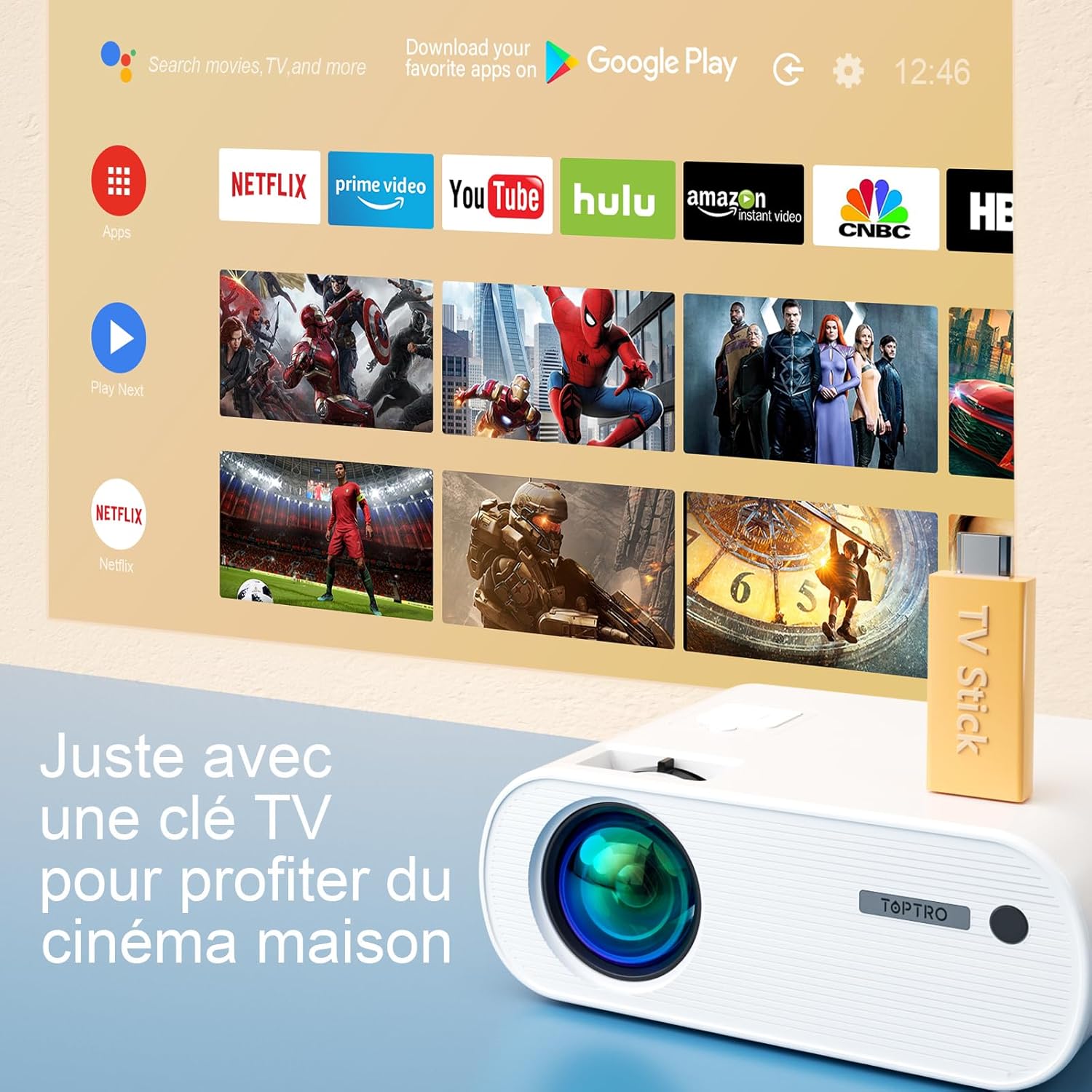
Image: Close-up of the rear panel of the TOPTRO X2 Mini Projector, showing various input/output ports including HDMI, USB, AV, and power input. This helps users identify where to connect their devices.
- Maitinimo įvestis
- HDMI prievadas
- USB prievadas
- AV prievadas
- Garso išvestis (3.5 mm)
- VGA prievadas
- SD kortelės lizdas
Valdymo skydelis

Vaizdas: Iš viršaus į apačią view of the TOPTRO X2 Mini Projector's control panel, showing navigation buttons and the power button. This image assists users in understanding the on-device controls.
The projector can be controlled using the onboard buttons or the included remote control.
4. Pradinė sąranka
4.1 Įjungimas
- Prijunkite maitinimo laidą prie projektoriaus maitinimo įvesties, o tada – prie maitinimo lizdo.
- Norėdami įjungti įrenginį, paspauskite projektoriaus arba nuotolinio valdymo pulto maitinimo mygtuką.
4.2 Fokusavimo reguliavimas
Sukite projektoriaus objektyvo fokusavimo žiedą, kol projektuojamas vaizdas taps aiškus ir ryškus.

Image: A hand adjusting the focus ring on the TOPTRO X2 Mini Projector, with a blurred image on the left and a sharp image on the right, demonstrating the effect of focus adjustment. This visual aid helps users understand how to achieve a clear picture.
4.3 Keystone koregavimas
The TOPTRO X2 features 4D Keystone Correction (±40° vertical and horizontal) and a 100% X/Y zoom function, adjustable via the remote control. This allows for a rectangular image even if the projector is not perfectly aligned with the screen.

Image: Diagram illustrating the effect of keystone correction, showing a distorted image being corrected into a perfect rectangle. This helps users visualize the function of keystone adjustment.
Norėdami sureguliuoti:
- Navigate to the "Keystone Correction" menu using the remote control.
- Adjust the vertical and horizontal parameters until the image is rectangular.
- Use the zoom function (100% X/Y) to adjust the image size without moving the projector.
4.4 Įdėjimo parinktys
The projector can be placed on a table or mounted to the ceiling.

Image: An image showing the TOPTRO X2 Mini Projector in two different setups: on a table and ceiling-mounted. This demonstrates the versatility of installation options for the projector.
5. Naudojimo instrukcijos
5.1 Įvesties šaltinio pasirinkimas
Press the "Source" button on the remote control or projector to select the desired input source (HDMI, USB, AV, VGA, Screen Mirroring).
5.2 Įrenginių prijungimas
5.2.1 HDMI jungtis
Connect your device (e.g., laptop, game console, TV Stick) to the projector's HDMI port using an HDMI cable.

Image: The TOPTRO X2 Mini Projector connected to a TV Stick, displaying various streaming service icons on a projected screen. This illustrates how to connect and use a TV stick for media consumption.
5.2.2 USB jungtis
Įkiškite USB atmintinę į USB prievadą, kad galėtumėte leisti mediją filetiesiogiai. Projektorius palaiko įvairius vaizdo, garso ir vaizdo formatus.
5.2.3 AV jungtis
Use the provided AV cable to connect devices with AV output (e.g., DVD player).
5.2.4 VGA jungtis
Connect a computer to the VGA port using a VGA cable.
5.2.5 Wireless Connection (WiFi Screen Mirroring)
The TOPTRO X2 supports wireless screen mirroring for Android and iOS devices.

Image: The TOPTRO X2 Mini Projector wirelessly connected to multiple devices (smartphone, tablet, laptop), projecting a scenic image. This demonstrates the projector's WiFi screen mirroring capability for various devices.
- Select "Screen Mirroring" as the input source.
- Follow the on-screen instructions to connect your smartphone or tablet to the projector's WiFi network, then enable screen mirroring on your device.
5.2.6 „Bluetooth“ garso prijungimas
Connect external Bluetooth speakers or headphones for enhanced audio experience.

Image: The TOPTRO X2 Mini Projector wirelessly connected via Bluetooth to external speakers and headphones, with sound waves emanating from the projector. This illustrates the projector's Bluetooth audio output feature.
- Įsitikinkite, kad jūsų „Bluetooth“ garso įrenginys veikia susiejimo režimu.
- Projektoriuje eikite į „Bluetooth“ nustatymų meniu.
- Pasirinkite įrenginį iš sąrašo, kad jį susietumėte.
5.3 Meniu naršymas
Use the arrow keys and "OK" button on the remote control or projector to navigate through the on-screen menus for settings such as picture mode, sound mode, and system settings.
6. Priežiūra
6.1 Objektyvo valymas
Use a soft, lint-free cloth or lens cleaning paper to gently wipe the projector lens. Avoid using abrasive cleaners.
6.2 Dulkių filtro valymas
The TOPTRO X2 features a removable dust filter to prevent dust accumulation and black spots on the projection. Regularly clean the filter to maintain optimal performance.
- Locate the removable dust filter cover on the side of the projector.
- Gently remove the cover and the filter.
- Filtrą valykite minkštu šepečiu arba suslėgtu oru.
- Įstatykite filtrą atgal ir sandariai uždarykite dangtelį.
6.3 Vėdinimas
Ensure that the projector's ventilation openings are not blocked to allow for proper airflow and prevent overheating. The projector is equipped with a circulation cooling system and three independent smart fans to manage temperature.
7. Problemų sprendimas
| Problema | Galima priežastis | Sprendimas |
|---|---|---|
| Ekrane nėra vaizdo | Neprijungtas maitinimas; Neteisingas įvesties šaltinis; Uždėtas objektyvo dangtelis | Patikrinkite maitinimo jungtį; Pasirinkite tinkamą įvesties šaltinį; Nuimkite objektyvo dangtelį |
| Neryškus vaizdas | Focus not adjusted; Incorrect projection distance | Adjust focus ring; Adjust projector distance or use zoom function |
| Iškreiptas vaizdas (trapecijos formos) | Projektorius nėra statmenas ekranui | Naudokite trapecijos korekcijos funkciją |
| Nėra garso | Volume too low; Muted; Incorrect audio output selected | Increase volume; Unmute; Check audio settings and connections |
| Nuotolinio valdymo pultas neveikia | Batteries dead; Obstruction between remote and projector | Replace batteries; Ensure clear line of sight |
| Įspėjimas apie perkaitimą | Užsikimšusi ventiliacija; Ilgalaikis naudojimas | Įsitikinkite, kad ventiliacijos angos yra švarios; leiskite projektoriui atvėsti |
8. Specifikacijos
| Funkcija | Detalė |
|---|---|
| Prekės ženklas | TOPTRO |
| Modelis | X2 |
| Gimtoji raiška | 1920 x 1080p (viskas viename) |
| Palaikoma rezoliucija | Iki 4K Ultra HD raiškos |
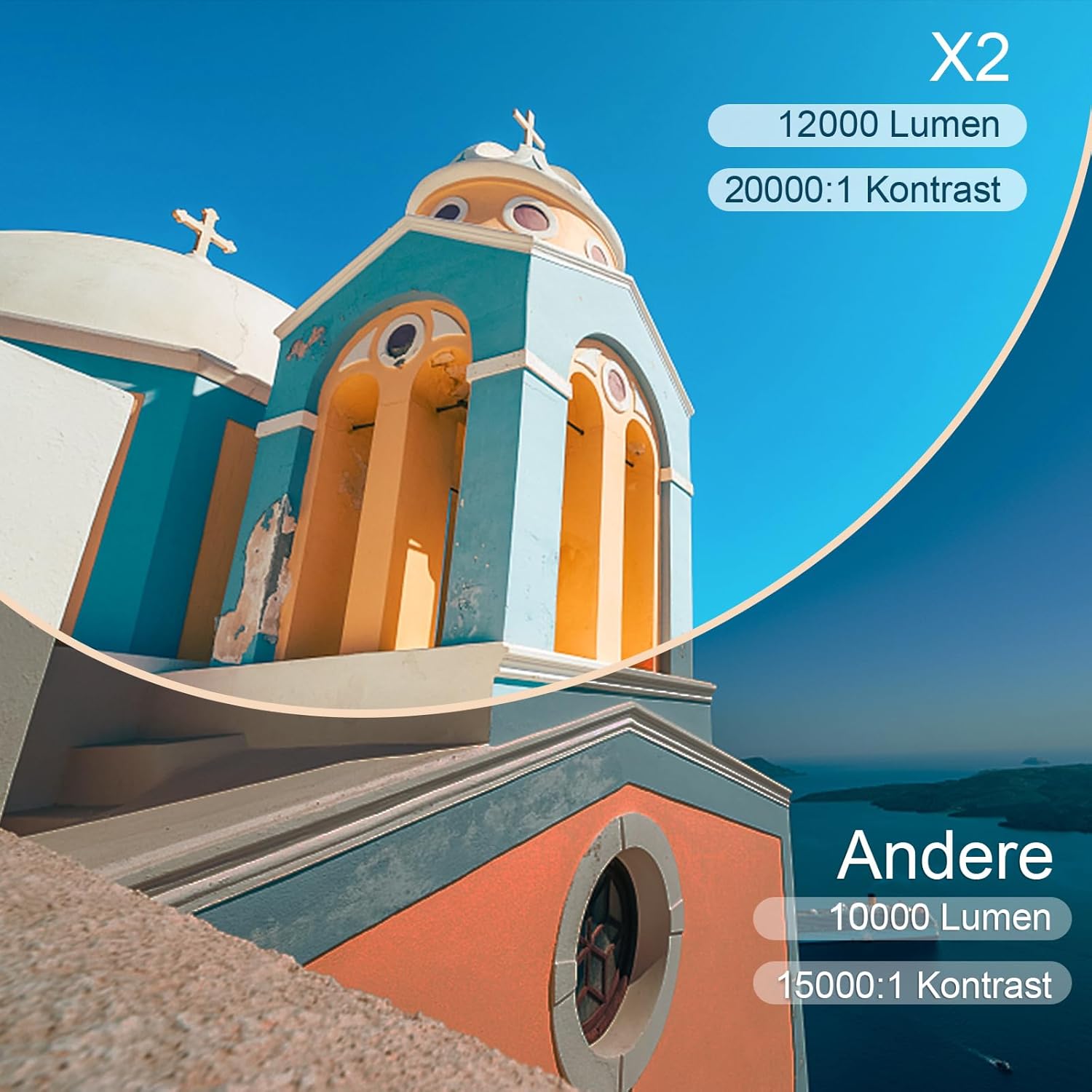
| Ryškumas | 6800 Lumens (Note: Marketing claims may vary, e.g., 7000 or 12000 lumens) |
| Kontrasto santykis | 8000:1 |
| Projekcijos dydis | Iki 300 colių |
| Projekcijos atstumas | Recommended 3.5m, Max 7m |
| Keystone Korekcija | 4D (±40° Vertical & Horizontal) |
| Mastelio funkcija | 100% X/Y |
| Lamp Gyvenimas | 100 000 valandų (LED) |
| Garsiakalbiai | Built-in 10W Dual Subwoofer with SRS Sound |
| Ryšys | HDMI, USB, AV, VGA, WiFi, Bluetooth |
| Spalva | Pilka |
9. Garantija ir palaikymas
Informacija apie garantiją
Please refer to the warranty card included in your package for detailed warranty terms and conditions. The warranty typically covers manufacturing defects for a specified period from the date of purchase.
Pagalba klientams
If you encounter any issues or have questions regarding your TOPTRO X2 Mini Projector, please contact TOPTRO customer support. Contact information can usually be found on the official TOPTRO websvetainėje arba garantijos kortelėje.
When contacting support, please have your model number (X2) and purchase details ready.


