Įvadas
The Wicked Audio Driftr True Wireless Earbuds offer a seamless audio experience with easy pairing and comfortable wear. Designed for convenience, these earbuds provide clear sound and intuitive controls, making them ideal for everyday use.
Kas yra dėžutėje
- Wicked Audio Driftr True Wireless Earbuds (Left and Right)
- Įkrovimo dėklas
- USB įkrovimo laidas
- Vartotojo vadovas (šis dokumentas)
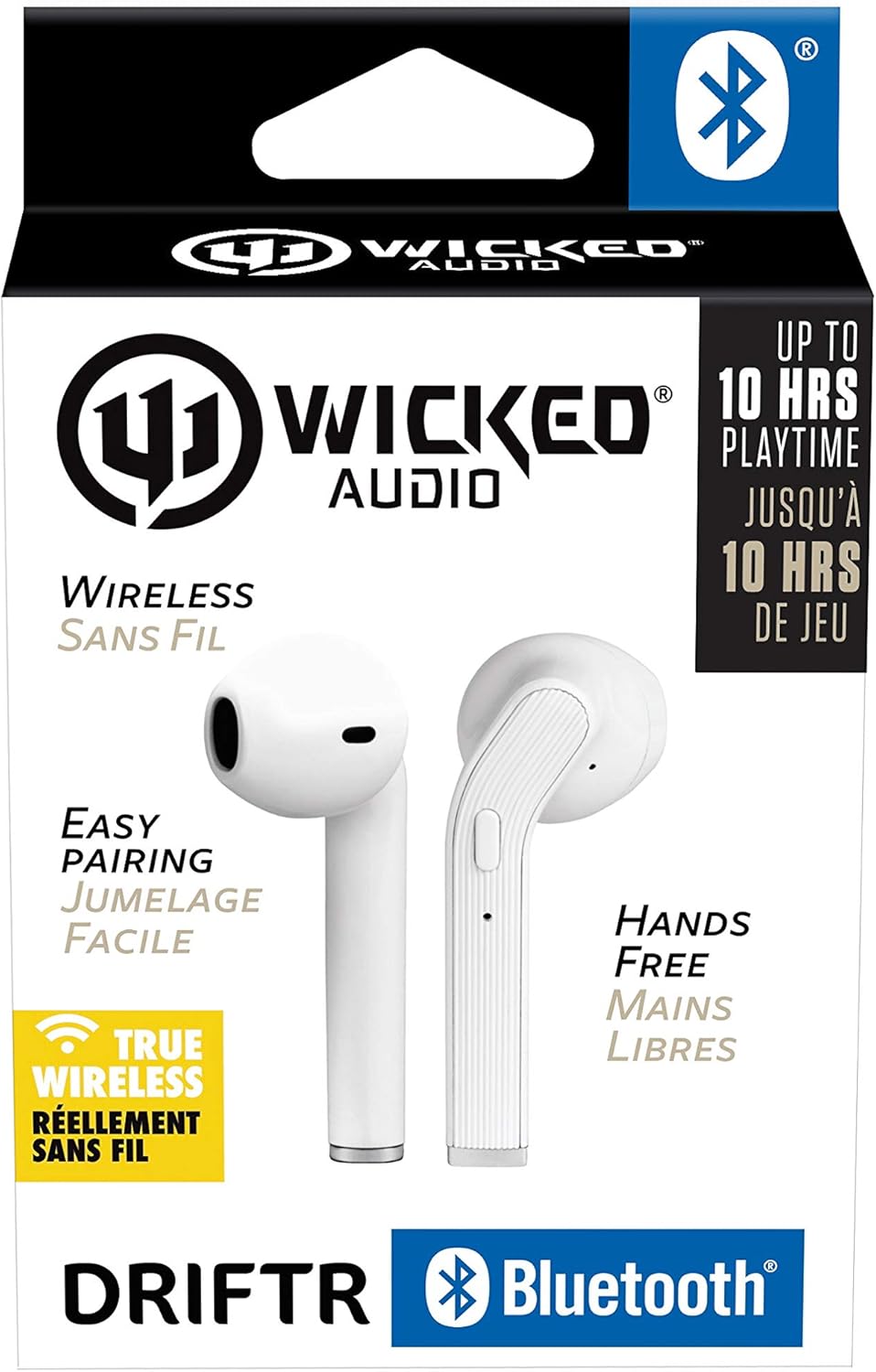
Image: Product packaging showing the earbuds and charging case.
Produktas baigtasview
The Driftr earbuds feature an angled housing design for a comfortable fit. Each earbud includes touch controls for managing audio playback and calls, along with a built-in microphone for hands-free communication. The compact charging case provides additional battery life on the go.

Image: White Wicked Audio Driftr True Wireless Earbuds resting inside their open charging case.

Vaizdas: Stambus planas view of the left and right Wicked Audio Driftr True Wireless Earbuds, showing their angled design and control surfaces.

Image: A person wearing a white Wicked Audio Driftr True Wireless Earbud in their ear, demonstrating the fit.
Sąranka
1. Ausinių ir dėklo įkrovimas
Before first use, fully charge the earbuds and the charging case. Connect the provided USB charging cable to the charging port on the case and plug the other end into a USB power source (e.g., computer, wall adapter). The charging indicator light on the case will show charging status. A full charge takes approximately 1 hour for both the earbuds and the case.
2. Lengvas poravimas
- Įsitikinkite, kad ausinės yra įkrautos.
- Atidarykite įkrovimo dėklą. Ausinės automatiškai įsijungs ir pradės veikti susiejimo režimu.
- Savo įrenginyje (išmaniajame telefone, planšetiniame kompiuteryje, nešiojamajame kompiuteryje) eikite į „Bluetooth“ nustatymus.
- Select "Wicked Audio Driftr" from the list of available devices.
- Prisijungus, išgirsite garso signalą ir pasikeis ausinių indikatoriaus lemputė.
The earbuds are designed for straightforward, no-nonsense pairing in one easy step. After the initial pairing, they will automatically connect to your last paired device when removed from the case.
Naudojimo instrukcijos
Palieskite valdiklius
The Driftr earbuds feature intuitive touch controls for various functions:
- Leisti / pristabdyti: Vieną kartą bakstelėkite bet kurią ausinę.
- Kitas takelis: Dukart palieskite dešinįjį ausinės antgalį.
- Ankstesnis takelis: Dukart palieskite kairįjį ausinės antgalį.
- Atsiliepti / Baigti skambutį: Vieną kartą bakstelėkite bet kurią ausinę įeinančio skambučio metu.
- Atmesti skambutį: Įeinančio skambučio metu paspauskite ir palaikykite nuspaudę bet kurią ausinę.
- Suaktyvinti „Voice Assistant“: Tris kartus palieskite bet kurią ausinę (pvz., „Siri“, „Google Assistant“).
Nešioti ausines
Insert the earbuds into your ears with the angled housing pointing slightly forward for a secure and comfortable fit. Adjust as needed to ensure optimal sound quality and passive noise cancellation.
Priežiūra
To ensure the longevity and optimal performance of your Wicked Audio Driftr earbuds, follow these maintenance guidelines:
- Valymas: Reguliariai valykite ausines ir įkrovimo dėklą minkštu, sausu, nepūkuotu skudurėliu. Nenaudokite stiprių cheminių medžiagų ar abrazyvinių medžiagų.
- Saugykla: Kai nenaudojate, visada laikykite ausines įkrovimo dėkle, kad jos būtų apsaugotos ir įkrautos.
- Venkite drėgmės: The earbuds are not water resistant. Avoid exposure to water, sweat, and high humidity.
- Temperatūra: Do not expose the earbuds or case to extreme temperatures (hot or cold).
Trikčių šalinimas
If you encounter issues with your Driftr earbuds, try the following solutions:
- Ausinės nesusijungia:
- Įsitikinkite, kad abi ausinės yra įkrautos.
- Įdėkite abi ausines atgal į įkrovimo dėklą, uždarykite dangtelį, palaukite kelias sekundes ir vėl atidarykite dangtelį.
- On your device, forget "Wicked Audio Driftr" from your Bluetooth settings and attempt to pair again.
- Nėra garso iš vienos ausinės:
- Ensure both earbuds are charged and properly seated in the case.
- Try resetting the earbuds by placing them in the case and then removing them.
- Ausinės neįkraunamos:
- Patikrinkite įkrovimo laidą ir maitinimo šaltinį.
- Įsitikinkite, kad ausinių ir dėklo viduje esantys įkrovimo kontaktai yra švarūs ir be šiukšlių.
- Prasta garso kokybė:
- Įsitikinkite, kad ausinės tinkamai įstatytos į ausis.
- Check the audio source and volume levels on your device.
- Kad išvengtumėte trukdžių, priartėkite prie suporuoto įrenginio.
Specifikacijos
| Funkcija | Detalė |
|---|---|
| Modelio pavadinimas | Wicked Audio Driftr (WITW2151) |
| Ryšio technologija | Belaidis ryšys („Bluetooth 5.0“) |
| Bluetooth diapazonas | Iki 32 pėdų |
| Baterijos veikimo laikas | Iki 10 valandų (ausinės) |
| Įkrovimo laikas | Approx. 1 Hour (earbuds and case) |
| Garso tvarkyklės dydis | 13 milimetrų |
| Dažnio atsakas | 20 Hz–20 000 Hz |
| Jautrumas | 15 dB |
| Varža | 32 omų |
| Triukšmo valdymas | Pasyvus triukšmo slopinimas |
| Kontrolės metodas | Palieskite |
| Atsparumo vandeniui lygis | Neatsparus vandeniui |
| Prekės svoris | 2.11 uncijos |
| Gaminio matmenys | 1.5 x 3 x 5.5 colio |
| UPC | 712949012265 |
Garantija ir palaikymas
Wicked Audio products are designed for durability and performance. For specific warranty information and support inquiries, please refer to the official Wicked Audio websvetainėje arba susisiekite tiesiogiai su jų klientų aptarnavimo tarnyba. Išsaugokite pirkimo įrodymą garantiniams reikalavimams.
Norėdami gauti daugiau pagalbos, apsilankykite „Wick Audio“ parduotuvė „Amazon“ svetainėje.


