Įvadas
The Seagate One Touch 5TB Portable External Hard Drive offers a convenient and reliable solution for expanding your digital storage. Designed for both PC and Mac users, this drive provides ample space for photos, videos, documents, and more. Its compact and stylish design makes it ideal for on-the-go use, ensuring your important files are always accessible.

Image: The Seagate One Touch drive is designed for portability, fitting comfortably in your hand.
Sąranka
Follow these steps to set up your Seagate One Touch drive:
- Prijunkite USB kabelį: Plug the small end of the included USB 3.0 cable into the port on your Seagate One Touch drive.
- Prisijunkite prie kompiuterio: Plug the standard USB-A end of the cable into an available USB 3.0 port on your PC or Mac. For optimal performance, use a USB 3.0 port.
- Maitinimas: The drive is bus-powered and will turn on automatically when connected to your computer. A small LED indicator on the drive may illuminate.
- Pradinis pripažinimas: Your computer should automatically detect the new drive. For Windows, it will appear in 'This PC' or 'My Computer'. For Mac, it will appear on the desktop or in Finder.
- Formatavimas („Mac“ naudotojams): The drive comes pre-formatted for Windows. If you plan to use it primarily with a Mac and wish to use Time Machine for backups, reformatting the drive may be required. Refer to your Mac's Disk Utility for formatting options.
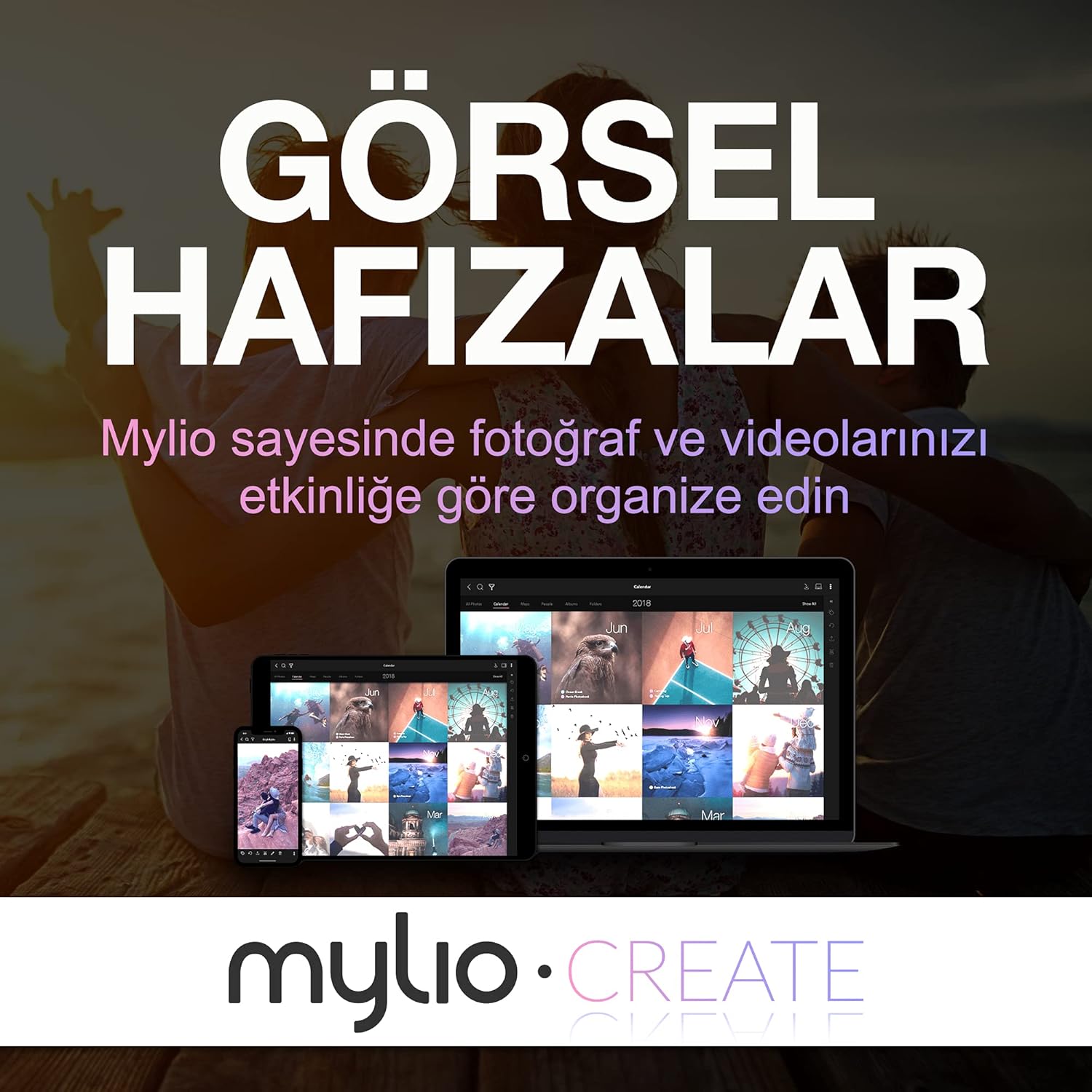
Image: The Seagate One Touch drive is easily connected to a laptop using the provided USB cable.
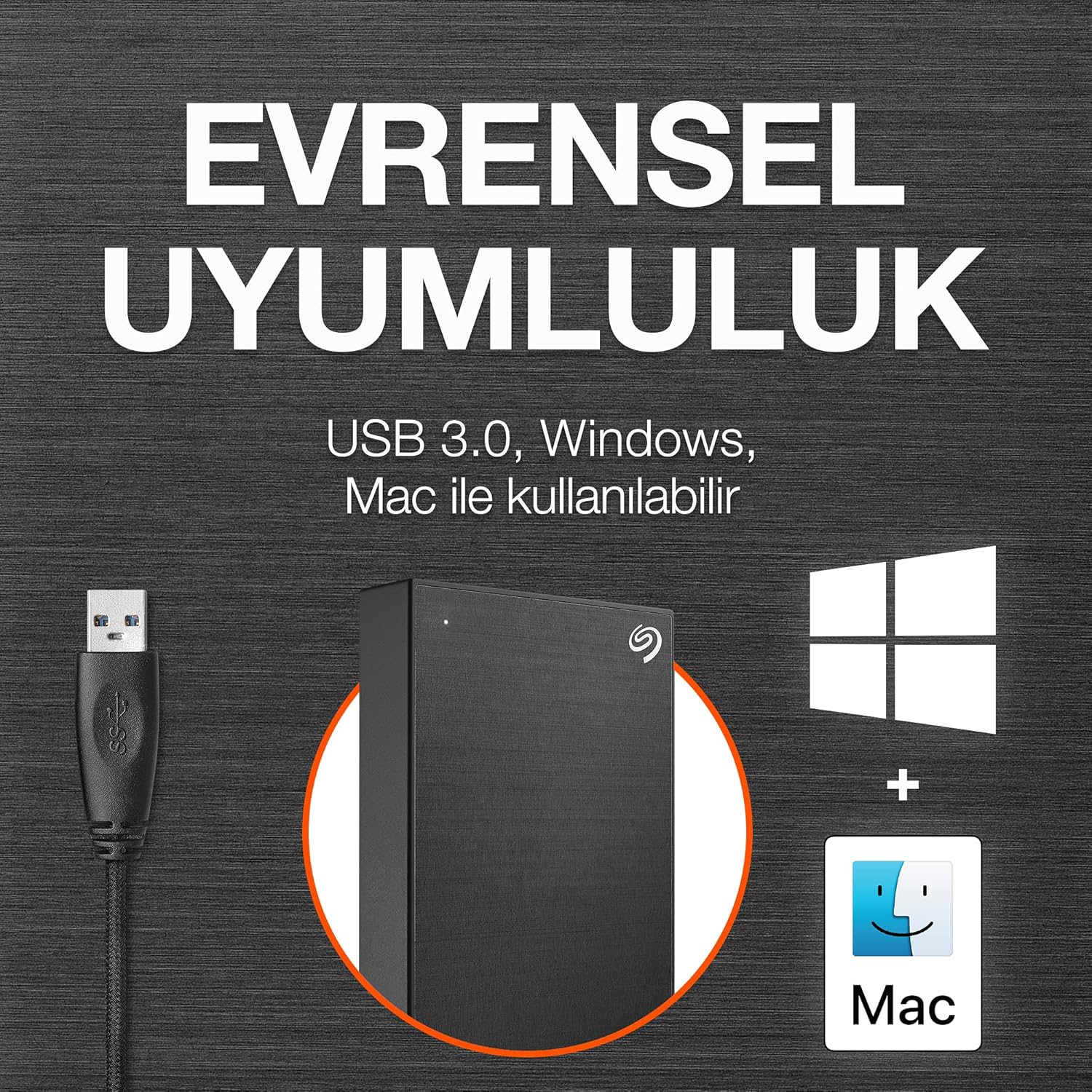
Image: The drive is compatible with both Windows and Mac operating systems.
Veikiantis
Once connected, your Seagate One Touch drive is ready for use:
- Duomenų perdavimas: Vilkite ir numeskite files directly to and from the drive, just like any other folder on your computer.
- One-Click Backup: Utilize the included Seagate Toolkit software to perform one-click backups of your important files.
- Scheduled Backups: Configure automatic daily, weekly, or monthly backups through the Seagate Toolkit to ensure your data is always protected.
- Slaptažodžio apsauga: The drive supports password protection and hardware encryption to prevent unauthorized access to your data. This feature is managed through the Seagate Toolkit software.
Image: Easily manage and transfer files to your Seagate One Touch drive from your laptop.

Image: The Seagate Toolkit software provides options for automatic and one-click backups.
Included Software Bundles
Your Seagate One Touch drive includes complimentary subscriptions to enhance your creative workflow:
- Mylio Create: A one-year complimentary subscription to Mylio Create helps you organize, edit, and share photos across your devices.
- „Adobe Creative Cloud“ fotografijos planas: A four-month membership to Adobe Creative Cloud Photography plan, including Photoshop and Lightroom, allows for advanced photo editing and management.

Image: Mylio Create helps manage your photos across multiple devices.

Image: The Adobe Creative Cloud Photography plan offers powerful editing tools.
Priežiūra
To ensure the longevity and optimal performance of your Seagate One Touch drive:
- Saugus išmetimas: Always safely eject the drive from your computer before disconnecting the USB cable to prevent data corruption.
- Fizinė priežiūra: Laikykite diską švarioje, sausoje aplinkoje. Venkite ekstremalių temperatūrų, tiesioginių saulės spindulių ar per didelės drėgmės.
- Įprastos atsarginės kopijos: While the drive itself is a backup solution, consider backing up critical data to multiple locations for maximum security.
- Firmware atnaujinimai: Reguliariai tikrinkite „Seagate“ palaikymo sistemą website for any available firmware updates for your drive.
Trikčių šalinimas
If you encounter issues with your Seagate One Touch drive, try the following:
- Diskas neaptiktas:
- Įsitikinkite, kad USB kabelis yra tvirtai prijungtas tiek prie įrenginio, tiek prie kompiuterio.
- Pabandykite prijungti diską prie kito kompiuterio USB prievado.
- Jei įmanoma, išbandykite su kitu USB kabeliu.
- Iš naujo paleiskite kompiuterį.
- Mažas perdavimo greitis:
- Verify that the drive is connected to a USB 3.0 port on your computer. USB 2.0 ports will result in slower speeds.
- Uždarykite visas nereikalingas fone veikiančias programas, kurios gali eikvoti sistemos išteklius.
- Įsitikinkite, kad jūsų kompiuterio tvarkyklės yra atnaujintos.
- Formatavimo problemos:
- If you are having trouble formatting the drive, use your operating system's built-in disk utility (Disk Management for Windows, Disk Utility for Mac).
- Užtikrinti Nr files are actively being accessed on the drive during formatting.
Specifikacijos
| Funkcija | Detalė |
|---|---|
| Kietojo disko tipas | 5 TB mechaninis kietasis diskas |
| Prekės ženklas | Seagate |
| Serija | Vienas prisilietimas |
| Modelio numeris | STKC5000404 |
| Aparatinės įrangos platforma | „Mac“, asmeninis kompiuteris |
| Prekės svoris | 9.5 uncijos |
| Gaminio matmenys | 8 x 2.09 x 11.53 colio |
| Spalva | Erdvė pilka |
| Kietojo disko sąsaja | USB 2.0/3.0 |
| Skaitmeninės atminties talpa | 5 TB |
| Ryšio technologija | USB |
| Ypatinga funkcija | Nešiojami |
Garantija ir palaikymas
Your Seagate One Touch drive is backed by comprehensive support:
- Ribota garantija: Enjoy long-term peace of mind with the included two-year limited warranty.
- Rescue Data Recovery Service: The drive comes with a two-year Rescue Data Recovery Service plan, providing expert assistance in case of unexpected data loss.
- Palaikymas internetu: For further assistance, FAQs, and driver downloads, please visit the official Seagate support websvetainę.


