1. Įvadas
This manual provides detailed instructions for the installation, operation, and maintenance of your WeMo Wifi Smart Outdoor Plug, Model WSP090. This device is designed to provide smart control over outdoor electrical devices, such as lighting and holiday decorations, through a WiFi connection. Please read this manual thoroughly before using the product to ensure proper function and safety.
2. Produktas baigtasview
The WeMo Wifi Smart Outdoor Plug features two weather-resistant AC outlets, allowing for independent or simultaneous control of connected devices. It integrates with various smart home ecosystems for convenient management.

2.1 paveikslas: The WeMo Wifi Smart Outdoor Plug, showing its compact design and dual outlets.
Pagrindinės funkcijos:
- Dual Weather-Resistant Outlets: Control two outdoor devices independently.
- WiFi ryšys: Connects to your home WiFi network for remote access.
- Balso valdymo suderinamumas: Works with Apple HomeKit, Amazon Alexa, and Google Assistant.
- Programos valdymas: Manage devices, set schedules, and activate 'Away Mode' via the free WeMo app.
- Patvarus dizainas: Splash-proof and weather-resistant for outdoor use (IP67 rated).

2.2 paveikslas: The WeMo Smart Outdoor Plug is designed to be splash-proof and weather-resistant, suitable for various outdoor conditions.

2.3 paveikslas: The plug's design ensures that when it occupies a bottom AC outlet, the top outlet remains easily accessible for other uses.
3. Sąrankos instrukcijos
Setting up your WeMo Wifi Smart Outdoor Plug involves three main steps:
- Download the WeMo App: Obtain the free WeMo app from your device's app store.
- Plug in the Smart Outdoor Plug: Connect the WeMo Smart Outdoor Plug to a suitable outdoor electrical outlet.
- Prisijunkite prie WiFi: Follow the in-app instructions to connect your plug to your home WiFi network.

3.1 paveikslas: Visual representation of the three-step setup process for the WeMo Smart Outdoor Plug.
Detailed Setup Steps:
- Ensure your WiFi network is active and you have your network name (SSID) and password ready.
- Plug the WeMo Smart Outdoor Plug into an outdoor electrical outlet. The indicator light on the plug will begin to flash.
- Open the WeMo app on your smartphone or tablet.
- The app should automatically detect the new WeMo device. If not, tap the '+' icon to add a new device.
- Follow the on-screen prompts to select your WiFi network and enter the password.
- Once connected, the indicator light on the plug will turn solid. You can then name your plug and individual outlets within the app.
4. Naudojimo instrukcijos
4.1. Using the WeMo App
The WeMo app provides comprehensive control over your outdoor plug:
- Įjungimo / išjungimo valdymas: Tap the power icon next to each outlet in the app to turn connected devices on or off.
- Planavimas: Create custom schedules for your devices to turn on or off at specific times, days, or based on sunrise/sunset.
- Išvykos režimas: Activate 'Away Mode' to randomly turn lights or other devices on and off, creating the impression that someone is home.

4.1 paveikslas: The WeMo app allows remote control of two separate outdoor devices from anywhere.

4.2 paveikslas: Setting up schedules and timers within the WeMo app to automate connected devices.
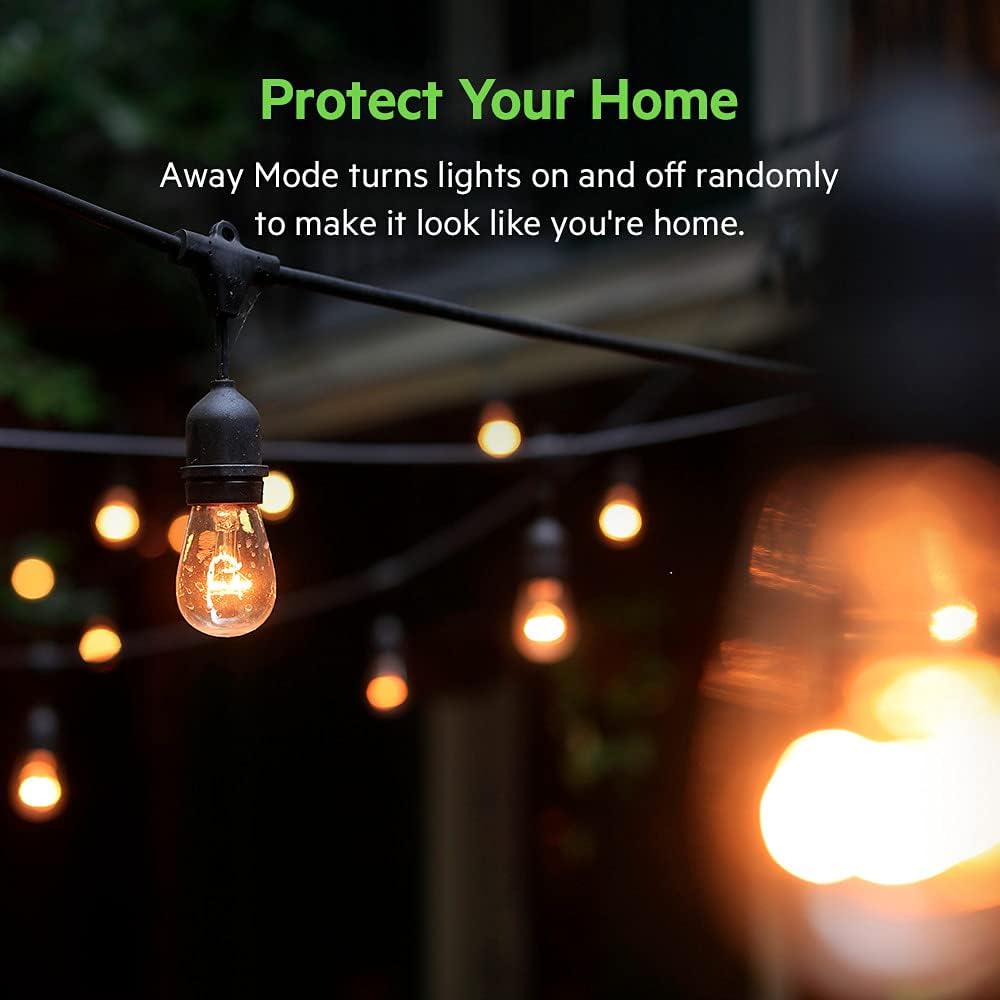
4.3 paveikslas: The 'Away Mode' feature helps enhance home security by simulating occupancy.
4.2. Valdymas balsu
The WeMo Smart Outdoor Plug is compatible with leading voice assistants:
- Apple HomeKit: Use Siri commands to control your plug.
- Amazon Alexa: Integrate with Alexa-enabled devices for voice commands.
- „Google“ padėjėjas: Control your plug using 'Hey Google' commands.
Ensure your WeMo account is linked to your preferred voice assistant's app (e.g., Apple Home app, Amazon Alexa app, Google Home app) for seamless integration.

4.4 paveikslas: The WeMo Smart Outdoor Plug supports voice control through Apple HomeKit, Amazon Alexa, and Google Assistant.
5. Priežiūra
To ensure the longevity and optimal performance of your WeMo Wifi Smart Outdoor Plug:
- Reguliarus valymas: Periodically wipe the exterior of the plug with a damp šluoste nešvarumams ir šiukšlėms pašalinti. Nenaudokite stiprių cheminių medžiagų ar abrazyvinių valiklių.
- Patikrinkite, ar nėra pažeidimų: Before each use, especially after severe weather, inspect the plug, cord, and outlets for any signs of damage, cracks, or fraying. Discontinue use if damage is found.
- Išleidimo angos dangteliai: Ensure the protective covers for the unused outlets are securely closed to maintain weather resistance.
- Tvirtas ryšys: Verify that the plug is securely inserted into the wall outlet and that connected devices are firmly plugged into the smart outlets.
6. Problemų sprendimas
6.1. Ryšio problemos
- Plug Not Connecting to WiFi:
- Ensure the plug is within range of your WiFi router.
- Verify your WiFi network name and password are correct.
- Restart your WiFi router and the WeMo plug.
- If issues persist, try resetting the WeMo plug to factory settings (refer to the WeMo app or online support for specific reset procedures).
- Programėlė neaptinka kištuko:
- Ensure your smartphone/tablet is connected to the same WiFi network as the WeMo plug.
- Close and reopen the WeMo app.
- Patikrinkite, ar yra programėlių atnaujinimų.
6.2. Įrenginys nereaguoja
- Connected Device Not Turning On/Off:
- Verify the connected device is properly plugged into the WeMo outlet and is functional when plugged directly into a standard outlet.
- Check the WeMo app to ensure the plug is online and the correct outlet is being controlled.
- Ensure the WeMo plug itself has power (check the indicator light).
7. Specifikacijos
| Specifikacija | Detalė |
|---|---|
| Modelio numeris | WSP090 |
| Prekės ženklas | WeMo |
| Ryšio protokolas | Wi-Fi |
| Veiklos ttage | 120 voltų |
| Dabartinis reitingas | 2 Amps |
| Vattage | 21600 vatų (maks.) |
| Veikimo režimas | ĮJUNGTI IŠJUNGTI |
| Tarptautinis apsaugos įvertinimas | IP67 (Dust tight and protected against immersion in water up to 1 meter for 30 minutes) |
| Prekės matmenys (I x P x A) | 3.6 x 1.8 x 3.7 colio |
| Prekės svoris | 9 uncijos |
| Valdiklio tipas | Amazon Alexa, Google Assistant, Apple HomeKit |
| Spalva | Baltas |
| Medžiaga | Plastikiniai |
| UPC | 745883811922 |
8. Saugos informacija
Prašome laikytis šių saugos priemonių:
- This device is intended for outdoor use and is weather-resistant. However, avoid submerging it in water or exposing it to extreme conditions beyond its IP67 rating.
- Always plug the device into a Ground Fault Circuit Interrupter (GFCI) protected outlet when used outdoors.
- Do not connect devices that exceed the maximum electrical ratings of the smart plug.
- Prieš naudodami įsitikinkite, kad visos jungtys yra tvirtos ir nepažeistos.
- Prietaiso veikimo metu laikykite vaikus ir naminius gyvūnus toliau nuo įrenginio.
- Do not attempt to open, modify, or repair the device. Refer to qualified service personnel for any repairs.
9. Garantija ir palaikymas
The WeMo Wifi Smart Outdoor Plug comes with a limited warranty. For detailed warranty information, product support, and frequently asked questions, please visit the official WeMo website or contact WeMo customer service. Keep your purchase receipt for warranty claims.


