Įvadas
Thank you for choosing the Bluedio H2 Active Noise Cancelling Headphones. This manual provides detailed instructions on how to set up, operate, and maintain your headphones to ensure optimal performance and longevity. Please read this manual carefully before using the product.
Produkto savybės
- Slide Control and Easy Operation: Intuitive slide control for volume, song switching, voice assistant activation, and call management. Features a built-in sensor for automatic music play/pause when worn or removed.
- HiFi garso kokybė: Equipped with high-powered 57mm dynamic drivers for detailed audio, bright treble, and rich, powerful bass with low distortion.
- Kelios ryšio parinktys: Supports wireless Bluetooth 5.0, 3.5mm audio cable connection for wired use, and direct music playback via an inserted SD card.
- Prailgintas grojimo laikas: Up to 40 hours of continuous music playback thanks to the efficient Bluetooth 5.0 chip and long-lasting battery.
- Kelionėms paruoštas dizainas: Includes an Airplane Audio Converter Plug, making it suitable for business travel and in-flight use.
Darbo pradžia
Pakuotės turinys
Išpakuodami patikrinkite, ar yra visi toliau išvardyti daiktai:
- Bluedio H2 Headphones
- C tipo įkrovimo laidas
- 3.5 mm garso laidas
- Vartotojo vadovas
- Airplane Audio Converter Plug

Image: Bluedio H2 Headphones and their included accessories.
Ausinių įkrovimas
Before first use, fully charge your Bluedio H2 headphones. Connect the provided Type-C charging cable to the headphone's charging port and the other end to a USB power source (e.g., computer USB port, wall adapter). The indicator light will show charging status and turn off when fully charged.
Maitinimo įjungimas/išjungimas
To power on the headphones, locate the power button and press and hold it until the indicator light illuminates. To power off, press and hold the power button again until the indicator light turns off.
"Bluetooth" poravimas
- Įsitikinkite, kad ausinės yra išjungtos.
- Paspauskite ir palaikykite maitinimo mygtuką, kol indikatoriaus lemputė pakaitomis mirksės mėlyna ir raudona, rodydama susiejimo režimą.
- Savo įrenginyje (išmaniajame telefone, planšetiniame kompiuteryje, kompiuteryje) įjunkite „Bluetooth“ ir ieškokite galimų įrenginių.
- Select "Bluedio H2" from the list of found devices.
- Prijungus, indikatoriaus lemputė ims šviesti mėlynai.
Laidinis ryšys
For a wired connection, insert one end of the 3.5mm audio cable into the headphone's audio jack and the other end into your audio device's 3.5mm output. The headphones can be used passively in wired mode even if the battery is depleted.
SD kortelės atkūrimas
The Bluedio H2 headphones support direct music playback from an SD card. Insert a compatible SD card with your music files into the designated SD card slot on the headphone. The headphones will automatically detect and begin playing music from the card.
Operacija
Slide Control Functions
The Bluedio H2 features intuitive slide controls on the ear cup for various functions:
- Pagarsink: Slide finger upward on the control area.
- Patildyti: Slide finger downward on the control area.
- Kita daina: Slide finger forward (right) on the control area.
- Ankstesnė daina: Slide finger backward (left) on the control area.
- Leisti / pristabdyti: Tap the center of the control area.
- Atsiliepti / Baigti skambutį: Tap the center of the control area during an incoming call.
- Atmesti skambutį: Press and hold the center of the control area during an incoming call.
- Suaktyvinti „Voice Assistant“: Double-tap the center of the control area.

Vaizdas: Išsamus view of the slide touch controls and button layout on the Bluedio H2.
Smart Sensor Auto Play/Pause
The Bluedio H2 headphones are equipped with a built-in sensor that automatically pauses music playback when you remove the headphones and resumes playback when you put them back on. This feature enhances convenience and conserves battery life.
Aktyvus triukšmo panaikinimas (ANC)
To activate or deactivate the Active Noise Cancellation feature, locate the ANC switch on the headphone. Toggle the switch to enable or disable noise cancellation. ANC helps reduce ambient noise for a more immersive listening experience.
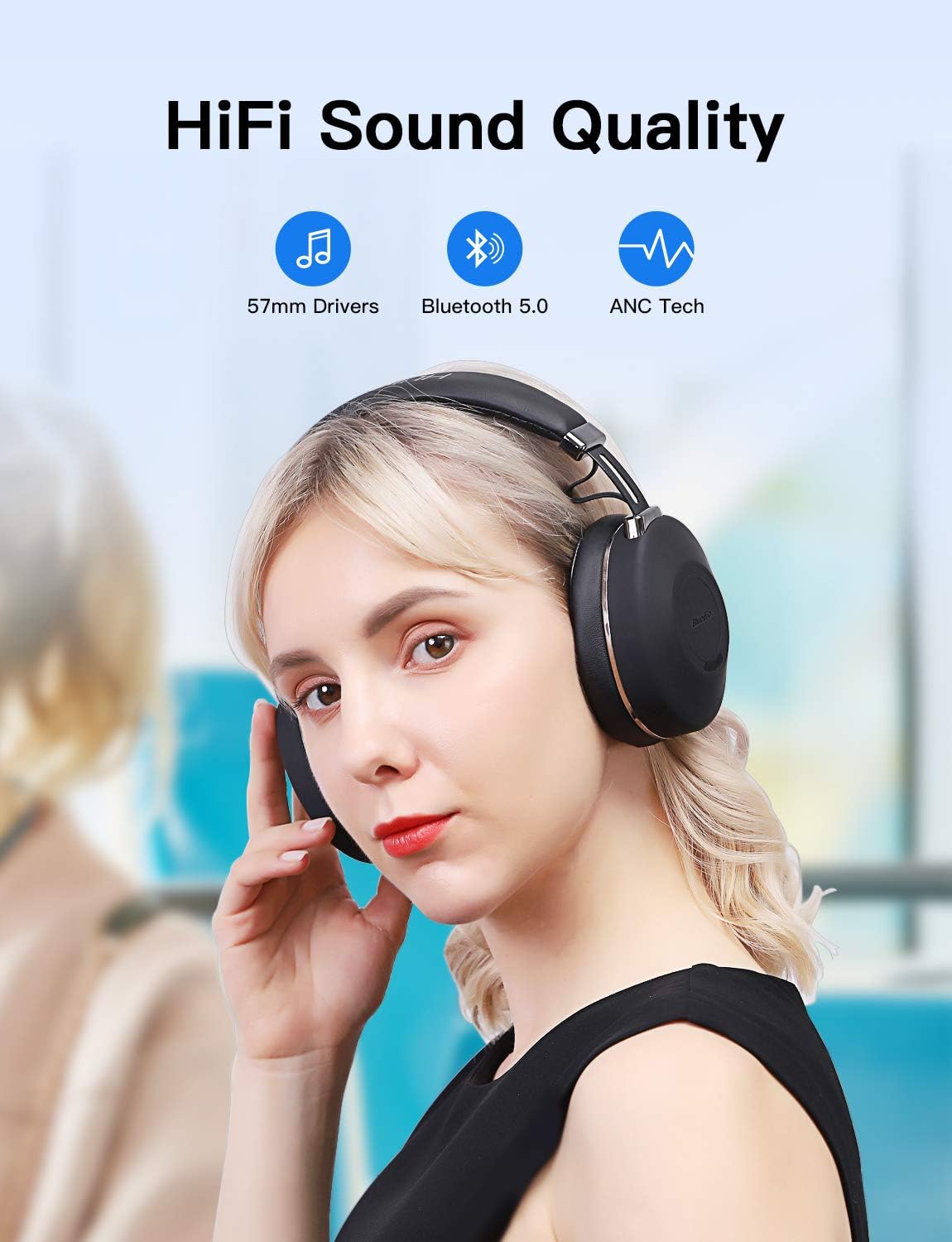
Image: Bluedio H2 headphones delivering HiFi sound quality with ANC.
Priežiūra
Valymas
To maintain the condition of your headphones, wipe them regularly with a soft, dry cloth. Do not use abrasive cleaners, solvents, or strong chemicals, as these may damage the surface or internal components. Keep the charging port and audio jack free of dust and debris.
Sandėliavimas
When not in use, store the headphones in a cool, dry place, away from direct sunlight and extreme temperatures. Avoid placing heavy objects on top of the headphones to prevent damage. For long-term storage, ensure the headphones are partially charged to preserve battery health.
Trikčių šalinimas
If you encounter any issues with your Bluedio H2 headphones, please refer to the following table for common problems and their solutions:
| Problema | Galima priežastis | Sprendimas |
|---|---|---|
| Ausinės neįsijungia. | Baterija išsikrovusi. | Visiškai įkraukite ausines naudodami pridedamą C tipo laidą. |
| Nepavyksta susieti per „Bluetooth“. | Ausinės neįjungtos susiejimo režimu; įrenginio „Bluetooth“ išjungtas; per toli nuo įrenginio. | Ensure headphones are in pairing mode (flashing red/blue). Turn on Bluetooth on your device. Move headphones closer to the device (within 10 meters). |
| Nėra garso Bluetooth režimu. | Per mažas garsumas; neprijungta; pasirinkta neteisinga garso išvestis. | Increase headphone and device volume. Re-pair the headphones. Check audio output settings on your device. |
| Slide controls are unresponsive. | Neteisingas gestas; laikinas programinės įrangos triktis. | Ensure correct slide direction. Power off and restart the headphones. |
| Music pauses unexpectedly. | Smart sensor activated (headphones removed or shifted). | Ensure headphones are worn correctly and securely. |
| ANC neveikia efektyviai. | ANC switch off; environmental noise too high. | Ensure ANC switch is on. ANC is most effective against low-frequency, constant noise. |
Specifikacijos
| Funkcija | Detalė |
|---|---|
| Modelio pavadinimas | H2-C |
| Ryšio technologija | Bluetooth, laidinis |
| Belaidžio ryšio technologija | Bluetooth 5.0 |
| Bluetooth diapazonas | 10 metrai |
| Ausinės Jack | 3.5 mm lizdas |
| Garso tvarkyklės tipas | Dinaminis vairuotojas |
| Garso tvarkyklės dydis | 57 milimetrų |
| Dažnių diapazonas | 20 Hz–20 000 Hz |
| Triukšmo valdymas | Aktyvus triukšmo slopinimas |
| Valdymo tipas | Balso valdymas, lietimas |
| Baterijos veikimo laikas | Up to 40 Hours (continuous music time) |
| Baterijos tipas | 1 ličio polimero baterija (pridedama) |
| Medžiaga | Metal, Plastic, and Synthetic Leather |
| Prekės svoris | 0.52 kilogramų (1.14 svarai) |
| Gaminio matmenys | 7.52 x 6.97 x 3.1 colio |
| Ausų išdėstymas | Ant ausies |
| Atsparumo vandeniui lygis | Neatsparus vandeniui |
Garantija ir palaikymas
Bluedio products are designed and manufactured to the highest quality standards. For information regarding warranty coverage and support, please refer to the warranty card included in your product packaging or visit the official Bluedio website. If you require further assistance or have questions not covered in this manual, please contact Bluedio customer support.


