1. Įvadas
Thank you for choosing the AUNA CDC 200 Portable DAB+/FM CD Player. This device combines the versatility of a portable CD player with the advanced capabilities of DAB+ and FM radio. Designed for on-the-go listening, it features a rechargeable battery, an anti-skip function, and supports various audio formats. Please read this manual carefully to ensure proper use and maintenance of your device.

Image 1.1: AUNA CDC 200 Portable DAB+/FM CD Player. This image shows the compact design of the device.
2. Produkto ypatybės
- DAB+ and FM Radio Tuner: Pasiekite platų skaitmeninių ir analoginių radijo stočių pasirinkimą.
- CD atkūrimas: Supports CD, CD-R, CD-RW, and MP3-CD formats.
- Nešiojamas dizainas: Kompaktiškas ir lengvas lengvam transportavimui.
- Įkraunama baterija: Integrated 1000 mAh battery for extended mobile use.
- LC ekranas: Clear Liquid Crystal display for track information and radio station details.
- Anti-Skip Function: Ensures stable audio playback during movement.
- Žemų dažnių stiprinimas: Enhances low-frequency audio for a richer sound experience.
- „Micro USB“ prievadas: Prietaiso įkrovimui.
- 3.5 mm ausinių lizdas: Privačiam pasiklausymui.
3. Pakuotės turinys
Patikrinkite pakuotę, ar joje yra šie daiktai:
- AUNA CDC 200 Portable DAB+/FM CD Player
- Į ausis įdedamos ausinės
- Mikro USB įkrovimo laidas
- Vartotojo vadovas (šis dokumentas)
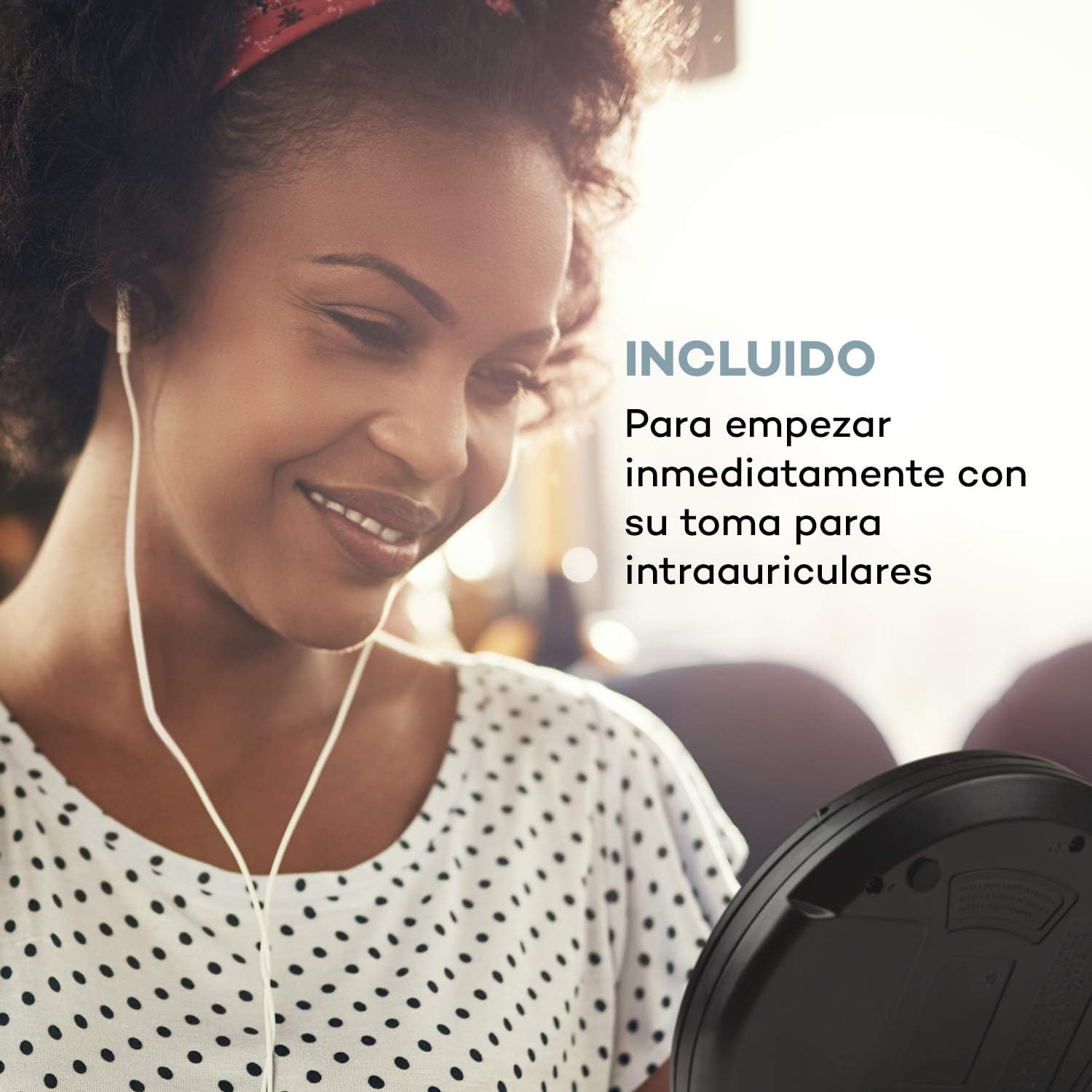
Image 3.1: The AUNA CDC 200 includes a pair of in-ear headphones for immediate use.
4. Valdikliai ir jungtys
Familiarize yourself with the buttons and ports on your AUNA CDC 200:
- OFF/ON jungiklis: Įjungia arba išjungia įrenginį.
- Play/Pause Button (►/−): Pradeda arba pristabdo CD atkūrimą.
- Stabdymo mygtukas (■): Sustabdo CD grojimą.
- Praleidimo / paieškos mygtukai (◀◀ / ►►): Skips tracks or fast forwards/rewinds during CD playback. In radio mode, tunes to the next/previous station.
- MENIU mygtukas: Pasiekia meniu parinktis.
- P-MODE Button: Selects playback modes (e.g., repeat, random).
- SOURCE mygtukas: Switches between CD and Radio modes.
- SCAN mygtukas: Initiates station scanning in radio mode.
- INFO mygtukas: Displays additional information (e.g., radio station details).
- Įvesties mygtukas: Patvirtina pasirinkimus meniu.
- TU+/TU- Buttons: Adjusts tuning in radio mode or navigates menu options.
- „Micro USB“ prievadas: Įkrovimo laido prijungimui.
- 3.5 mm ausinių lizdas: Ausinėms prijungti.

4.1 vaizdas: Baigtaview of the AUNA CDC 200's top panel with control buttons and LC display.
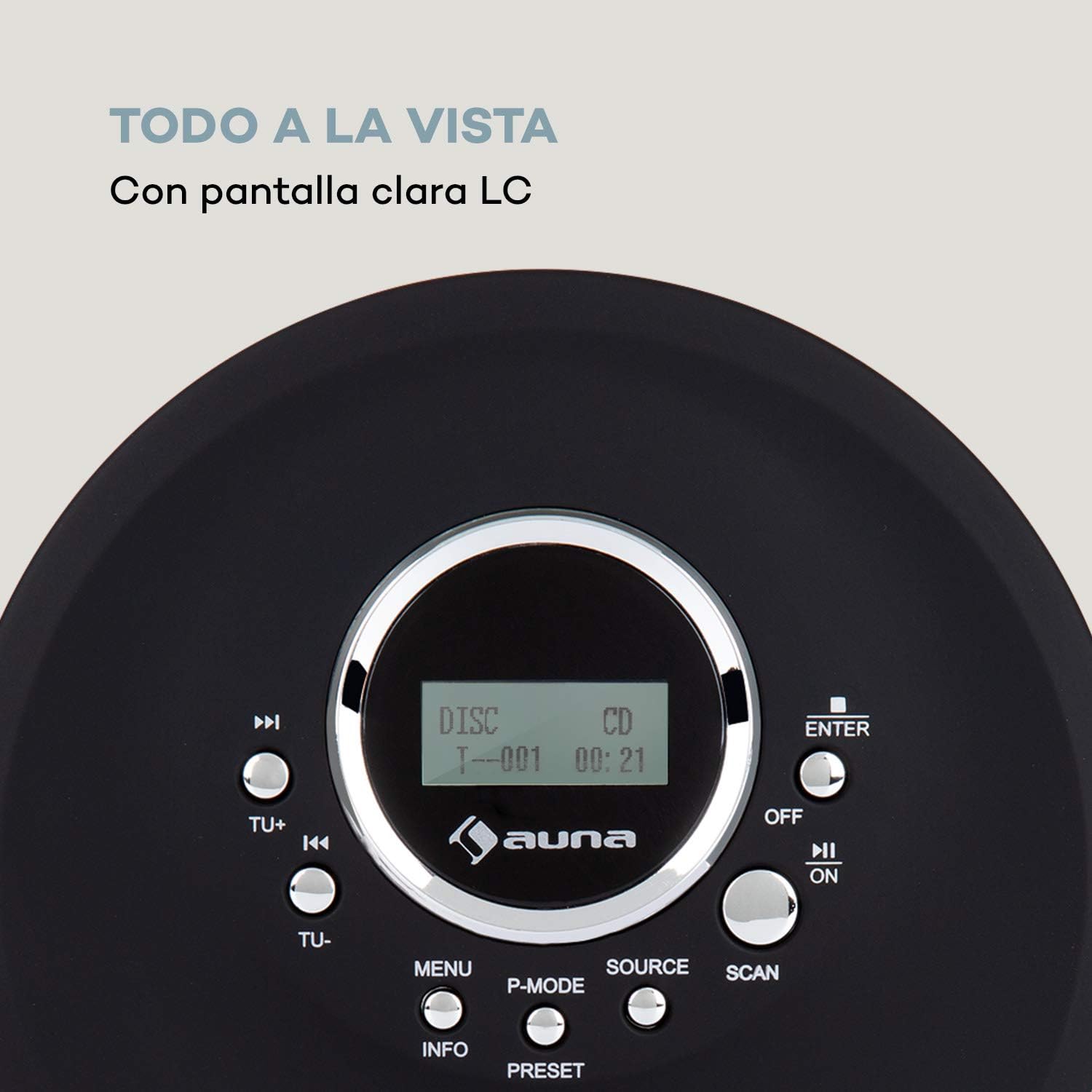
Image 4.2: The clear LC display shows track information and operating status.
5. Sąranka
5.1 Akumuliatoriaus įkrovimas
Before first use, fully charge the integrated 1000 mAh battery. Connect the supplied Micro USB cable to the device's Micro USB port and the other end to a USB power source (e.g., a computer USB port, a USB wall adapter, or a power bank). The charging indicator will illuminate during charging and turn off when fully charged.
Image 5.1: The AUNA CDC 200 can be charged via Micro USB from various power sources.
5.2 Ausinių prijungimas
Insert the 3.5mm jack of your headphones into the headphone port on the side of the device. Ensure the connection is secure for optimal audio output.
5.3 Kompaktinio disko įdėjimas
- Pastumkite OPEN jungiklį, kad atidarytumėte CD skyriaus dangtelį.
- Carefully place a CD (audio CD, CD-R, CD-RW, or MP3-CD) onto the spindle with the label side facing up.
- Gently press the CD until it clicks into place.
- Tvirtai uždarykite CD skyriaus dangtelį, kol jis užsifiksuos.

Image 5.2: The CD compartment supports various disc formats including CD, CD-R, CD-RW, and MP3-CD.
6. Naudojimo instrukcijos
6.1 Įjungimas / išjungimas
Stumkite IŠJUNGTA/ĮJUNGTA switch to the 'ON' position to power on the device. Slide it to 'OFF' to power off.
6.2 CD atkūrimas
- Ensure a CD is inserted and the device is powered on.
- Paspauskite ŠALTINIS mygtuką, kad pasirinktumėte CD režimą. Ekrane bus rodoma „CD“.
- Paspauskite Play/Pause (►/−) mygtuką, kad pradėtumėte atkūrimą. Bus rodomas takelio numeris ir praėjęs laikas.
- Paspauskite Play/Pause (►/−) dar kartą, kad pristabdytumėte atkūrimą. Paspauskite dar kartą, kad tęstumėte.
- Paspauskite Skip/Search (►►) , kad pereitumėte prie kito takelio. Paspauskite Skip/Search (◀◀) , kad grįžtumėte į dabartinio arba ankstesnio takelio pradžią.
- Paspauskite ir palaikykite Skip/Search (►►) or (◀◀) to fast forward or rewind through the current track.
- Paspauskite Stop (■) mygtuką sustabdyti atkūrimą.
Anti-Skip Function
The AUNA CDC 200 features an integrated anti-skip function to prevent interruptions during playback, especially when the device is in motion. This function is automatically active during CD playback.
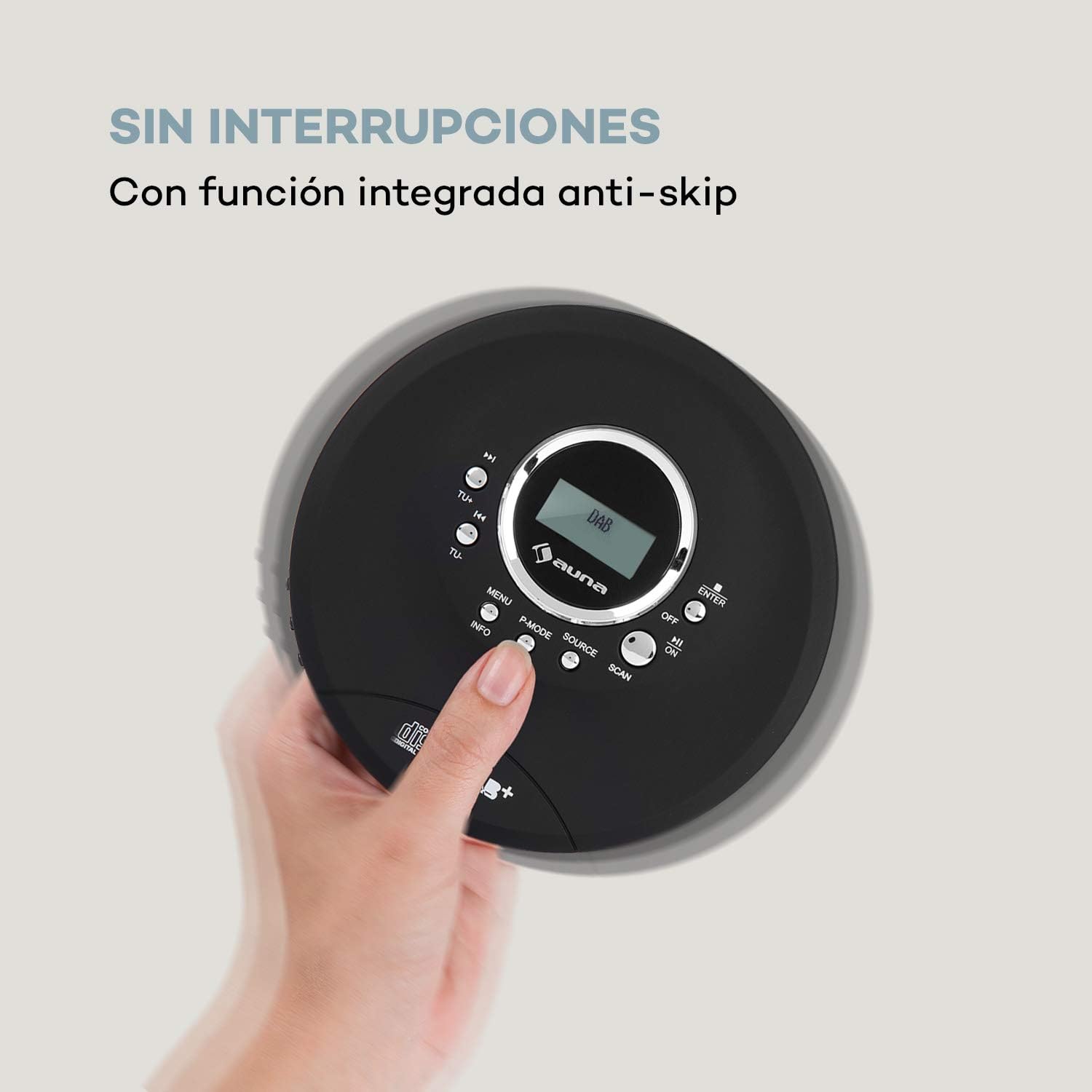
Image 6.1: The anti-skip function ensures uninterrupted audio playback.
Playback Modes (P-MODE)
Paspauskite P-REŽIMAS button repeatedly to cycle through different playback modes such as Repeat One, Repeat All, Random, or Program Play (if available).
6.3 Radijo veikimas (DAB+/FM)
- Paspauskite ŠALTINIS button to select Radio mode. The display will show 'DAB' or 'FM'.
- Automatinis nuskaitymas: Paspauskite NUSKAITYTI button to automatically search for available DAB+ or FM stations. The device will store found stations.
- Rankinis derinimas: Naudokite TU+ or TU- mygtukais, kad rankiniu būdu nustatytumėte konkretų dažnį.
- Stočių pasirinkimas: After scanning, use the Skip/Search (◀◀ / ►►) buttons to navigate through the stored stations.
- Informacinis ekranas: Paspauskite INFORMACIJA mygtuką prie view additional information about the current radio station (e.g., program type, signal strength).

Image 6.2: The AUNA CDC 200 features a DAB+ and FM radio tuner for diverse listening options.
6.4 Bosų stiprinimo funkcija
The AUNA CDC 200 includes a bass boost feature. To activate or deactivate it, refer to the device's menu options by pressing the MENIU button and navigating with TU+/TU- ir ENTER.
7. Priežiūra
7.1 Valymas
- Nuvalykite įrenginio išorę minkštu, sausu skudurėliu.
- Nenaudokite abrazyvinių valiklių, vaško ar tirpiklių.
- To clean the CD lens, use a specialized CD lens cleaning kit. Do not touch the lens directly.
7.2 Akumuliatoriaus priežiūra
- Venkite dažnai visiškai iškrauti akumuliatorių.
- If the device will not be used for an extended period, charge it periodically to maintain battery health.
- Nelaikykite prietaiso ekstremaliose temperatūrose.
8. Problemų sprendimas
If you encounter issues with your AUNA CDC 200, refer to the following table:
| Problema | Galima priežastis | Sprendimas |
|---|---|---|
| Įrenginys neįsijungia. | Battery is discharged. Power switch is OFF. | Charge the battery. Slide the power switch to ON. |
| Nėra garso iš ausinių. | Headphones not connected properly. Volume too low. Faulty headphones. | Ensure headphones are fully plugged in. Increase volume. Try different headphones. |
| Kompaktinis diskas praleidžia arba negroja. | CD is dirty or scratched. CD inserted incorrectly. Device is subject to strong vibrations. | Clean or replace the CD. Reinsert the CD correctly. Ensure the anti-skip function is active and minimize movement. |
| Prastas radijo priėmimas. | Silpnas signalas. Trukdžiai. | Relocate the device to an area with better reception. Avoid sources of electronic interference. |
9. Specifikacijos
- Prekinis ženklas:
- AUNA
- Modelio numeris:
- CDC 200 (Manufacturer Reference: MG3-90400-jfhg)
- Compatible Audio Formats:
- CD, CD-R, CD-RW, MP3-CD
- Radijo imtuvas:
- DAB+, FM
- Maitinimo šaltinis:
- 1000 mAh Rechargeable Battery, Micro USB (Electric Cable)
- Ryšys:
- USB (for charging), 3.5mm Headphone Jack
- Ekranas:
- LC ekranas
- Suderinami įrenginiai:
- Ausinės
- Stilius:
- Nešiojami
- Spalvų parinktys:
- Juoda, Raudona
10. Saugos informacija
- Saugokite įrenginį nuo lietaus, drėgmės ar ekstremalių temperatūrų.
- Stenkitės, kad prietaisas nenumestų ar nepatirtų stipraus smūgio.
- Nebandykite patys ardyti ar taisyti įrenginio. Kreipkitės į kvalifikuotus techninės priežiūros darbuotojus.
- Saugokite įrenginį nuo stiprių magnetinių laukų.
- Išmeskite bateriją ir įrenginį pagal vietinius reikalavimus.
11. Garantija ir palaikymas
For warranty information and technical support, please refer to the documentation provided with your purchase or visit the official AUNA websvetainėje. Išsaugokite pirkimo įrodymą, jei prireiktų pateikti garantinį ieškinį.


