Įvadas
This manual provides essential information for the proper use and care of your Philips USB-C Wired Earbuds, Model TAE5008/38. Please read these instructions carefully before using the product to ensure optimal performance and longevity. This document covers setup, operating instructions, maintenance, troubleshooting, and product specifications.
Pakuotės turinys
Patikrinkite, ar jūsų gaminio pakuotėje yra visi toliau išvardyti daiktai:
- Philips USB-C Wired Earbuds (Model TAE5008/38)
- Interchangeable Rubber Ear Tips (3 sizes: Small, Medium, Large)
- Instrukcijų vadovas (šis dokumentas)
Produktas baigtasview
The Philips USB-C Wired Earbuds are designed for clear audio and convenient communication. They feature a USB-C connector for direct compatibility with modern devices, an in-line remote for control, and a built-in microphone.

1 paveikslas: Philips USB-C Wired Earbuds, displaying the earbuds, in-line remote, USB-C connector, and product packaging.
Komponentai
- Earbuds: In-ear design with 10mm drivers for audio output.
- Integruotas nuotolinio valdymo pultas: Integrated control unit on the cable for media and call management.
- Mikrofonas: Built into the in-line remote for hands-free calls.
- USB-C jungtis: For connecting to compatible devices.
- Kabelis: 1.2 meters in length, connecting the earbuds to the USB-C connector.

2 paveikslas: Iš arti view of the in-line remote control, indicating the '+' button for volume up, the '-' button for volume down, and the central button for track control and call handling.
Sąranka
Ausinių prijungimas
Follow these steps to connect your earbuds to a compatible device:
- Identify the USB-C port on your device (smartphone, tablet, laptop, etc.).
- Insert the USB-C connector of the earbuds firmly into the device's USB-C port.
- Ensure the connection is secure. Your device should automatically recognize the earbuds.

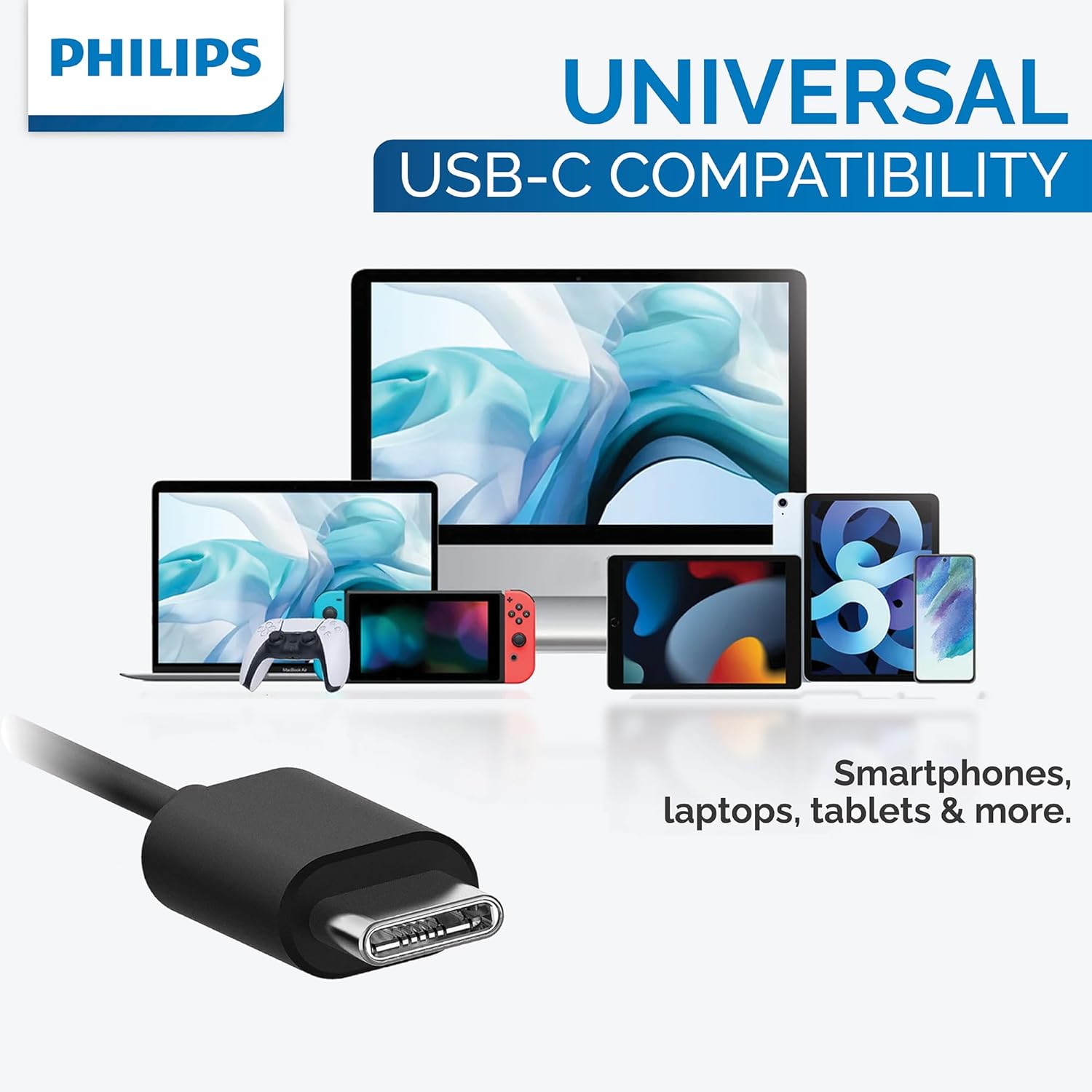
3 paveikslas: The USB-C connector provides universal compatibility with a range of devices including smartphones, laptops, and tablets.
Ausų antgalių pasirinkimas
For optimal sound quality, noise isolation, and comfort, choose the ear tip size that best fits your ears. Three sizes (Small, Medium, Large) are provided to ensure a secure and comfortable seal.
4 paveikslas: This image illustrates the three different sizes of interchangeable rubber ear tips provided with the earbuds, designed to ensure a comfortable and secure fit for various ear canal sizes.
Naudojimo instrukcijos
Garso atkūrimas
Use the in-line remote to control your music:
- Leisti / pristabdyti: Vieną kartą paspauskite centrinį mygtuką.
- Kitas takelis: Greitai du kartus paspauskite centrinį mygtuką.
- Ankstesnis takelis: Greitai tris kartus paspauskite centrinį mygtuką.
- Pagarsink: Paspauskite mygtuką „+“.
- Patildyti: Paspauskite mygtuką „-“.
Skambučių valdymas
Use the in-line remote to manage phone calls:
- Atsiliepti / Baigti skambutį: Įeinančio arba aktyvaus skambučio metu vieną kartą paspauskite centrinį mygtuką.
- Atmesti skambutį: Įeinančio skambučio metu paspauskite ir palaikykite centrinį mygtuką maždaug 2 sekundes.
Balso asistentas
To activate your device's voice assistant (e.g., Google Assistant, Siri), press and hold the center button for approximately 2 seconds when not on a call.
Priežiūra
Tinkama priežiūra užtikrina jūsų ausinių ilgaamžiškumą ir veikimą:
- Valymas: Gently wipe the earbuds and cable with a soft, dry cloth. Do not use abrasive cleaners or immerse the earbuds in water.
- Saugykla: Store the earbuds in a clean, dry place when not in use to prevent tangling and damage. Avoid extreme temperatures.
- Ausų patarimai: Remove and clean ear tips periodically with mild soap and water. Rinse thoroughly and ensure they are completely dry before reattaching them to the earbuds.
Trikčių šalinimas
If you encounter issues with your earbuds, refer to the following table for common problems and solutions:
| Problema | Galima priežastis | Sprendimas |
|---|---|---|
| Iš ausinių nesklinda garsas. | Earbuds not properly connected. | Ensure the USB-C connector is fully inserted into the device's port. |
| Iš ausinių nesklinda garsas. | Įrenginio garsumas per mažas arba nutildytas. | Increase the volume on your device or using the in-line remote. |
| Mikrofonas neveikia. | Earbuds not selected as input device. | Check your device's audio settings to ensure the earbuds are selected for microphone input. |
| Garso kokybė prasta. | Ear tips are not providing a good seal. | Try different sizes of ear tips to find the best fit for your ears. |
Specifikacijos
Detailed technical specifications for the Philips USB-C Wired Earbuds (Model TAE5008/38):
| Funkcija | Vertė |
|---|---|
| Modelio pavadinimas | TAE5008/38 |
| Ryšio technologija | Laidinis (USB-C) |
| Garso tvarkyklės dydis | 10 mm |
| Varža | 16 omai |
| Jautrumas | 101 dB |
| Kabelio ilgis | 1.2 metrų |
| Mikrofonas | Įmontuotas |
| Valdymo tipas | 3-button in-line remote (Media Control) |
| Suderinami įrenginiai | Laptops, Tablets, Smartphones with USB-C port |
| Prekės svoris | 0.517 uncijos (apie 14.66 gramų) |
| Spalva | Juoda |
| Atsparumo vandeniui lygis | Neatsparus vandeniui |
Garantija ir palaikymas
For detailed warranty information and customer support, please refer to the documentation included with your original purchase. You may also visit the official Philips website for further assistance and product registration. Please retain your proof of purchase for any warranty claims.


