1. Įvadas
The COMPUTHERM T-32 room thermostat is designed for controlling most boilers and air conditioners available in the EU. It can be easily connected to any gas boiler with a two-wire thermostatic connection point, and to all air conditioning systems or electrical appliances, whether they have a 24V or 230V control circuit.
This digital thermostat allows for more precise temperature measurement and adjustment compared to traditional thermostats. It helps reduce energy costs while maintaining comfort by regulating the connected appliance (e.g., a gas boiler or pump) based on the measured and set temperatures.
Pagrindinės funkcijos:
- Tikslus temperatūros valdymas: Easily set desired temperature between 5°C and 30°C in 0.5°C increments.
- Constant Indoor Temperature: Switching sensitivity of ±0.2°C or 0.1°C ensures a uniform and stable room temperature.
- Universalus suderinamumas: Suitable for boilers with a two-wire connection and various HVAC systems (24V or 230V).
- Šildymo ir vėsinimo režimai: Supports both heating and cooling functions.
- Skaitmeninis ekranas: Provides clear and accurate temperature readings.
2. Sąranka ir diegimas
Svarbu: Prietaisą turi sumontuoti kompetentingas asmuo.
2.1 Pakuotės turinys
Patikrinkite, ar yra visi komponentai:
- 1x COMPUTHERM T-32 Digital Room Thermostat
- 2x AAA baterijos
- Tvirtinimo detalės (varžtai ir sieniniai kaiščiai)

Figure 1: Package contents including the thermostat, batteries, and mounting hardware.
2.2 Akumuliatoriaus įdėjimas
- Carefully remove the back cover of the thermostat.
- Insert the two AAA batteries into the battery compartment, ensuring correct polarity (+/-).
- Uždėkite galinį dangtelį.
2.3 Montavimas ir laidai
The thermostat is designed for wall mounting in a room. Choose a location away from direct sunlight, drafts, or heat sources that could affect temperature readings.
- Separate the front panel from the back plate.
- Pažymėkite norimą tvirtinimo vietą ant sienos.
- Gręžkite skyles ir įkiškite sieninius kaiščius.
- Pritvirtinkite galinę plokštę prie sienos naudodami pateiktus varžtus.
- Connect the two-wire control circuit from your boiler or HVAC system to the terminals on the back plate. Refer to the wiring diagram on the back of the thermostat for correct connections.
- Carefully reattach the front panel to the back plate.

2 pav.: galinis view of the thermostat with wiring terminals and battery compartment details.
3. Operacija
3.1 Ekranas baigtasview
The digital display shows the current room temperature and the set desired temperature. The thermostat features three control buttons below the display.

3 pav.: priekis view of the COMPUTHERM T-32 thermostat with its digital display and three control buttons.
3.2 Setting the Desired Temperature
Use the temperature control buttons (typically marked with up and down arrows or similar symbols) to adjust the desired temperature. Each press changes the temperature by 0.5°C within a range of 5°C to 30°C.
- Paspauskite Rodyklė aukštyn mygtuką, kad padidintumėte norimą temperatūrą.
- Paspauskite Rodyklė žemyn mygtuką, kad sumažintumėte norimą temperatūrą.
The thermostat will automatically regulate the connected heating or cooling appliance to maintain the set temperature within its switching sensitivity of ±0.2°C.
3.3 Heating Mode Operation
In heating mode, if the measured room temperature falls below the set temperature minus the switching sensitivity (e.g., 22°C - 0.2°C = 21.8°C), the thermostat will activate the heating appliance. It will deactivate the heating when the room temperature rises above the set temperature plus the switching sensitivity (e.g., 22°C + 0.2°C = 22.2°C).
3.4 Cooling Mode Operation
In cooling mode, the operation is reversed. If the measured room temperature rises above the set temperature plus the switching sensitivity, the thermostat will activate the cooling appliance. It will deactivate cooling when the room temperature falls below the set temperature minus the switching sensitivity.
Note: After a temperature change using the thermostat's adjustment buttons, the switching sensitivity is temporarily not considered, allowing the thermostat to react to a difference of ±0.1°C for immediate response.
4. Priežiūra
- Valymas: Termostatą valykite minkšta, sausa šluoste. Nenaudokite abrazyvinių valiklių ar tirpiklių.
- Baterijos keitimas: Replace batteries when the low battery indicator appears on the display. Always use new AAA alkaline batteries.
- Venkite kliūčių: Ensure no objects block the thermostat's ventilation slots or sensor, as this can affect temperature accuracy.
5. Problemų sprendimas
| Problema | Galima priežastis | Sprendimas |
|---|---|---|
| Termostato ekranas tuščias. | Neišsikrovusios arba neteisingai įdėtos baterijos. | Pakeiskite baterijas, užtikrindami teisingą poliškumą. |
| Šildymo / vėsinimo sistema nereaguoja. | Incorrect wiring; system power off; thermostat in wrong mode. | Check wiring connections (consult a professional); ensure system power is on; verify thermostat is set to appropriate mode (heating/cooling). |
| Netikslus temperatūros rodmuo. | Termostatas yra šalia šilumos šaltinio / skersvėjo; jutiklis uždengtas. | Relocate thermostat if possible; ensure no obstructions around the sensor. |
| Temperature fluctuates too much. | High switching sensitivity setting (not applicable for T-32 as it's fixed). | The T-32 has a fixed sensitivity of ±0.2°C. Ensure proper placement and insulation of the room. |
6. Specifikacijos
- Modelis: T32
- Maitinimo šaltinis: 2x AAA 1.5V Alkaline Batteries (included)
- Kontrolė ttage: 24V kintamoji arba 230V kintamoji srovė
- Apkrova: 8 Amperes
- Temperatūros matavimo diapazonas: 5°C iki 30°C
- Temperatūros nustatymo diapazonas: 5°C iki 30°C
- Temperature Setting Increment: 0.5°C
- Perjungimo jautrumas: ±0.2°C (or ±0.1°C after manual adjustment)
- Matmenys (P x P x A): 8.5 x 8.5 x 2.8 cm
- Svoris: 160 gramų
- Ryšys: Laidinis
- Spalva: Baltas


Figure 4: Dimensions of the COMPUTHERM T-32 thermostat.
7. Garantija
The COMPUTHERM T-32 Digital Room Thermostat comes with a 5 metų gamintojo garantijaPrašome išsaugoti pirkimo įrodymą garantiniams reikalavimams. Garantija taikoma medžiagų ir gamybos defektams, atsiradusiems įprasto naudojimo sąlygomis.
8. Parama
For further assistance or if you encounter issues not covered in this manual, please refer to the official COMPUTHERM website or contact your retailer. Always ensure that any electrical work is performed by a qualified professional.
For more information, you may visit the manufacturer's websvetainė: www.calorsol.de
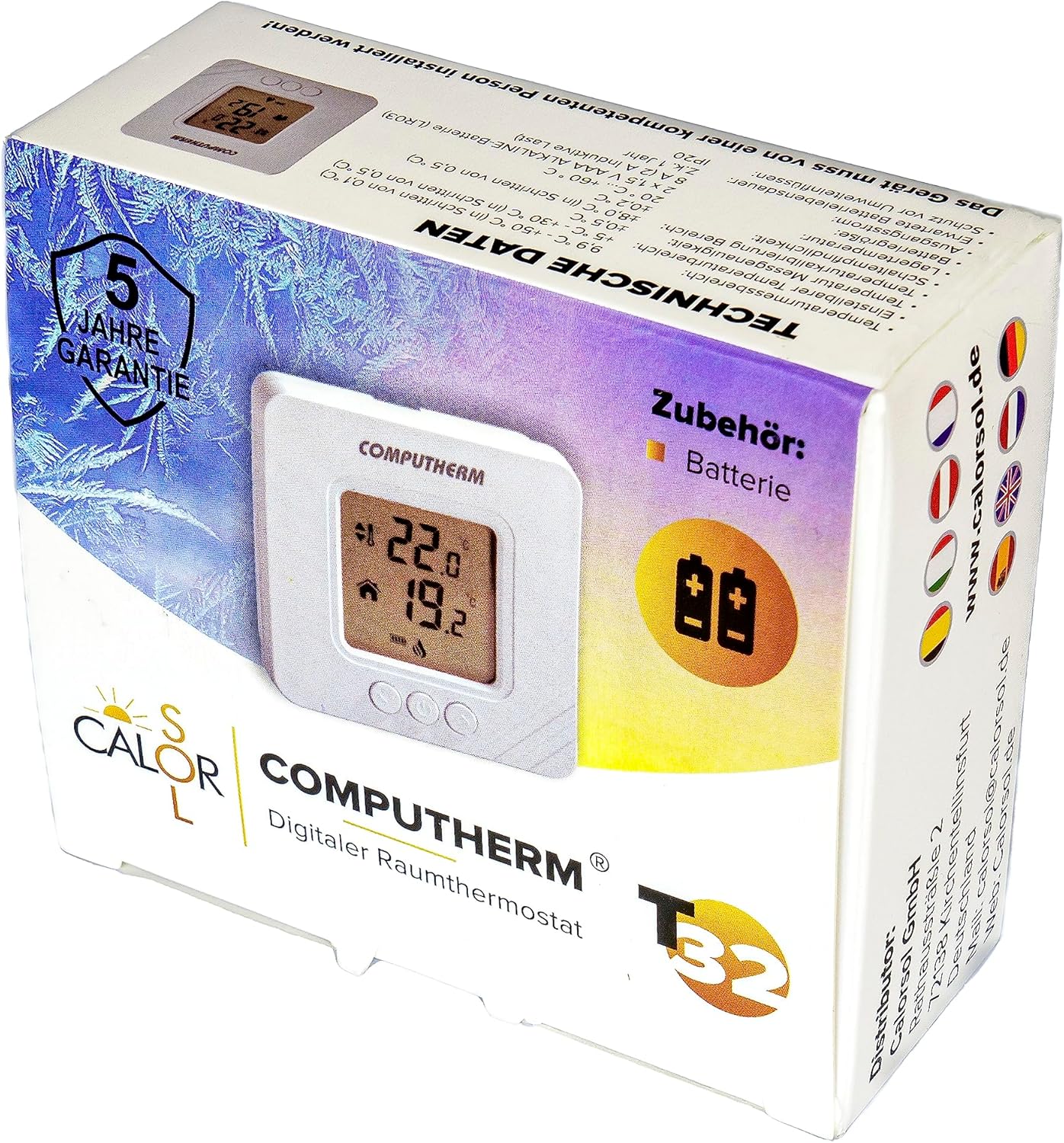
Figure 5: Product packaging displaying warranty information and technical data.


