1. Įvadas
Ačiū, kad pirkoteasing the JIMTAB M18 PRO Native 1080P Video Projector. This manual provides essential information for setting up, operating, maintaining, and troubleshooting your projector to ensure optimal performance and longevity. Please read this manual thoroughly before using the product.

Figure 1: JIMTAB M18 PRO Video Projector
2. Kas yra dėžutėje
Carefully unpack your JIMTAB M18 PRO projector and ensure all items are present:
- JIMTAB M18 PRO Video Projector
- Nuotolinio valdymo pultas
- Maitinimo laidas
- HDMI kabelis
- AV kabelis
- Vartotojo vadovas (šis dokumentas)
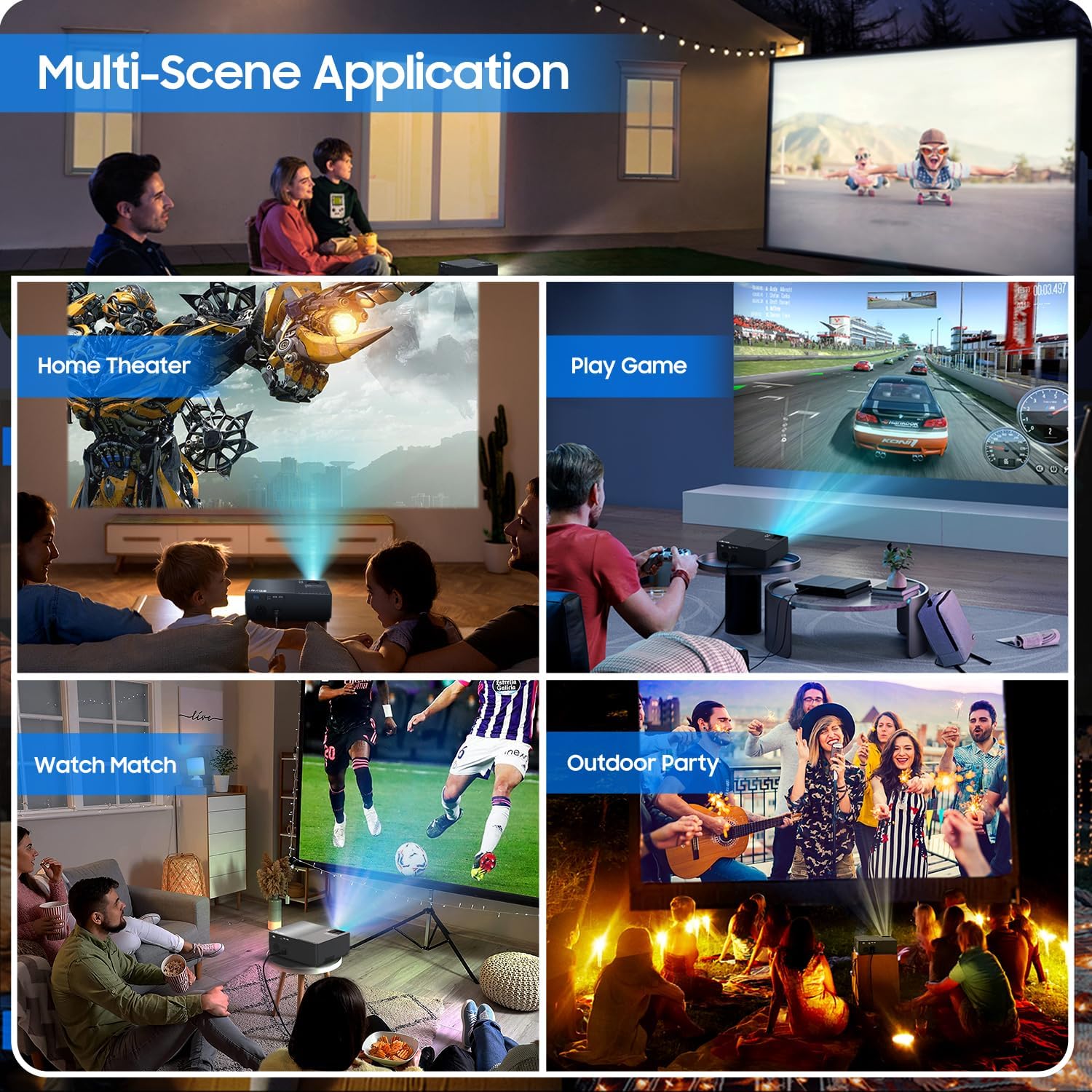
Figure 2: All included accessories and the projector
3. Produkto ypatybės
- Gimtoji 1080P raiška: Experience crisp and clear images with a true native resolution of 1920x1080 pixels and an 8000:1 contrast ratio. Supports 576i, 576p, 720i, 720p, 1080i, 1080p, 2k, and 4k input.
- Aukštos Ryškumas: Features 21000 lumens brightness for vibrant projections even in moderately lit environments.
- Dual-Band WiFi Screen Mirroring: Built-in 2.4G+5G WiFi allows for seamless wireless screen mirroring from your smartphone, tablet, or laptop (iOS, Android, Windows compatible).
- Built-in Dolby Sound Speakers: Equipped with 5W dual stereo speakers supporting Dolby Sound for an immersive audio experience. External speakers can also be connected.
- Didelio ekrano ekranas: Project images from 50 inches up to 300 inches, offering a versatile viewing experience for various room sizes.
- Platus suderinamumas: Connects to a wide range of devices including Xbox, Laptops, iPhones, Android devices, USB devices, PS4, TV Sticks, and TV Boxes via AV, VGA, USB, and HDMI ports.

Figure 3: Enhanced image sharpness and richer color details
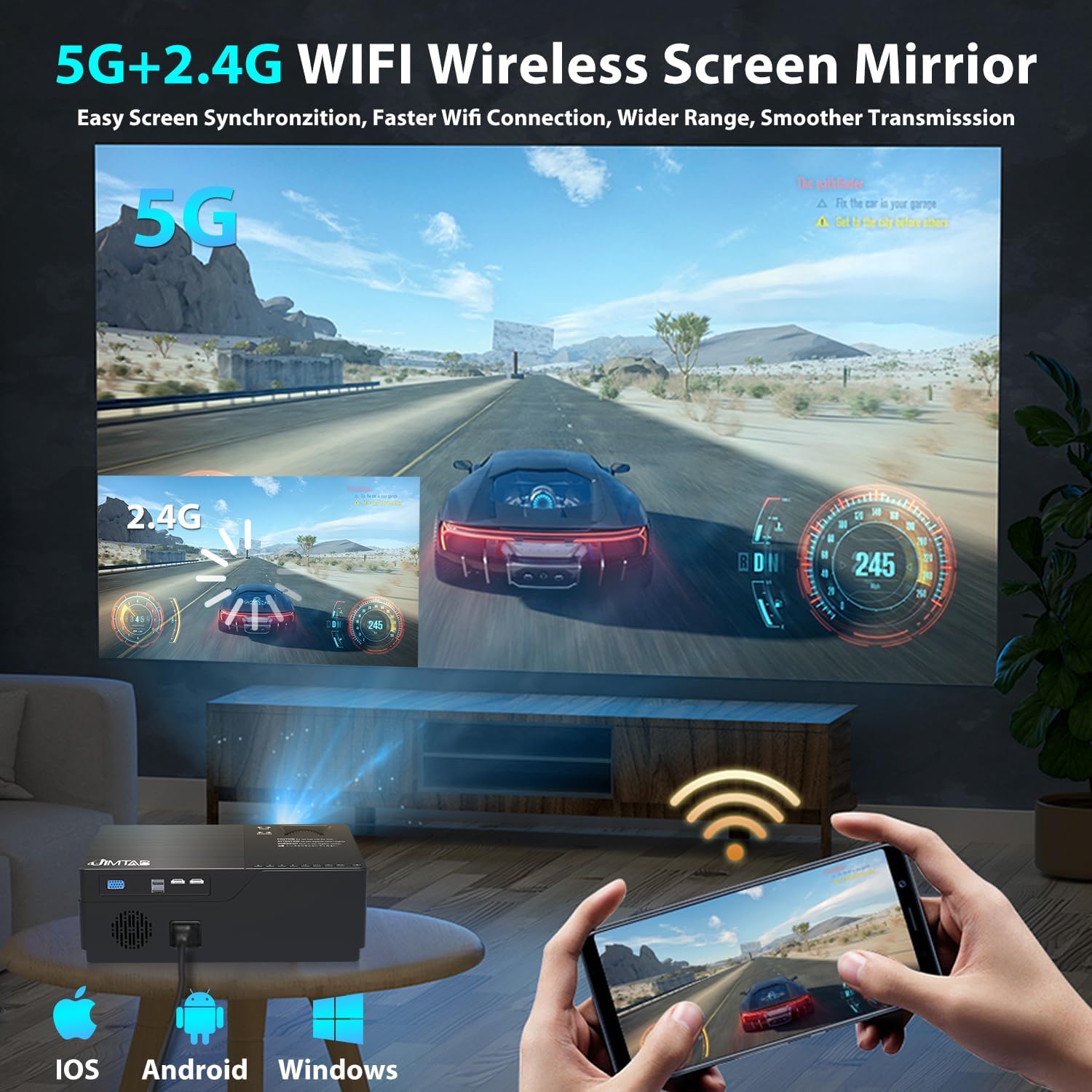
Figure 4: 5G+2.4G WiFi Wireless Screen Mirroring in action

Figure 5: Built-in 5W Dual Stereo Speaker supporting Dolby Sound

Figure 6: Projection sizes from 50 to 300 inches

Figure 7: Wide compatibility with multiple devices
4. Sąrankos vadovas
- Vieta: Place the projector on a stable, flat surface or mount it on a tripod/ceiling. Ensure it is positioned directly in front of the projection screen or wall for best results. The optimal projection distance ranges from 5.5 feet to 30.2 feet.
- Maitinimo jungtis: Prijunkite maitinimo laidą prie projektoriaus maitinimo įvesties, o tada – prie maitinimo lizdo.
- Prijunkite šaltinio įrenginį: Use the appropriate cable (HDMI, AV, VGA, USB) to connect your desired source device (laptop, game console, USB drive, etc.) to the projector.
- Maitinimas: Norėdami įjungti įrenginį, paspauskite projektoriaus arba nuotolinio valdymo pulto maitinimo mygtuką.
- Pasirinkite įvesties šaltinį: Use the 'Source' button on the projector or remote to select the correct input source corresponding to your connected device.
5. Naudojimo instrukcijos
- Maitinimo įjungimas/išjungimas: Press the power button once to turn on. Press and hold the power button for a few seconds to turn off.
- Meniu naršymas: Use the arrow keys on the remote or projector panel to navigate through the on-screen menu. Press 'OK' or 'Enter' to confirm selections.
- Garsumo valdymas: Garso išvesties lygiui reguliuoti naudokite nuotolinio valdymo pulto garsumo mygtukus.
6. Vaizdo koregavimas
- Fokuso reguliavimas: Rotate the focus dial located near the lens until the projected image is sharp and clear.
- Keystone korekcija:
- Rankinis Keystone: Use the manual keystone adjustment lever (usually on the side or top) to correct vertical distortion (±15°).
- Skaitmeninis raktas: Access the menu settings for digital keystone correction to adjust both vertical and horizontal distortion (up to ±50°), ensuring a perfectly rectangular image even if the projector is not perfectly aligned.
- Priartinimo funkcija: Adjust the image size from 75% to 100% via the menu settings without moving the projector.

Figure 8: Digital Horizontal & Vertical Keystone Adjustment
7. Priežiūra
- Objektyvo valymas: Projektoriaus objektyvą švelniai nuvalykite minkštu, nepūkuotu audiniu, specialiai skirtu optiniams lęšiams. Venkite abrazyvinių medžiagų ar stiprių cheminių medžiagų.
- Vėdinimas: Ensure the projector's ventilation ports are clear and unobstructed to prevent overheating. Regularly clean dust from the vents using a soft brush or compressed air.
- Saugykla: Kai projektorius ilgesnį laiką nenaudojamas, jį laikykite vėsioje, sausoje vietoje, geriausia – originalioje pakuotėje arba apsauginiame dėkle.
- Lamp Gyvenimas: LED lemputė lamp in your M18 Pro projector is designed for tens of thousands of hours of use, minimizing the need for frequent lamp pakeitimas.
8. Problemų sprendimas
| Problema | Galima priežastis | Sprendimas |
|---|---|---|
| Nėra vaizdo arba „Nėra signalo“ | Incorrect input source selected; Loose cable connection; Source device not powered on. | Select correct input source; Check and secure all cable connections; Ensure source device is powered on. |
| Neryškus vaizdas | Focus not adjusted; Keystone not corrected; Projector too close/far from screen. | Adjust focus dial; Use manual or digital keystone correction; Adjust projection distance. |
| Image appears dim | High ambient light; Projector settings. | Reduce ambient light (close curtains); Adjust brightness/contrast settings in the projector menu. |
| Nėra garso | Volume too low; Muted; Incorrect audio output selected on source device. | Increase volume; Unmute; Check audio settings on source device. |
| Įspėjimas apie perkaitimą | Užblokuota ventiliacija; Ilgalaikis naudojimas. | Ensure vents are clear; Allow projector to cool down before restarting. |
9. Specifikacijos
| Funkcija | Specifikacija |
|---|---|
| Modelio numeris | M18 Pro |
| Gimtoji raiška | 1920 x 1080 (Full HD) |
| Ryškumas | 21000 liumenų |
| Kontrasto santykis | 8000:1 |
| Projekcijos dydis | 50 colio – 300 colio |
| Projekcijos atstumas | 5.5 FT - 30.2 FT |
| Ryšio technologija | Wi-Fi (2.4G+5G), HDMI (x2), USB (x2), VGA, AV |
| Garso išvestis | Built-in 5W Dual Stereo Speaker (Dolby Sound) |
| Gaminio matmenys | 11.81 x 8.66 x 3.94 colio |
| Prekės svoris | 7.74 svaro |
10. Saugos informacija
- WARNING: Do not look directly at the projector lens when the lamp įjungtas. Intensyvi šviesa gali pažeisti akis.
- Ensure the projector is placed on a stable surface to prevent it from falling.
- Do not block the ventilation openings, as this can lead to overheating and damage to the device.
- Keep the projector away from water or any liquids to avoid electric shock.
- Unplug the projector from the power outlet before cleaning or when not in use for a long period.
11. Garantija ir palaikymas
JIMTAB is committed to providing high-quality products and excellent customer service. For any questions, technical assistance, or warranty inquiries, please contact our dedicated support team. We offer 7x24 hours free customer support.
You can also find more information and support on our official social media channels:
- Facebook Official Homepage: ijimtab
- YouTube Official Homepage: Jimtab


