1. Įvadas
The Rapoo MT550 is a versatile multi-device wireless mouse designed for enhanced productivity and comfort. This manual provides detailed instructions for setting up, operating, and maintaining your MT550 mouse, ensuring optimal performance across various devices.
Pagrindinės funkcijos:
- Multi-device connectivity (Bluetooth 3.0, Bluetooth 4.0, and 2.4G wireless)
- Adjustable DPI settings (600/1000/1300/1600)
- Ergonomiškas dizainas patogiam naudojimui
- Long battery life of up to 12 months
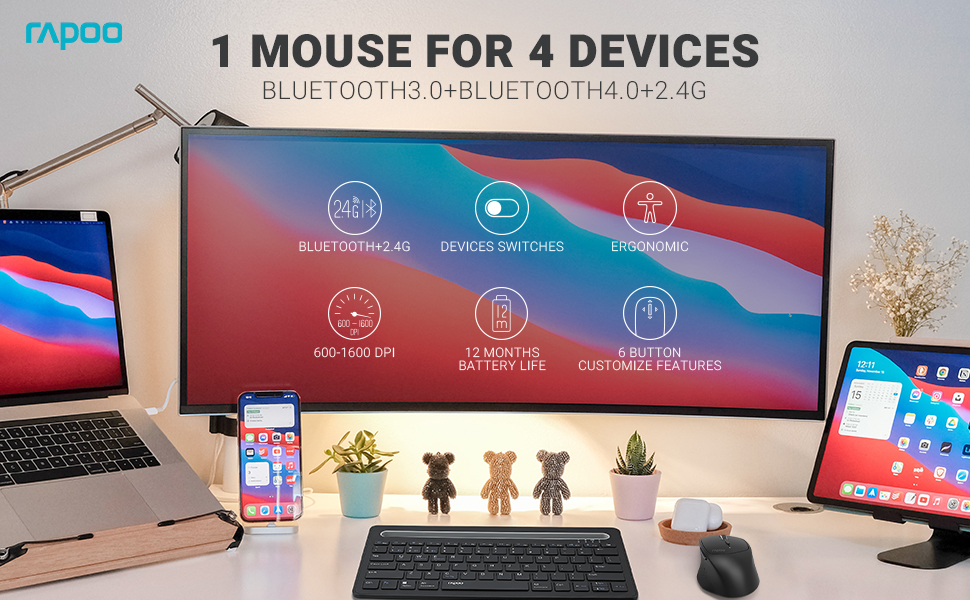
Image: The Rapoo MT550 mouse, highlighting its design for endurance, versatility, and comfort.
2. Sąranka
2.1. Akumuliatoriaus įdėjimas
The Rapoo MT550 mouse requires two AA batteries (included). To install:
- Raskite baterijų skyriaus dangtelį pelės apačioje.
- Atidarykite dangtelį.
- Įdėkite dvi AA tipo baterijas, užtikrindami teisingą poliškumą (+/-).
- Uždarykite akumuliatoriaus skyriaus dangtelį.
2.2. Prijungimas per 2.4G belaidį ryšį (USB imtuvas)
For a 2.4G wireless connection:
- Įjunkite pelę naudodami įjungimo/išjungimo jungiklį, esantį apačioje.
- Locate the USB receiver stored in the battery compartment.
- Įkiškite USB imtuvą į laisvą kompiuterio USB prievadą.
- The mouse should automatically connect. If not, press the device switch button until the indicator for channel 4 (usually indicated by a specific light pattern or number) is active.
2.3. Prisijungimas per Bluetooth
The Rapoo MT550 supports up to three Bluetooth connections. To connect:
- Įjunkite pelę naudodami įjungimo/išjungimo jungiklį.
- Short press the device switch button to select a Bluetooth channel (1, 2, or 3). The corresponding indicator light will illuminate.
- Press and hold the Bluetooth pairing button (often located near the device switch button) for approximately 3 seconds until the indicator light for the selected channel starts flashing rapidly. This indicates the mouse is in pairing mode.
- On your device (computer, laptop, tablet, phone), enable Bluetooth and search for new devices.
- Select "Rapoo MT550" from the list of available devices to complete the pairing process.
- Repeat these steps to pair with up to two additional Bluetooth devices on channels 2 and 3.

Image: Labeled diagram of the Rapoo MT550 mouse, indicating the location of the ON/OFF switch, Bluetooth button, device switch button, battery slot, USB receiver, DPI button, scroller, and other buttons.
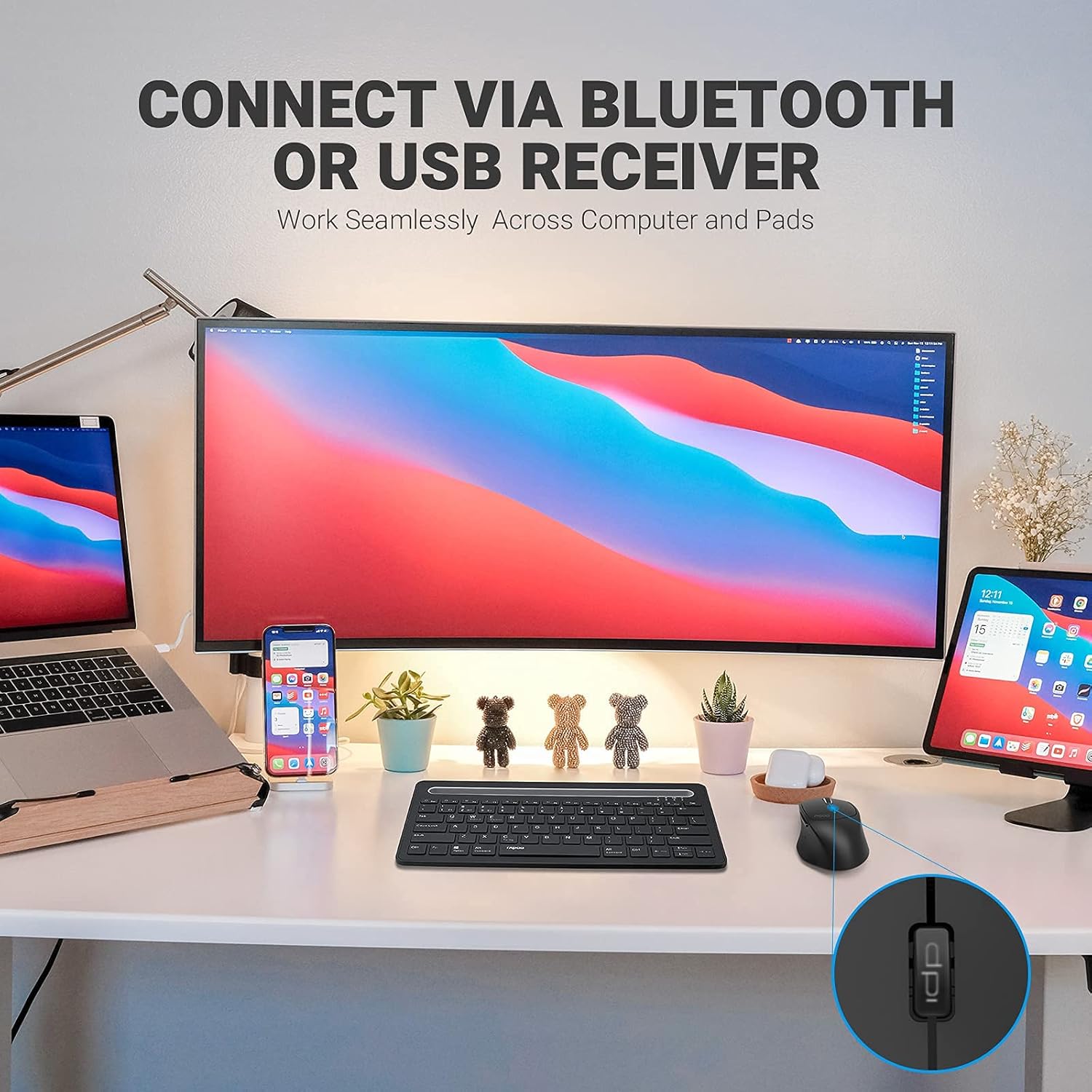
Image: A workstation demonstrating the Rapoo MT550 mouse connecting to multiple devices via Bluetooth or USB receiver.
3. Naudojimo instrukcijos
3.1. Įrenginių perjungimas
To switch between your connected devices:
- Short press the device switch button located on the underside of the mouse.
- Each press will cycle through the connected channels (1, 2, 3 for Bluetooth, 4 for 2.4G USB receiver). The corresponding indicator light will show the active channel.
3.2. DPI (jautrumo) reguliavimas
The MT550 mouse features four adjustable DPI settings for precise control:
- Press the DPI button, located behind the scroll wheel, to cycle through the available settings: 600, 1000, 1300, and 1600 DPI.
- The indicator light will briefly change to reflect the selected DPI level.

Vaizdas: Stambus planas view of the DPI button on the Rapoo MT550 mouse, with the indicator light showing the current DPI setting.
3.3. Using Forward/Back Buttons
The two thumb buttons on the side of the mouse provide quick navigation:
- The forward button advances to the next page or folder.
- The back button returns to the previous page or folder.
4. Priežiūra
4.1. Valymas
To maintain the appearance and functionality of your mouse:
- Pelės paviršiui nuvalyti naudokite minkštą, sausą šluostę.
- Avoid using harsh chemicals, abrasive cleaners, or solvents, as these can damage the finish.
4.2. Baterijos keitimas
When the low battery indicator appears or the mouse becomes unresponsive, it's time to replace the batteries:
- Laikykitės 2.1 skyriuje aprašytų akumuliatoriaus įdėjimo veiksmų.
- Ensure you use two fresh AA batteries and insert them with the correct polarity.
4.3. Sandėliavimas
When not in use for extended periods, store the mouse in a dry, cool environment away from direct sunlight and extreme temperatures.
5. Problemų sprendimas
If you encounter issues with your Rapoo MT550 mouse, refer to the following troubleshooting steps:
5.1. Pelė nereaguoja
- Patikrinkite galią: Ensure the mouse is turned on using the ON/OFF switch.
- Patikrinkite baterijas: Patikrinkite, ar baterijos tinkamai įdėtos ir ar jos pakankamai įkrautos. Jei reikia, pakeiskite jas.
- 2.4G imtuvas: For 2.4G connection, ensure the USB receiver is securely plugged into a working USB port on your computer. Try a different USB port.
- „Bluetooth“ ryšys: For Bluetooth, ensure Bluetooth is enabled on your device and the mouse is paired to the correct channel. Try re-pairing the mouse if the connection is lost.
5.2. Nutrūkstamas ryšys arba vėlavimas
- Artumas: Move the mouse closer to your computer or device to ensure a strong signal.
- Trikdžiai: Avoid using the mouse near other wireless devices (e.g., Wi-Fi routers, cordless phones) that might cause interference.
- Paviršius: Ensure you are using the mouse on a suitable surface. While the MT550 is designed for various surfaces, extreme textures or reflective surfaces can affect tracking.
5.3. DPI nesikeičia
- Ensure you are pressing the dedicated DPI button, not another button.
- If the issue persists, try turning the mouse off and on again.
6. Specifikacijos
| Gaminio matmenys | 3.93 x 2.55 x 1.57 colio |
| Prekės svoris | 5.3 uncijos |
| Baterijos | 2 AA baterijos (pridedamos) |
| Ryšio technologija | Bluetooth (3.0/4.0) and 2.4G Wireless |
| Judesio aptikimo technologija | Optinis |
| Reguliuojamas DPI | 600/1000/1300/1600 |
| Mygtukų skaičius | 6 (kairėn, dešinėn, slinktis, DPI, pirmyn, atgal) |
| Baterijos veikimo laikas | Up to 12 months (under normal conditions) |
7. Garantija ir palaikymas
Rapoo provides the following coverage for your MT550 Multi-Device Wireless Mouse:
- Garantija: 3 metų garantija be rūpesčių.
- Grąžinimo politika: 180 dienų pinigų grąžinimo garantija.
For further assistance, technical support, or warranty claims, please visit the official Rapoo websvetainėje arba susisiekite su klientų aptarnavimo skyriumi.


