Produktas baigtasview
The DXQ GC355 Mini Projector is a portable, full HD 1080P supported projector designed for home cinema, gaming, and various multimedia applications. It features WiFi connectivity, 6500 lumens brightness, and a long-lasting LED light source. This manual provides essential information for setting up, operating, maintaining, and troubleshooting your projector.

Image: The DXQ GC355 Mini Projector, a compact black device, shown with an HDMI cable and a screen displaying a WiFi connection symbol, highlighting its connectivity features.
Sąrankos vadovas
1. Išpakavimas ir pakuotės turinys
Atsargiai išpakuokite visus komponentus iš dėžės. Įsitikinkite, kad yra visi toliau išvardyti daiktai:
- Mini projektorius
- Nuotolinio valdymo pultas
- Vartotojo vadovas
- HDMI kabelis
- RCA kabelis
- Maitinimo šaltinis
2. Išdėstymas ir projekcija
Pastatykite projektorių ant stabilaus, lygaus paviršiaus. Optimaliam veikimui viewing, ensure the projection surface (wall or screen) is clean and smooth. The projector supports a screen size range of 35 to 300 inches. For best results, consider using a dedicated projector screen and tripod.

Image: An illustration demonstrating the large projection size of up to 200 inches achievable with the projector, contrasted with a smaller 42-inch television, suggesting the use of a projector screen and tripod for optimal setup.
The projector can be ceiling mounted. Refer to the mounting type specification for details.

Image: A projector positioned on a table, casting a large, clear image onto a wall, illustrating its capability for a shorter throw distance while maintaining image quality.
3. Maitinimo prijungimas
Connect the provided power supply to the projector's power input port and then plug it into a standard electrical outlet.
4. Initial Power On and Focus Adjustment
Press the power button on the projector or the remote control to turn on the device. Once powered on, adjust the focus ring on the projector lens until the projected image appears sharp and clear. If the image is trapezoidal, use the keystone correction feature (if available) to square the image.
Naudojimo instrukcijos
1. Ryšio parinktys
The GC355 projector offers multiple input options for connecting various devices:
- HDMI: For high-definition video and audio from laptops, gaming consoles (PS5), TV sticks, and Blu-ray players.
- USB: Skirta medijos atkūrimui tiesiai iš USB atmintinių.
- SD kortelė: For playing media directly from SD memory cards.
- VGA: Skirta senesnių kompiuterių ar nešiojamųjų kompiuterių prijungimui.
- WiFi: For wireless screen mirroring from iOS and Android devices.

Image: The side of the projector displaying various input ports including HDMI, TF (SD card), Audio, AV, VGA, and USB, indicating its compatibility with multiple devices.
2. Belaidis ekrano veidrodinis atspindėjimas („WiFi“)
The projector features enhanced WiFi connectivity for stable and ultra-fast screen mirroring from your smartphone or tablet. This allows you to project content from iOS and Android devices without cables.
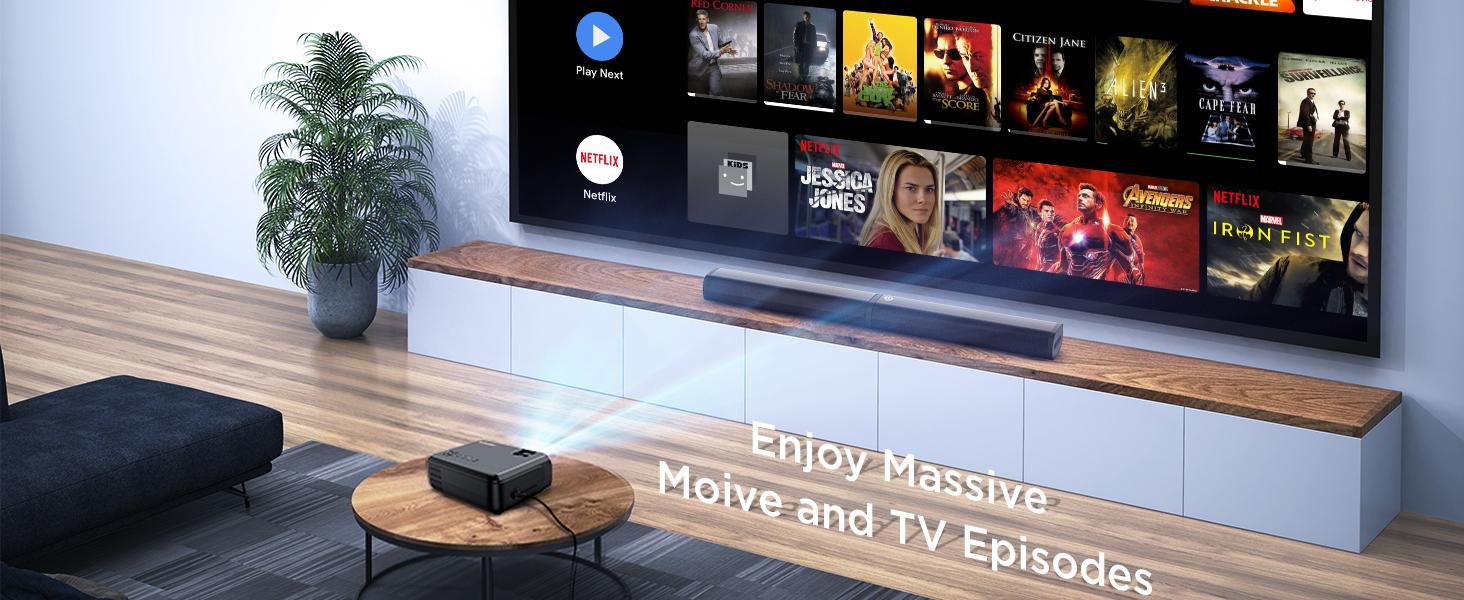
Image: A family enjoying content projected by the mini projector, highlighting its low input lag feature for smooth gaming and media consumption.
For detailed steps on connecting via WiFi, refer to the "WiFi Connect" section in the included user manual.
3. Garso išvestis
The projector has built-in high-fidelity speakers. For enhanced audio experience, especially for outdoor movie nights, you can connect an external soundbar or speaker system via the 3.5mm audio input jack.

Image: A four-step guide illustrating how to connect a soundbar to the projector via Bluetooth, showing the process from turning on the soundbar to successful connection.
4. Display and Image Quality
The GC355 features native 720P resolution with support for 1080P video decoding, providing detailed and rich colors with a 9000:1 contrast ratio. Its 6500 lumens brightness ensures a clear image even with some ambient light.

Image: A projector casting a vibrant and sharp 1080P HD image onto a large screen, emphasizing the clarity and detail, particularly in the corners.
Utilizing diffuse reflection technology, the projector's soft light is designed to protect your eyes from eyestrain, making it suitable for extended viewing.
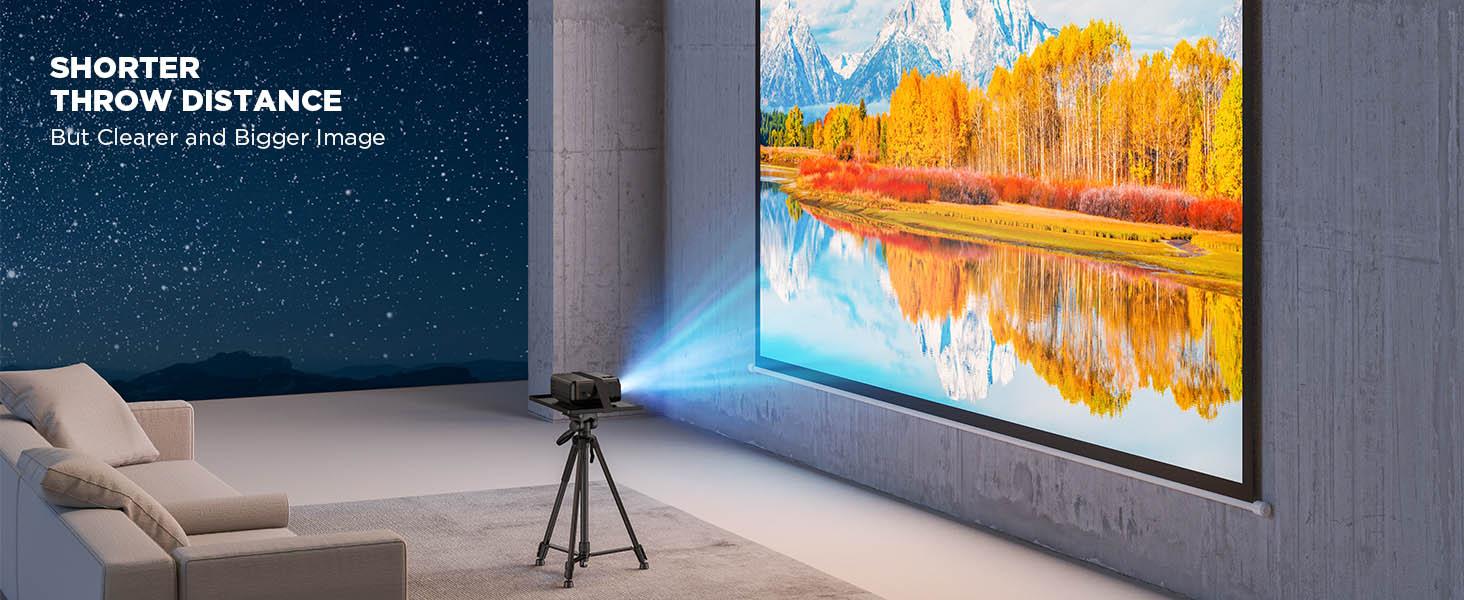
Image: A projected image with vibrant colors and clear details, illustrating the upgraded brightness achieved with premium optical lenses, even in a room with ambient light.

Image: A projector casting a massive 300-inch image onto a wall, demonstrating the overall brightness uniformity across the entire display area.
5. Naudojimo scenarijai
This projector is versatile and suitable for various uses:
- Home Cinema: Enjoy movies and TV shows on a large screen.
- Gaming: Experience immersive gaming with low input lag (as low as 35ms).
- Presentations: Connect to laptops for business or educational presentations.
- Outdoor Entertainment: Ideal for backyard movie nights (ensure appropriate lighting conditions).
- Online Activities: Suitable for online yoga, fitness classes, story reading, and online learning.

Image: Two children interacting in front of a large, vibrant projected image, illustrating the projector's suitability for gaming, movies, and children's entertainment.
Priežiūra
1. Valymas
To maintain optimal performance and image quality, regularly clean the projector. Use a soft, dry cloth to wipe the exterior. For the lens, use a lens cleaning cloth and specialized lens cleaning solution to avoid scratches. Do not use abrasive cleaners or solvents.
2. Lamp Gyvenimas
The GC355 projector uses an LED light source with an estimated lifespan of 70,000 hours, significantly reducing the need for lamp replacement. If the light source ever needs servicing, contact customer support.
For information on light bulb recycling and clean-up procedures, please refer to local regulations and guidelines.
3. Sandėliavimas
Kai projektorius ilgesnį laiką nenaudojamas, jį laikykite vėsioje, sausoje vietoje, toliau nuo tiesioginių saulės spindulių ir ekstremalių temperatūrų. Naudokite originalią pakuotę arba apsauginį dėklą, kad išvengtumėte dulkių kaupimosi ir fizinės žalos.
Trikčių šalinimas
This section addresses common issues you might encounter with your DXQ GC355 Mini Projector.
No Image or Signal
- Įsitikinkite, kad projektorius įjungtas ir maitinimo laidas yra tvirtai prijungtas.
- Verify that the correct input source (HDMI, USB, VGA, WiFi) is selected on the projector.
- Check the connection cable (HDMI, VGA) between the projector and the source device. Try a different cable if possible.
- Ensure the source device (laptop, TV stick) is powered on and outputting a signal.
Neryškus arba iškraipytas vaizdas
- Reguliuokite projektoriaus objektyvo fokusavimo žiedą, kol vaizdas taps ryškus.
- Norėdami ištaisyti bet kokį trapecijos formos iškraipymą, naudokite trapecijos korekcijos funkciją.
- Įsitikinkite, kad projekcijos paviršius yra lygus ir lygus.
- Check the projection distance; ensure it is within the recommended range for optimal clarity.
No Audio or Low Volume
- Padidinkite garsumą tiek projektoriuje, tiek šaltinio įrenginyje.
- Jei naudojate išorinius garsiakalbius, įsitikinkite, kad jie tinkamai prijungti ir įjungti.
- Check audio settings on the source device to ensure audio is being outputted correctly.
Per didelis ventiliatoriaus triukšmas
- Įsitikinkite, kad projektoriaus ventiliacijos angos nėra užblokuotos.
- Place the projector in an area with good airflow.
- While some fan noise is normal for projectors, if it's unusually loud, contact customer support. The projector is designed for low noise operation (less than 15dB).

Image: The projector placed on a bedside table next to a sleeping person, with text indicating "Noise <15dB", highlighting its quiet operation.
Specifikacijos
| Funkcija | Detalė |
|---|---|
| Prekės ženklas | DXQ |
| Modelio numeris | GC355 |
| Gimtoji raiška | 1280 x 720 pikselių |
| Maksimali palaikoma skiriamoji geba | 1980 x 1080 pikselių (1080P) |
| Ryškumas | 6500 liumenų |
| Kontrasto santykis | 9000:1 |
| Šviesos šaltinio gyvenimas | 100 000 valandų (LED) |
| Ryšio technologija | HDMI, USB, SD card, VGA, WiFi |
| Ekrano tipas | LCD |
| Gaminio matmenys | 22 x 17.02 x 8.99 cm; 1.25 kg |
| Rekomenduojami naudojimo būdai | Namų kinas, žaidimai |
| Ypatingos savybės | Portable, USB Connect, Built-In Wi-Fi |
| Montavimo tipas | Montavimas ant lubų |
| Įtraukti komponentai | User Manual, RCA Cable, Remote, HDMI Cable, Mini Projector, Power Supply |
Garantija ir palaikymas
For warranty information and technical support, please refer to the contact details provided in the included user manual or visit the official DXQ websvetainėje. Išsaugokite pirkimo kvitą kaip pirkimo įrodymą bet kokiems garantiniams prašymams.


