Įvadas
This manual provides comprehensive instructions for the Fintie Folio Case, designed to protect and enhance the functionality of your Apple iPad Pro 9.7-inch (2016 Release). Please read this manual thoroughly to ensure proper use and care of your product.
Suderinamumas
This Fintie Folio Case is specifically designed for the Apple iPad Pro 9.7-inch (2016 Release). It is compatible with iPad models A1673, A1674, and A1675.
Important: This case is NOT compatible with other iPad models, including iPad (2018/2017), iPad Pro 12.9 Inch, iPad 9.7 Inch, iPad Pro 10.5, or iPad Pro 11 Inch.

Image: Visual guide illustrating the difference between compatible iPad Pro 9.7 (with camera and flash) and incompatible iPad (2018/2017) models (with camera only) for correct fitment.
Pakuotės turinys
- 1x Fintie Folio Case for iPad Pro 9.7
Sąranka: diegimo vadovas
- Atidarykite bylą: Gently open the Fintie Folio Case to reveal the interior tablet compartment.
- Įdėkite iPad: Carefully slide your iPad Pro 9.7-inch into the interior pocket of the case. Ensure the iPad is aligned with all cutouts for buttons, ports, and speakers.
- Secure iPad: Once the iPad is fully seated, close the fastener flap to securely hold your device in place within the case.
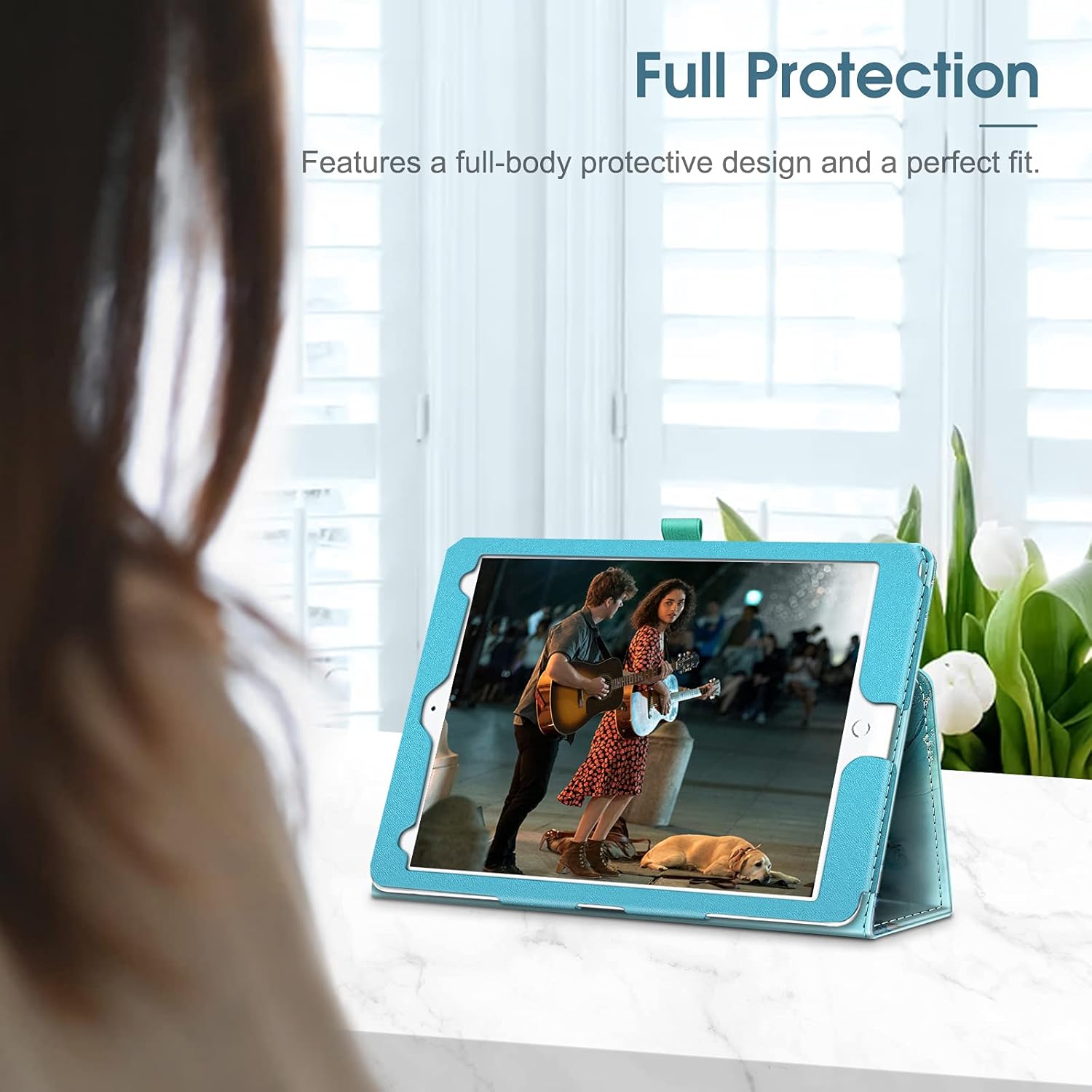
Image: An iPad Pro 9.7-inch fully installed in the Fintie Folio Case, highlighting the secure fit and comprehensive protection provided by the case design.

Paveikslėlis: detalus view of the case's corner, emphasizing the reinforced design for improved impact protection.
Naudojimo instrukcijos
Auto Sleep/Wake Feature
The Fintie Folio Case incorporates a magnetic strip that automatically activates your iPad's sleep function when the cover is closed and wakes it up when opened. This feature helps conserve battery life and provides quick access to your device.
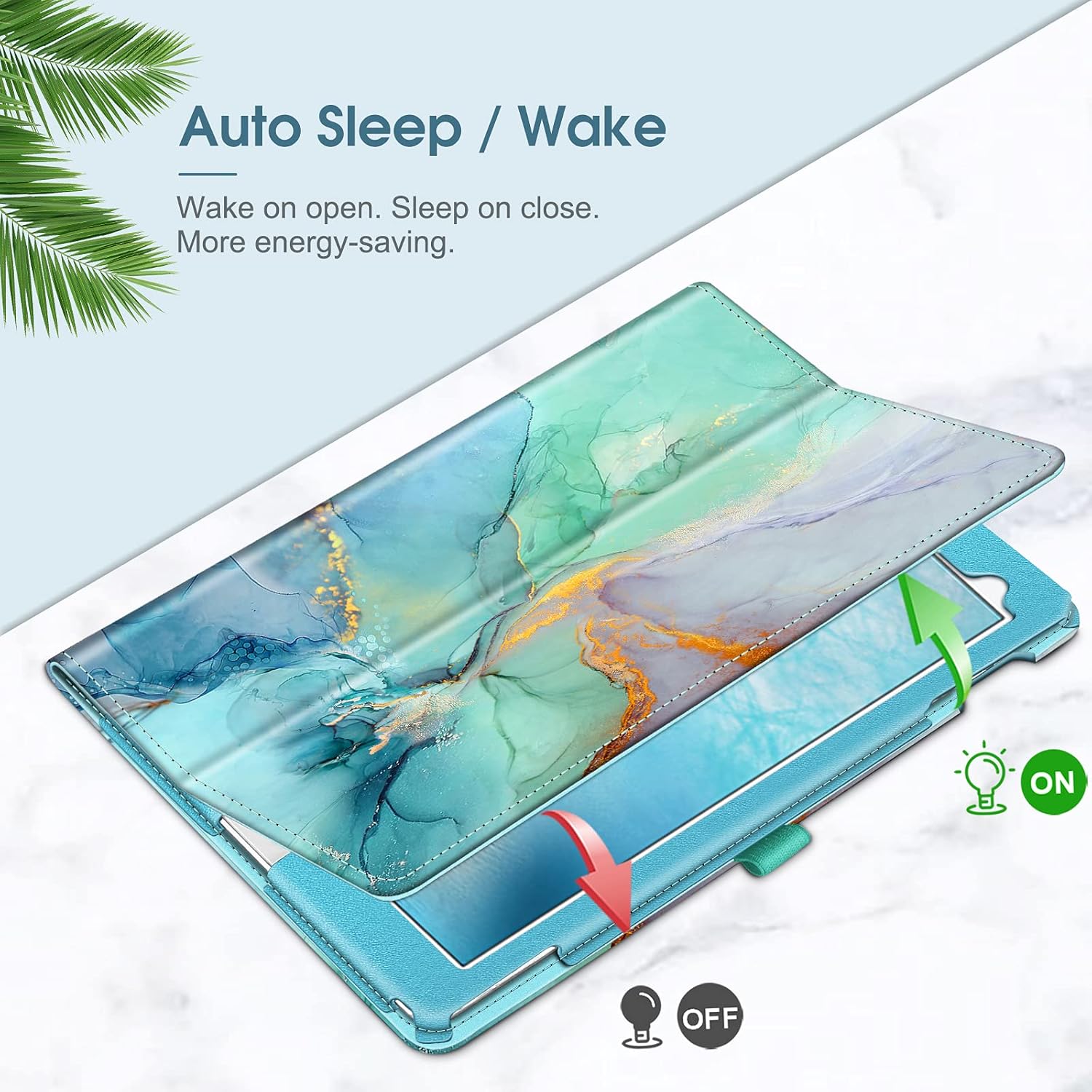
Image: A visual representation of the auto sleep/wake functionality, with arrows indicating the iPad screen activating upon opening and deactivating upon closing the case.
Viewing Stand Functionality
The case cover is designed to fold back, transforming into a stable horizontal viewing stand. This allows for hands-free use, ideal for watching videos, making video calls, or presenting content. The case supports multiple viewkampai optimaliam komfortui.

Image: The case demonstrating its versatility by being set up in both a steep viewing angle for media consumption and a shallower typing angle for comfortable text input.
Pencil Holder Design
A convenient loop is integrated into the case to securely hold your Apple Pencil or other stylus. This ensures your stylus is always within reach and prevents it from being misplaced.
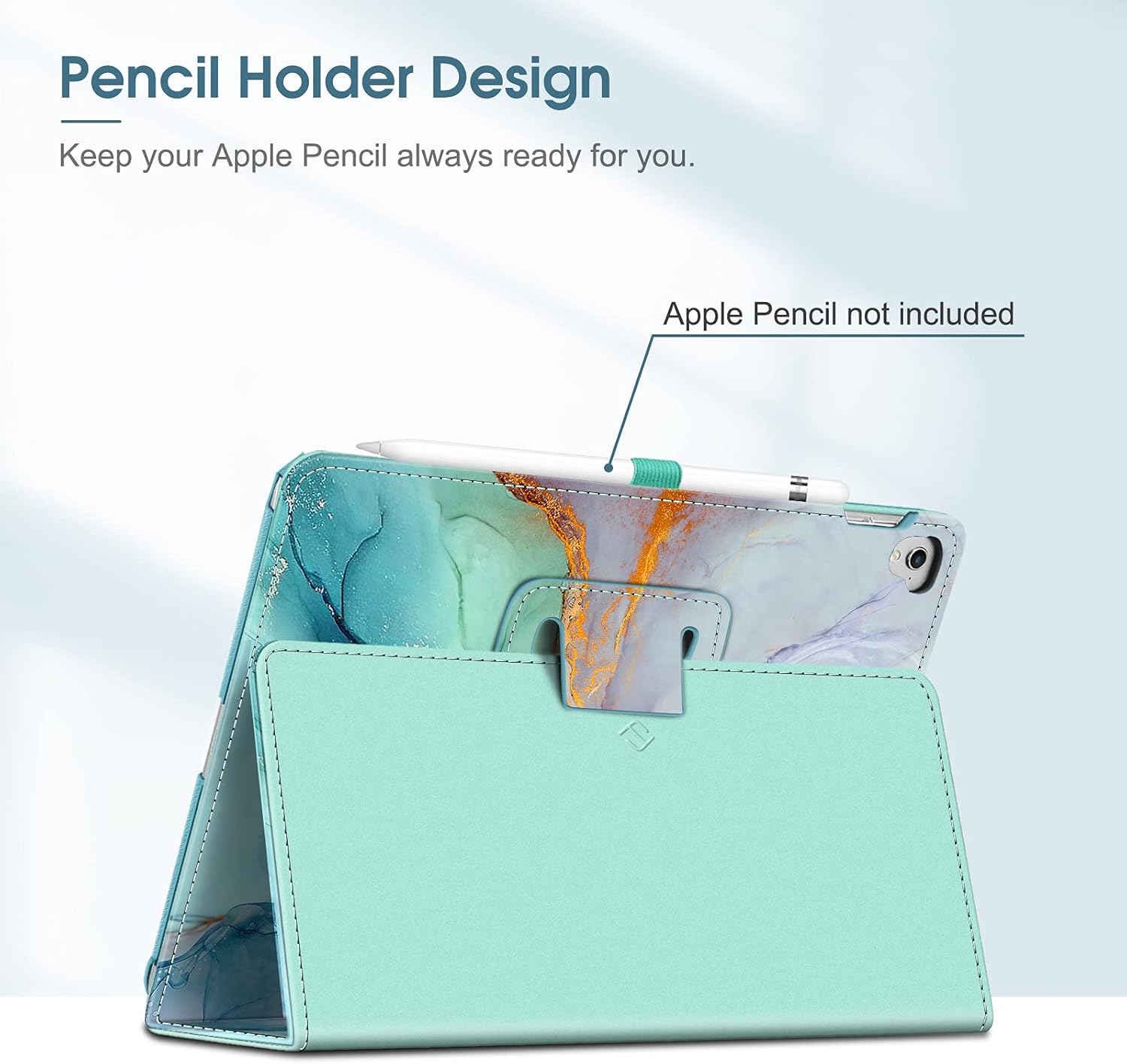
Image: A close-up of the case's side, showing the elastic loop designed to hold an Apple Pencil, ensuring it is kept secure and accessible.
Priežiūra
To maintain the appearance and longevity of your Fintie Folio Case, follow these guidelines:
- Valymas: Išorę nuvalykite minkšta, šiek tiek drėgna šluosteamp cloth. For stubborn marks, use a mild soap solution and then wipe clean with a dry cloth.
- Venkite cheminių medžiagų: Do not use harsh chemicals, abrasive cleaners, or solvents, as these can damage the material.
- Saugykla: Store the case away from direct sunlight and extreme temperatures to prevent material degradation or discoloration.

Paveikslėlis: detalus view of the case's construction, highlighting the premium synthetic leather exterior and the soft microfiber interior lining, which protects the iPad screen.
Trikčių šalinimas
- iPad Not Sleeping/Waking Automatically:
- Ensure the case cover is fully closed and aligned correctly with the iPad screen.
- Check for any debris or obstructions preventing the magnetic strip from making full contact.
- Verify that the 'Lock/Unlock' feature is enabled in your iPad's settings (Settings > Display & Brightness > Lock/Unlock).
- „iPad“ netinkamai pritvirtinamas:
- Confirm that your iPad model is indeed the iPad Pro 9.7-inch (models A1673/A1674/A1675).
- Ensure the iPad is inserted correctly into the interior pocket and the fastener flap is securely closed.
Specifikacijos
| Funkcija | Detalė |
|---|---|
| Produkto modelio numeris | EPAD332 |
| Suderinami įrenginiai | Apple iPad Pro 9.7-inch (2016 Release), Models A1673/A1674/A1675 |
| Gaminio matmenys | 9.7 x 6.7 x 0.79 colio |
| Prekės svoris | 7 uncijos |
| Medžiaga | Premium synthetic leather exterior, soft microfiber interior |
| Savybės | Auto Sleep/Wake, Multi-angle Viewing Stand, Pencil Holder, Corner Protection |
Garantija ir palaikymas
For information regarding product warranty, returns, or technical support, please refer to the Fintie official website or contact the retailer from whom you purchased this product. Please have your product model number (EPAD332) and purchase details available when contacting support.


