Įvadas
The Koss TWS250i True Wireless Earbuds offer a seamless audio experience with Bluetooth 5.0 connectivity, intuitive touch controls, and a portable USB-C charging case. This manual provides essential information for setting up, operating, maintaining, and troubleshooting your earbuds.
Produktas baigtasview
Your Koss TWS250i package includes the true wireless earbuds and a compact charging case. The earbuds are designed for comfort and secure fit, ensuring optimal sound delivery.

Image: Koss TWS250i True Wireless Earbuds and charging case on a wooden surface.
The charging case not only protects your earbuds but also provides additional battery life on the go. Inside the case, you'll find designated slots for each earbud (Left and Right).
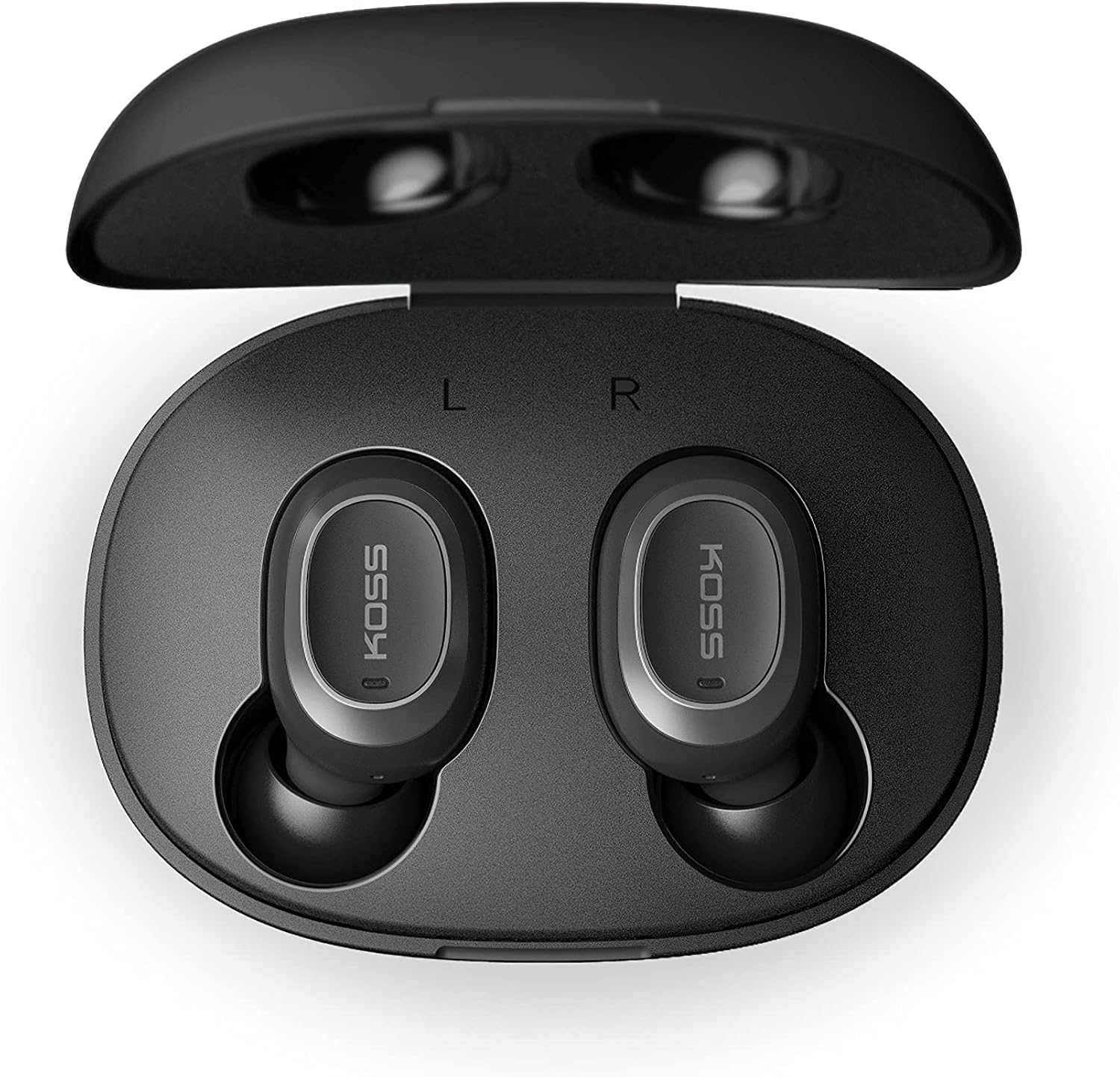
Image: Open Koss TWS250i charging case with both earbuds inside, showing L and R indicators.
To ensure the best fit and sound quality, the earbuds come with multiple sizes of silicone ear tips (Small, Medium, Large). Experiment with these to find the size that provides a comfortable and secure seal in your ear canal.

Image: Single Koss TWS250i earbud next to small, medium, and large silicone ear tips.
Sąranka
1. Įkrovimas
Before initial use, ensure both the earbuds and the charging case are fully charged. Connect the provided USB-C cable to the charging port on the case and to a power source. LED indicators on the front of the case will illuminate to show the charging status. When earbuds are placed inside the case, they will automatically begin charging.
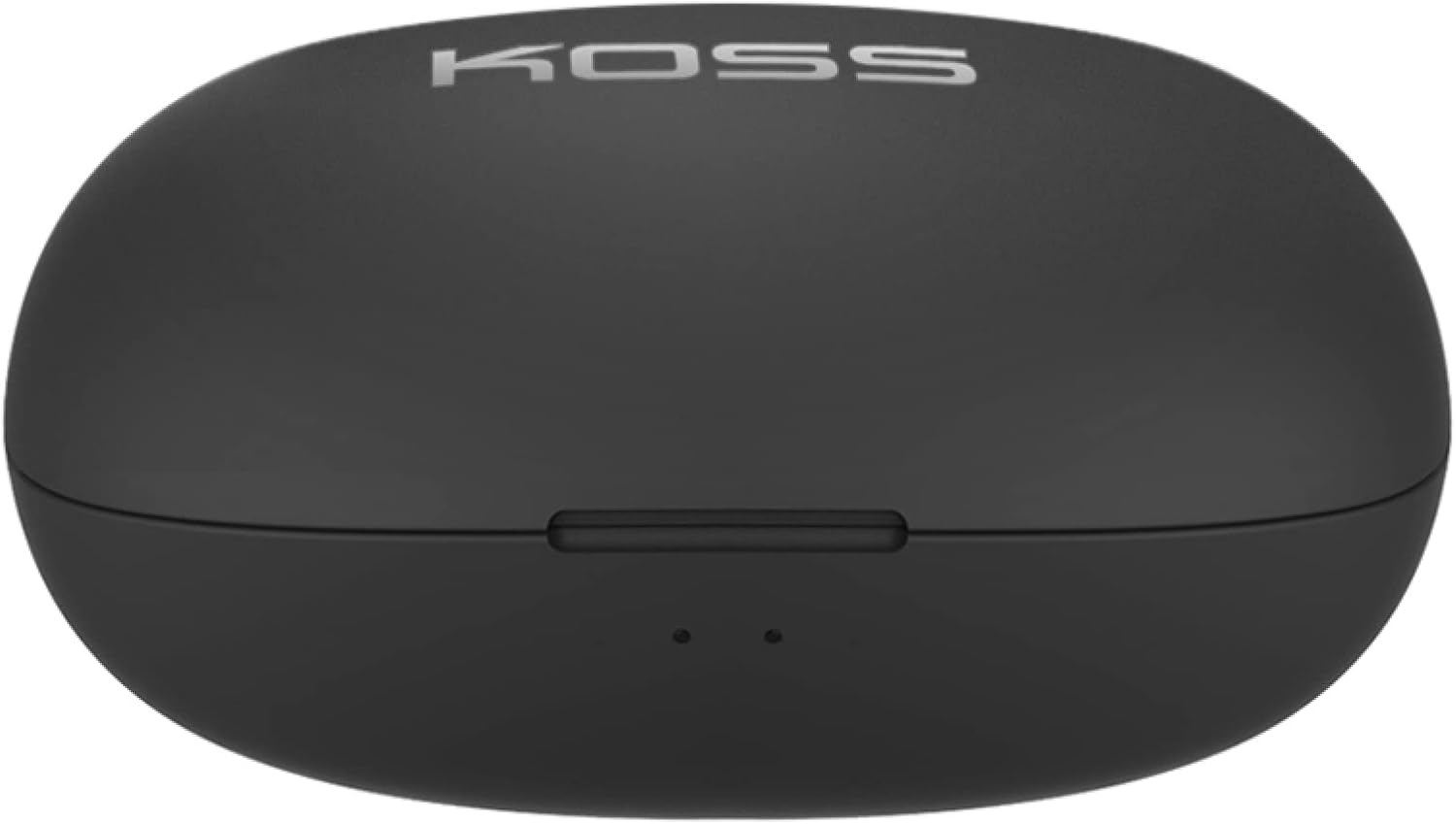
Image: Closed Koss TWS250i charging case, showing the USB-C charging port.
Video: Official product video demonstrating the Koss TWS250i True Wireless Earbuds, including their design, charging case, and basic features.
2. Poravimas
- Remove both earbuds from the charging case. They will automatically enter pairing mode, indicated by a flashing red and blue light on one of the earbuds.
- Išmaniajame telefone, planšetiniame kompiuteryje ar kitame „Bluetooth“ įrenginyje eikite į „Bluetooth“ nustatymus.
- Select "Koss TWS250i" from the list of available devices to connect.
- Once successfully paired, the earbuds will connect automatically to your device whenever they are removed from the charging case.
3. Montavimas
Choosing the correct ear tip size is essential for both comfort and sound performance. Experiment with the included Small, Medium, and Large silicone ear tips to find the best fit for your ears. A proper seal will enhance bass response and passive noise isolation.

Image: Man wearing a Koss TWS250i earbud, smiling and looking at his phone.
Naudojimo instrukcijos
1. Palieskite Valdikliai
The Koss TWS250i earbuds feature intuitive touch controls on their outer surface:
- Maitinimo įjungimas/išjungimas: Long press the touch surface until the earbuds power on or off.
- Leisti / pristabdyti muziką: Vieną kartą bakstelėkite bet kurią ausinę.
- Atsiliepti / Baigti skambutį: Vieną kartą bakstelėkite bet kurią ausinę.
- Pagarsink: Single tap on the Teisingai ausines.
- Patildyti: Single tap on the Kairė ausines.
- Praleisti takelį pirmyn: Longer touch on the Teisingai ausines.
- Praleisti takelį atgal: Longer touch on the Kairė ausines.
2. Dual Connect Functionality
The TWS250i earbuds support dual connect, allowing each earbud to function independently. This means you can use one earbud while the other charges, or share one earbud with a friend. Both earbuds have built-in microphones, ensuring clear communication regardless of whether you use one or both.
Priežiūra
- Valymas: Reguliariai valykite ausines ir įkrovimo dėklą minkštu, sausu skudurėliu. Venkite naudoti abrazyvines medžiagas ar stiprias chemines medžiagas.
- Saugykla: Kai nenaudojate, visada laikykite ausines įkrovimo dėkle, kad jos būtų apsaugotos ir įkrautos.
- Temperatūra: Venkite ausinių ir dėklo laikymo ekstremaliose temperatūrose, tiesioginiuose saulės spinduliuose ar didelėje drėgmėje.
Trikčių šalinimas
- Nėra garso arba prasta garso kokybė:
- Ensure earbuds are properly seated in your ears with a good seal. Try different ear tip sizes.
- Patikrinkite garsumo lygius tiek prijungtame įrenginyje, tiek ausinėse.
- Verify that the earbuds are correctly paired and within the Bluetooth range of your device.
- Ausinės nesusiejamos:
- Įsitikinkite, kad ausinės yra visiškai įkrautos.
- Remove both earbuds from the case to activate pairing mode (indicated by flashing red/blue lights).
- Įrenginyje
Susiję dokumentai - TWS250i

KOSS TWS250i True Wireless Earbuds User Manual
User guide for KOSS TWS250i True Wireless Earbuds, covering setup, pairing, touch controls, charging, specifications, and safety warnings.
„Koss Bluetooth“ ausinių naudotojo vadovas, specifikacijos ir saugos informacija
Išsamus „Koss Bluetooth“ ausinių, įskaitant modelius KOSS BT115i V2, KOSS BT232i V2, KOSS BT221i V2, KOSS KSC35 Wireless V2 ir KOSS UTILITY UBTA, naudotojo vadovas. Apima saugos įspėjimus, garantiją, technines specifikacijas ir akumuliatoriaus priežiūrą.
„Koss TWS150i True Wireless“ ausinių naudotojo vadovas ir instrukcijos
Išsamus „Koss TWS150i True Wireless“ ausinių naudojimo vadovas, kuriame aptariama sąranka, susiejimas, valdymas, įkrovimas ir saugos informacija.
„Koss KPH30“ belaidžių ausinių naudotojo vadovas
„Koss KPH30“ belaidžių ausinių naudotojo vadovas, kuriame aprašomas nustatymas, naudojimas, sauga ir specifikacijos.
KOSS BTS1 „Bluetooth“ garsiakalbis: naudotojo vadovas, funkcijos ir saugos informacija
Išsamus KOSS BTS1 „Bluetooth“ garsiakalbio vadovas, kuriame išsamiai aprašomos jo funkcijos, ryšys, klausymo režimai, įkrovimas, šviesos indikatoriai, saugos įspėjimai, garantija ir atitikties informacija.
„Koss Porta Pro“ belaidžių ant ausų dedamų ausinių naudotojo vadovas
„Koss Porta Pro“ belaidžių ant ausų dedamų ausinių naudotojo vadovas, kuriame aprašomi priekiniai ir galiniai valdikliai, įkrovimas, „Bluetooth“ susiejimas ir muzikos / skambučių funkcijos.