1. Įvadas
This manual provides detailed instructions for the installation, operation, and maintenance of your Vivotek IB9380-H 5MP IR Outdoor Network Bullet Camera. Please read this manual thoroughly before using the product to ensure proper setup and optimal performance. This camera is designed for outdoor security surveillance, offering high-resolution imaging and infrared capabilities for reliable monitoring.
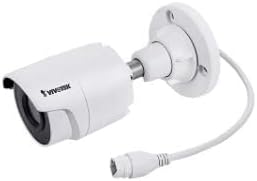
Image 1.1: Vivotek IB9380-H 5MP IR Outdoor Network Bullet Camera overview.
2. Saugos informacija
- Maitinimo šaltinis: Use only the specified AC/DC power adapter. Ensure the power supply is stable and meets the camera's requirements (3.5 watts).
- Diegimo aplinka: This camera is rated for outdoor use (IP9380). Avoid installing in locations with extreme temperatures, high humidity, or corrosive substances beyond its operating specifications.
- Tvarkymas: Do not drop or subject the camera to severe shock. Avoid touching the lens directly.
- Išardymas: Nebandykite ardyti ar modifikuoti fotoaparato. Tai gali panaikinti garantiją ir sukelti gedimų.
- Kabeliai: Įsitikinkite, kad visi kabeliai yra tinkamai pritvirtinti ir apsaugoti nuo aplinkos poveikio aramperingas.
3. Pakuotės turinys
Patikrinkite, ar pakuotėje yra visi reikalingi daiktai:
- Vivotek IB9380-H 5MP IR Outdoor Network Bullet Camera
- Tvirtinimo komplektas (varžtai, sieniniai inkarai)
- Greito montavimo vadovas
- Vandeniui atspari Ethernet kabelio jungtis
4. Sąranka
4.1. Fizinis įrengimas ir tvirtinimas
The Vivotek IB9380-H camera is designed for wall mount installation. Choose a suitable location that provides the desired field of view ir yra pasiekiamas elektros energijos ir tinklo jungtimis.
- Paruoškite montavimo paviršių: Mark the drilling points on the wall using the mounting template (if provided) or by holding the camera's base against the surface.
- Gręžimo skylės: Drill pilot holes at the marked positions. Insert wall anchors if mounting on drywall or masonry.
- Apsaugokite fotoaparatą: Attach the camera's mounting base to the wall using the provided screws. Ensure it is firmly secured.
- Sureguliuoti kampą: Atlaisvinkite kameros korpuso reguliavimo varžtus, kad nustatytumėte norimą viewing angle. Tighten the screws once the angle is satisfactory.

Image 4.1: Camera dimensions and mounting diagram for installation planning.
4.2. Kabelio prijungimas
Connect the necessary cables to the camera:
- Ethernet kabelis: Connect a standard Ethernet cable (RJ45) to the camera's network port. Use the waterproof connector to protect the connection if exposed to weather.
- Maitinimo kabelis: Connect the power adapter to the camera's power input. Ensure the connection is secure.

Image 4.2: Close-up of an Ethernet cable connector, similar to what is used for the camera's network connection.
4.3. Pradinis įjungimas
Once all cables are connected, plug the power adapter into an electrical outlet. The camera will power on and initiate its startup sequence. Observe any indicator lights for status.
5. Naudojimo instrukcijos
5.1. Network Configuration and Access
The Vivotek IB9380-H supports Wi-Fi connectivity. For initial setup, it is recommended to connect via Ethernet to configure network settings.
- Atraskite kamerą: Use the Vivotek IP Search utility or your network router's client list to find the camera's assigned IP address.
- Prieiga Web Sąsaja: Atidarykite a web browser and enter the camera's IP address. Log in using the default credentials (refer to the Quick Installation Guide for details).
- Konfigūruoti „Wi-Fi“: Navigate to the network settings within the web interface. Select your Wi-Fi network, enter the password, and save the settings. Once configured, you may disconnect the Ethernet cable if desired.
5.2. Gyvai View ir Įrašymas
After network setup, you can access the camera's live feed and configure recording options.
- Tiesiogiai View: Iš web interface or a compatible mobile application, select the camera to view jo tiesioginis srautas.
- Įrašymo sąranka: Configure recording schedules, continuous recording, or event-triggered recording (e.g., motion detection). Recordings can be stored on a network video recorder (NVR) or a local storage device if supported.
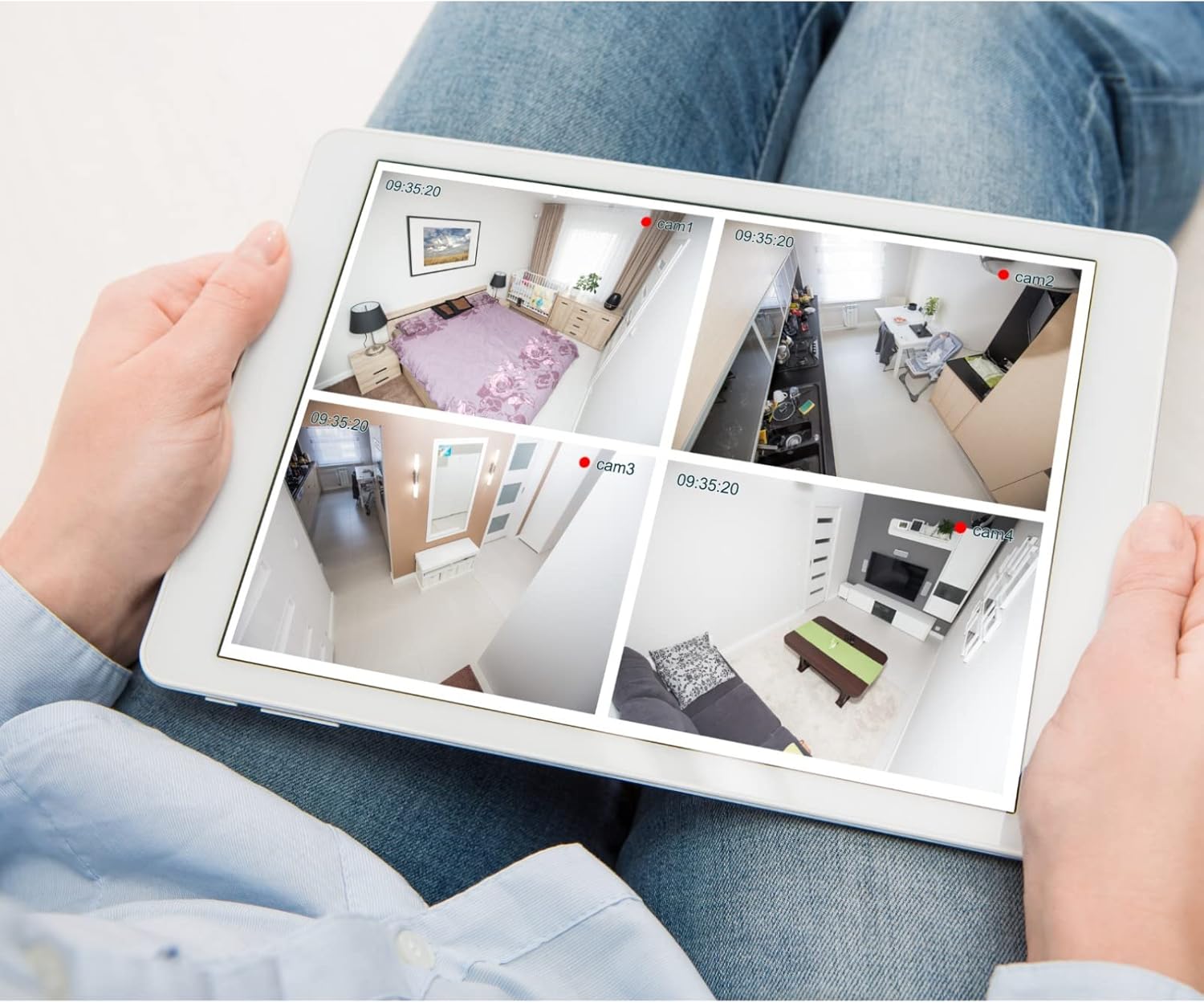
5.1 pav.: pvz.ample of a tablet displaying multiple camera feeds, illustrating remote monitoring capabilities.
5.3. Motion Detection Setup
The camera supports motion-only alerts.
- Access Alert Settings: In the camera's web interface, navigate to the event or alert settings section.
- Judesio aptikimo konfigūravimas: Enable motion detection and define the detection zones and sensitivity levels.
- Set Actions: Specify actions to be taken upon motion detection, such as recording, sending email notifications, or triggering alarms.
5.4. Naktinis matymas
The camera features IR (Infrared) and Night Color low light technology for clear imaging in various lighting conditions. These features typically activate automatically based on ambient light levels.
6. Priežiūra
- Objektyvo valymas: Švelniai nuvalykite fotoaparato objektyvą minkštu, švariu skudurėliu. Įsisenėjusiam purvui naudokite optiniams paviršiams skirtą objektyvų valymo tirpalą. Nenaudokite abrazyvinių valiklių.
- Firmware atnaujinimai: Periodically check the Vivotek website for firmware updates. Keeping the firmware updated ensures optimal performance, security, and access to new features.
- Aplinkosaugos patikrinimas: Regularly inspect the camera and its mounting for any signs of wear, damage, or loose connections, especially after severe weather conditions.
- Maitinimo ciklas: If the camera experiences minor issues, try power cycling it by disconnecting and reconnecting the power supply.
7. Problemų sprendimas
| Problema | Galima priežastis | Sprendimas |
|---|---|---|
| Nėra galios | Power adapter unplugged or faulty; power outlet issue. | Check power connections. Test the outlet with another device. Try a different power adapter if available. |
| Nėra vaizdo kanalo | Network connection issue; incorrect IP address; camera not configured. | Verify network cable connection or Wi-Fi settings. Confirm camera's IP address. Ensure camera is properly configured in your viewprogramine įranga. |
| Prasta vaizdo kokybė | Nešvarus objektyvas; prastas apšvietimas; neteisingi raiškos nustatymai. | Clean the camera lens. Ensure sufficient lighting or verify night vision is active. Check video resolution settings in the camera's interface. |
| Neveikia judesio aptikimas | Motion detection disabled; incorrect sensitivity; detection zones not set. | Enable motion detection in settings. Adjust sensitivity and define detection zones. |
8. Specifikacijos
| Funkcija | Detalė |
|---|---|
| Modelis | IB9380-H |
| Veiksminga nejudančioji raiška | 5 MP |
| Vaizdo įrašymo raiška | 1080p |
| Kadrų dažnis | 20 kadrų per sekundę |
| Silpnos šviesos technologija | Naktinė spalva |
| Formos faktorius | Kulka |
| Naudojimas viduje / lauke | Lauke |
| Montavimo tipas | Sieninis laikiklis |
| Belaidis ryšys | Wi-Fi |
| Ryšio protokolas | Wi-Fi |
| Maitinimo šaltinis | AC/DC |
| Vattage | 3.5 vatų |
| Įspėjimo tipas | Tik judėjimas |
| Kontrolės metodas | Nuotolinis |
| Matmenys (I x P x A) | 3.59 x 3.59 x 6.96 colio |
| Tarptautinis apsaugos įvertinimas | IP9380 |
| UPC | 655255870887, 681541834035 |
9. Informacija apie garantiją
This Vivotek product is covered by a manufacturer's limited warranty. Please refer to the warranty card included in your package or visit the official Vivotek webIšsamias garantijos sąlygas, galiojimo laiką ir pretenzijų pateikimo tvarką rasite svetainėje. Išsaugokite pirkimo įrodymą garantiniam aptarnavimui.
10. Pagalba klientams
For technical assistance, troubleshooting beyond this manual, or warranty inquiries, please contact Vivotek customer support. You can typically find contact information (phone, email, support portal) on the official Vivotek websvetainėje arba dokumentuose, pateiktuose kartu su jūsų produktu.
Internetiniai ištekliai: www.vivotek.com


